




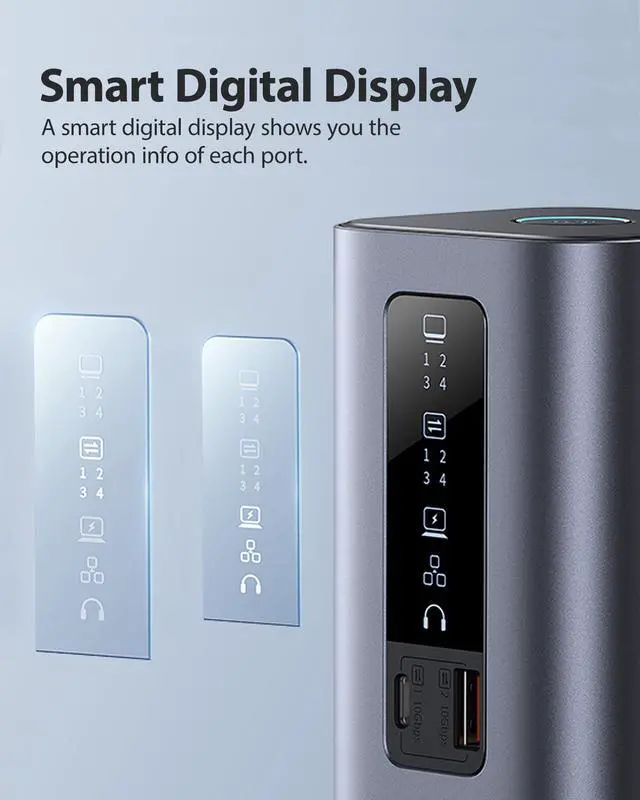
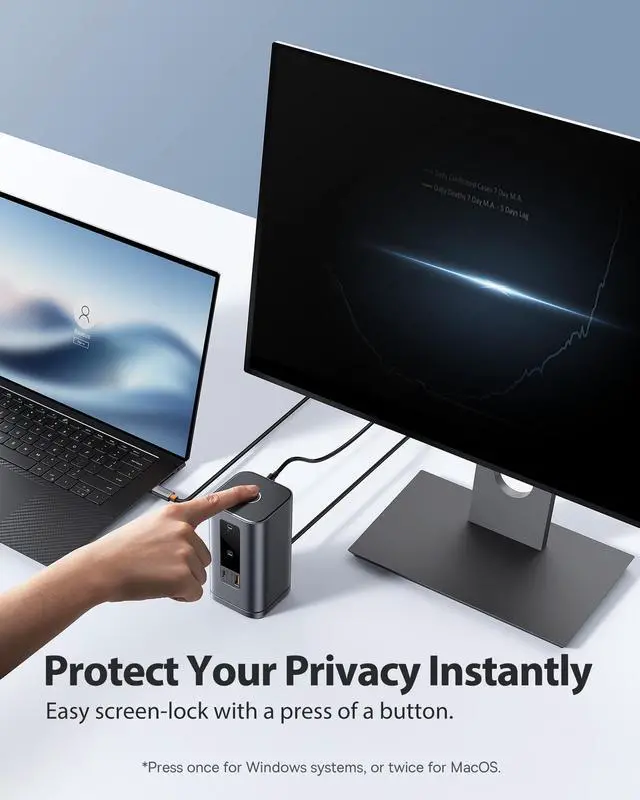




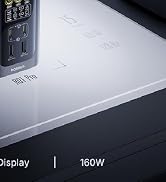
Spacemate Pro 15-in-1
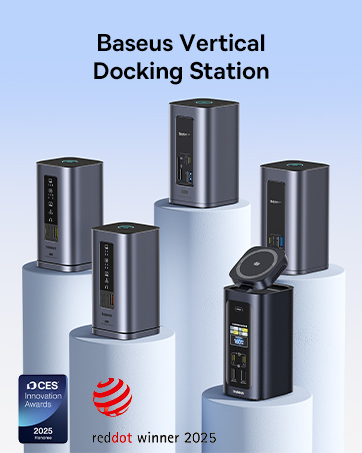


Baseus is rooted in our core value, "Based on User." We are dedicated to creating minimalist, easy-to-use products with high-quality textures that cater to all user preferences. With over a decade of experience in consumer electronics, our focus on innovation and creativity has earned us numerous patents, international design awards, and a diverse product range.
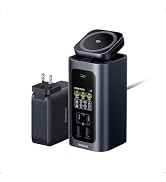
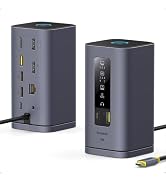
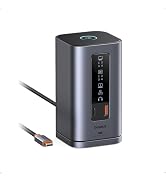
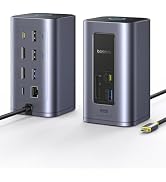
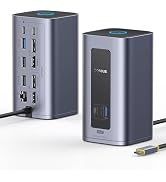
Multi-Screen Docking Station

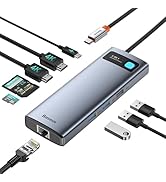
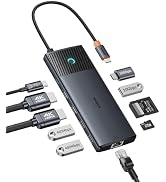
Portable USB C HUB
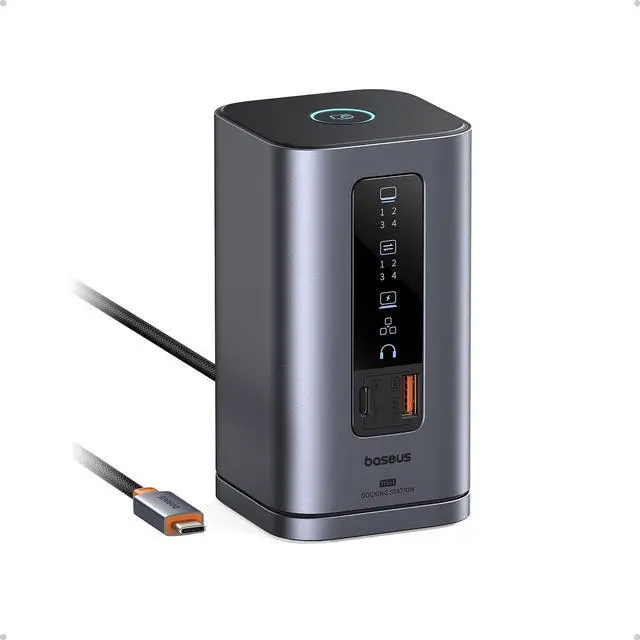
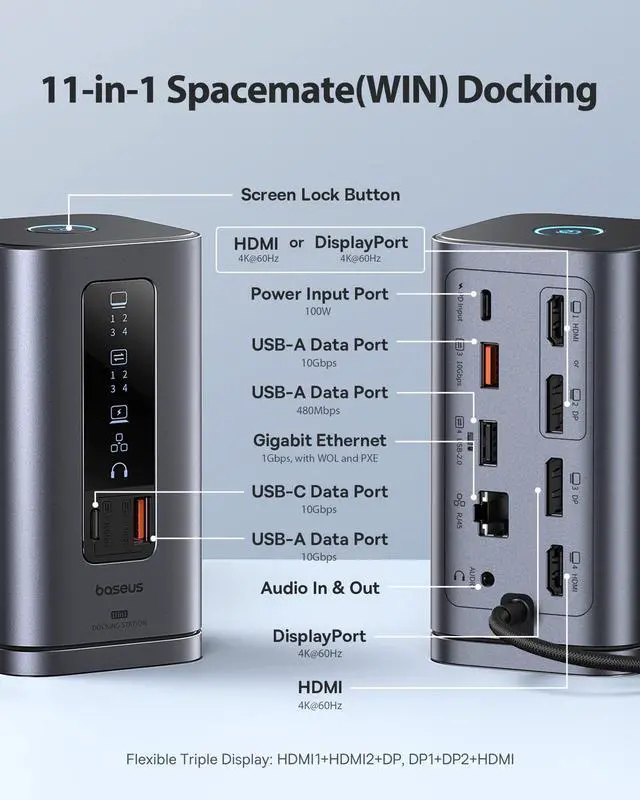
Baseus 11 in 1 Spacemate Docking Station
Pre-Purchase Consideration: Please make sure your laptop come with Thunderbolt or full function USB C Port(support DP Alt Mode+Charging+Data transfer protocol).


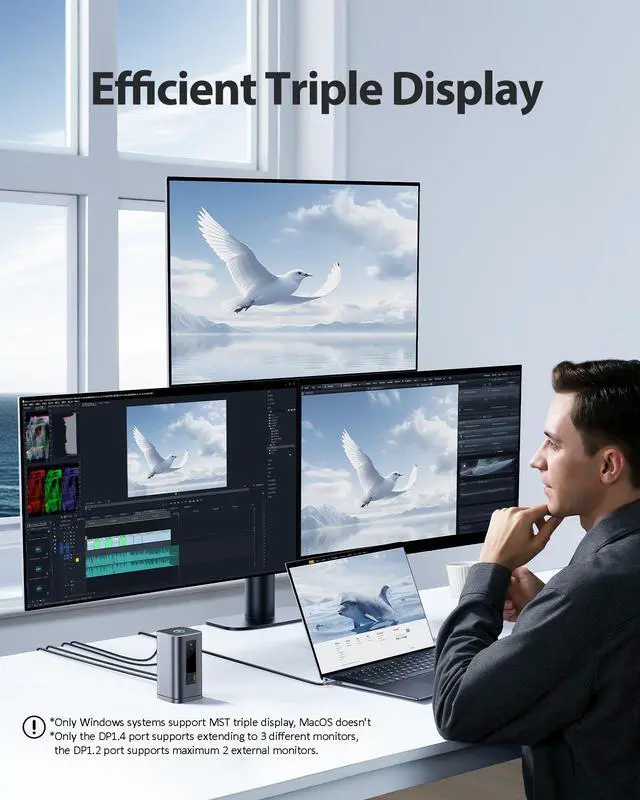
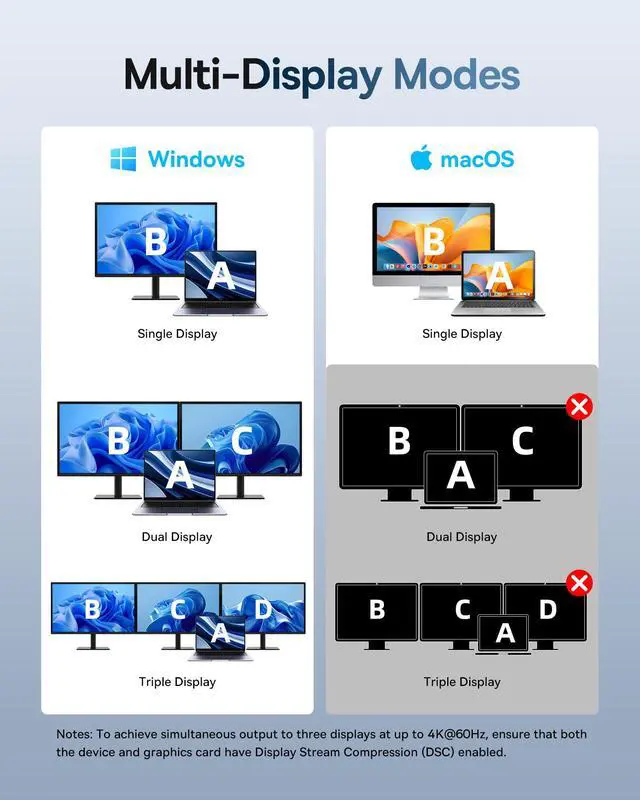
Why can't my Mac show different images on multiple monitors using this docking station?
The underlying macOS system does not support MST technology, so Mac computers can only output in mirror mode (same image on all monitors). This is a native limitation of the Mac system.
Why does my docking station work fine at first, but after a while the screen starts flickering or disconnecting?
1.Unplug all other USB devices from the docking station, leaving only the monitor connected.
2.Replace the cable with one that supports HDMI 2.0 or higher.
3.Use a charger rated above 100W.
Why does my docking station's HDMI port stop working after I've used it for a while?
1. Connect the HDMI cable directly from your computer to the monitor to check if the cable or monitor is faulty.
2. Test the dock on another computer with a full-featured USB-C port (supports video output, charging, and data transfer).
Why can't the docking station output to an external display
1. Ensure your computer's USB-C port supports video, data, and charging.
2. Confirm the dock is connected to PD charging.
3. Test with different computers, monitors, and HDMI cables for troubleshooting.
Why can't I achieve the claimed 4K 60Hz resolution when connecting multiple external monitors?
1.Ensure laptop's DisplayPort supports DP 1.4 and the HDMI cable supports HDMI 2.0 or higher.
2.Ensure both your computer and monitor support 4K@60Hz output and DSC (Display Stream Compression) technology, and that DSC is enabled on your computer."
Baseus Docking Station Recommended
 Spacemate Win 11-in-1 |  Spacemate Pro Win 15 in 1 |  Spacemate Mac 11-in-1 |  Spacemate 11-in-1 Charger |  Nomos Win 12-in-1 | |
|---|---|---|---|---|---|
Price | — | — | — | — | — |
Main Feature | Display screen | 2 modo:HYBRID+CHARGING | Compatible with Mac | Including adapter | Slim |
Total Output(Max) | 100W | 160W(4 device) | 100W | 100W | 100W |
QI2.2 Wireless Charging | ? | ? | ? | ? | ? |
Power Adapter | ? | 180W Power Adapter | ? | 100W Power Adapter | ? |
Screen projection count | 3 | 2 | 3 | 3 | 2 |
Display Ports | HDMI*3+DP*1 | HDMI*3 | HDMI*3 | HDMI*2+DP*2 | HDMI*2 |
Highest Resolution | 4K@60Hz | 4K@120Hz | 4K@60Hz | 4K@60Hz | 4K@60Hz |
USB-A Data Port | 3 | 2 | 3 | 3 | 4 |
USB-C Data Port | 1*10Gbps | 2*10Gbps | 1*10Gbps | 1*10Gbps | 2*10Gbps |
SD/TF Card Reader | ? | SD/TF | ? | ? | SD/TF |
Enthernet | ? | ? | ? | ? | ? |
Audio port | 3.5mm | ? | 3.5mm | 3.5mm | ? |
Baseus 11 in 1 Spacemate Docking Station
Pre-Purchase Consideration: Please make sure your laptop come with Thunderbolt or full function USB C Port(support DP Alt Mode+Charging+Data transfer protocol).


Why can't my Mac show different images on multiple monitors using this docking station?
The underlying macOS system does not support MST technology, so Mac computers can only output in mirror mode (same image on all monitors). This is a native limitation of the Mac system.
Why does my docking station work fine at first, but after a while the screen starts flickering or disconnecting?
1.Unplug all other USB devices from the docking station, leaving only the monitor connected.
2.Replace the cable with one that supports HDMI 2.0 or higher.
3.Use a charger rated above 100W.
Why does my docking station's HDMI port stop working after I've used it for a while?
1. Connect the HDMI cable directly from your computer to the monitor to check if the cable or monitor is faulty.
2. Test the dock on another computer with a full-featured USB-C port (supports video output, charging, and data transfer).
Why can't the docking station output to an external display
1. Ensure your computer's USB-C port supports video, data, and charging.
2. Confirm the dock is connected to PD charging.
3. Test with different computers, monitors, and HDMI cables for troubleshooting.
Why can't I achieve the claimed 4K 60Hz resolution when connecting multiple external monitors?
1.Ensure laptop's DisplayPort supports DP 1.4 and the HDMI cable supports HDMI 2.0 or higher.
2.Ensure both your computer and monitor support 4K@60Hz output and DSC (Display Stream Compression) technology, and that DSC is enabled on your computer."
Baseus Docking Station Recommended
Spacemate Win 11-in-1 | Spacemate Pro Win 15 in 1 | Spacemate Mac 11-in-1 | Spacemate 11-in-1 Charger | Nomos Win 12-in-1 |
|---|---|---|---|---|
| Price | ||||
| — | — | — | — | — |
| Main Feature | ||||
| Display screen | 2 modo:HYBRID+CHARGING | Compatible with Mac | Including adapter | Slim |
| Total Output(Max) | ||||
| 100W | 160W(4 device) | 100W | 100W | 100W |
| QI2.2 Wireless Charging | ||||
| ? | ? | ? | ? | ? |
| Power Adapter | ||||
| ? | 180W Power Adapter | ? | 100W Power Adapter | ? |
| Screen projection count | ||||
| 3 | 2 | 3 | 3 | 2 |
| Display Ports | ||||
| HDMI*3+DP*1 | HDMI*3 | HDMI*3 | HDMI*2+DP*2 | HDMI*2 |
| Highest Resolution | ||||
| 4K@60Hz | 4K@120Hz | 4K@60Hz | 4K@60Hz | 4K@60Hz |
| USB-A Data Port | ||||
| 3 | 2 | 3 | 3 | 4 |
| USB-C Data Port | ||||
| 1*10Gbps | 2*10Gbps | 1*10Gbps | 1*10Gbps | 2*10Gbps |
| SD/TF Card Reader | ||||
| ? | SD/TF | ? | ? | SD/TF |
| Enthernet | ||||
| ? | ? | ? | ? | ? |
| Audio port | ||||
| 3.5mm | ? | 3.5mm | 3.5mm | ? |
Spacemate Pro 15-in-1
Baseus is rooted in our core value, "Based on User." We are dedicated to creating minimalist, easy-to-use products with high-quality textures that cater to all user preferences. With over a decade of experience in consumer electronics, our focus on innovation and creativity has earned us numerous patents, international design awards, and a diverse product range.
Multi-Screen Docking Station
Portable USB C HUB