here!
I’m your shopping assistant for PC builds, upgrades, and everything tech.
Got questions? Ask away!
Start a conversation
here!
I’m your shopping assistant for PC builds, upgrades, and everything tech.
Got questions? Ask away!
Start a conversation
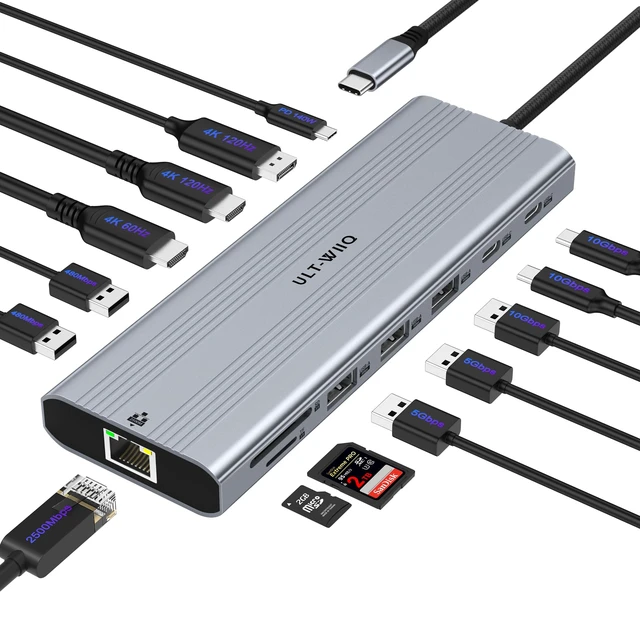
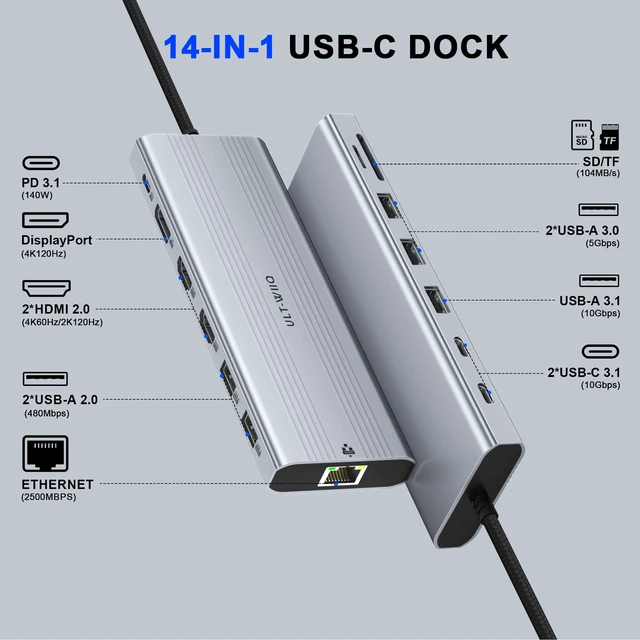
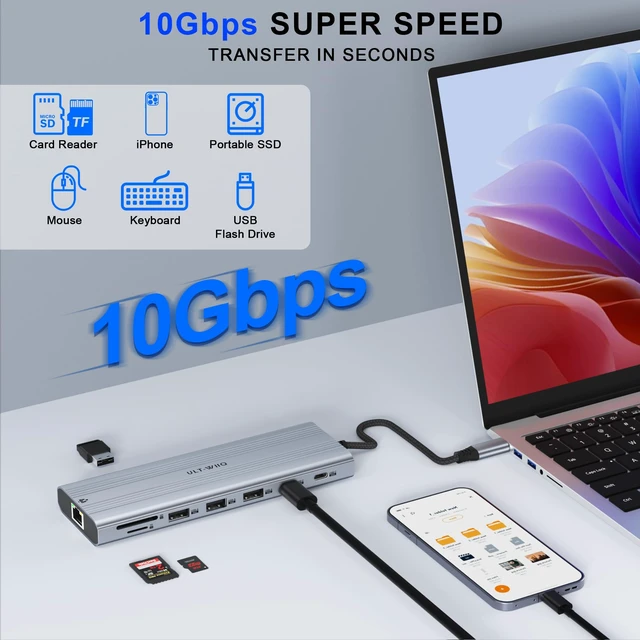



Any questions? Ask CelesteSM will help you find out quickly.
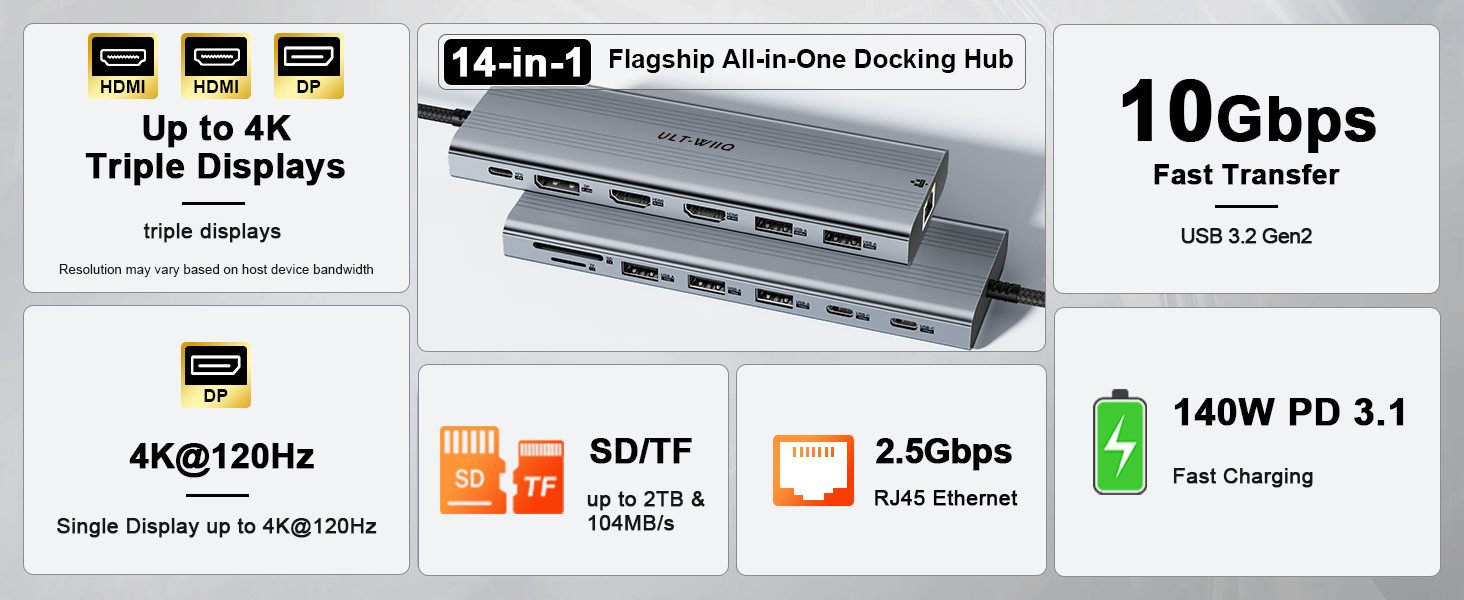
Why does my laptop show "Weak Charging" or "Slow Charger" when using a 140W wall charger?
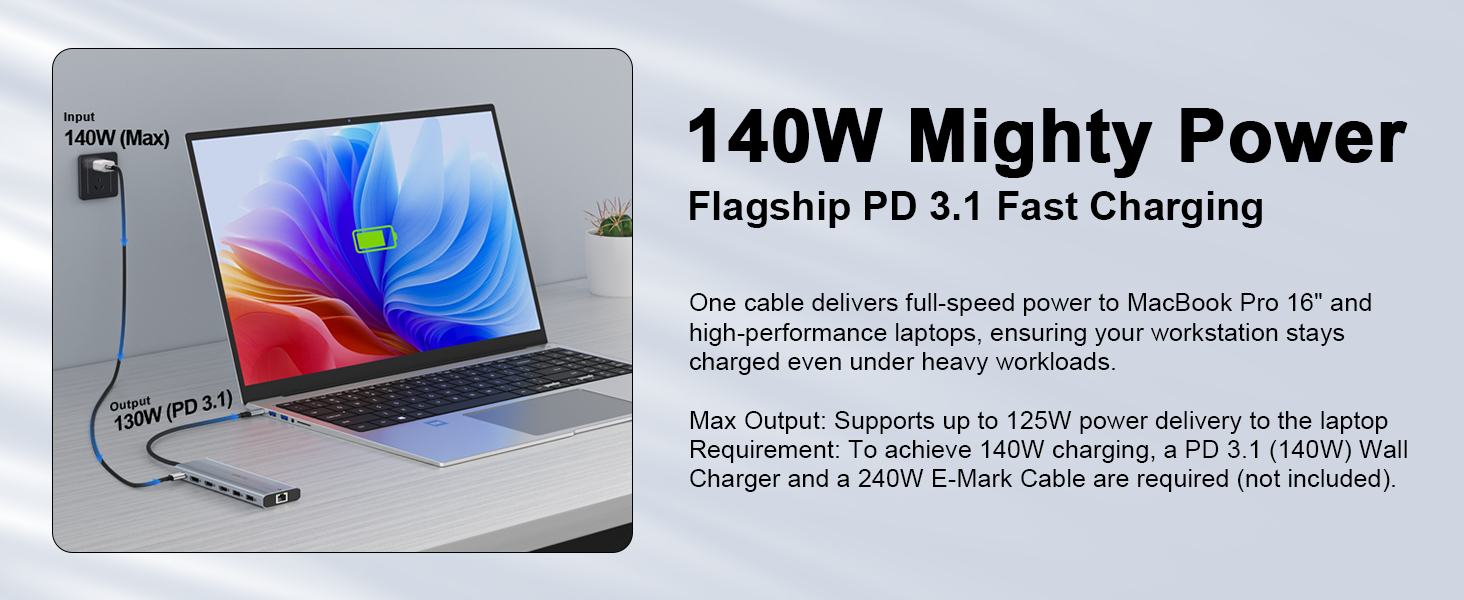
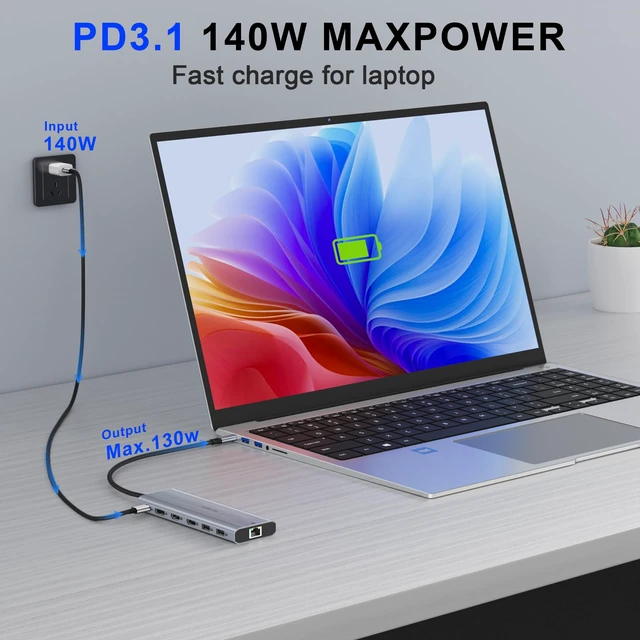
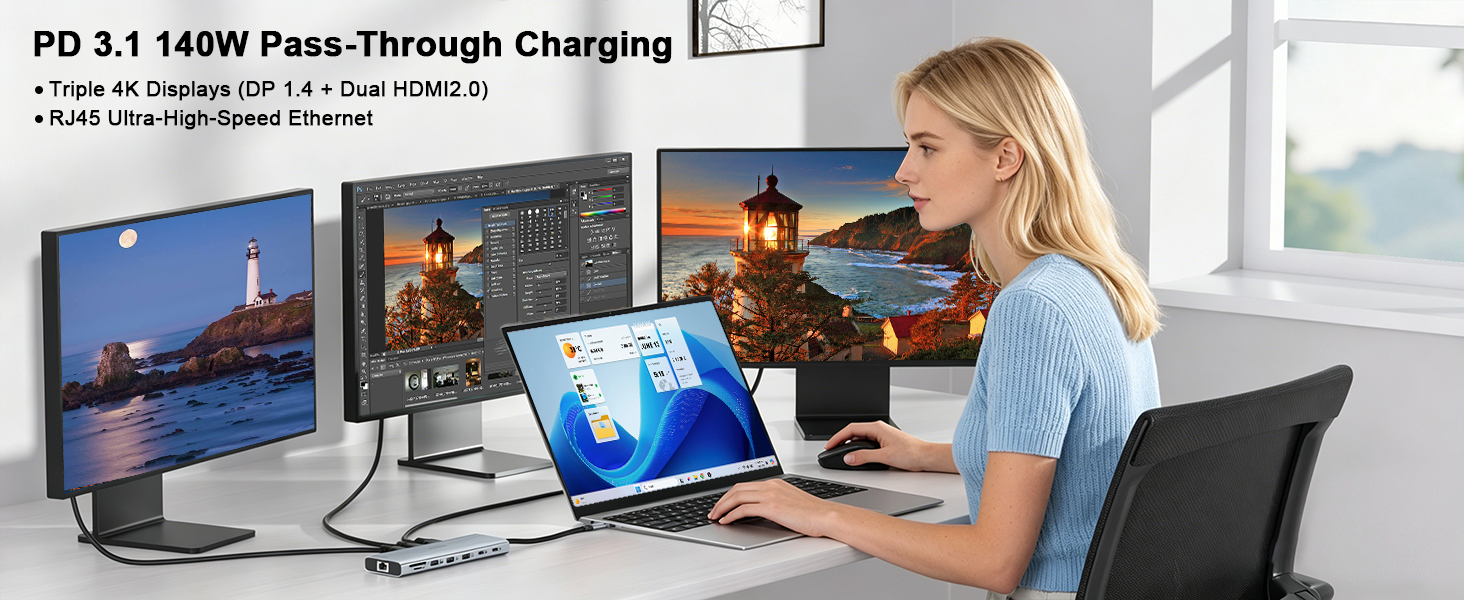
Normal design! The dock reserves ~15W-20W for its 14 ports & SSD, passing ~120W-125W to your laptop with a 140W PD 3.1 supply. Laptops like Dell XPS/Precision may show a 130W BIOS warning for non-OEM chargers, but it charges safely & effectively.
Can I use this docking station without plugging in an external PD power charger?
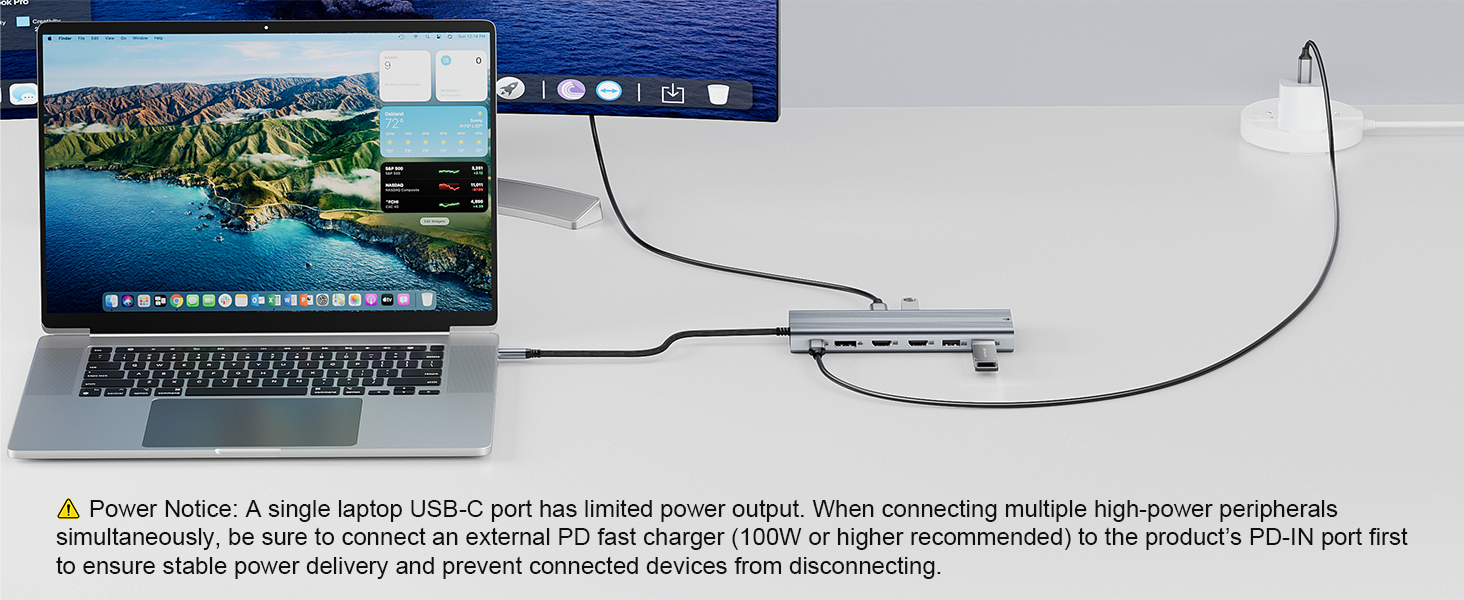
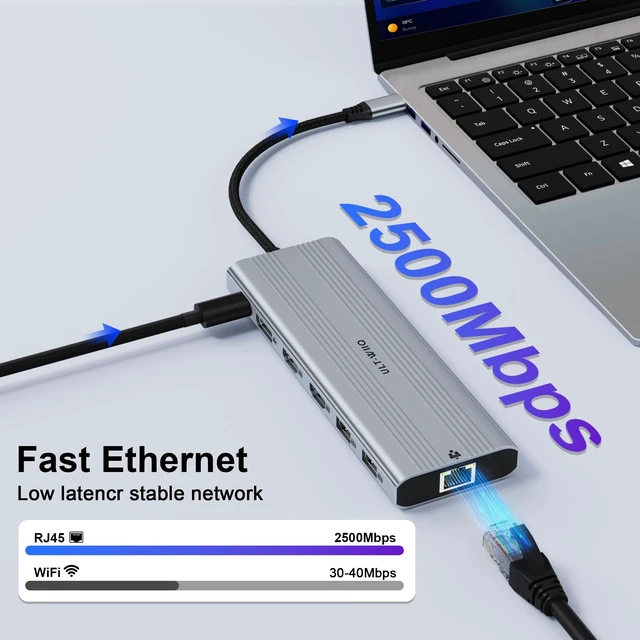
Yes for mouse/keyboard. For high-power setups (SSDs, multi-monitors, 2.5G LAN), we strongly recommend plugging a 100W+ PD charger into the dock’s PD-IN port. This prevents voltage drops, screen flickering, and SSD disconnections.
What type of USB-C port does my laptop need to use this dock?
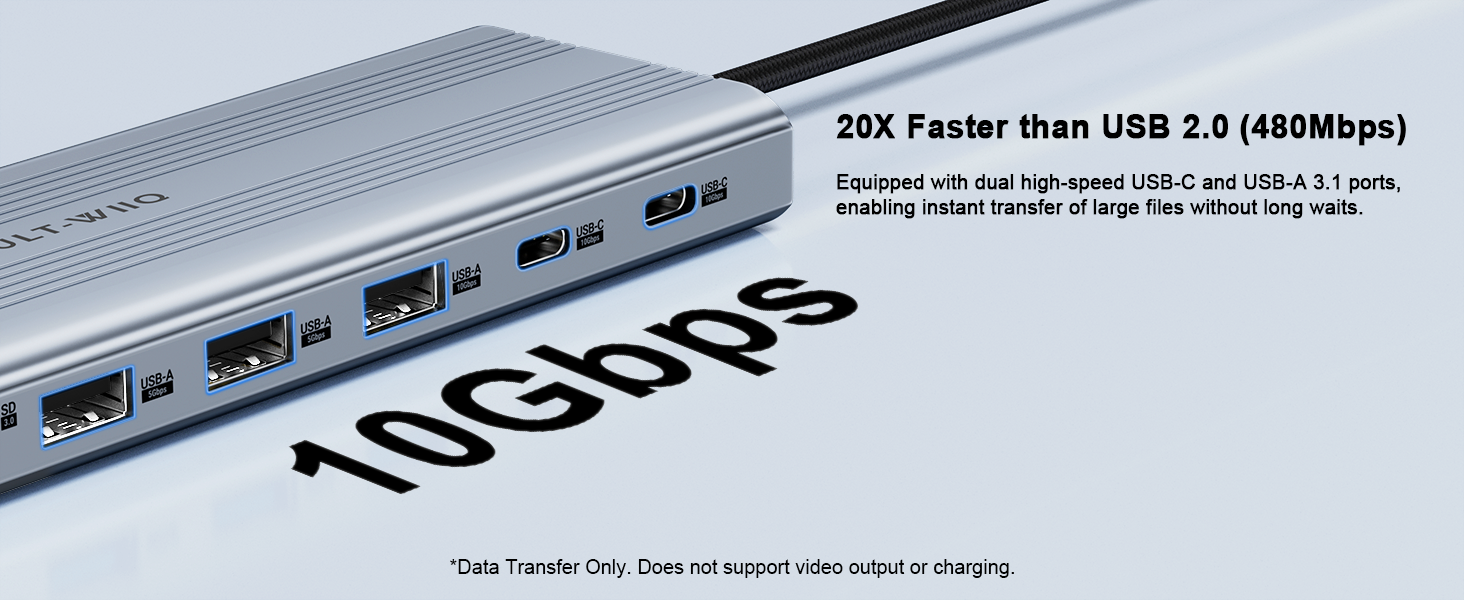
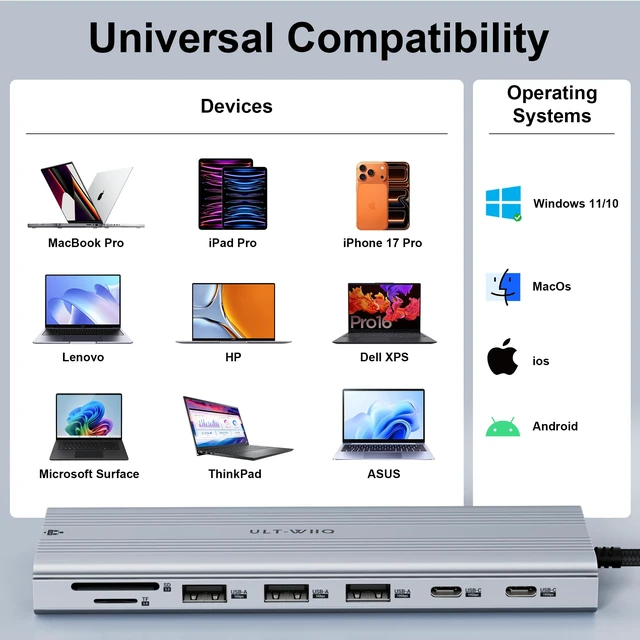
Host laptop requires a full-featured USB-C port supporting Data & DisplayPort Alt Mode (Video Output). Fully compatible specs: USB-C 3.2 Gen 2 (10Gbps), USB4, Thunderbolt 3/4. (Not compatible with charging-only or data-only USB-C ports)
Does this docking station work with Dell Precision 5560 / XPS 15?
Yes! Supports full display & data. Dell laptops may show a "Weak Charging" BIOS message due to Dell's proprietary 130W trigger. However, our dock provides up to 125W PD 3.1 power, which charges your system safely and effectively.
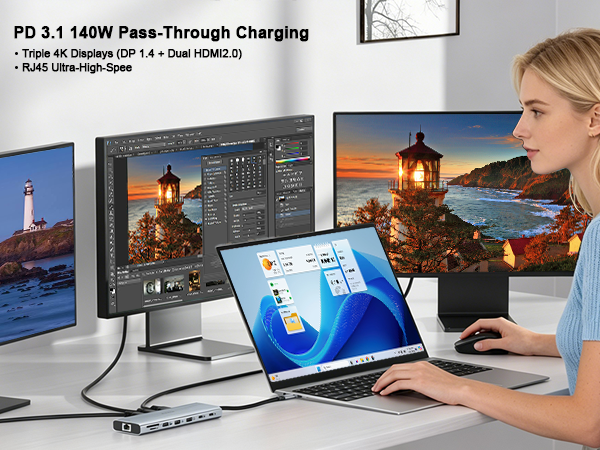
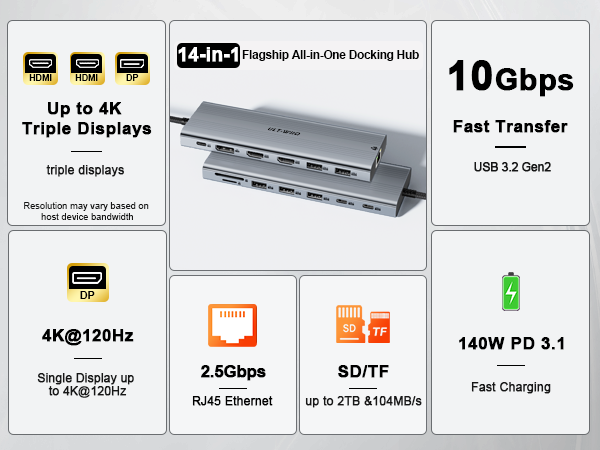

Why does my laptop show "Weak Charging" or "Slow Charger" when using a 140W wall charger?
Normal design! The dock reserves ~15W-20W for its 14 ports & SSD, passing ~120W-125W to your laptop with a 140W PD 3.1 supply. Laptops like Dell XPS/Precision may show a 130W BIOS warning for non-OEM chargers, but it charges safely & effectively.
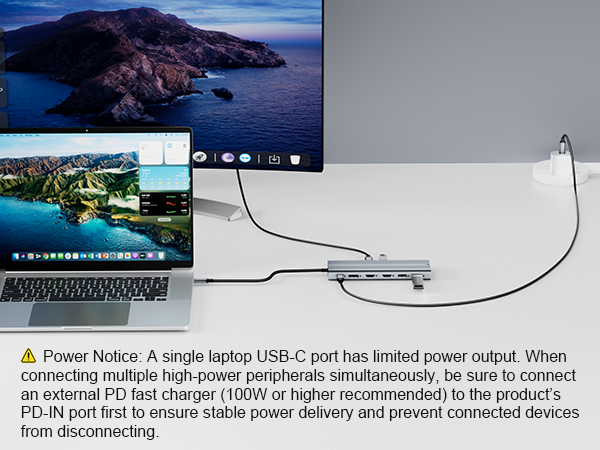
Can I use this docking station without plugging in an external PD power charger?
Yes for mouse/keyboard. For high-power setups (SSDs, multi-monitors, 2.5G LAN), we strongly recommend plugging a 100W+ PD charger into the dock’s PD-IN port. This prevents voltage drops, screen flickering, and SSD disconnections.
What type of USB-C port does my laptop need to use this dock?
Host laptop requires a full-featured USB-C port supporting Data & DisplayPort Alt Mode (Video Output). Fully compatible specs: USB-C 3.2 Gen 2 (10Gbps), USB4, Thunderbolt 3/4. (Not compatible with charging-only or data-only USB-C ports)
Does this docking station work with Dell Precision 5560 / XPS 15?
Yes! Supports full display & data. Dell laptops may show a "Weak Charging" BIOS message due to Dell's proprietary 130W trigger. However, our dock provides up to 125W PD 3.1 power, which charges your system safely and effectively.