











As a global leader in advanced display solutions, ELECROW is at the forefront of the evolution of HMI interactive screens, high-definition HDMI displays, and portable smart screens. With cutting-edge R&D, precision manufacturing, and a focus on user experience, we are shaping the future of intelligent displays.
Beyond visuals, our technology enables smart interactions, unlocks new applications, and seamlessly connects people with the world.
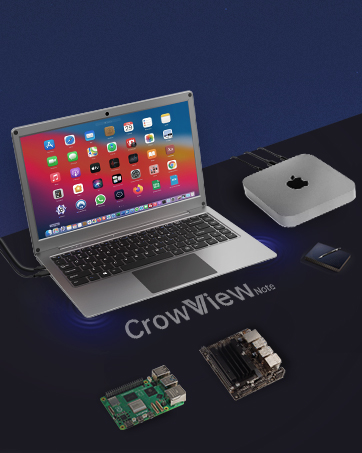
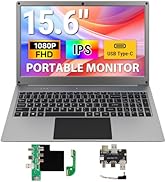
14" or 15.6" Portable Monitor
Laptop-style design with screen, keyboard, touchpad & speakers; and it compatible with Raspberry Pi, PC, Mac, phone & game console.
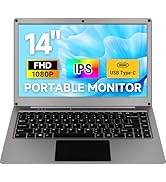
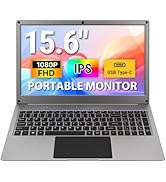
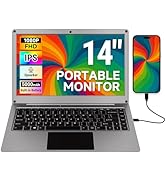
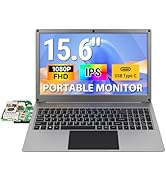
1920x1080P Portable Monitor
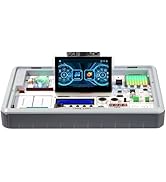
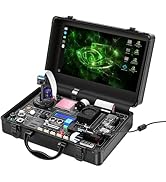
Elecrow Newly Released Product
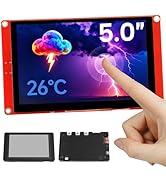
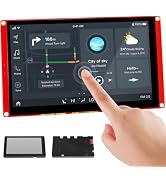
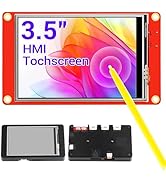
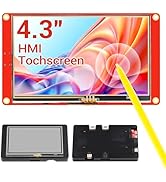
ESP32 Display HMI Touch Screen
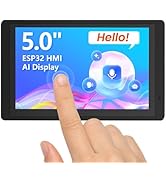
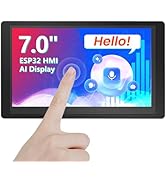
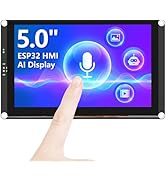
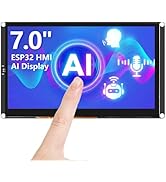
ESP32 Touch Display Support AI
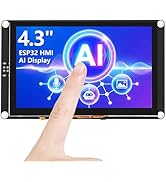
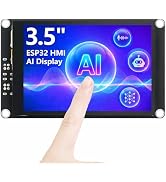
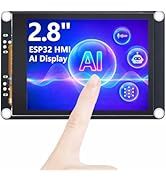
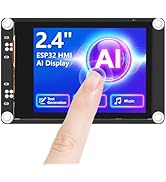
ESP32 Touch Display Support AI
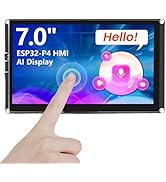
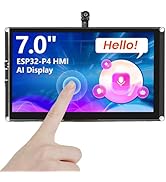
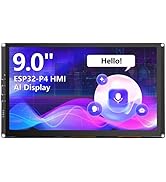
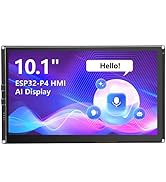
ESP32-P4 HMI Display SupportAI
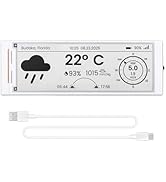
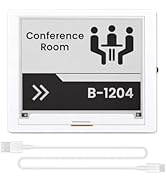
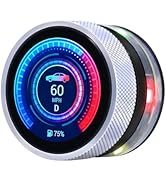
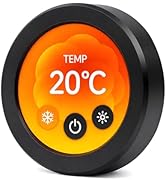
ESP32 E-Ink & Rotary Display
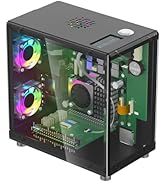
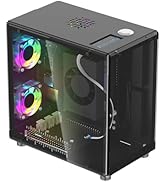
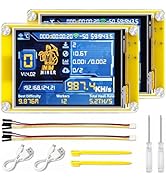
Mini PC Case & Carplay
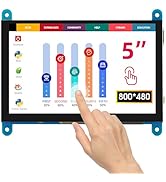
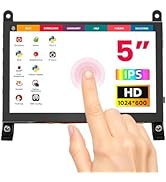
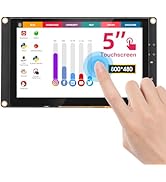
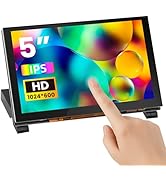
IPS Capacitive Touch Screen
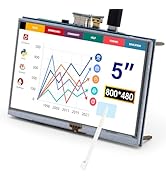
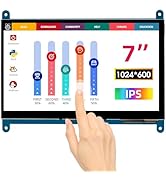
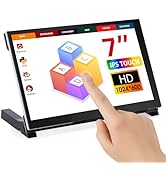
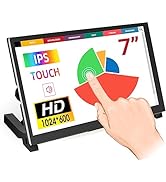
IPS Touch Screen LCD Display
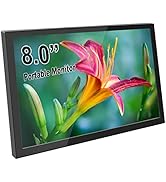
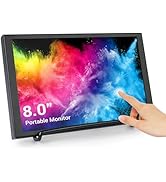
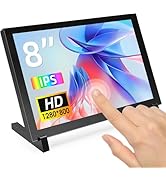
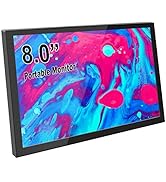
1280x800 Portable Monitor
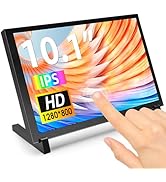
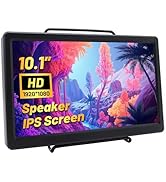
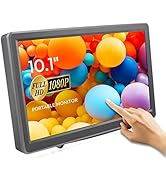
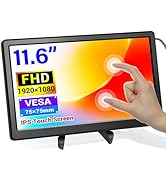
IPS Portable Monitor
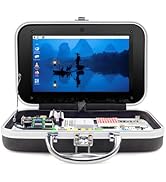
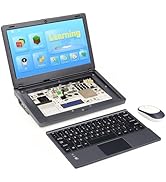
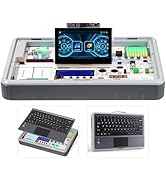
Learning Programming Kit
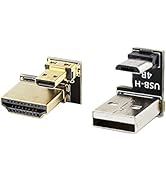
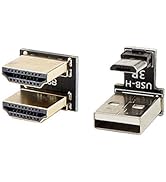
Accessories
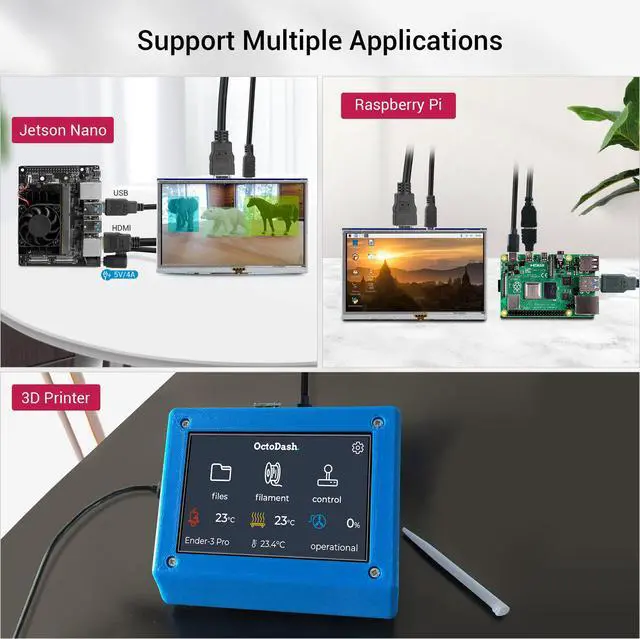
Fit for Your Creative DIY Projects
Screen for 3D Printer
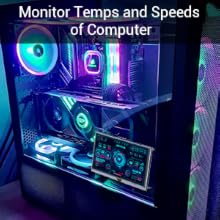
PC Sensor Panel
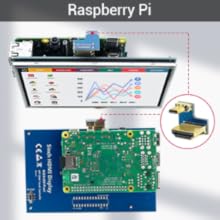
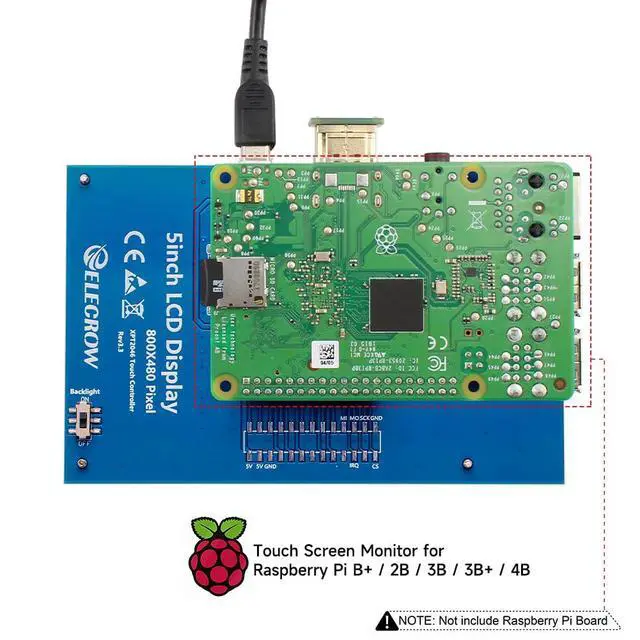
Screen for Raspberry Pi
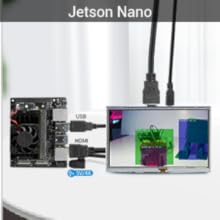
Monitor for Jetson Nano
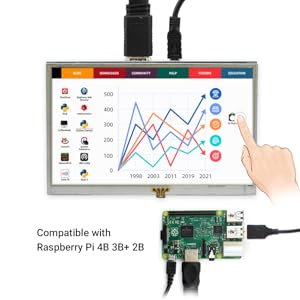
How to install driver to get Touchscreen work?
Online installation (RPi need to be connected to the Internet)
1) Log onto the Pi by Putty SSH (User: pi; Password: raspberry)
2) Download the driver from github then execute the following command
chmod -R 755 LCD-show
cd LCD-show/
sudo ./LCD5-show
3) Wait for a moment after executing, then you can use the corresponding Raspberry LCD.
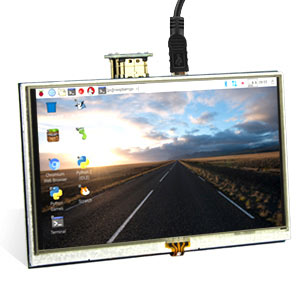
Display Issues?
When you test the item and find the screen appear to be blank white, white line, black screen, no touch function and flashing etc?
Please modify the config.txt to adjust the output resolution. Details refer to user manual.
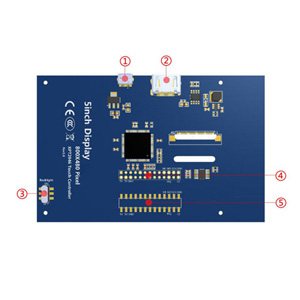
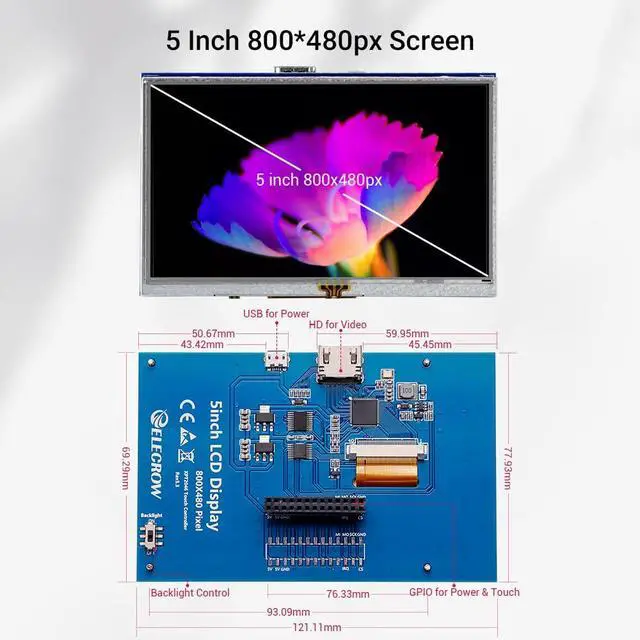
Hareware Description
1. Micro USB: get 5V power (not need when connect by GPIO)
2. HD interface: Audio/video transmission
3. Backlight switch: turn on/off the backlight (save power)
4. GPIO (13*2): get 5V power& touch function
5. Extended interface
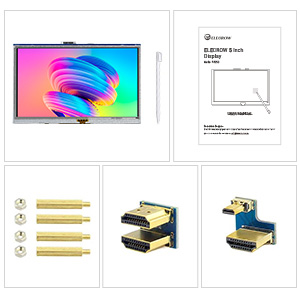
Package List
5 Inch Touch Display x1
Dual HD Connector x1
Micro HD to HD Connector x1
Copper Pillars (4pcs) x1
Touch Pen x1
CD x 1
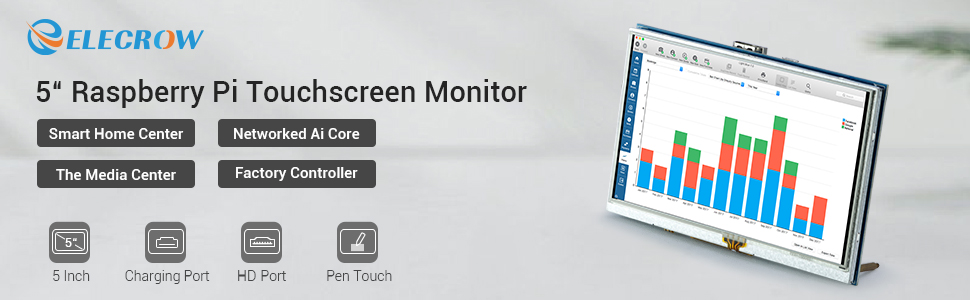
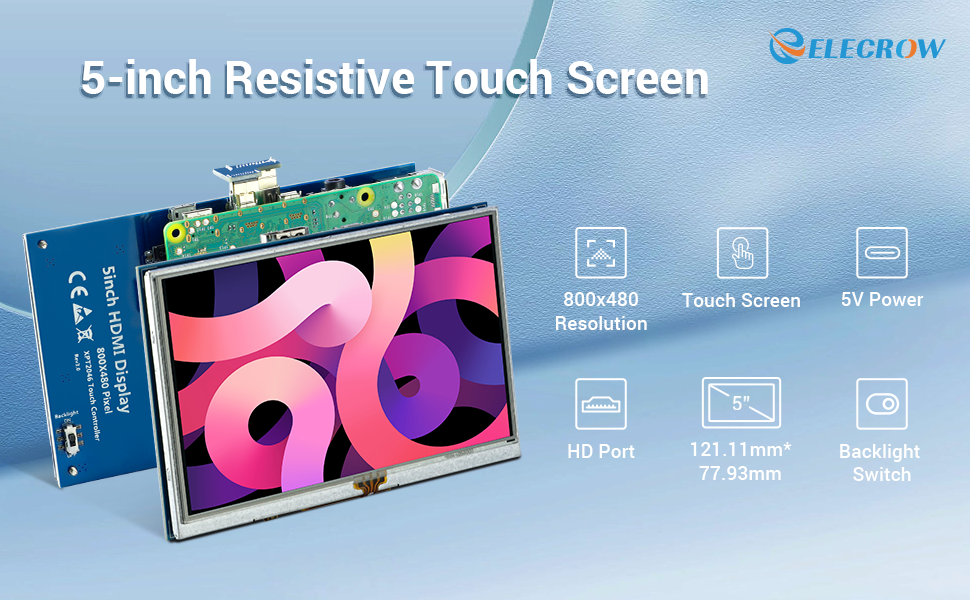
Why Choose ELECROW 5-Inch Resistive Touch Screen?
This 5-inch TFT LCD Display with a touch function is a panel-mountable mini monitor. It's small and simple, and the shape makes it easy to attach to an electronic product.
Specifications:
5" TFT LCD Module
Resolution: 800x480
Touch Screen Type: Resistive
LCD driver IC: ILI9486L
Refresh rate: 60Hz
LCD Size: 121.11 mm x 77.93 mm
Compatible Devices & OS:
1. The monitor can work with standard HDMI-compatible devices (adjust output resolution to 800*480), while the touch function is only available for Raspbian and Ubuntu systems.
2. Touch panel function NOT supported---Retropie, Windows 10 IOT, Kodi, Windows 10/8/7, Jetson Nano.
3. When working with Raspberry Pi 4, for the system image after 2021-10-30, for example, on Bullseye, please modify "dtoverlay = vc4-kms-v3d" to "dtoverlay = vc4-fkms-v3d" in the config file, otherwis,e it may fail to start. But on Buster, please comment out "dtoverlay = vc4-fkms-V3D" by adding #.
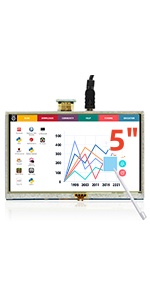 RR050 | 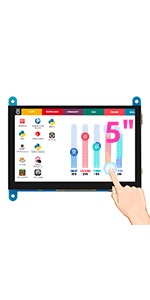 RC050 | 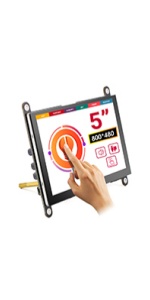 RC050S | 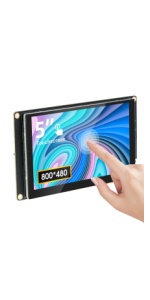 5" Touch | 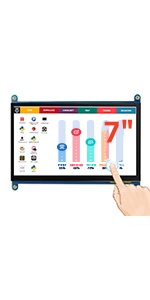 RC070 | 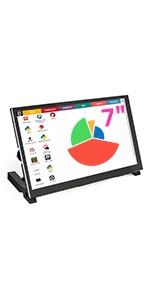 RC070S | |
|---|---|---|---|---|---|---|
| Customer Reviews | — | — | — | — | — | — |
| Price | — | — | — no data | — | — | — |
| Screen Size | 5 Inch | 5 Inch | 5 Inch | 5 Inch | 7 Inch | 7 Inch |
| Touchscreen Type | Resistive | Capacitive | Capacitive | Capacitive | Capacitive | Capacitive |
| Screen Resolution | 800x480 | 800x480 | 800x480 | 800x480 | 1024x600 | 1024x600 |
| Earphone/Speaker | Earphone | Speaker | Earphone | Earphone & Speaker |
Fit for Your Creative DIY Projects
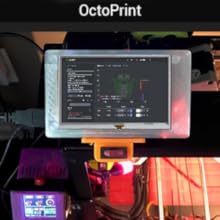
Screen for 3D Printer
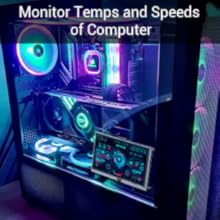
PC Sensor Panel
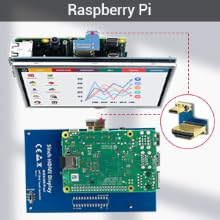
Screen for Raspberry Pi
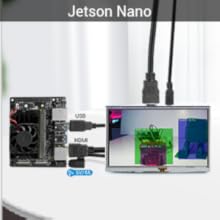
Monitor for Jetson Nano
How to install driver to get Touchscreen work?
Online installation (RPi need to be connected to the Internet)
1) Log onto the Pi by Putty SSH (User: pi; Password: raspberry)
2) Download the driver from github then execute the following command
chmod -R 755 LCD-show
cd LCD-show/
sudo ./LCD5-show
3) Wait for a moment after executing, then you can use the corresponding Raspberry LCD.
Display Issues?
When you test the item and find the screen appear to be blank white, white line, black screen, no touch function and flashing etc?
Please modify the config.txt to adjust the output resolution. Details refer to user manual.
Hareware Description
1. Micro USB: get 5V power (not need when connect by GPIO)
2. HD interface: Audio/video transmission
3. Backlight switch: turn on/off the backlight (save power)
4. GPIO (13*2): get 5V power& touch function
5. Extended interface
Package List
5 Inch Touch Display x1
Dual HD Connector x1
Micro HD to HD Connector x1
Copper Pillars (4pcs) x1
Touch Pen x1
CD x 1
Why Choose ELECROW 5-Inch Resistive Touch Screen?
This 5-inch TFT LCD Display with a touch function is a panel-mountable mini monitor. It's small and simple, and the shape makes it easy to attach to an electronic product.
Specifications:
5" TFT LCD Module
Resolution: 800x480
Touch Screen Type: Resistive
LCD driver IC: ILI9486L
Refresh rate: 60Hz
LCD Size: 121.11 mm x 77.93 mm
Compatible Devices & OS:
1. The monitor can work with standard HDMI-compatible devices (adjust output resolution to 800*480), while the touch function is only available for Raspbian and Ubuntu systems.
2. Touch panel function NOT supported---Retropie, Windows 10 IOT, Kodi, Windows 10/8/7, Jetson Nano.
3. When working with Raspberry Pi 4, for the system image after 2021-10-30, for example, on Bullseye, please modify "dtoverlay = vc4-kms-v3d" to "dtoverlay = vc4-fkms-v3d" in the config file, otherwis,e it may fail to start. But on Buster, please comment out "dtoverlay = vc4-fkms-V3D" by adding #.
RR050 | RC050 | RC050S | 5" Touch | RC070 | RC070S | |
|---|---|---|---|---|---|---|
| Customer Reviews | — | — | — | — | — | — |
| Price | — | — | — no data | — | — | — |
| Screen Size | 5 Inch | 5 Inch | 5 Inch | 5 Inch | 7 Inch | 7 Inch |
| Touchscreen Type | Resistive | Capacitive | Capacitive | Capacitive | Capacitive | Capacitive |
| Screen Resolution | 800x480 | 800x480 | 800x480 | 800x480 | 1024x600 | 1024x600 |
| Earphone/Speaker | Earphone | Speaker | Earphone | Earphone & Speaker |
As a global leader in advanced display solutions, ELECROW is at the forefront of the evolution of HMI interactive screens, high-definition HDMI displays, and portable smart screens. With cutting-edge R&D, precision manufacturing, and a focus on user experience, we are shaping the future of intelligent displays.
Beyond visuals, our technology enables smart interactions, unlocks new applications, and seamlessly connects people with the world.
14" or 15.6" Portable Monitor
Laptop-style design with screen, keyboard, touchpad & speakers; and it compatible with Raspberry Pi, PC, Mac, phone & game console.
1920x1080P Portable Monitor
Elecrow Newly Released Product
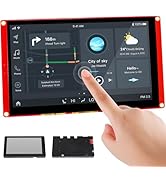
ESP32 Display HMI Touch Screen
ESP32 Touch Display Support AI
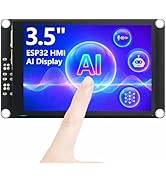
ESP32 Touch Display Support AI
ESP32-P4 HMI Display SupportAI
ESP32 E-Ink & Rotary Display
Mini PC Case & Carplay
IPS Capacitive Touch Screen
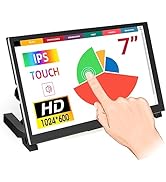
IPS Touch Screen LCD Display
1280x800 Portable Monitor
IPS Portable Monitor
Learning Programming Kit
Accessories
