Specification:
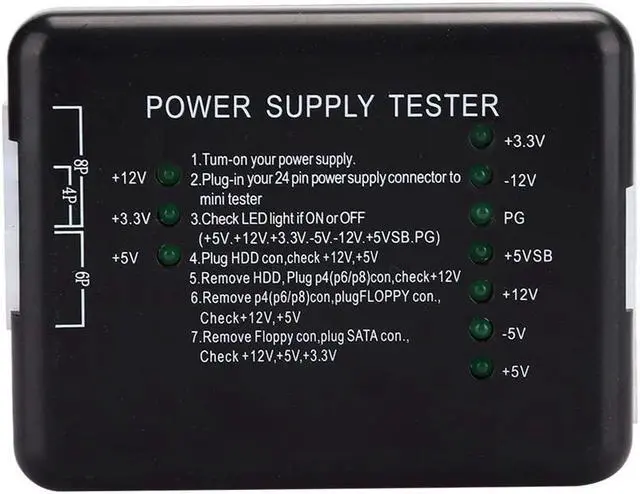
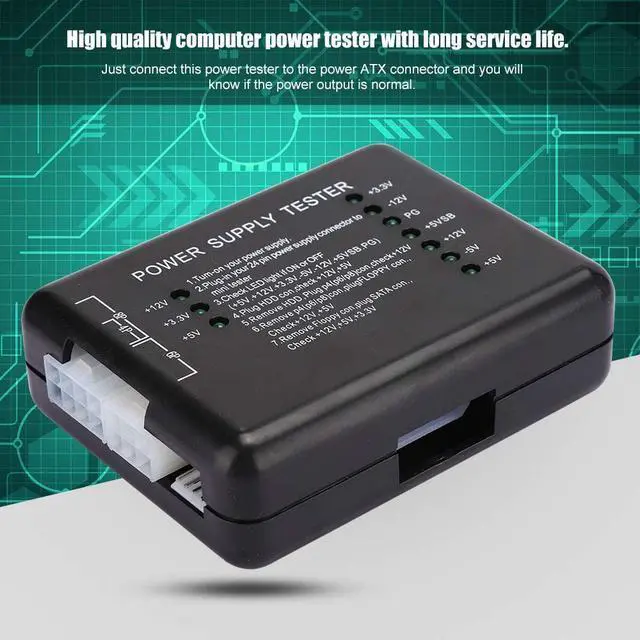
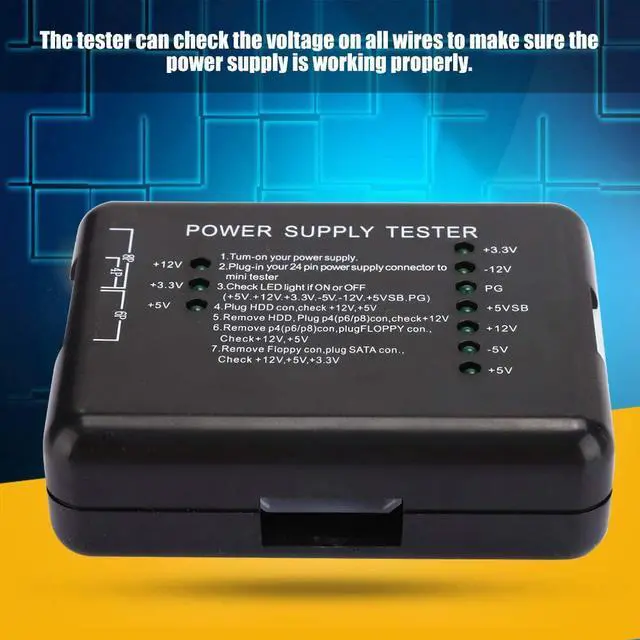
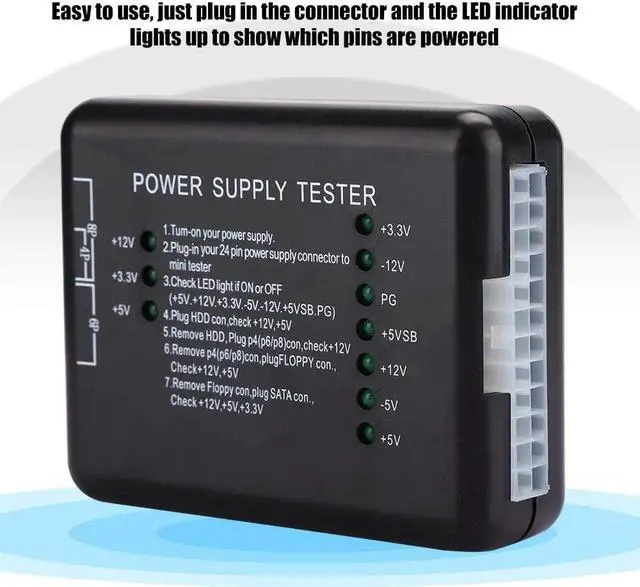
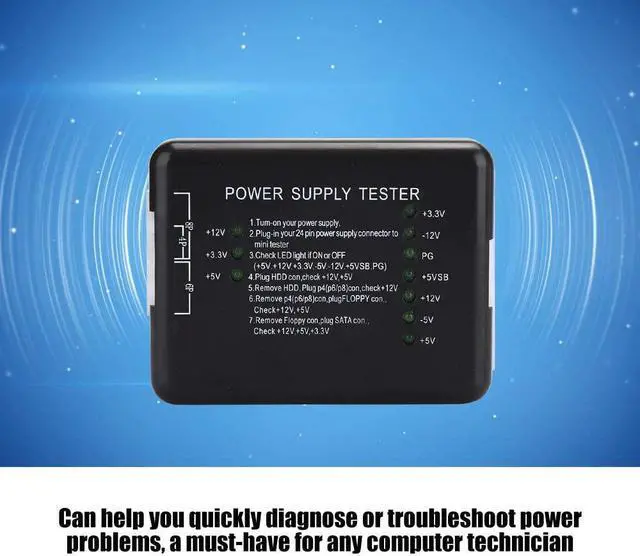
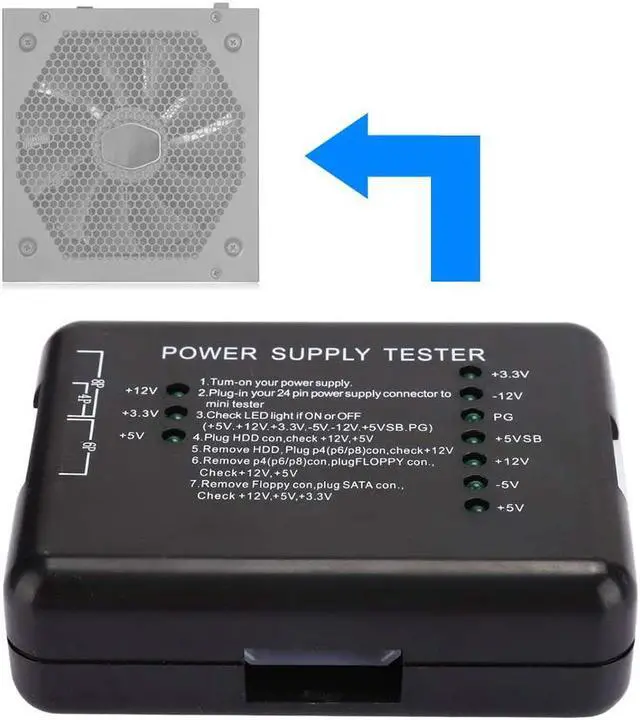
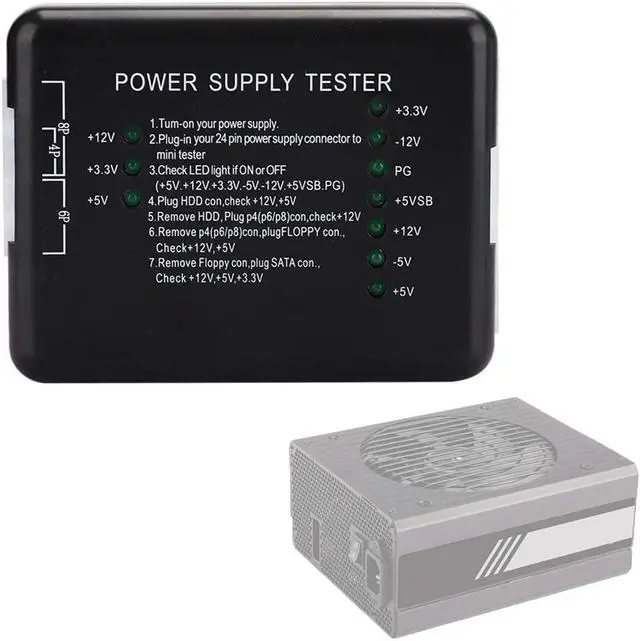
Item type: power supply tester
Color: black
Material: ABS
Instructions:
1. Power supply of the power supply to be tested;
2. Insert the 24P (20P) plug of the power supply under test into the corresponding 24P (20P) socket on the performance tester.
3. Check whether the 7 indicators on the right (+3.3, -12 V, PG, + 5 VSB, + 12 V, -5 V, + 5 V) light up.
4. Insert the hard disk plug of the power supply under test into the hard disk socket of the performance tester and check whether the two indicators (+12, + 5V) on the left light up.
5. Disconnect the HDD connector from the performance tester and insert the P4 connector (P6/P8) into the corresponding P4 socket (P6/P8) to check whether the left light (+12 V) is on.
6. Disconnect the connector P4 (P6/P8) from the performance tester, insert the FLOPPY plate connector into the corresponding FLOPPY socket and check whether the two indicators (+ 12V, + 5V) on the left light up.
7. Disconnect the FLOPPY connector from the performance tester and insert it into the corresponding SATA socket in the SATA connector. Then check whether the 3 indicators on the left (+ 12 V, + 3.3 V and + 5 V) light up.
Package list:
1 x power supply tester
1 x user manual (on the packaging surface)



 Top Rated