

Your Browsing History





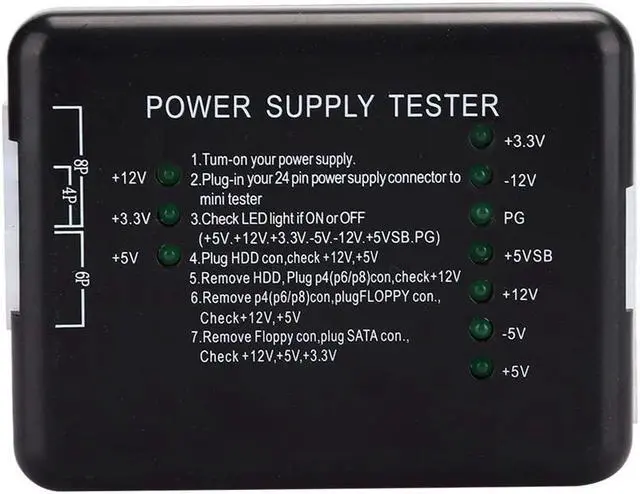
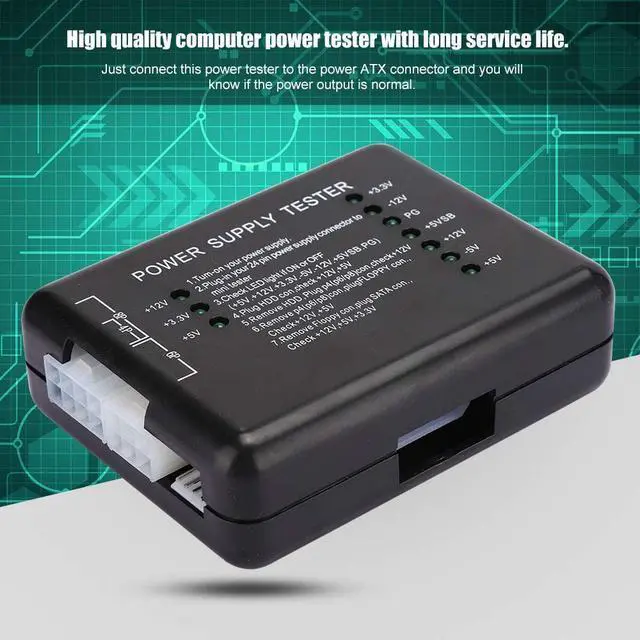
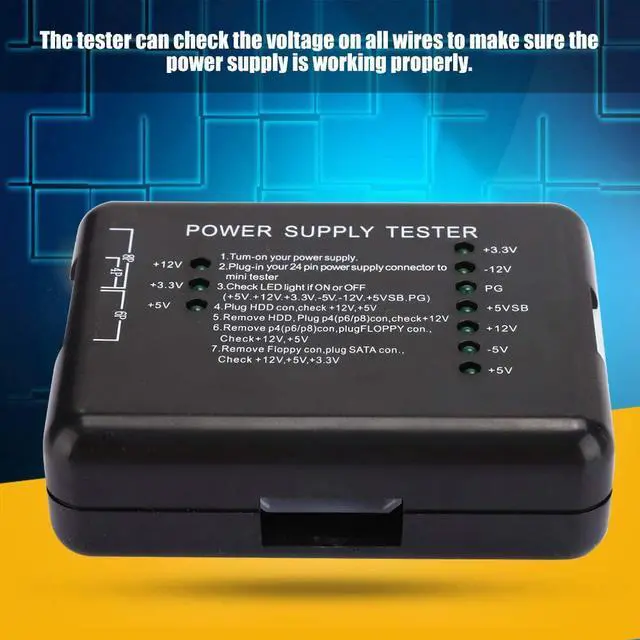
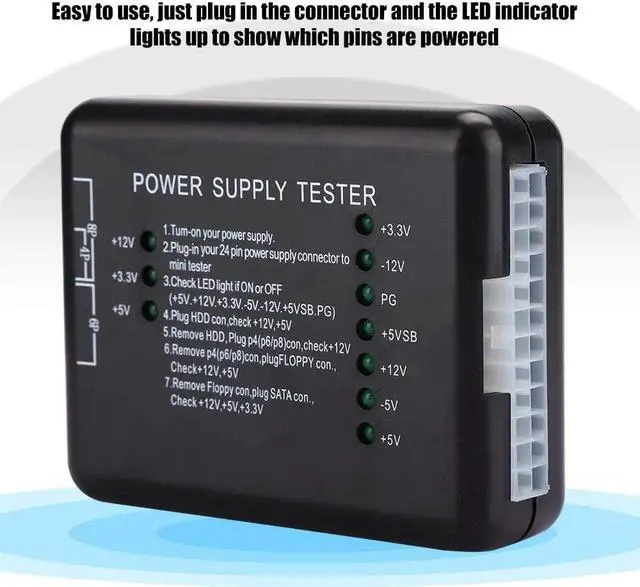
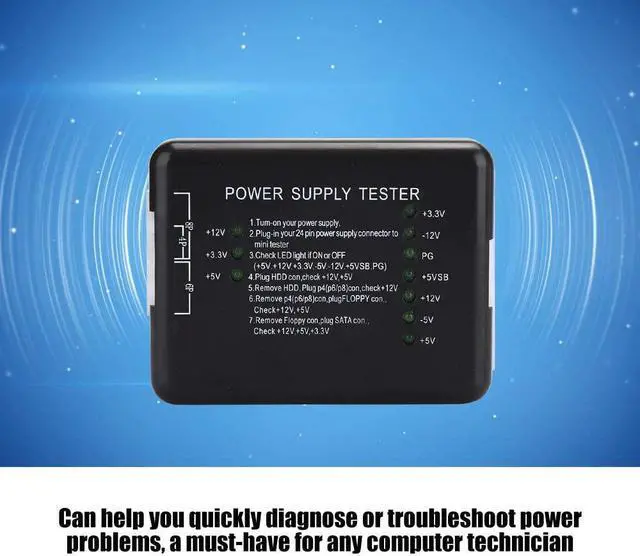
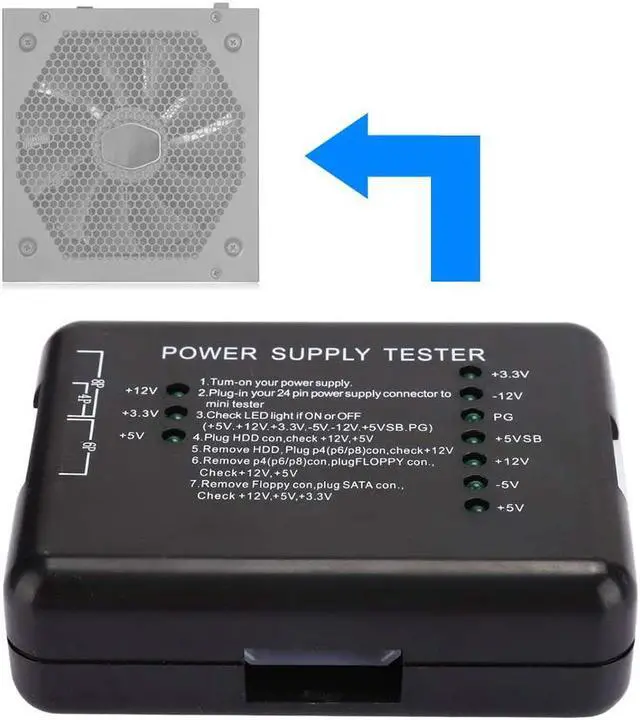
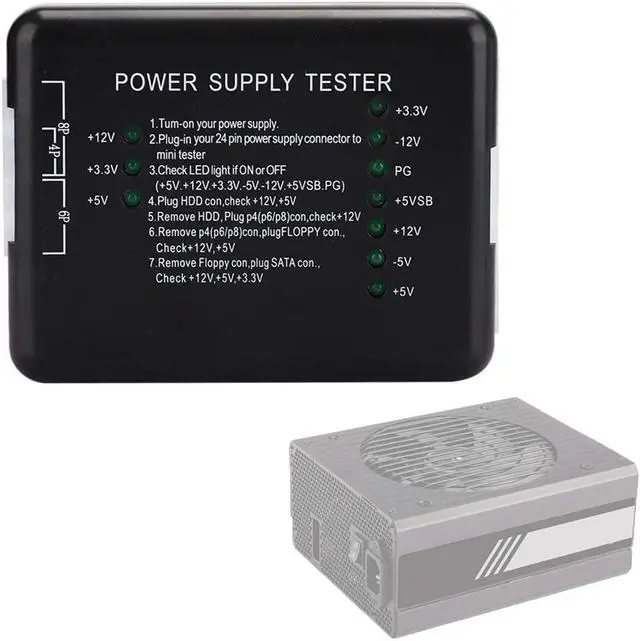


fosa1 Computer ATX Power Supply Tester, LED Display Power Supply Tester Computer Power Tester to Check The Power Supply, Quickly diagnose
- Easy to use, just plug in and the LED indicator will light up to indicate which pins are powered
- The tester can check the voltage on all cables to ensure that the power supply is working properly.
- Can help you quickly diagnose or fix power problems, a must for any computer technician
- High quality computer performance tester with long life.
- High quality computer performance tester with long life.
+
+
Overview
Specs
Reviews

Any questions? Our AI beta will help you find out quickly.
Try me now
Specification:
Item type: power supply tester
Color: black
Material: ABS
Instructions:
1. Power supply of the power supply to be tested;
2. Insert the 24P (20P) plug of the power supply under test into the corresponding 24P (20P) socket on the performance tester.
3. Check whether the 7 indicators on the right (+3.3, -12 V, PG, + 5 VSB, + 12 V, -5 V, + 5 V) light up.
4. Insert the hard disk plug of the power supply under test into the hard disk socket of the performance tester and check whether the two indicators (+12, + 5V) on the left light up.
5. Disconnect the HDD connector from the performance tester and insert the P4 connector (P6/P8) into the corresponding P4 socket (P6/P8) to check whether the left light (+12 V) is on.
6. Disconnect the connector P4 (P6/P8) from the performance tester, insert the FLOPPY plate connector into the corresponding FLOPPY socket and check whether the two indicators (+ 12V, + 5V) on the left light up.
7. Disconnect the FLOPPY connector from the performance tester and insert it into the corresponding SATA socket in the SATA connector. Then check whether the 3 indicators on the left (+ 12 V, + 3.3 V and + 5 V) light up.
Package list:
1 x power supply tester
1 x user manual (on the packaging surface)
Item type: power supply tester
Color: black
Material: ABS
Instructions:
1. Power supply of the power supply to be tested;
2. Insert the 24P (20P) plug of the power supply under test into the corresponding 24P (20P) socket on the performance tester.
3. Check whether the 7 indicators on the right (+3.3, -12 V, PG, + 5 VSB, + 12 V, -5 V, + 5 V) light up.
4. Insert the hard disk plug of the power supply under test into the hard disk socket of the performance tester and check whether the two indicators (+12, + 5V) on the left light up.
5. Disconnect the HDD connector from the performance tester and insert the P4 connector (P6/P8) into the corresponding P4 socket (P6/P8) to check whether the left light (+12 V) is on.
6. Disconnect the connector P4 (P6/P8) from the performance tester, insert the FLOPPY plate connector into the corresponding FLOPPY socket and check whether the two indicators (+ 12V, + 5V) on the left light up.
7. Disconnect the FLOPPY connector from the performance tester and insert it into the corresponding SATA socket in the SATA connector. Then check whether the 3 indicators on the left (+ 12 V, + 3.3 V and + 5 V) light up.
Package list:
1 x power supply tester
1 x user manual (on the packaging surface)
Warranty & Returns
Warranty, Returns, And Additional Information
Warranty
- Please contact the Seller directly for warranty information. Warranty information may also be found on the Manufacturer's website.
- CONTACT
Return Policies
- Return for refund within: 30 days
- Return for replacement within: 30 days
- This item is covered by Temoviste Return Policy
Manufacturer Contact Info
- For a directory of all our manufacturers, please click below.
- Manufacturers Directory
LOADING...
LOADING...