Your Browsing History
- Free 30-day Returns
$45.99
Ships from China.
Meet Your Seller
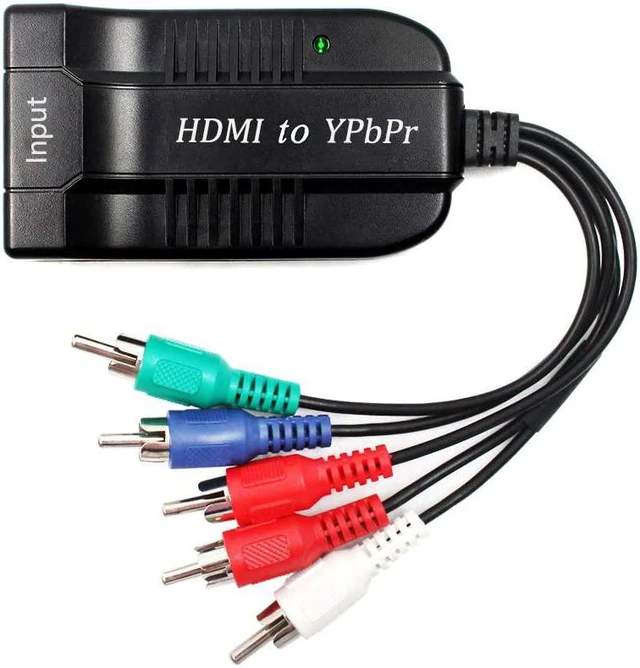
1080P HDMI to Component(YPbPr/RGB/ 5RCA) Scaler Converter(with Scaler Function), HDMI Input to Component(YPbPr/RGB/ 5RCA) Output for PC, PS3, PS4, ?DVD, PSP, 360, PS2, Nintendo NGC
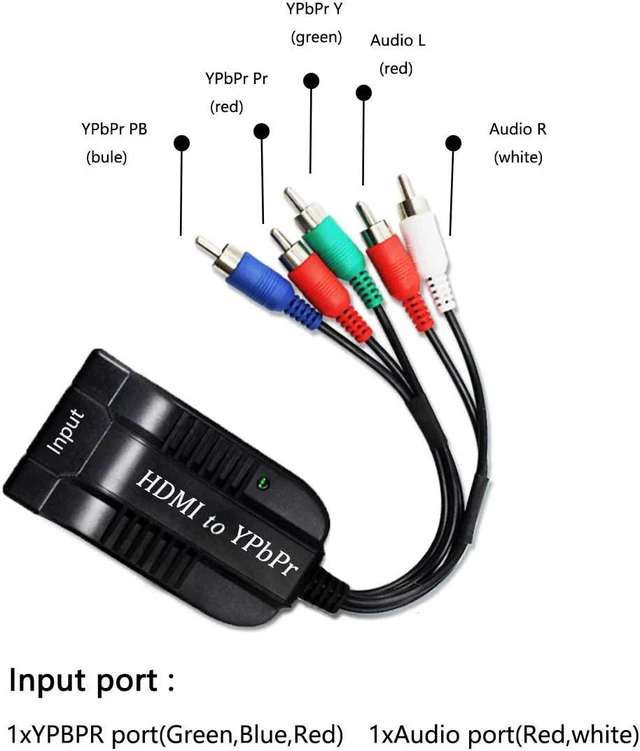
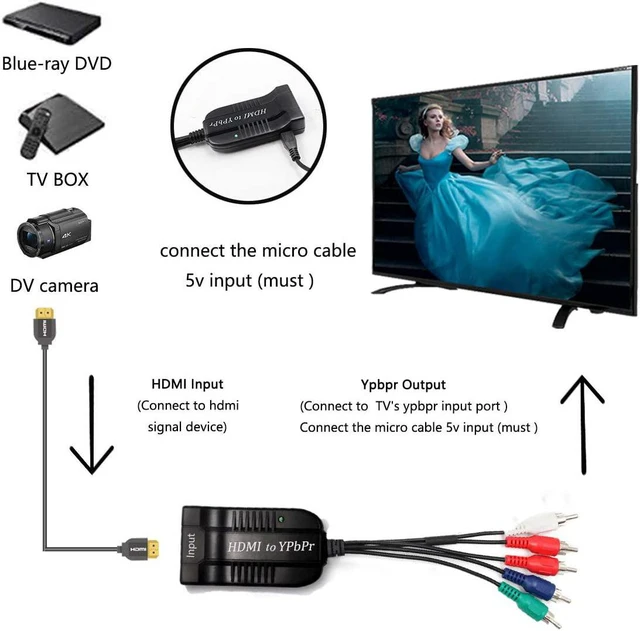
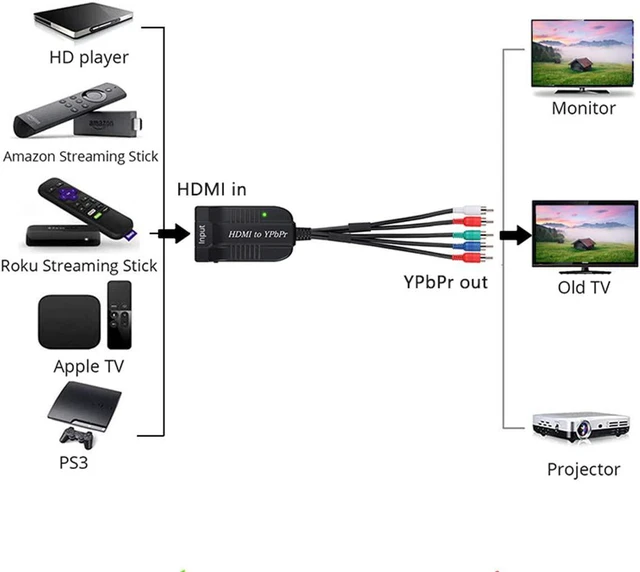
- Converts HDMI signal into Component(YPbPr/ RGB/ 5RCA) video and analog stereo R/ L audio signal. Allows you to connect HDMI sources to a Component display, such as HDTV, monitor, projector, ect.
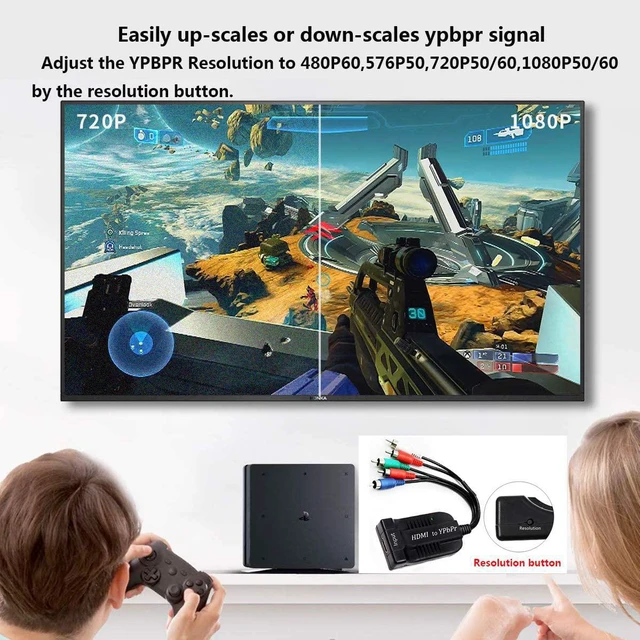
- Built-in scaler engine, can easily up-scales or down-scales HDMI signal to Component. It can solve display problems when the source resolution is greater than the display resolution.
- Supports multiple HDMI resolutions input: 480p, 576p, 720p, 1080i/p; Supports multiple Component resolutions output: 480p(60Hz), 576p(50hz), 720p(50/60Hz), 1080P(50/60Hz). Choose the best output resolution by the resolution switch button.
- Use friendly,Easy to Use,Install in seconds,No need of setting.Note: kindly check your input signal is correct. This product is a HDMI to Component Converter,not Component to HDMI Converter,it can not be reverse to use. USE RESOLUTION button to choose the best output resolution.
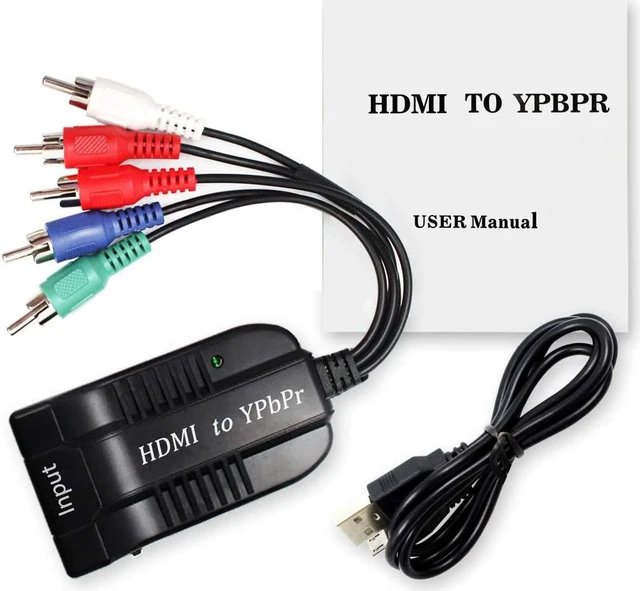
- Package:Included HDMI to Component scaler converter, micro cable
+
+
Overview
Reviews
Any questions? Ask CelesteSM will help you find out quickly.
Try me now
Failure Check: (You can check if the following operations are correct)
Please NOTE that the product must be properly connected before use.
*1.The signal source must support "HDMI" output.
*2.The five ports of the converter must be connected correctly.
*3.The TV needs to select the "Ypbpr" input.
*4.Please check if the product is connected to power.
*5.Please check if the product switch is turned on.
*6.The resolution should be set to 1080P. (4K is not supported, no signal is displayed)
*7.Please try to replug the power.
Please NOTE that the product must be properly connected before use.
*1.The signal source must support "HDMI" output.
*2.The five ports of the converter must be connected correctly.
*3.The TV needs to select the "Ypbpr" input.
*4.Please check if the product is connected to power.
*5.Please check if the product switch is turned on.
*6.The resolution should be set to 1080P. (4K is not supported, no signal is displayed)
*7.Please try to replug the power.
Warranty & Returns
Warranty, Returns, And Additional Information
Warranty
- Please contact the Seller directly for warranty information. Warranty information may also be found on the Manufacturer's website.
- CONTACT
Return Policies
- Return for refund within: 30 days
- Return for replacement within: non-replaceable
- This item is covered by TechMax Depot Return Policy
Manufacturer Contact Info
- For a directory of all our manufacturers, please click below.
- Manufacturers Directory
LOADING...