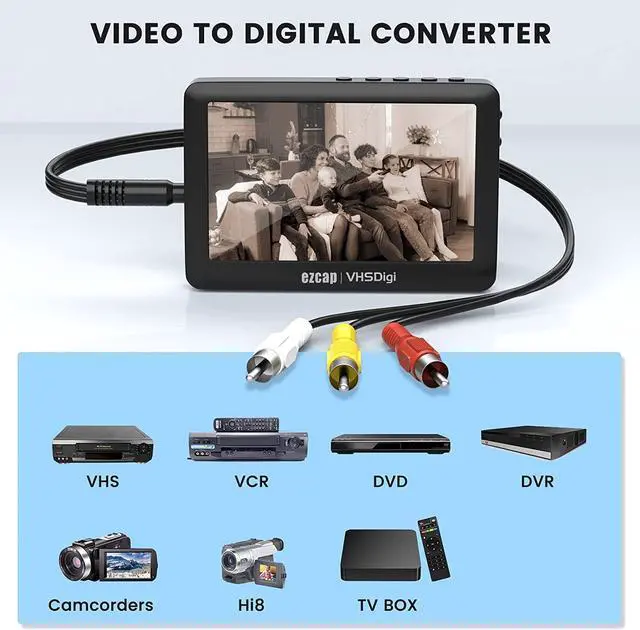
Specification:
USB Interface: USB 2.0
Video input: Via 3.5MM to 3RCA AV cable
Audio input: Via 3.5MM to 3RCA AV cable input or 3.5mm audio cable
Video input: HDMI480P60
Audio input: HDMI
Storage media: Support FAT32 and exFATdoes not support NTFS),Max 64GB
Recording format: video MP4, audio MP3
Recording Resolution: 480@15fps, NTSC: 720X480, PAL: 720X576
Recording file: Video: about 4.2MB/minute, 250MB/hour. Audio: 1.2MB/minute
Working hours: It takes 2.5 hours to fully charge, and it takes about 2 hours to record video when fully charged.
Power adapter: Built-in 1500mah lithium battery(5V 2A power adapter Not Included)
Size: 11.6*7.8*1.8CM
Weight: 132g
Package List:
Video Capture Recording Player*1
64GB U disk*1
User Manual*1
How to do when display the black and white screen
1. The video cannot be transmitted due to the wrong connectionChange the color cable, for old-fashioned cameras, yellow corresponds to our red or white
2.Wrong choice when recording (To record video, choose TV IN; if you choose Recorder, only sound.)
3.There is a reset on the back of the machine to restore the factory settings.
Kindly NOTE : For TV Rec -Set TV system as same as video source. Press LEFT/RIGHT button to switch PAL and NTSC, press OK to finish. If you enter TV IN and find the preview video is black and white, or flashing, please set to switch TV system at here.