Your Browsing History
- Free 30-day Returns
$201.30
Meet Your Seller
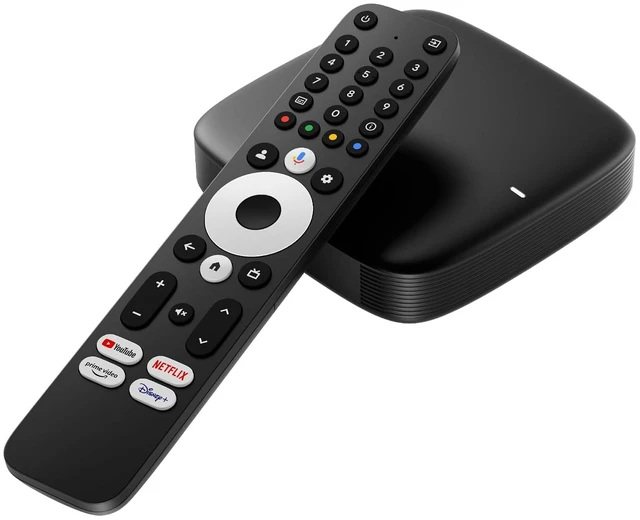
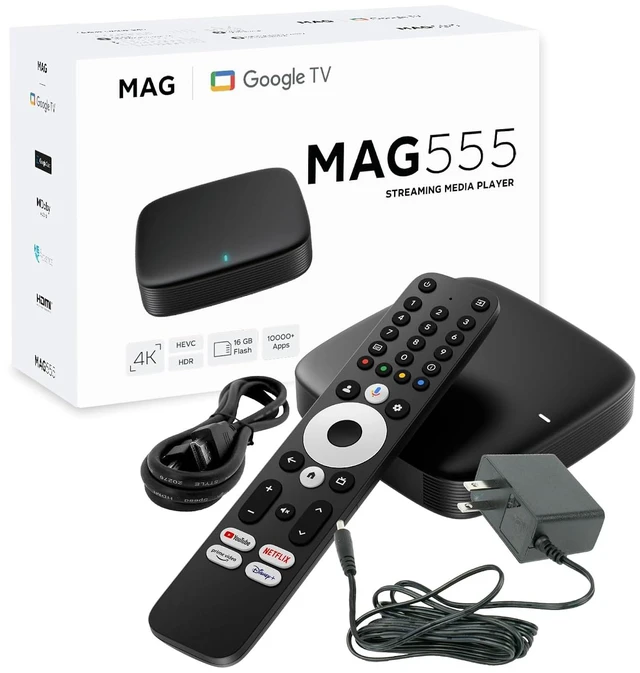
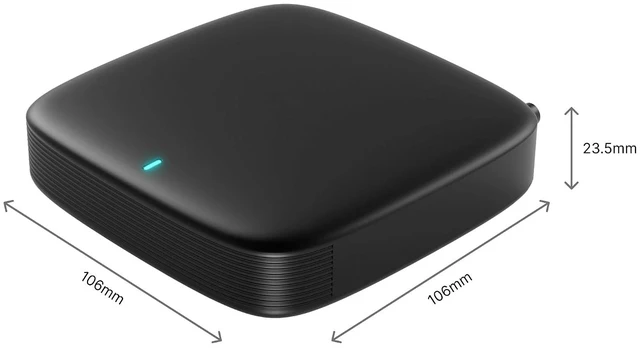
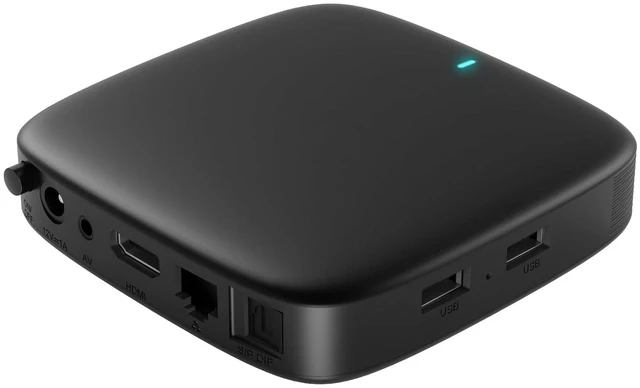
Infomir MAG555 4K Streaming Media Player Google TV? GTV14, HDR, Wi-Fi, HDMI/AV
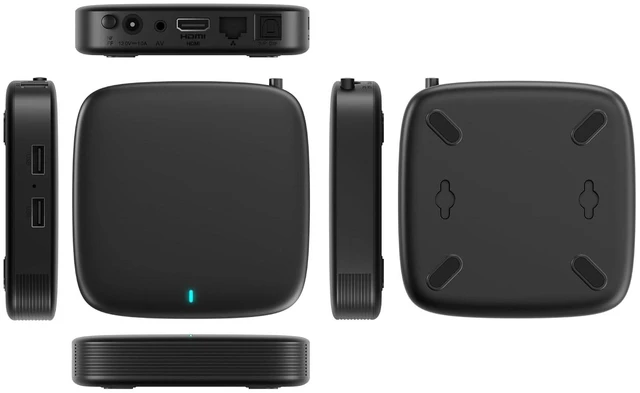
- Powerful 4K UHD Streaming Experience: The MAG555 delivers smooth, high-quality video playback in stunning 4K Ultra HD resolution at 60 fps. Powered by an advanced Amlogic chipset with Dolby Audio support, it provides an immersive home entertainment experience for movies and shows. Enjoy vibrant colors and breathtaking clarity through official, licensed streaming services.; Official Google TV Hub with Personalized Access: Transform your television into a sophisticated smart entertainment center powered by official Google TV 12. Access a vast library of authorized streaming services, including Netflix, Amazon Prime Video, Disney+, and YouTube, directly through the Google Play Store. Enjoy seamless content discovery with personalized recommendations based on your viewing habits within a secure and licensed ecosystem.; Advanced Voice Control with Google Assistant: Effortlessly manage your entertainment and search for content using the built-in microphone on the voice remote. Powered by the Amlogic S905Y4-B chipset for rapid response, you can adjust system settings, find authorized apps, and control compatible smart home devices with simple voice commands. Experience hands-free convenience that integrates seamlessly with your official Google TV ecosystem.; Stable Dual-Band Connectivity for 4K Streaming: Equipped with high-speed dual-band Wi-Fi (2.4GHz/5GHz) with 2x2 MIMO technology and a dedicated Ethernet port, the MAG555 ensures a stable, lag-free connection for high-bitrate 4K
+
+
Overview
Specs
Reviews
Any questions? Ask CelesteSM will help you find out quickly.
Try me now
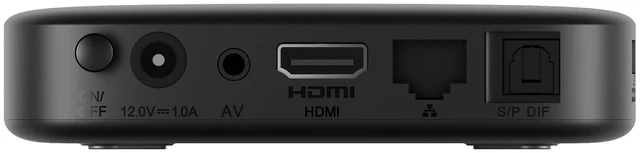
Product description How do I connect the MAG555 to my TV? Use the included HDMI cable for modern TVs or an optional AV cable for older sets. Plug the power adapter in, select the matching HDMI/AV input on your TV, and the start-up wizard will appear. How do I pair the remote control? Hold Home + Back on the remote for about 10 seconds until the LED blinks; that starts Bluetooth pairing. The remote also works over IR, so basic TV-control keys respond even before pairing. How do I connect the player to the internet? During the first launch, the wizard prompts you to choose Ethernet or Wi-Fipick your network, enter the password, and wait for the confirmation tick.
You can change this anytime under Settings? Network & Internet. I cannot sign in with my Google Account on first start. What should I do? Make sure the box is online, then select Use your phone or computer to sign in at g. co/androidtv. If the sign-in loop persists, reboot the player, check the date/time, and try again with the on-screen keyboard. (Most issues resolve after a second attempt on a stable network. ) How do I add or switch Google Accounts later? Go to Settings? Accounts & Sign-In? Add account.
Follow the on-screen steps or use the phone-based code method; you can keep multiple profiles and remove them at any time. How do I use Google Assistant? Press the (Assistant) button on the voice remote, speak your request, and release. You can launch apps, search shows, or control smart-home devices hands-free.
Warranty & Returns
Warranty, Returns, And Additional Information
Warranty
- Please contact the Seller directly for warranty information. Warranty information may also be found on the Manufacturer's website.
- CONTACT
Return Policies
- Return for refund within: 30 days
- Return for replacement within: 30 days
- This item is covered by ProGear Haven Return Policy
Manufacturer Contact Info
- For a directory of all our manufacturers, please click below.
- Manufacturers Directory
LOADING...