




 here!
here!
I’m your shopping assistant for PC builds, upgrades, and everything tech.
Got questions? Ask away!
Start a conversation
here!
I’m your shopping assistant for PC builds, upgrades, and everything tech.
Got questions? Ask away!
Start a conversation



Any questions? Ask CelesteSM will help you find out quickly.


| 1? Is there a distance limit? | There is no distance limitation, it is available worldwide, as long as there is an Apple device within 10-50 meters nearby. Because it can't locate itself, it relies on the nearby Apple devices to locate. |
| 2?Is it real-time? | If there is an Apple device nearby, it can locate in real time. If there is no Apple device nearby, it is not real-time |
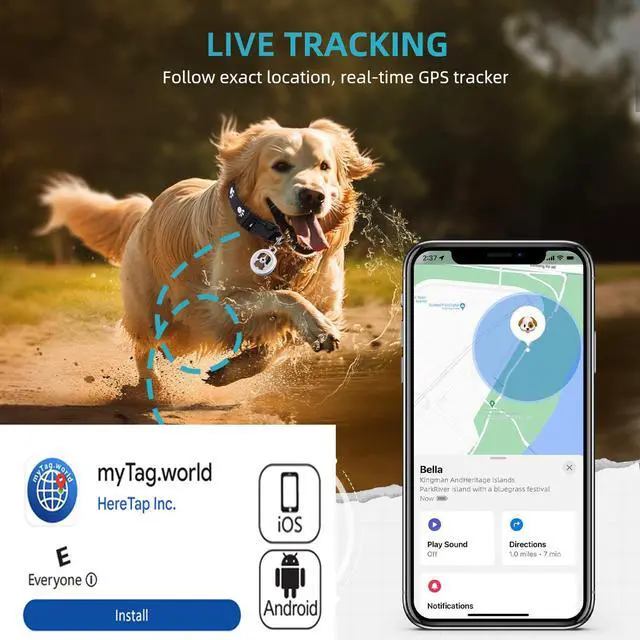
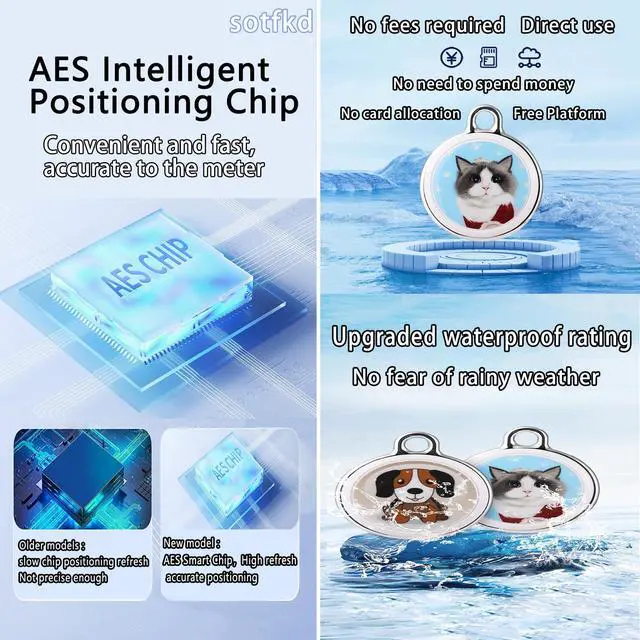
| 3?Working Principle | It sends out a secure signal every two seconds for nearby Apple devices (cell phones, computers, tablets, etc.) to detect, receive, and upload to the Apple icloud cloud server, which generates a location, and then see its exact position on the map. The more nearby Apple devices, the faster the location update. |
| 4?Region and Scope of Use | Basically, it is in bustling urban areas or areas with many Apple devices. Not suitable for remote areas or areas with limited Apple devices. Please consider whether it is suitable to purchase again |
| 5?Usage Scene | Pets, valuables, suitcases, wallets, bicycles, electric cars looking for, lost courier, car |
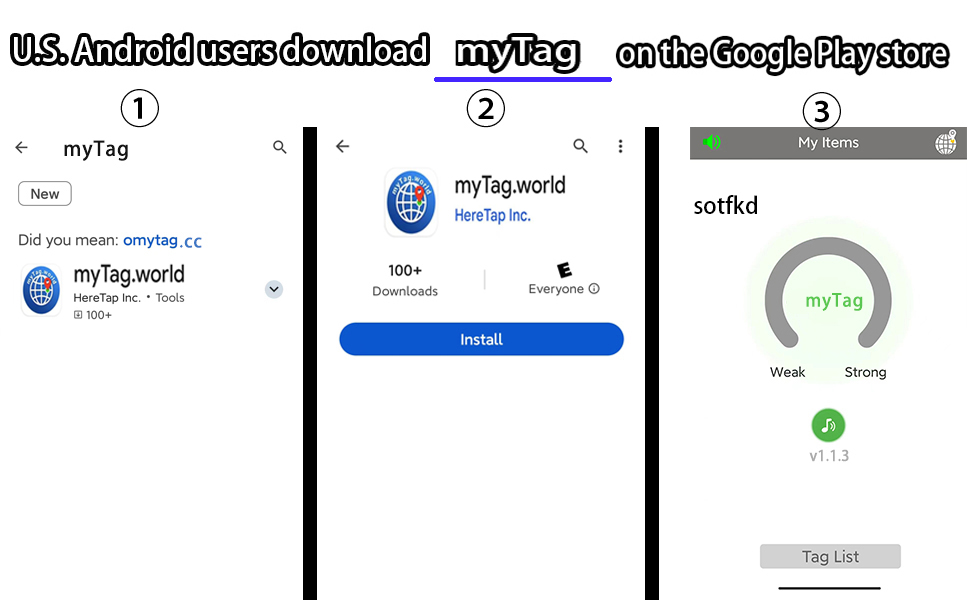
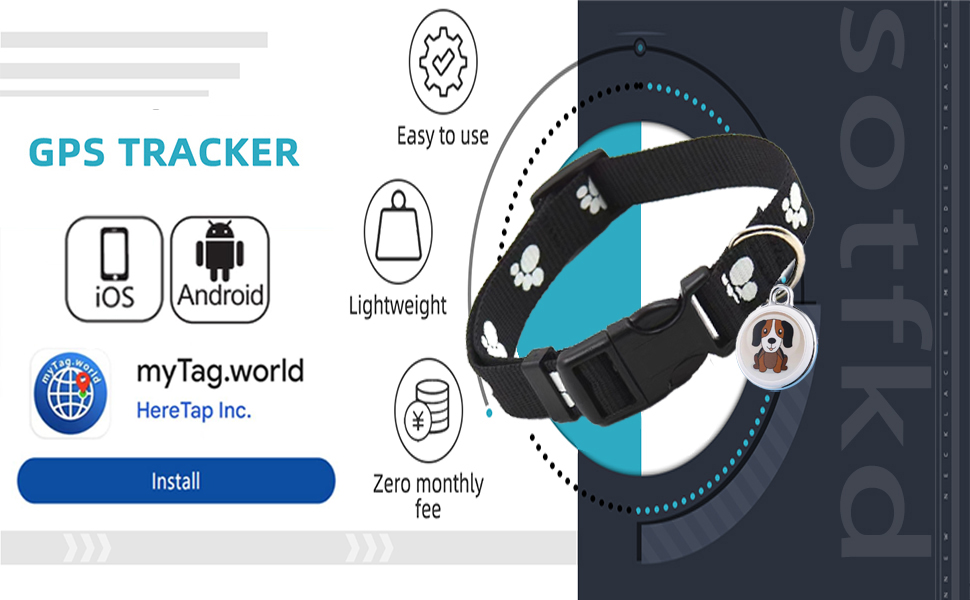
| 6?How to use? | First, remove the insulating plastic film from the product. Check the manual and go to the official website and download the application by selecting the appropriate version according to the type of phone. Search for the Bluetooth name myTag in the application, select the device and enter the authorization, select the purpose and bind the device. |
| 7?It works on other phones? | U.S. Android users download myTag on the Google Play store |
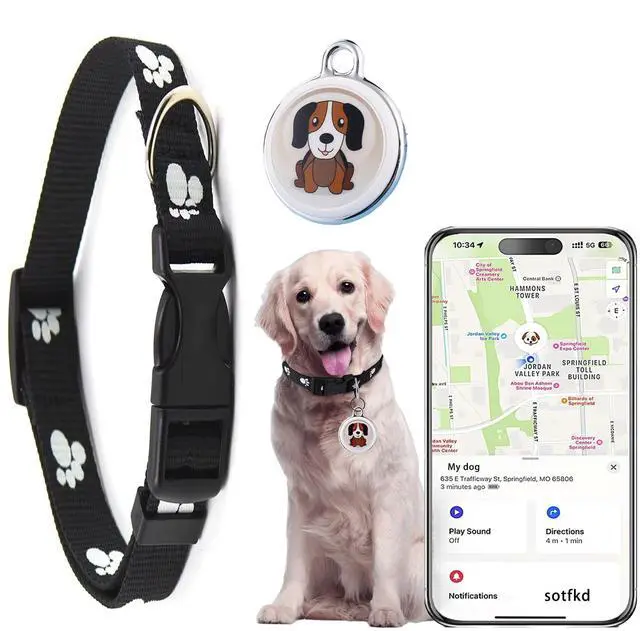
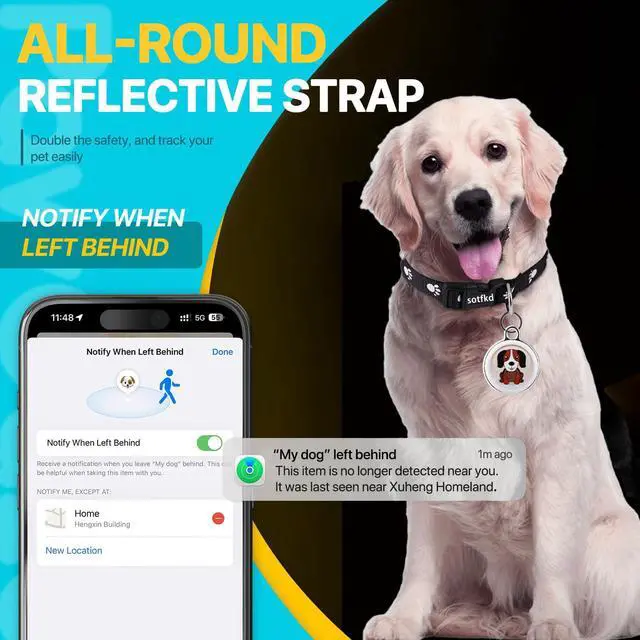
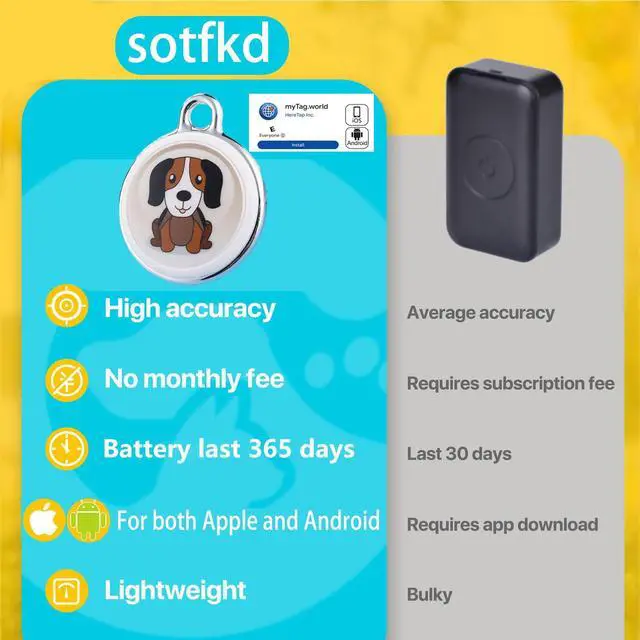
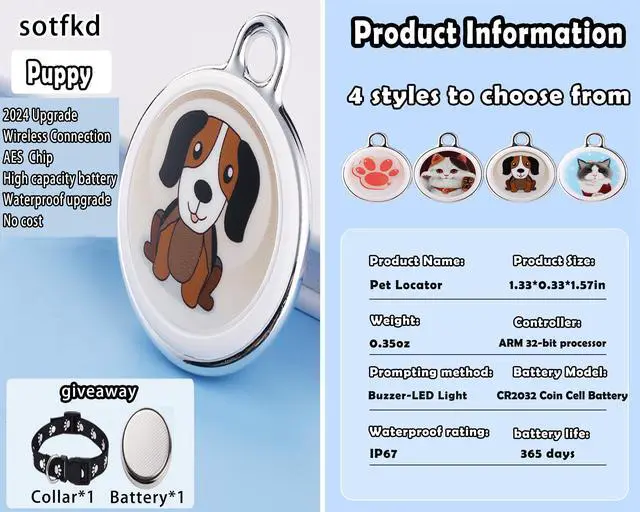
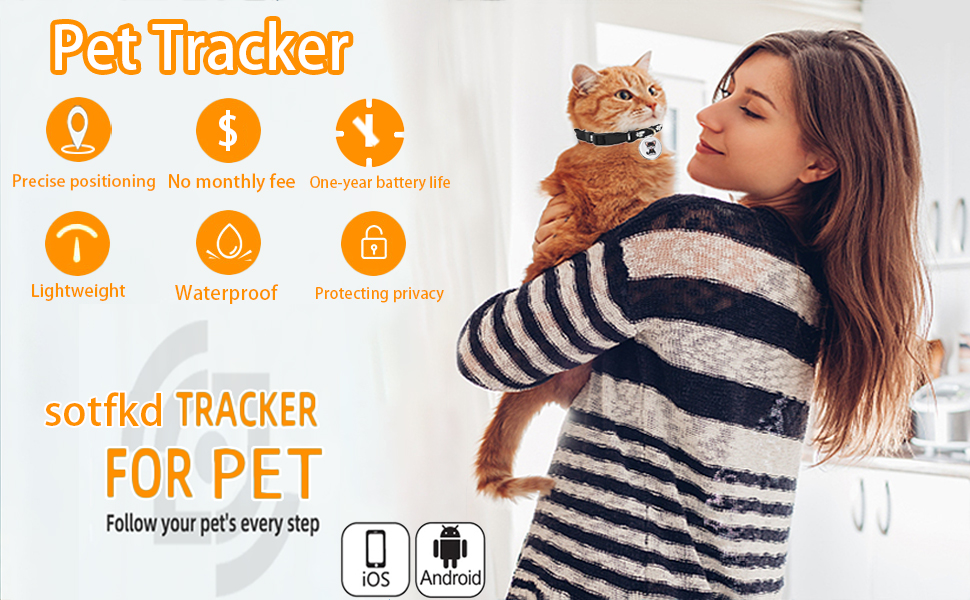
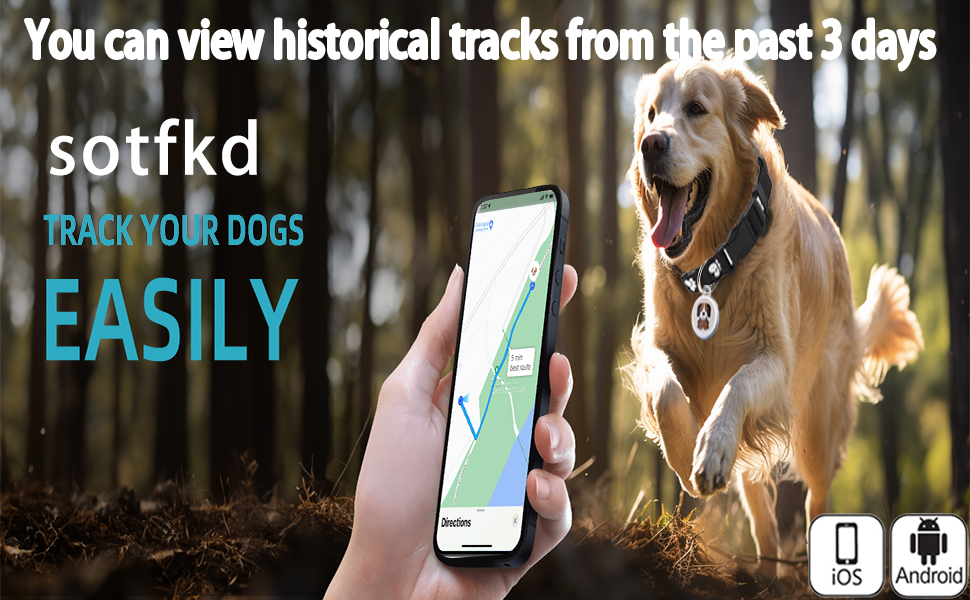
Dog Tracker-GPS Dog Collar-GPS Tracker for Dogs-Pet Tracker for Dogs | Android and iOS Universal | No Monthly Fee | Waterproof | Works with Any Collar


