- $3,239.00
- Free 30-day Returns
Meet Your Seller
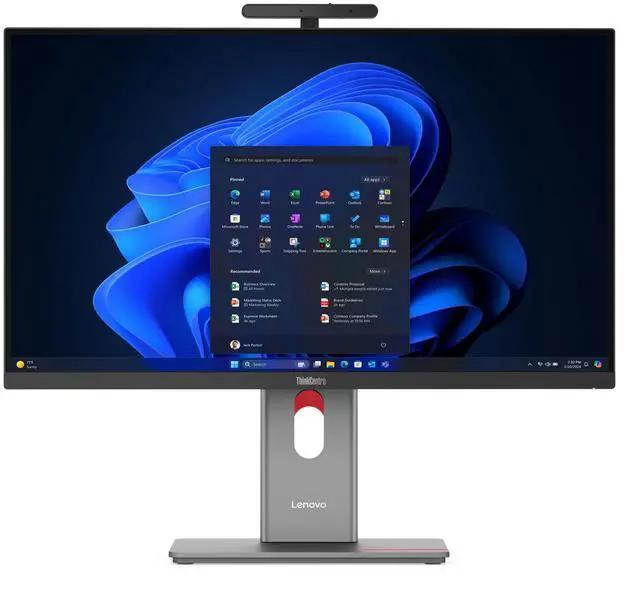
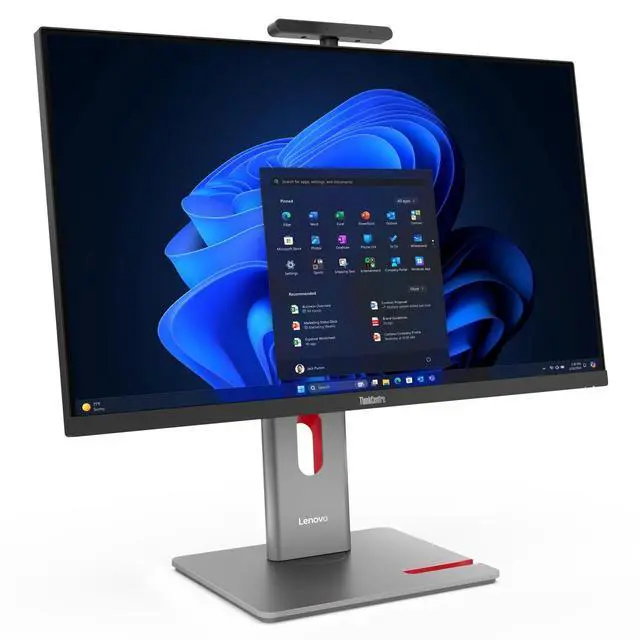
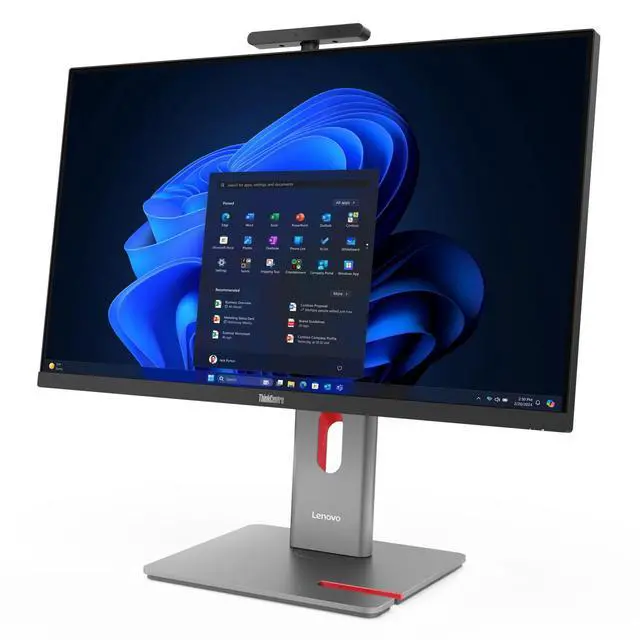
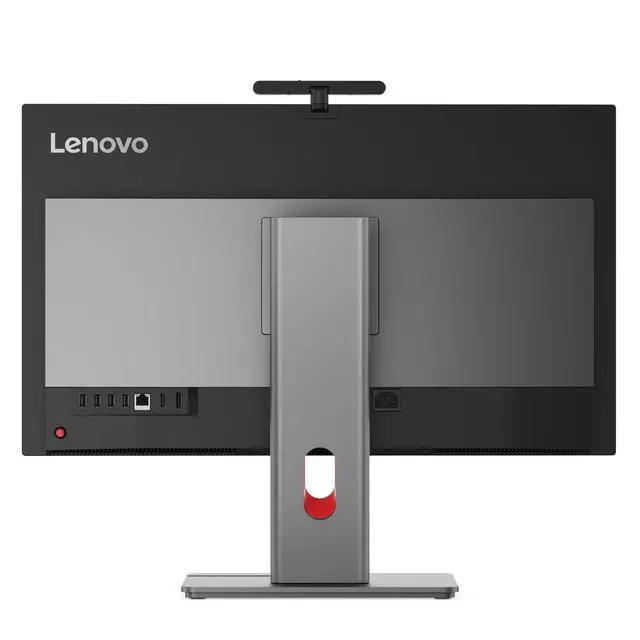
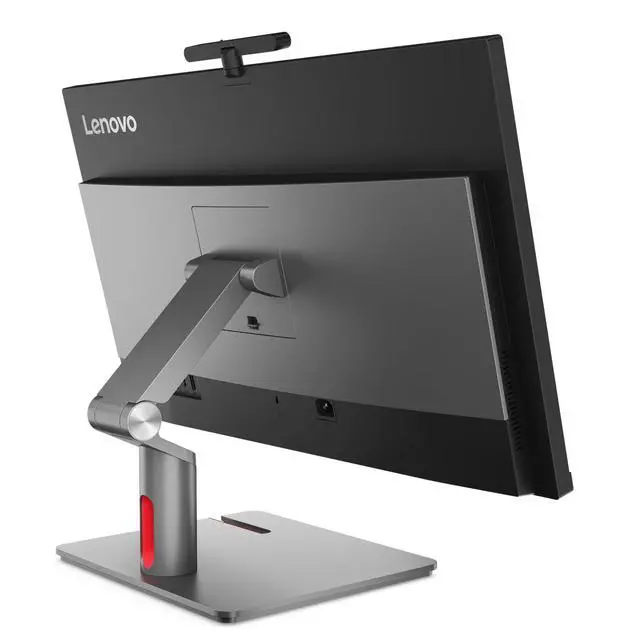
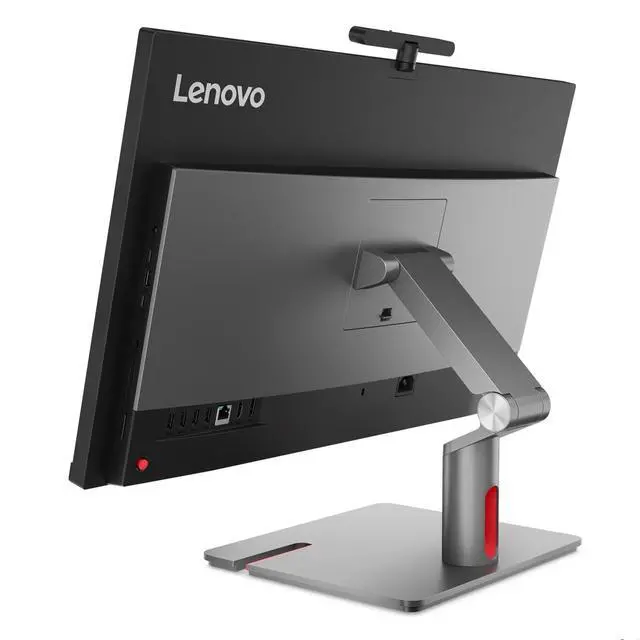
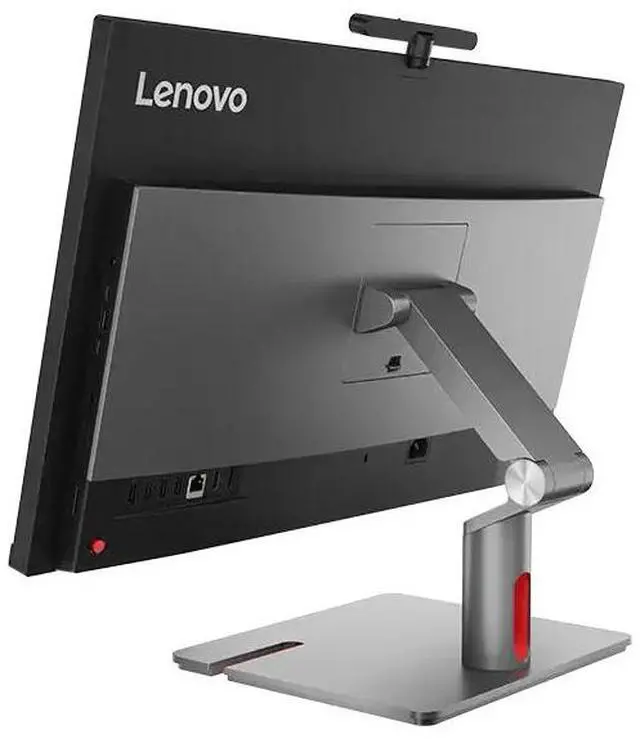
Lenovo ThinkCentre M90a Pro Gen 6 Intel Desktop, 27" IPS 120Hz,Intel Core Ultra 7 265 vPro,32GB, Graphics, 1TB SSD,Win 11 Pro
- 27" QHD (2560 x 1440), IPS, Anti-Glare, Non-Touch, 99%sRGB, 400 nits, 120Hz
- Intel® Core Ultra 7 265 vPro® Processor
- Integrated Intel® Graphics
- 32 GB DDR5-5600MT/s (SODIMM)
Any questions? Ask CelesteSM will help you find out quickly.
Powerful AI Performance with Intel Core Ultra processors
.Incredible audio-visual experience via Lenovo Focus Sound & AI Turbo Engine
.Premium 27 AIO with vibrant display for superior clarity & visual brilliance
.The 27 Lenovo ThinkCentre M90a Pro Gen 6 PC delivers superb AI performance for a transformative workspace. Powered by Intel Core Ultra processors and AI Turbo Engine, its optional neural processing unit (NPU)* card slot allow for real-time workload optimization and smarter resource allocation for adaptive performance and seamless multitasking.
only
Supercharge your creativity on the 27 AIOs stunning QHD display with accurate color precision and sharp details. Its ultra-thin bezels facilitate expansive viewing, blending elegance with function. TÜV Eyesafe and TÜV Low Blue Light reduce eye strain during long hours, so you stay energized. Plus, its IP55*-certified for durability and convenience.
Specifications may vary depending upon region / model.,Intel Core Ultra 7 265 vPro Processor (E-cores up to 4.60 GHz P-cores up to 5.20 GHz)
Warranty & Returns
Warranty, Returns, And Additional Information
Warranty
- Please contact the Seller directly for warranty information. Warranty information may also be found on the Manufacturer's website.
- CONTACT
Return Policies
- Return for refund within: 30 days
- Return for replacement within: 30 days
- This item is covered by Lenovo Return Policy
Manufacturer Contact Info
- For a directory of all our manufacturers, please click below.
- Manufacturers Directory
The Lenovo ThinkCentre M90a Pro Gen 6 is a 27-inch all-in-one business desktop with an Intel Core Ultra 7 265 vPro processor, 32GB of DDR5 memory, a 1TB SSD, and Windows 11 Pro—well suited to office teams and professionals who want a capable, integrated workspace.
Recommended For
- Office teams that want a business-oriented all-in-one for demanding productivity work, with a Core Ultra 7 vPro processor and a single integrated desktop-and-display setup.
- Business IT teams managing vPro-equipped PCs, where Intel vPro Enterprise and business-focused security and management features fit an established workplace setup.
- Home-office professionals who want a large QHD screen and desktop performance without setting up a separate computer tower and monitor; the 120Hz IPS display also supports smooth everyday navigation.
- Users doing office work and moderate photo editing who value a sharp, color-capable display; PCMag found the screen performed well, but describes complex graphics work as a mismatch for integrated-graphics configurations.
Real-World Use Scenarios
- For a workday of spreadsheets, browser tabs, email, and office documents, the M90a Pro Gen 6 is positioned as a business all-in-one; review testing found strong results in productivity workloads, so routine office multitasking should feel responsive.
- For reviewing photos or making light edits between other office tasks, the QHD screen provides a large, sharp workspace; PCMag also tested Photoshop performance on this model family. It is better suited to light creative work than graphics-heavy production.
- In a small office or home workspace, it can handle everyday work without a separate desktop tower and monitor, leaving fewer components to arrange on the desk.
- For video meetings alongside notes, documents, or a shared presentation, the 27-inch screen gives room to keep work visible while participating in a call; camera and conferencing features can vary by configuration.
- For graphics-intensive gaming or 3D work, this integrated-graphics configuration is a poor fit: PCMag found the reviewed model’s integrated graphics lagged systems with discrete graphics, making it more appropriate for business and general desktop tasks.