here!
here!
I’m your shopping assistant for PC builds, upgrades, and everything tech.
Got questions? Ask away!
Start a conversation
here!
I’m your shopping assistant for PC builds, upgrades, and everything tech.
Got questions? Ask away!
Start a conversation Top Rated Top Rated


Make informed decisions with expert advice. Learn More




Any questions? Ask CelesteSM will help you find out quickly.
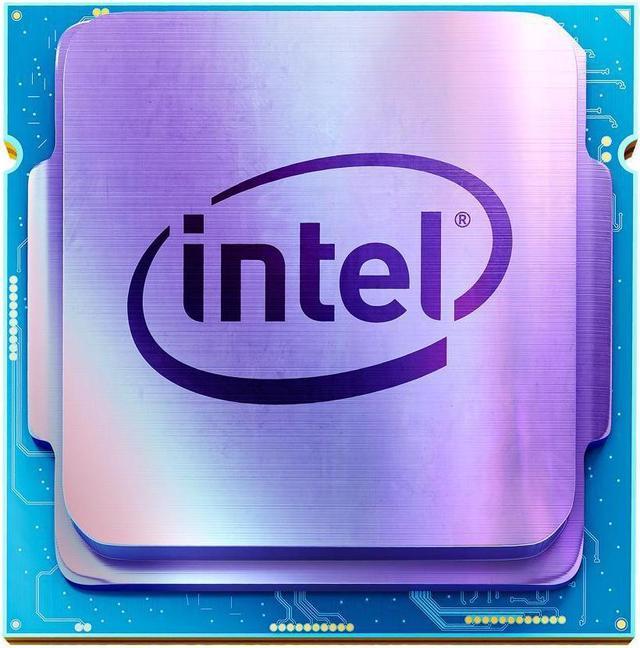
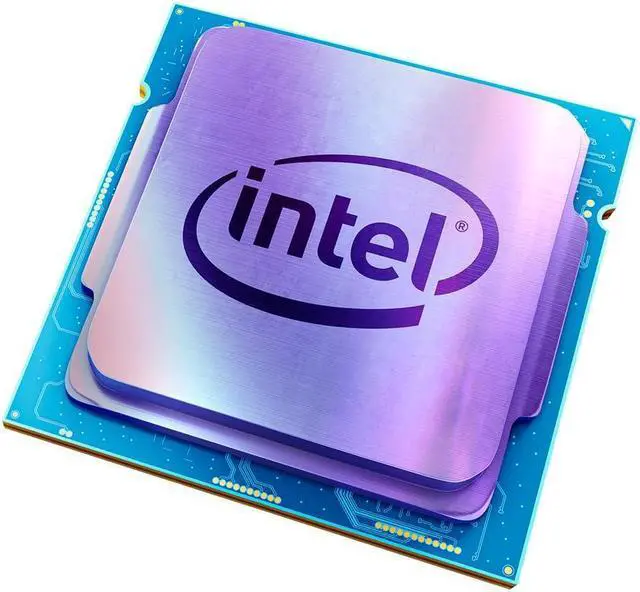
The Intel Core i5-10400 is a 6-core, 12-thread desktop processor for LGA 1200 systems, offering speeds up to 4.30 GHz, 12 MB of L3 cache, and integrated Intel UHD Graphics 630; it suits general productivity, home office, multitasking, and entry-level desktop builds that already have compatible cooling.
| Attribute | Value |
|---|---|
| Best For | Desktop PC builds using a desktop processor |
Q: Should I buy the Core i5-10400 or the Core i5-10400F?
A: Choose the Core i5-10400 when you need integrated graphics, motherboard video output, or Intel Quick Sync Video. Choose the i5-10400F when you already have a dedicated graphics card and it is meaningfully cheaper; both processors have 6 cores, 12 threads, a 4.30 GHz maximum turbo frequency, and a 65 W TDP, but the 10400F has no integrated graphics. This OEM listing also requires a separate CPU cooler. ([intel.com](https://www.intel.com/content/www/us/en/products/sku/199271/intel-core-i510400-processor-12m-cache-up-to-4-30-ghz/specifications.html?utm_source=openai))
Q: Is the Core i5-10400 better than the Ryzen 5 3600 for gaming and everyday use?
A: The Core i5-10400 is a practical choice when gaming performance, integrated graphics, and lower platform power are priorities. The Ryzen 5 3600 is usually the stronger option for CPU-heavy productivity and offers a more flexible memory and overclocking platform. Professional testing found the two CPUs broadly comparable in gaming, while the Ryzen 5 3600 often led in application workloads; results depend on memory speed, motherboard limits, and pricing. ([techspot.com](https://www.techspot.com/review/2032-intel-core-i5-10400/?utm_source=openai))
Q: Is the i5-10400 worth upgrading to from the i5-9400?
A: The i5-10400 is a worthwhile upgrade from the i5-9400 when you need better multitasking, streaming, or threaded applications because it has 12 threads instead of the i5-9400's 6. Benchmark comparisons show a substantial multi-threaded performance increase, while gaming gains are more dependent on the graphics card and game. The upgrade also requires an LGA1200 motherboard because the processors use different sockets. ([cpubenchmark.net](https://www.cpubenchmark.net/compare/3737vs3414/Intel-Core-i5-10400-vs-Intel-Core-i5-9400?utm_source=openai))
Q: Should I choose the i5-10400 or the cheaper Core i3-10100?
A: Choose the i5-10400 for heavier multitasking, content creation, streaming, or longer-term use because it has 6 cores and 12 threads compared with the i3-10100's 4 cores and 8 threads. Choose the i3-10100 for a lower-cost office, media, or entry-level gaming build where the workload is mostly lightly threaded. Both are 65 W LGA1200 processors with UHD Graphics 630 and a 4.30 GHz maximum turbo frequency, so the main difference is sustained multi-core capacity. ([intel.com](https://www.intel.com/content/www/us/en/products/sku/199271/intel-core-i510400-processor-12m-cache-up-to-4-30-ghz/specifications.html?utm_source=openai))
Q: Is the Core i5-10600K a better choice than the i5-10400 for gaming?
A: Choose the i5-10600K when you are building around a high-refresh gaming display, use a Z-series motherboard, and want higher sustained clock speeds or CPU overclocking. Choose the i5-10400 for a simpler 65 W system and lower cooling requirements. Both CPUs have 6 cores and 12 threads, but the 10600K reaches up to 4.80 GHz, uses a higher 125 W power rating, and is unlocked for overclocking; the 10400 reaches 4.30 GHz and is locked. ([intel.com](https://www.intel.com/content/www/us/en/products/sku/199311/intel-core-i510600k-processor-12m-cache-up-to-4-80-ghz/compatible.html?utm_source=openai))
Q: Does this Intel Core i5-10400 include a CPU cooler?
A: No. This is an OEM, processor-only listing, so a cooling device is not included. You must provide a compatible CPU cooler and thermal interface material before using it.
Q: What motherboard is compatible with this processor?
A: It requires an LGA 1200 CPU socket. It is intended for compatible Intel 400-series or 500-series desktop motherboards, but you should confirm the motherboard's CPU support list and BIOS requirements before purchasing.
Q: Can this processor run without a separate graphics card?
A: Yes. The Core i5-10400 includes Intel UHD Graphics 630, so it can provide display output when installed in a compatible motherboard with supported video connections. A separate graphics card is still recommended for demanding modern gaming or GPU-intensive applications.
Q: Who is the Intel Core i5-10400 suitable for?
A: It is suitable for general desktop use, office applications, web browsing, multitasking, media playback, and budget-oriented desktop builds. Its 6 cores and 12 threads provide useful multitasking capacity, while its older LGA 1200 platform and DDR4 support make it less suitable for buyers seeking the newest platform or maximum long-term upgrade flexibility.
Q: Is this processor a good choice for a new PC build?
A: It can be a practical choice when you already have, or can obtain affordably, a compatible LGA 1200 motherboard, DDR4 memory, and a separate CPU cooler. For a completely new build, its older socket and platform may limit future upgrade options compared with newer desktop platforms.
Q: Is the Intel Core i5-10400 still a good choice for a budget gaming PC?
A: Yes, it remains suitable for a budget gaming build when paired with a discrete graphics card. Its 6 cores, 12 threads, and boost speed up to 4.30 GHz support mainstream gaming, but newer processors such as the Core i5-12400 generally offer better performance if the total platform cost is similar.
Q: What motherboard and memory are compatible with the Core i5-10400?
A: The processor uses an LGA 1200 socket and is commonly paired with Intel 400- or 500-series motherboards, including B560 boards. It uses DDR4 memory, not DDR5. The motherboard can affect the maximum memory speed, so check the specific board before choosing a high-speed DDR4 kit.
Q: Is the Core i5-10400 a worthwhile upgrade from an older processor?
A: It can be a worthwhile upgrade from older quad-core or earlier-generation systems, especially for a budget build. However, upgrading from a similar six-core processor such as the Ryzen 5 3600 may not justify replacing the motherboard unless the price is substantially lower or integrated graphics are important.
Q: Is the Core i5-10400 suitable if I plan to use integrated graphics temporarily?
A: Yes, the processor includes Intel UHD Graphics 630, which can support basic display output and lighter or older games without a separate graphics card. It is not a replacement for a modern discrete GPU in demanding games, so this use case is best treated as temporary or entry-level.
Q: Does this OEM Core i5-10400 package include a CPU cooler?
A: No. This listing is for the OEM processor only and states that a cooling device is not included. A compatible LGA 1200 CPU cooler must be purchased separately. Community discussions indicate that a basic cooler can handle the processor at stock settings, while a tower cooler may improve noise and temperatures.