
Your Browsing History




Any questions? Our AI beta will help you find out quickly.
Key Features
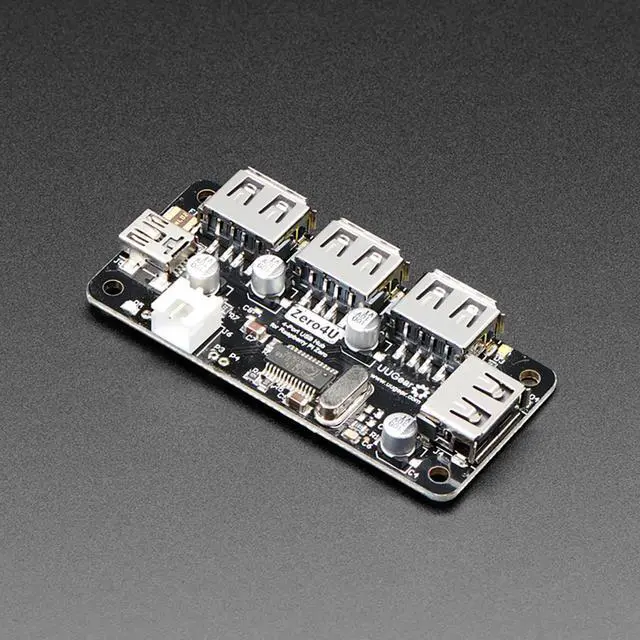
One can never have enough socks, or USB ports. Add some more USB capability to your Raspberry Pi Zero, or any other single-board computer with the Zero4U!
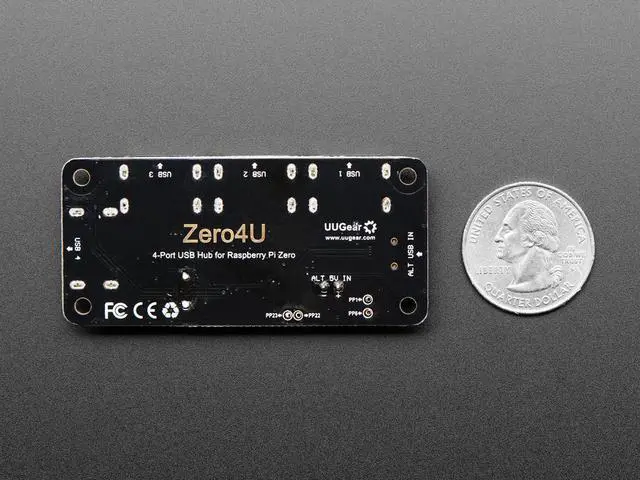
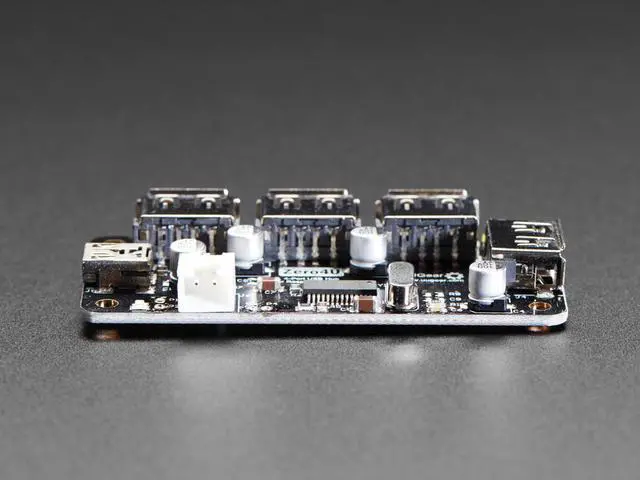
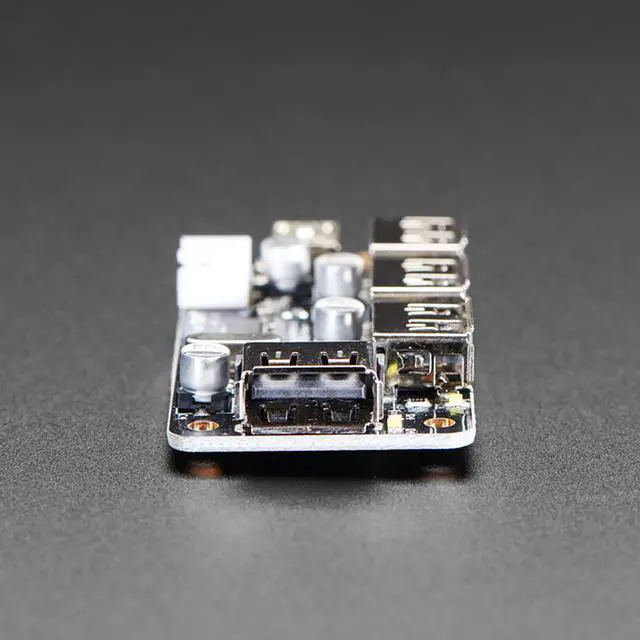
This is a 4-port USB 2.0 hub, almost identical to this one, but without the ferrite bead, standoffs or pogo pins. This might be a preferable format if you want to mount it on the bottom or side-by-side or with another HAT below it. It's also great as-is as a small USB hub.
Since this version does not have the pogo pins, we recommend using the onboard mini-USB port to the up-stream USB port, which will provide power and data. Or, you can solder to the test pads or use the JST XH2.54 connector on board as the power input port.
The blue onboard LED is the power indicator, and will light up when power is connected. Each USB port uses a dedicated white LED as a transaction indicator, and a dedicated electrolytic capacitor to help stabilize the output voltage.
Item Specifics
Power Mode: Bus-Power / Self-Power
Standards: USB 2.0 and 1.1 compatibility
Working Voltage: 5V DC
Static Current: 1mA
Maximum Output Current: 2A for all ports in self-power mode, 500mA for all ports in bus-power mode
Operating Temperature: 0degC~70degC
Storage Temperature: -20degC~80degC
Humidity: 0~80%RH, no condensing
Size: 65.0mm x 30.0mm x 8.5mm
Weight: 13.2g