

Your Browsing History

- Free 30-day Returns
$9.06


Meet Your Seller



Visit JacobsParts Store
FOLLOW
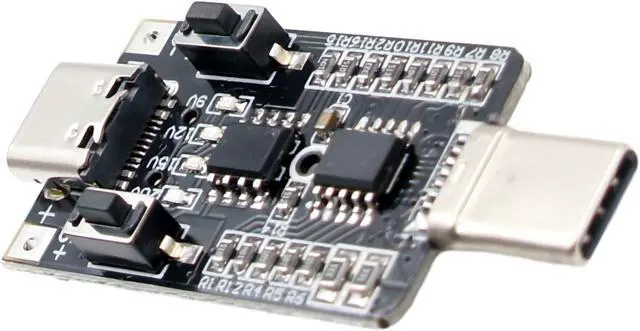
USB Type C PD Voltage Trigger Test Module 9V 12V 20V Adjustable 5A 100W E-Mark
- Power all kinds of electronic devices with USB-C PD chargers and power banks Test power supply capabilities
- Performs real PD power negotiation Supports up to 5A / 100W Has the e-Mark chip necessary to unlock 5A output on 100W power supplies
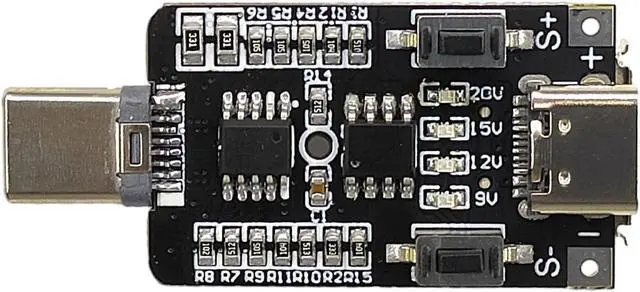
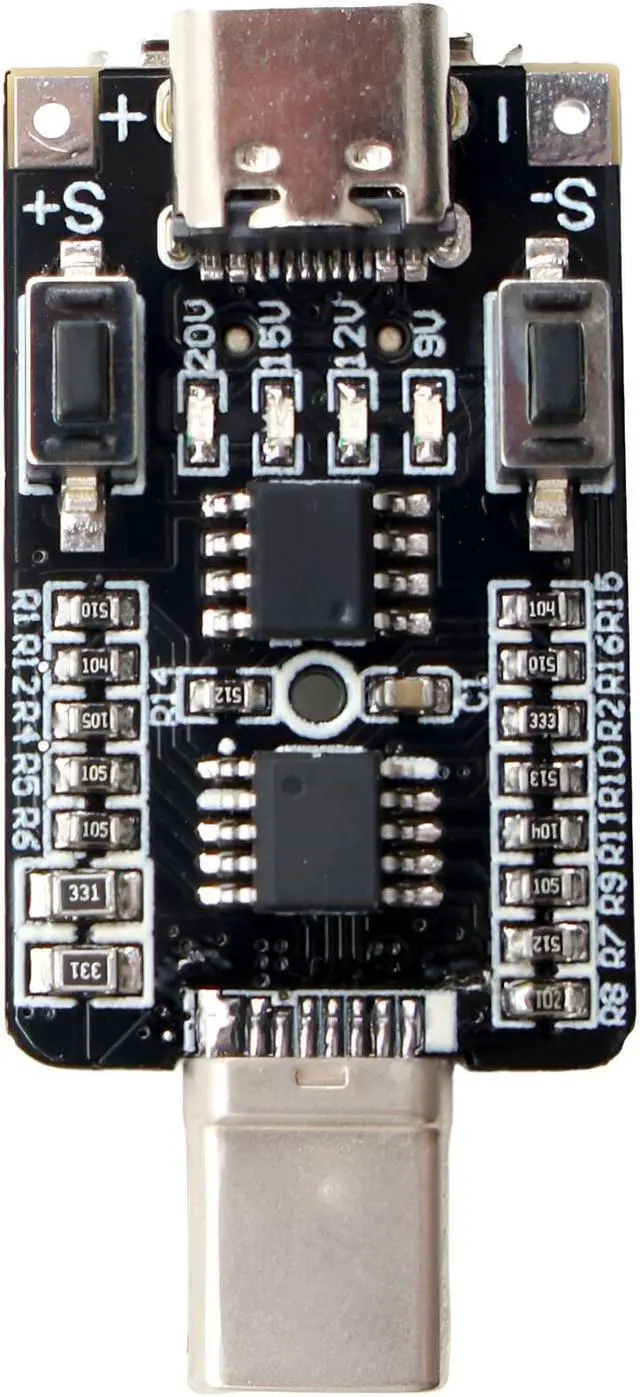
- Trigger 5V, 9V, 12V, 15V, or 20V output (not all USB-C power supplies support all voltages) The module just performs the PD negotiation and passes the output
- LED voltage indicators Retains setting after power loss
- Power supply must be connected to the male end of the module
+
+
Overview
Specs
Reviews

Any questions? Our AI mode will help you find out quickly.
Try me now
Instructions:
USB-C power supply must support the PD protocol
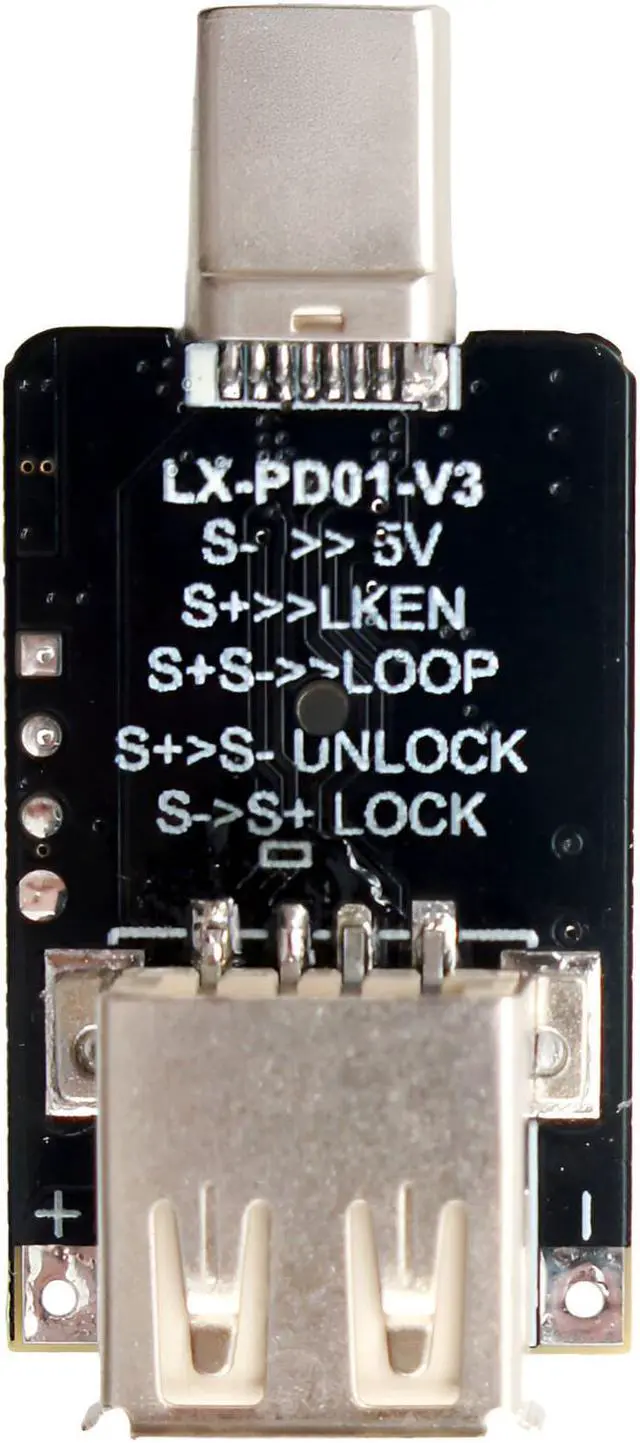
Basic operation: Connect the module to USB-C PD power supply. The LED indicates the current voltage. If no LED is illuminated then it is currently at 5V. While holding S+ press S- to unlock the board. Press S+ to increase voltage. Press S- to decrease voltage.
Reset to 5V: Press and hold the S- button while connecting the module to the power supply
Quick key unlock: After powering on, while holding S+, quick press S-
Quick key lock: After powering on, while holding S-, quick press S+
Permanent Key Lock: Press and hold the S+ button while connecting the module to the power supply. Press S+ or S- to enable or disable the key lock. If the key lock is enabled, then the voltage cannot be changed until it is unlocked.
Test Mode: Press and hold S- and S+ simultaneously while connecting the module to the power supply. The output voltage will automatically cycle between all supported voltages.
USB-C power supply must support the PD protocol
Basic operation: Connect the module to USB-C PD power supply. The LED indicates the current voltage. If no LED is illuminated then it is currently at 5V. While holding S+ press S- to unlock the board. Press S+ to increase voltage. Press S- to decrease voltage.
Reset to 5V: Press and hold the S- button while connecting the module to the power supply
Quick key unlock: After powering on, while holding S+, quick press S-
Quick key lock: After powering on, while holding S-, quick press S+
Permanent Key Lock: Press and hold the S+ button while connecting the module to the power supply. Press S+ or S- to enable or disable the key lock. If the key lock is enabled, then the voltage cannot be changed until it is unlocked.
Test Mode: Press and hold S- and S+ simultaneously while connecting the module to the power supply. The output voltage will automatically cycle between all supported voltages.
Warranty & Returns
Warranty, Returns, And Additional Information
Warranty
- Please contact the Seller directly for warranty information. Warranty information may also be found on the Manufacturer's website.
- CONTACT
Return Policies
- Return for refund within: 30 days
- Return for replacement within: non-replaceable
- This item is covered by JacobsParts Return Policy
Manufacturer Contact Info
- For a directory of all our manufacturers, please click below.
- Manufacturers Directory
LOADING...