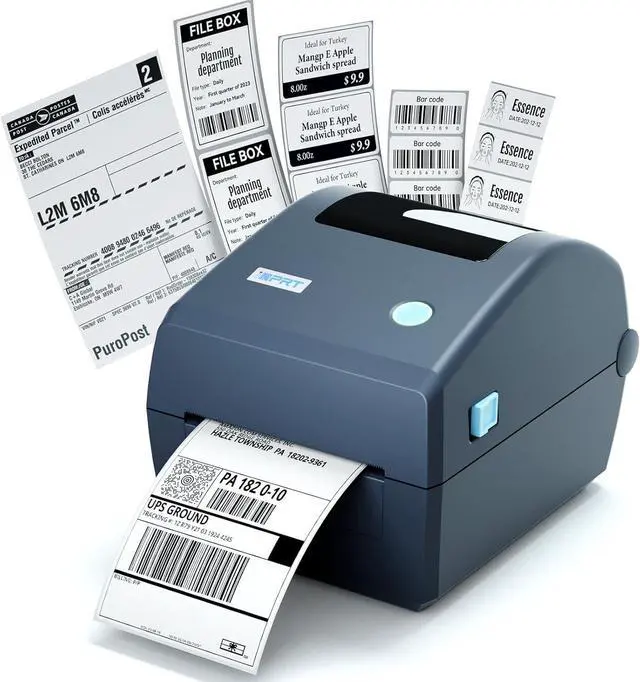
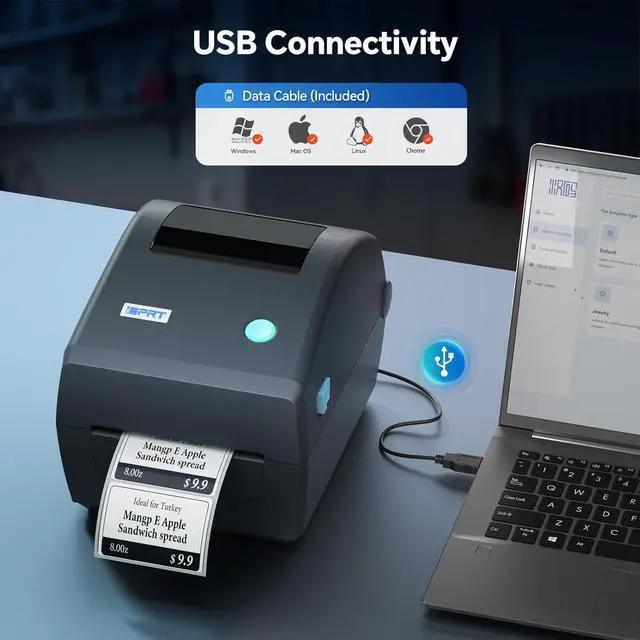
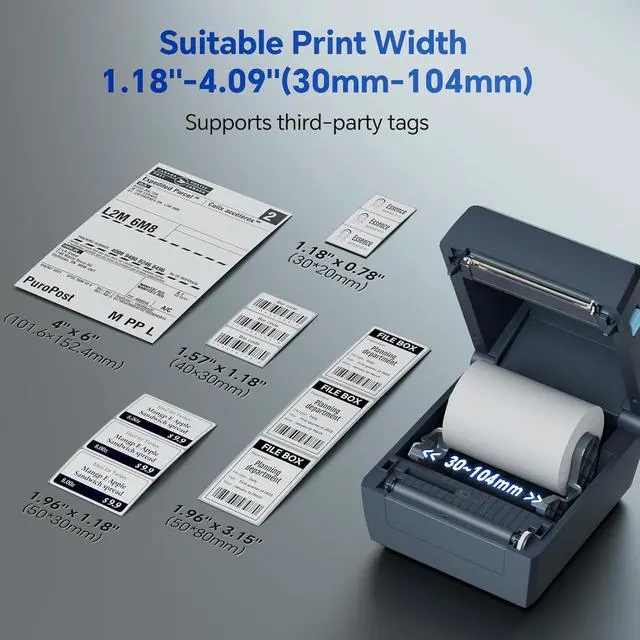
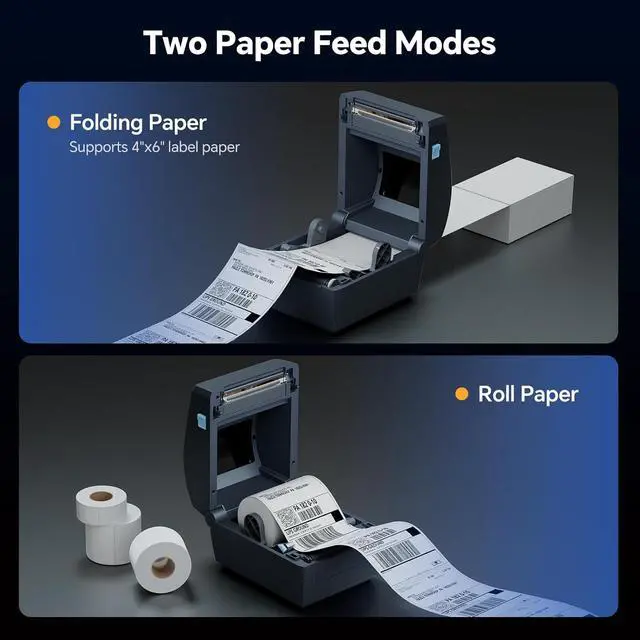
Professional-Grade Thermal Printer - Engineered for seamless performance in busy professional settings, the iDPRT thermal printer delivers reliable label printing with USB connectivity. Compatible with 1" core media rolls (up to 5" diameter and 4.25" width), it supports a wide range of label typesfrom shipping and addressing to barcodes and name tags. Driver is easily accessible through the included QR code in the manual, or the iDPRT official website. Ideal for offices, retail spaces, and professional environments, this label printer combines ease of use with professional-grade functionality.
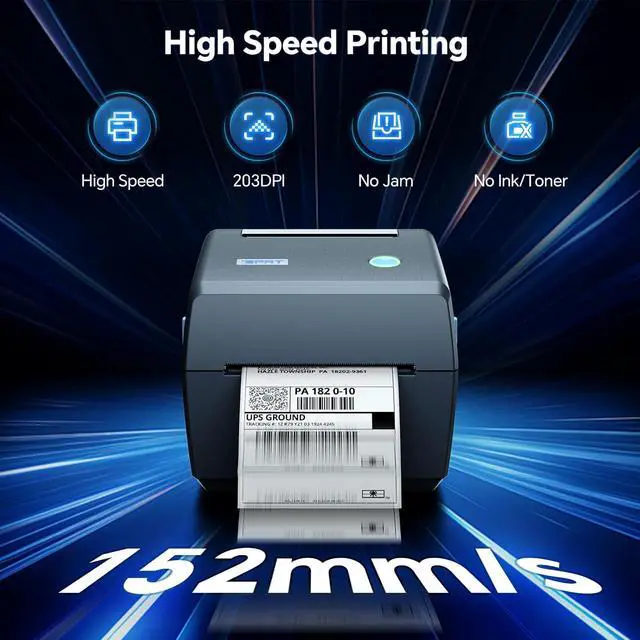
Effortless High-Speed Printing with Superior Clarity - Experience hassle-free direct thermal printing without the need for ribbons or inks. The iDPRT thermal printer delivers crisp, 203 DPI resolution labels at speeds up to 8 inches per second, ensuring efficiency for shipping, barcodes, and inventory tags. Its compatibility with diverse label typesaddress, shipping, barcodes, and receiptsstreamlines operations. The plug-and-play setup, powered by the included power adapter, cord, and USB cable, lets you start printing in minutes.
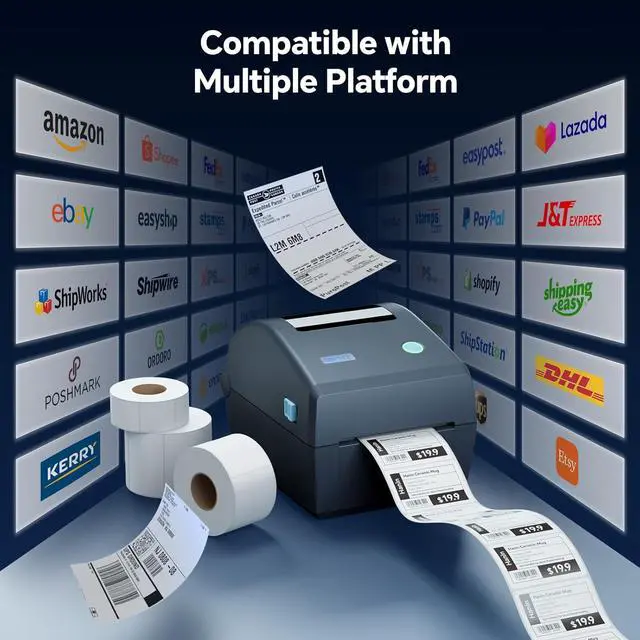
Versatile Labeling Solution - Whether you're managing shipping, inventory, or customer identification, the iDPRT label maker meets diverse professional requirements. It supports a broad spectrum of applications including address labels, shipping tags, barcode labels, and wristbands. Compact yet powerful, this thermal printer is the perfect partner for retailers, small businesses, and professional workgroups seeking reliability and versatility.
Complete Out-of-the-Box Printing Package - Start printing in minutes with everything included: the iDPRT thermal printer, power adapter, power cord, USB cable, and a quick start guide. With easy driver downloads via QR code or the iDPRT support page, youll experience a smooth, frustration-free setup. Delivering high-resolution 203 DPI prints at speeds up to 8 IPS, this professional thermal printer offers an unbeatable blend of performance, quality, and valueready to perform right on your desk.
Tips: For proper setup, when connecting the power plug, press firmly to ensure it is fully inserted into the printer; otherwise, the printer may not be recognized or function correctly.