here!
here!
I’m your shopping assistant for PC builds, upgrades, and everything tech.
Got questions? Ask away!
Start a conversation
here!
I’m your shopping assistant for PC builds, upgrades, and everything tech.
Got questions? Ask away!
Start a conversation



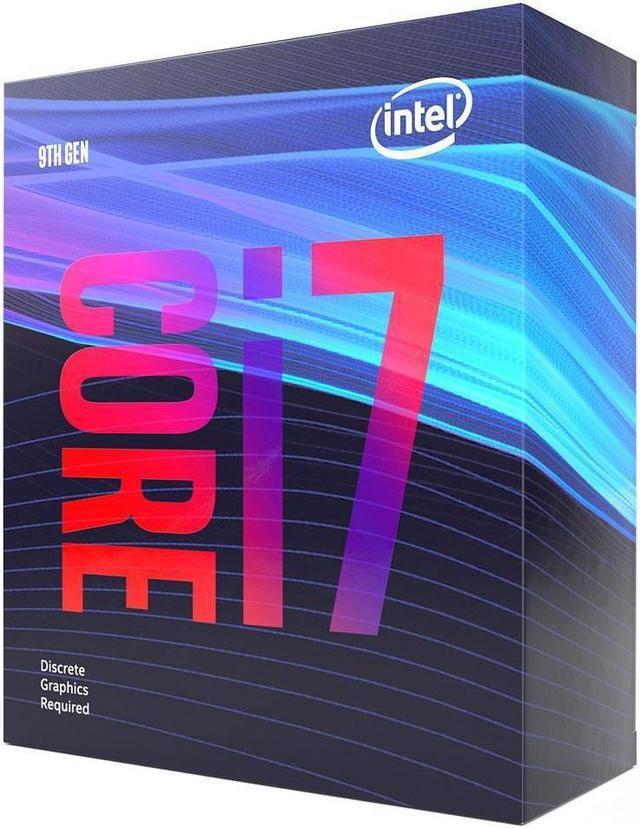
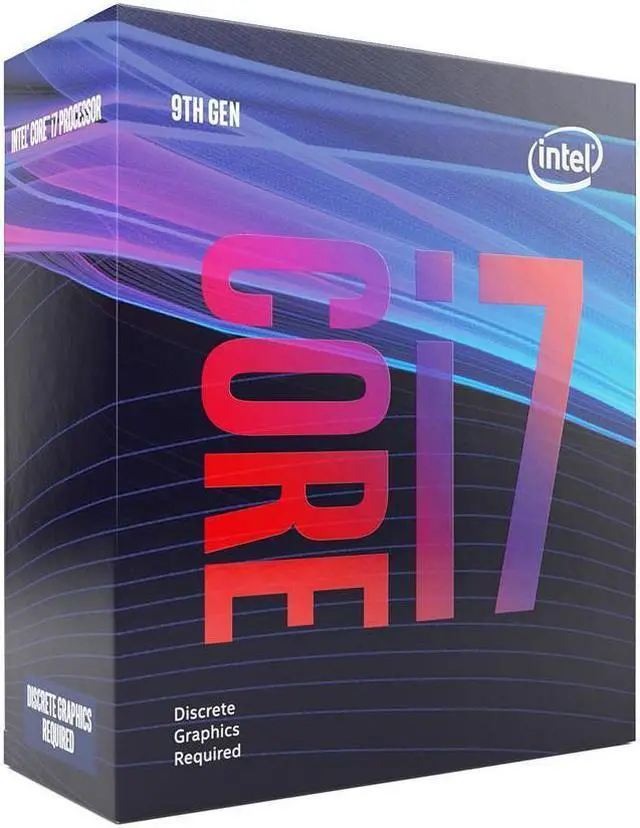
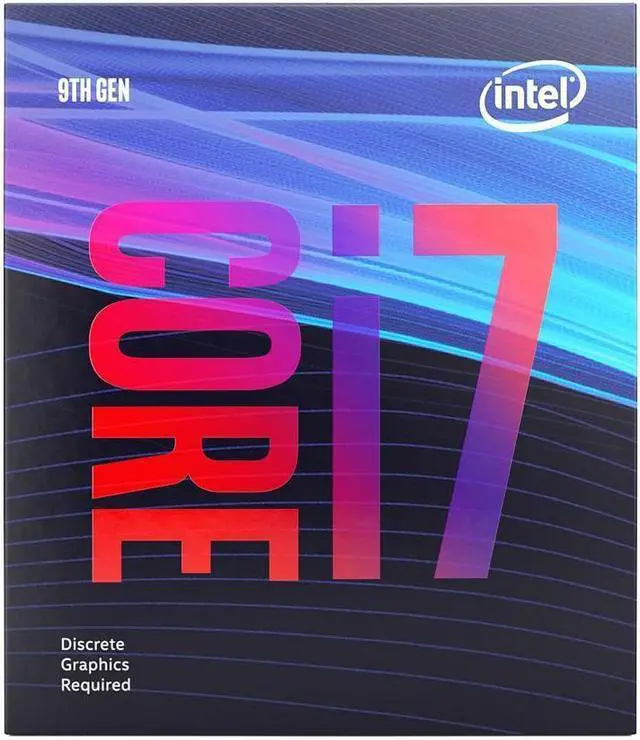
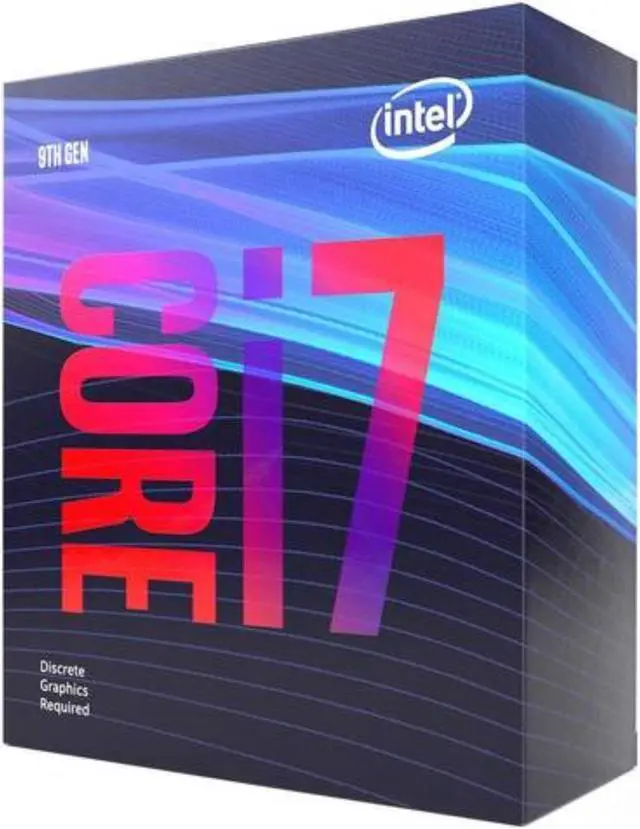



Any questions? Ask CelesteSM will help you find out quickly.
The Intel Core i7-9700F is an 8-core desktop processor for gaming, content creation, and general productivity, with Turbo speeds up to 4.7 GHz. It suits users building or upgrading a system with an Intel 300 Series motherboard and a discrete graphics card, because this processor has no integrated graphics.
| Attribute | Value |
|---|---|
| Best For | Desktop PC systems using an LGA 1151 socket and an 8-core processor for multitasking workloads |
| Cores And Threads | 8 processor cores with 8 concurrent threads |
| Clock Speeds | 3 GHz processor speed |
| Cache And TDP | 12 MB secondary cache, with an additional cache-memory size listed as 2 with no unit specified; 65 W power rating |
| Socket And Platform | LGA 1151 processor socket for PC systems |
| Model Identifiers | Intel Core i7 processor, model BX80684I79700F |
Q: Should I buy the Intel Core i7-9700F or Core i7-10700F?
A: Choose the Core i7-10700F for a new build or for frequent streaming, rendering, compiling, and heavy multitasking because it has 8 cores and 16 threads compared with the i7-9700F's 8 cores and 8 threads. Choose the i7-9700F when you already own a compatible Intel 300 Series motherboard and want a lower-cost drop-in upgrade. The i7-10700F uses the LGA1200 platform, so moving to it requires a different motherboard.
Q: Is the Core i7-9700F better than the Core i7-9700K for gaming?
A: The i7-9700F is the practical choice when you want standard 8-core gaming performance, do not plan to overclock, and already have a discrete graphics card. The i7-9700K is preferable for a Z370 or Z390 system when you want higher stock clocks, manual overclocking, or integrated graphics for troubleshooting. Both processors have 8 cores and 8 threads, but the 9700K reaches up to 4.9 GHz versus 4.7 GHz for the 9700F and has a higher 95W rated TDP versus 65W.
Q: Should I choose the Core i7-9700F or the cheaper Core i5-9600K?
A: Choose the i7-9700F for a stronger general-purpose desktop, CPU-heavy games, streaming, and multitasking because it has 8 cores compared with 6 cores on the i5-9600K. Choose the i5-9600K when the system is mainly for gaming, the lower purchase cost matters, and you have a Z-series motherboard and cooler for overclocking. The i5-9600K has a higher 4.6 GHz maximum turbo frequency, but its lower core count gives the i7-9700F more capacity for workloads that use multiple cores.
Q: Is the Core i7-9700F a worthwhile upgrade from a Core i7-8700?
A: The i7-9700F is a reasonable upgrade for a compatible 300 Series system when gaming performance and physical core capacity are more important than thread count. It has 8 cores and 8 threads, while the i7-8700 has 6 cores and 12 threads, so the 9700F can improve some games but may provide limited gains in heavily threaded applications. Upgrade only when the 9700F is priced favorably and your existing motherboard supports it; otherwise, a newer platform offers a clearer long-term upgrade path.
Q: Do I need a dedicated graphics card with the Intel Core i7-9700F?
A: Yes. The i7-9700F has no integrated graphics, so a discrete graphics card is required for display output and graphical workloads. It is not suitable for a graphics-card-free desktop build.
Q: Will this processor work with any LGA 1151 motherboard?
A: No. It is designed for Intel 300 Series chipsets and LGA 1151 boards, but not every LGA 1151 motherboard is compatible. Confirm the exact chipset and BIOS support before purchasing; compatible 300 Series chipsets include B360, B365, H310, H370, Q370, Z370, and Z390.
Q: Is the Intel Core i7-9700F suitable for gaming and general desktop productivity?
A: It is suitable for desktop gaming, multitasking, office applications, content creation, and other CPU-intensive workloads when paired with a discrete graphics card. Its eight cores, up to 4.7 GHz turbo frequency, and 65W TDP support balanced performance, but the platform is limited to older LGA 1151 and DDR4 technology.
Q: Is this a good choice for upgrading an older desktop?
A: It can be a practical upgrade if the existing system has a compatible Intel 300 Series motherboard, DDR4 memory, adequate CPU cooling, and a discrete graphics card. It is not a drop-in upgrade for systems using other sockets, older Intel chipsets, or newer motherboard platforms.
Q: Does the processor include a CPU cooler?
A: The provided product information does not confirm whether a cooler is included. Verify the package contents with the seller before purchase, and ensure the system has a compatible LGA 1151 CPU cooling solution rated for the processor's 65W thermal design.
Q: Is the Intel Core i7-9700F worth buying as an upgrade for an older Intel gaming PC?
A: It can be worthwhile as a low-cost replacement for a compatible 8th- or 9th-generation system, but it is usually not a strong value at a high price. Community discussions generally recommend buying it only when the existing LGA 1151 300-series motherboard can be reused and the processor is substantially cheaper than a newer CPU-platform upgrade.
Q: Is the i7-9700F still suitable for gaming?
A: Yes, it remains suitable for many gaming systems, especially at 1080p or 1440p when paired with a balanced graphics card. However, its 8 cores and 8 threads can limit performance in newer CPU-heavy games or when paired with a powerful modern GPU, so it is less suitable for high-refresh-rate gaming and long-term upgrade plans.
Q: Should I keep the i7-9700F or move to a newer CPU platform?
A: Keep the i7-9700F if the current system meets your gaming needs and you want to avoid replacing the motherboard and memory. Move to a newer platform if you need substantially higher CPU performance, better performance in CPU-heavy games, or a clearer future upgrade path; a platform change may require a new motherboard and possibly new memory.
Q: Does the i7-9700F require a graphics card and DDR4 memory?
A: Yes. The i7-9700F has no integrated graphics, so a discrete graphics card is required for display output. It is designed for Intel 300-series LGA 1151 motherboards and DDR4 memory; it is not compatible with DDR5 memory.
Q: Is the i7-9700F a good choice for a high-end graphics card?
A: It can work with a high-end graphics card, but the processor may become the performance limit in CPU-heavy games, ray-traced titles, or high-refresh-rate gaming. The suitability depends on the game, resolution, graphics settings, and target frame rate; a newer CPU is preferable when maximum GPU utilization and consistent high frame rates are priorities.