




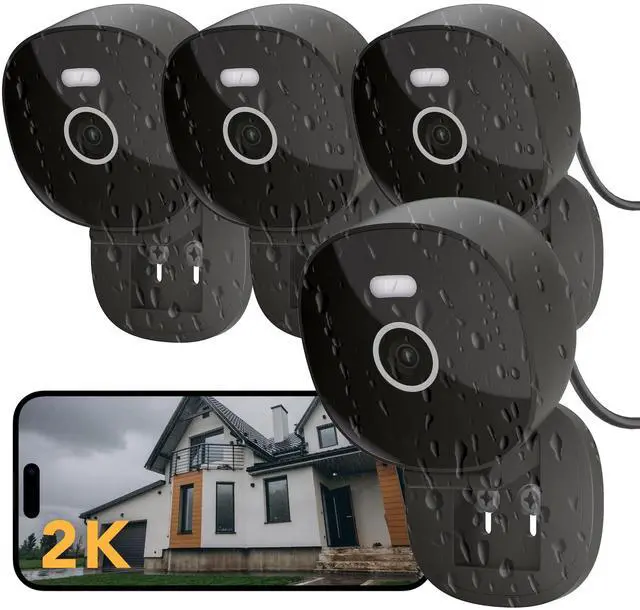



FAMVIVA protects families in the digital age by combining AI, cloud tech, and internet into a seamless security network.


Monitor family anytime and anywhere

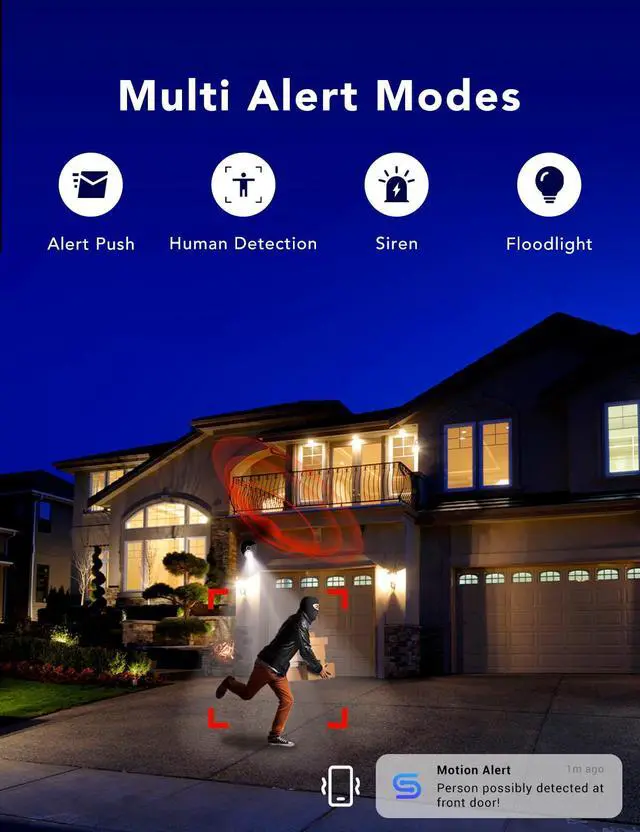
Multiple Alarm: Comprehensive home security to deter intruders.

Are these home cameras wireless?
These cameras connect to your home WiFi wirelessly, but they are plug-in cameras (not battery-powered or cordless).
Please make sure the camera is plugged into a power outlet before connecting to WiFi.
Does the security camera connect to 5GHz WIFI?
No. This camera supports 2.4GHz WiFi only.
Most home routers broadcast both 2.4GHz and 5GHz networks—please confirm your router settings before setup.
Is there a monthly cloud fee?
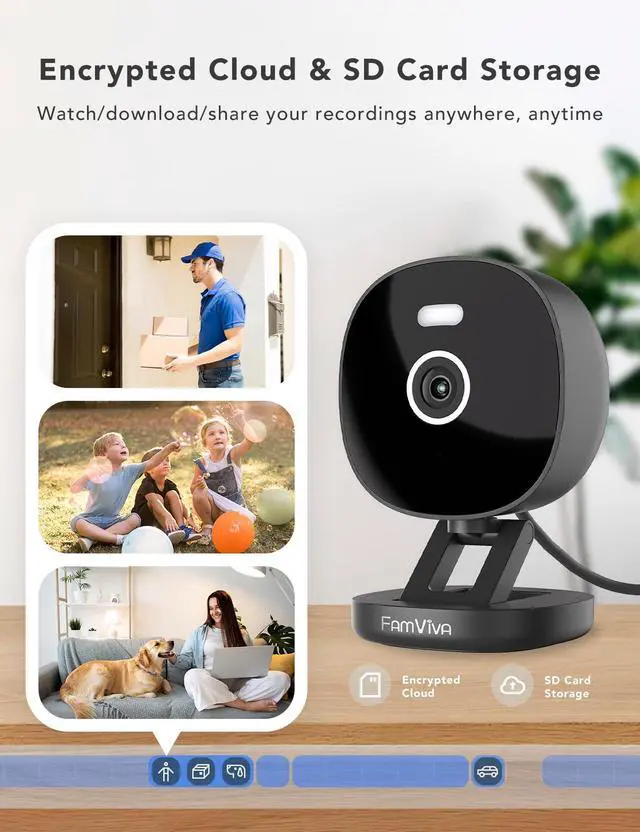
Cloud service is optional.
If you choose to use cloud storage, a subscription is required.
If not, you can still use the camera normally through your home WiFi and/or a microSD card (sold separately).
What should I do if the camera won’t connect to the network?
1. Confirm your phone is connected to a 2.4GHz WiFi network.
2. Check that the camera’s blue light flashes twice with two beeps; if not, press and hold the RST button for 5 seconds to reset.
3. Verify the WiFi password is correct.
Can this camera record or monitor through glass?
Not recommended.
Glass surfaces can reflect infrared light and the camera’s spotlight, which may cause glare, reduce image clarity, and limit motion detection accuracy. For best performance, please install the camera without glass obstruction.


In the surging tide of the digital age, home is not only the eaves of the wind and rain, but also a smart and warm fortress - this is the original heart of FAMVIVA's birth.
Choosing FAMVIVA is to choose a group of paranoid guardians: using algorithms to understand the needs of silence, using technology to warm the cold barrier.
For FAMVIVA, safety is not the end, but the starting point of a secure life.
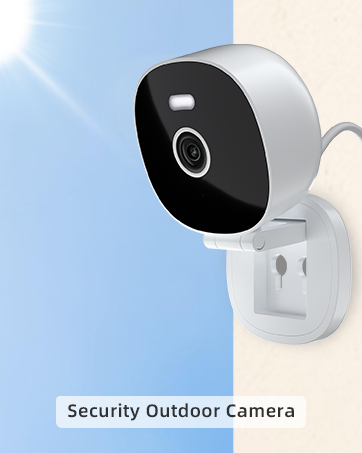
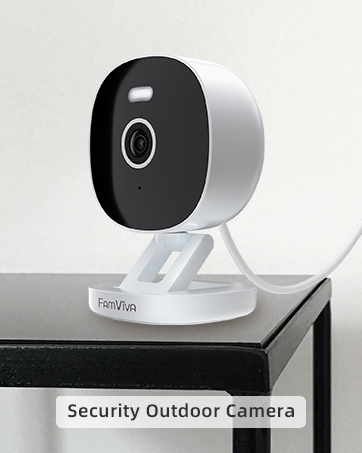


FAMVIVA protects families in the digital age by combining AI, cloud tech, and internet into a seamless security network.


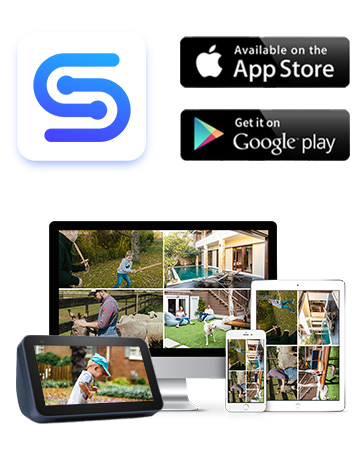
Monitor family anytime and anywhere

Multiple Alarm: Comprehensive home security to deter intruders.
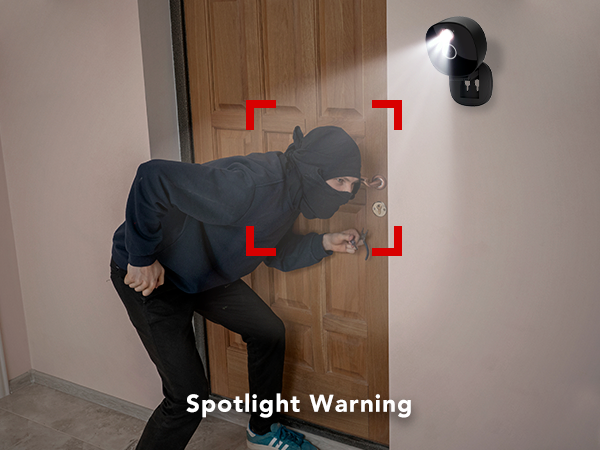
Spotlight Warning
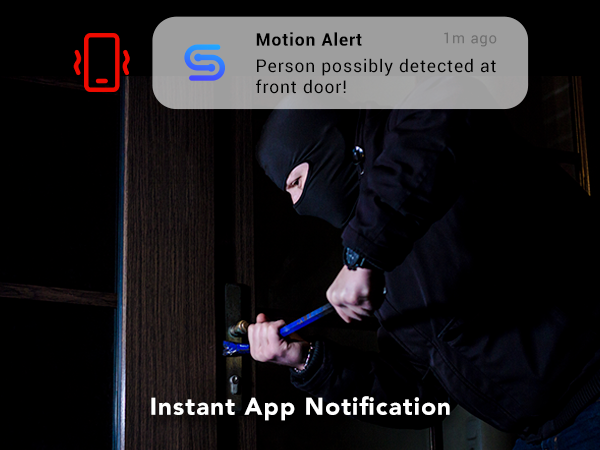
Instant App Notification
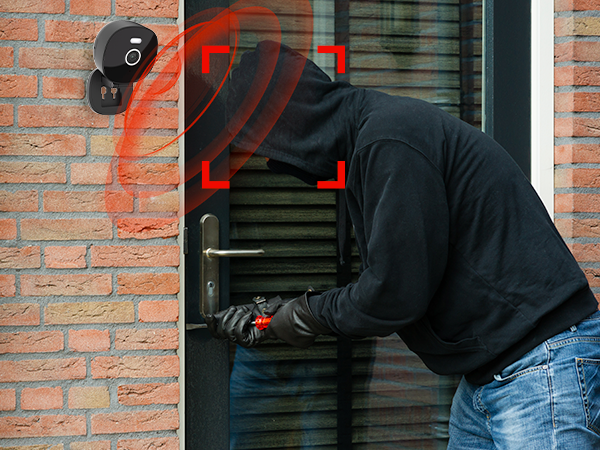
Siren Alarm
Are these home cameras wireless?
These cameras connect to your home WiFi wirelessly, but they are plug-in cameras (not battery-powered or cordless).
Please make sure the camera is plugged into a power outlet before connecting to WiFi.
Does the security camera connect to 5GHz WIFI?
No. This camera supports 2.4GHz WiFi only.
Most home routers broadcast both 2.4GHz and 5GHz networks—please confirm your router settings before setup.
Is there a monthly cloud fee?
Cloud service is optional.
If you choose to use cloud storage, a subscription is required.
If not, you can still use the camera normally through your home WiFi and/or a microSD card (sold separately).
What should I do if the camera won’t connect to the network?
1. Confirm your phone is connected to a 2.4GHz WiFi network.
2. Check that the camera’s blue light flashes twice with two beeps; if not, press and hold the RST button for 5 seconds to reset.
3. Verify the WiFi password is correct.
Can this camera record or monitor through glass?
Not recommended.
Glass surfaces can reflect infrared light and the camera’s spotlight, which may cause glare, reduce image clarity, and limit motion detection accuracy. For best performance, please install the camera without glass obstruction.
In the surging tide of the digital age, home is not only the eaves of the wind and rain, but also a smart and warm fortress - this is the original heart of FAMVIVA's birth.
Choosing FAMVIVA is to choose a group of paranoid guardians: using algorithms to understand the needs of silence, using technology to warm the cold barrier.
For FAMVIVA, safety is not the end, but the starting point of a secure life.