





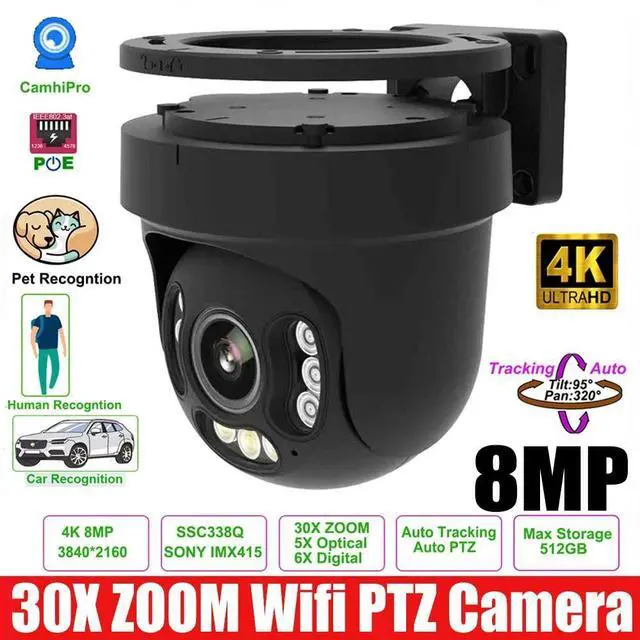
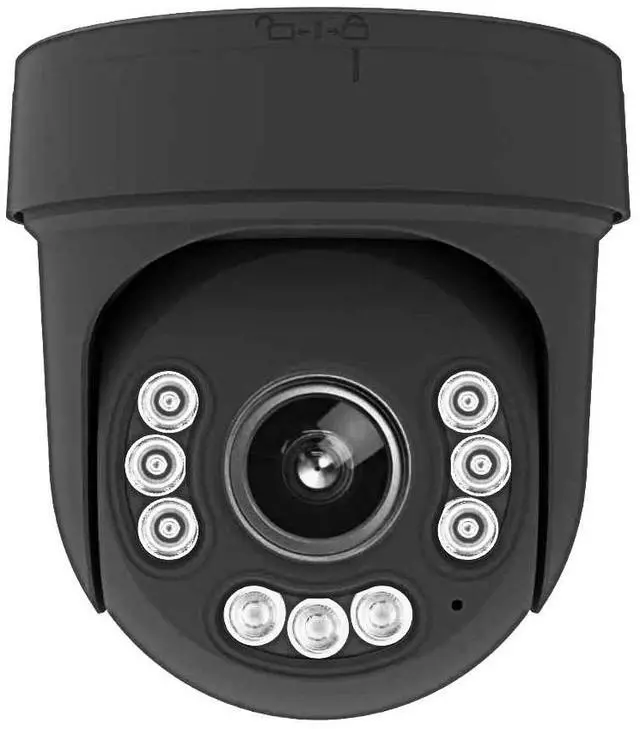
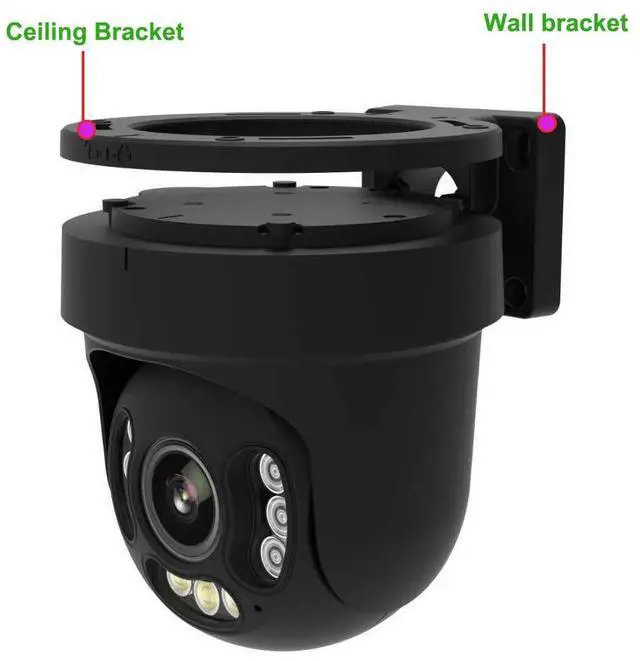
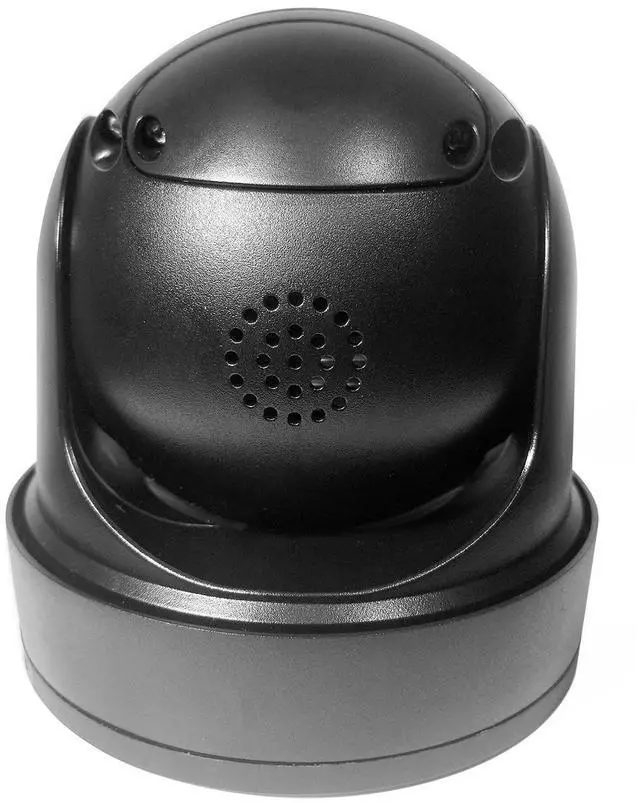
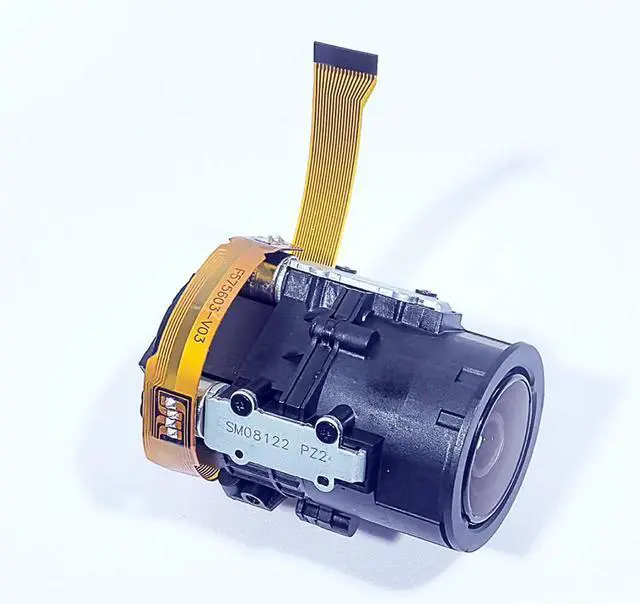
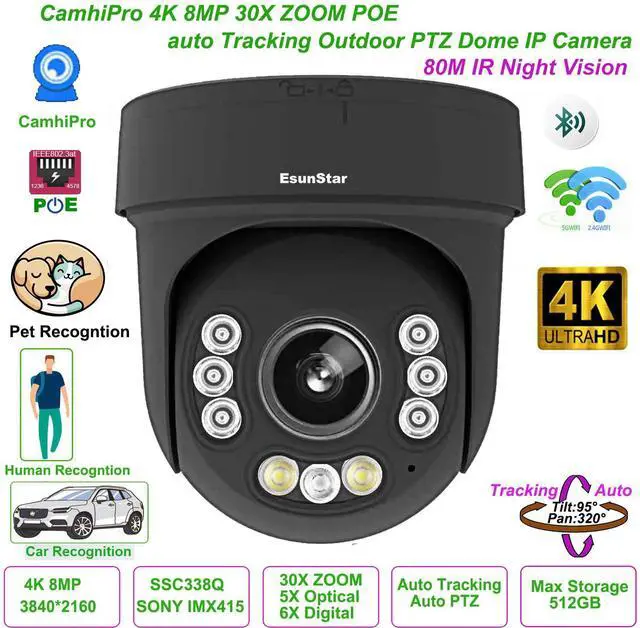
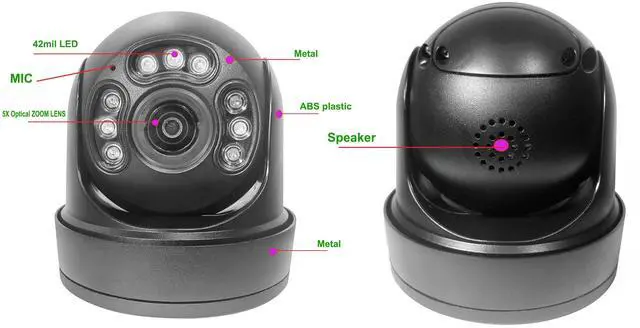


This is a high-quality, fully functional semi metal SPEED DOME professional camera. Equipped with a high-performance 4K 30 frame processor and paired with SONY IMX415 low light high-quality SENSOR. Use a 5x high-precision optical zoom lens and support 6x digital zoom. It can support a total of 30X ZOOM, meeting most user scenarios. The camera adopts 42U LED lights, which can provide sufficient night vision light source for nighttime. The LED grouping control mechanism using professional cameras eliminates the problem of poor night vision caused by uneven light distribution at night. By using precise tracking algorithms for human and vehicle shapes, it is possible to achieve perfect automatic control of Pan, Tilt, ZOOM during tracking. The camera supports multiple intelligent functions and a user-friendly interface. Please consult and read these functions. We believe it can perfectly solve the monitoring pain points encountered by users.
1,Supporting languages: Chinese, English, Russian, Spanish, Portuguese, Turkish, Ukrainian, Vietnamese, Arabic, French, Korean, Polish, Indonesian, Italian, Japanese, Persian etc
2,Support 5X Optical zoom and 6X digital zoom
3,The highest pixel is up to 8MP, and the highest resolution is up to 8MP (3840*2160),30fps.
4,H.265 compression algorithm, effectively reducing network bandwidth, supporting dual stream, supporting mobile phone monitoring
5,Support humanoid recognition to trigger SD card recording, SD card capture, voice alarm, message push, email alarm and other functions.
6,support fog function,WDR
7,Support strong light suppression function.
8,Support humanoid recognition and humanoid alarm
9,Support multiple network protocols: TCP/IP, HTTP, TCP, ICMP, UDP, ARP, IGMP, SMTP, FTP, DHCP, DNS, DDNS, NTP, UPNP, RTSP,etc.
10,Support ONVIF protocol,Hikvision protocol
11,Support for manufacturer dynamic domain name and third-party dynamic domain name resolution
12,Support alarm picture sending E-Mail
13,Support alarm picture upload FTP server
15,Support timing capture pictures to FTP server
16,Support static IP, also support dynamic IP (DHCP)
17,Support P2P plug and play
18,Built in web 2.0 pages, supporting non IE core browsers such as Edge, Chrome, Safari, Firefox, etc
19Supports up to 6 users to browse at the same time (3 users per stream)
20,Provide motion detection (area, sensitivity can be set) alarm function
21,Built in humanoid and vehicle shape detection functions; Expand the application scenarios of electronic fences, cross-border detection, departure detection, and passenger flow statistics
22,Supports 1-100000 electronic shutter adjustment.
23,Supports up to 4 privacy masking area settings
24,Support UPNP automatic port mapping
25,Support Micro SD card function, support up to 512GB Micro SD card
26,Support PC client to download SD card video
27,,Support mobile phone download and playback SD card recording
28,Support OTA upgrade.
29, Support clock continuous battery interface
30,Support IEEE802.3af/at model POE connection
Using professional high-precision optical zoom lens, supporting 7 * 24-hour working mode
Plug and play, scan the QR code on the camera to add the camera to the mobile app, app name: HiEasy
Support personnel quantity statistics (including entry and exit personnel statistics)Click on the image below to view a video of the personnel count.


Adopting 42U LED night vision fill light. And implement different LED light grouping control for different projection distances.1:When the optical zoom value of the camera is between 1-2.5X s, the close range IR LED lights up. The lighting angle is 100 ° -60 °. All closely monitored scenes are illuminated.2:When the optical zoom value of the camera is between 2.6X -30X, the close range IR LED lights up. The lighting angle is 45 ° -30 °. The long-distance monitored scenes are illuminated.
3:At night, when the camera detects a person or a car, it automatically turns on the white LED and displays a color night vision function. Of course, you can disable this feature. Mobile APP name:HiEasy
1. Sound monitoring switch
2. Manual recording switch
3. Full duplex intercom
4. Real time capture
5. Preview clarity switch
6. Enter the settings menu
7. Enter the PTZ control interface
8. Enter the playback interface
9. Lighting control
10. Playback speed adjustment
11. Replay video in landscape or portrait mode
12. Video download
13. Playback date selection
14. Replay progress bar
15. Selection of Alarm Types
16. Alarm event
17. Alarm preview image.

1: Enter PTZ control interface;2: Enter preset position operation interface;
3: PTZ advanced function setting interface;
4: ZOOM+/-;
5: Pan/Tilt control;
6: Focus+/-;
7: Reset PTZ;
8: Reset lens;
9: Enable internal defogging function of camera(The camera needs to support this function);
10: Enable wiper function(The camera needs to support this function);
11: Preset position input field;
12: Set preset;
13: Call preset;
14: Delete preset position;
15: Display thumbnails of 1-9 preset positions;
16: Setting and turn on home position;
17: Turn off home position;

18: Enter the tracking control interface;
19: Set the tracking time;
20: Start tracking;
21: Stop tracking;
22: Enter the cruise control interface;
23: Set the automatic cruise time period;
24: Start cruise;
25: Stop cruise;
26: Start cruise tracking;
27: Close cruise tracking
PC Software:
WEB Browser:Click image to Web browser video
Description of WEB main interface buttons:
1,PTZ control operation interface
2,Quick setting of camera general parameters: including image mode, OSD
display, audio and video settings.
3,Intelligent AI quick settings: including regional intelligent detection, crossborder
detection, departure detection, and passenger flow statistics settings.
4,Pan Tilt Control speed adjustment
5,Pan Tilt Control direction button
6,ZOOM_,ZOOM7,Manual
focus+, - adjustment
8,Lens Iris adjustment (if supported by the device
9,Wiper on and off (if supported by the device)
1, PTZ preset position number, supporting 1-256 preset position
selections
2, Set(add) the current preset position.
3,Call the current preset position.
4, Delete the current preset position
Description of Playback interface buttons:
1, Select playback date;
2, Click the "Search" button to search for the video file with the current date. As shown in Figures 7 and 8.
3, Turn on audio during playback.
4, Capture a picture during playback.
5,Download the video to the computer in the format of * MP4
6, Customize playback time
7, Alarm recording
8, Ordinary video recording
Package list
1x 30x zoom 8MP POE IP Camera
1x connection cable
1xDC12V 2A power adapter