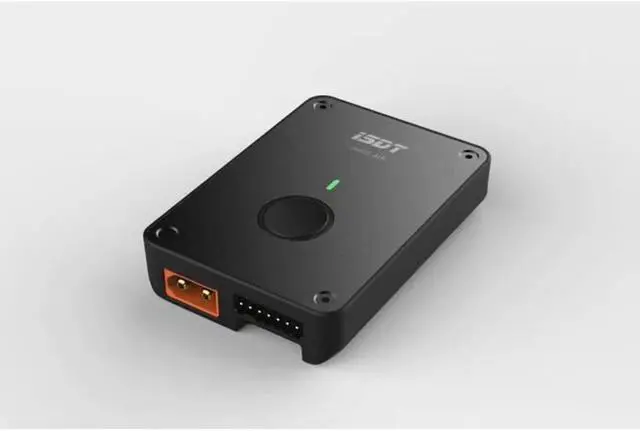
Origin:CN(Origin)
Material:Metal
Recommend Age:12+y
Tool Supplies:
Upgrade Parts/Accessories:Adapter
RC Parts & Accs:Batteries - LiPo
Size:78X55X18mm
Use:Vehicles & Remote Control Toys
Quantity:1
Technical parameters:Value 2
Model Number:ISDT H605 Air
Remote Control Peripherals/Devices:Charging Units
For Vehicle Type:Cars
Four-wheel Drive Attributes:Assemblage
Wheelbase:Screws
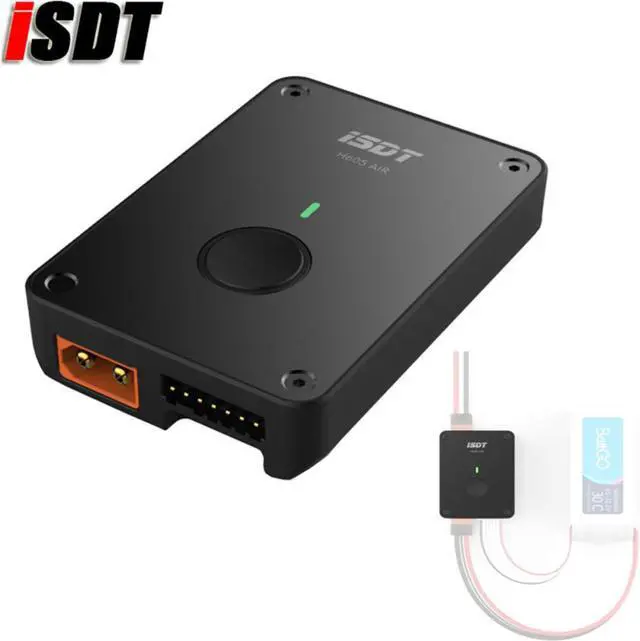
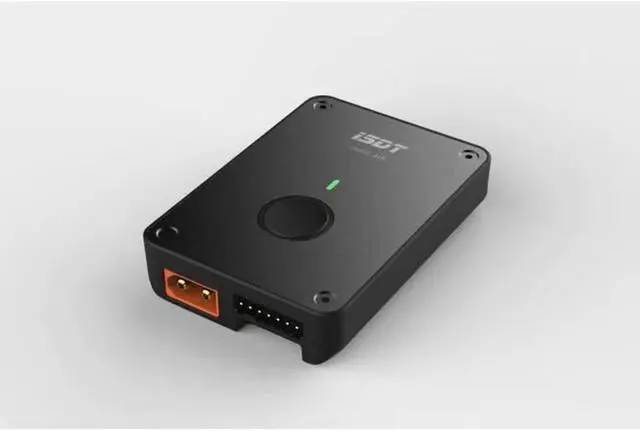
H605 Air is a smart charger operated by mobile phone APP ( iSDT GO ). The mobile phone communicates with H605
through low-power Bluetooth ( BLE ) to read real-time information of charger and set charging task.
How to use:
1.Add device:
First, open the app while making sure the phone's Bluetooth is turned on. Click + in the upper right corner of the interface
to enter the Bluetooth Scan interface.
Make sure that the H605 Air does not have any external . Press and hold the H605 Air button for 2 - 3 seconds until
the indicator light flashes blue. At this time, the H605 is in the binding state for about 30 seconds ( H605 is only in the binding state, iSDT GO APP can be added successfully ). Click on the button in the middle of the ISDT GO Bluetooth scanning interface to start scanning the surrounding ISDT Bluetooth charger. The scan lasts for approximately 15 seconds, during which the surrounding iSDT Bluetooth charger will appear in the list below. Once the device you want appears, click Add.
After the addition is successful, return to the main interface to discover the ly added device.
2.Connecting device:
Start/stop charging
- Ordinary :
Click the floating button at the bottom of the interface to see the Charging Settings window. Once setup is complete, click the flyover button below to initiate charging.
- BattGO :
In addition to using the APP for charging, the BattGO also supports APP-charging. After connecting the BattGO to the H605 charger, press the H605 button to start charging. Press and hold to stop charging.
In the charging state, click the lower floating button again or press and hold the H605 button to stop charging.
3.Delete device:
Click the gear button in the upper right corner to enter the settings interface, click the "Delete device" button below to delete the device.
H605 indicator meaning:
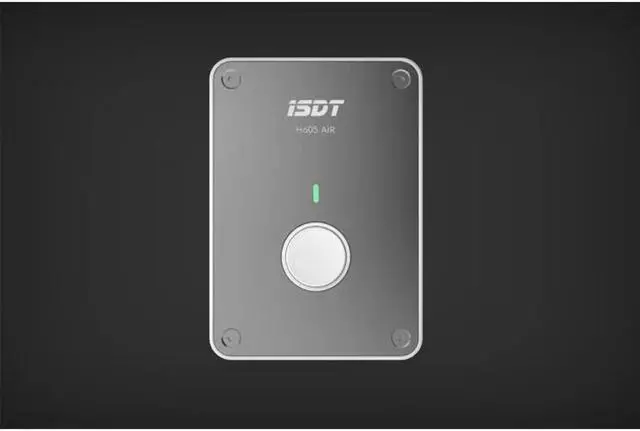
Standby state: white is always bright
Charging status: orange flashing
Flashing once: capacity less 25 percent
Flashing 2 times: capacity less than 75 percent
Flashing 3 times: capacity less than 100 percent
Steady green: fast charge completed
Blue is always on: balance is complete
Binding status: blue flashing
Charging abnormality: red flash
Specification
General
Specification:
Brand: iSDT
Type: Charger
Model: H605
Product weight: 68g
Package weight: 90g
Product size (L x W x H): 78X55X18mm
Package size (L x W x H): 90X65X25mm
Input Voltage Range: DC 10~27V
Output Voltage Range: 0.5~28V
Output Current Range: 0.1~5.0A
Balanced Cells: 6S
Balance Current: 250mA
USB Output: 5V/1A
Max Charge Capacity: 50W
Maximum Charge Current: 5A
APP download link:
1.Google Play download ISDT or ISD GO
2.https://www.isdt.co/isd_go.apk
Packaging Included:
1X ISDT H605 Charger