Connector B:HDMI
Gender:Male-Female
Certification:CE
Model Number:Mini DP To DVI VGA HDMI
Origin:CN(Origin)
Type:DP/Mini DP Cables
Version:DisplayPort 1.2
Connector A:Mini HDMI
Packing:Polybag
Package:Yes
Application:Multimedia
color:white
length:15cm
functional:3in1
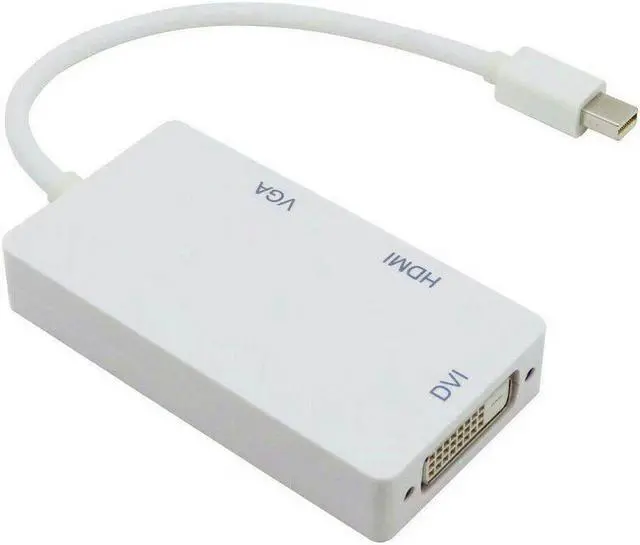
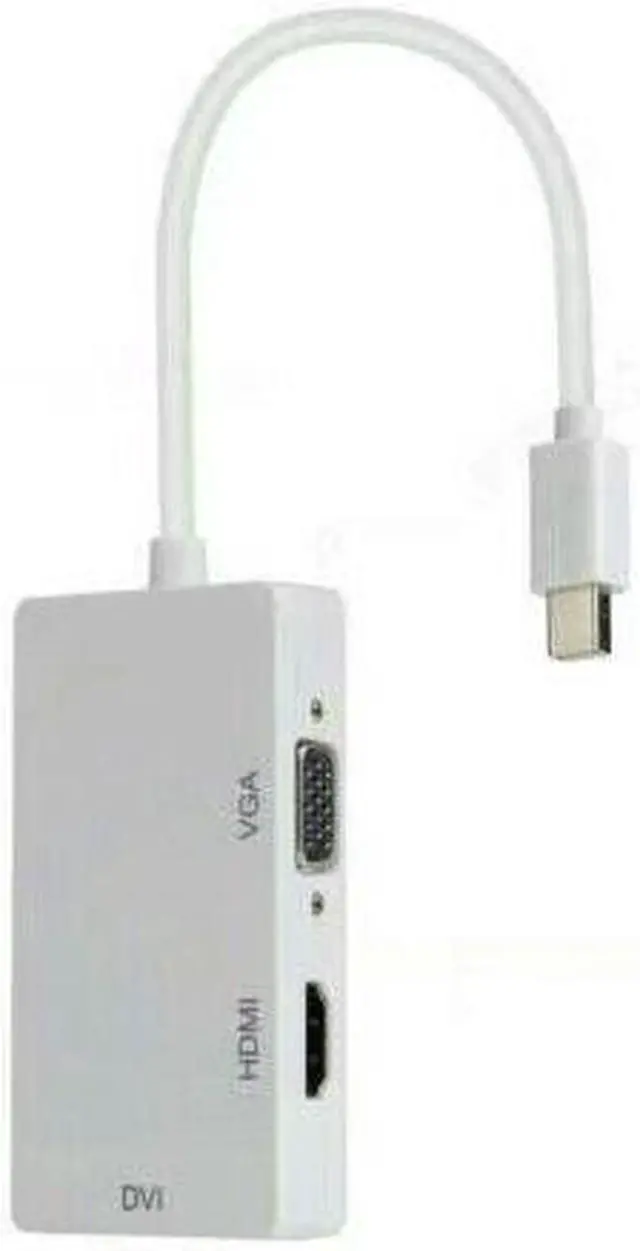
This is a Mini Display Port to DVI VGA HDMI Adapter. With three output ports, you can choose one of them to use at a time, and the functions of the port are as follows
DVI output, connect the DVI devices using a DVI cable
HDMI output, connect the HDMI devices using an HDMI cable
VGA output, connect the VGA devices using a VGA cable
Mini Display Port, connect Mac Book, Mac Book Pro, or Mac Book Air
Overview
The product seamlessly connects Mac Book, Mac Book Pro, or Mac Book Air with a Mini DisplayPort to high definition displays with HDMI, DVI or VGA. It is easy and convenient to use, with three output ports: DVI VGA HDMI. And you can use one of them at a time as your demand when you want to use the DVI output, you just need to connect the DVI devices using a DVI cable. When you want to use the HDMI output, you just need to connect the HDMI devices using an HDMI cable. When you want to use the VGA output, you just need to connect the VGA devices using a VGA cable.
Features
Support Mini Display Port 1.1a Dual-mode input
Automatically detect the display by plugging and unplugging it.
Powered from Mini Display Port source.
The HDMI can support audio output for iMac (Late 2009) and Mac Book Pro (Mid 2010)
Support HDMI/DVI/VGA output with the max resolution of 1920x1080p@60Hz, 225MHz/2.25Gbps per channel (6.75Gbps all channel), 12bit per channel (36bit all channel) deep colour.
Specifications
Input Signal: Mini Display Port 1.1a
Vertical Frequency Range:50/60Hz
Video Amplifier Bandwidth:2.25Gbps/225MHz
HDMI/DVI/VGA:480i/480p,576p,720p,1080i/1080p
External Power Supply: No external power needed
Power consumption (Max):700mW
The Length of the cable:15cm
Input: Mini Display Port Male 20pin
Output: HDMI Female Type A 19pin
Output Video: HDMI/DVI/VGA
Connector: DVI Female (24+1) VGA Female 15Pin
Notes
Please make sure that your Mac has a mini DP port.
Only one of the 3 outputs can be used at a time, you cannot use all of them simultaneously.
How to use
You can go to System Preferences > Display. Youll be able to see 2 display preferences dialogue, one for your prime MacBook display and one for the external monitor. You can use the settings in dialogues to adjust the screen resolution, colour intensity, and if you have a monitor that can be swivelled (rotated), you can tell Mac OSX to rotate the display to a certain angle for that particular display
Package Includes
1 x Mini DP to DVI VGA HDMI Adapter.