Connector B:HDMI
Gender:Male-Female
Certification:CE
Model Number:G2
Origin:CN(Origin)
Type:HDMI Cables-compatible
Connector A:HDMI
Features:
How to use it :
1. Take out the dongle.
2. Connect the dongle with the data cable, and then connect the USB plug and the HDMI-compatible plug to the TV.
3. In the TV setting, set the input signal source to the HDMI-compatible input.
4. Search the dongle name (SSID) in the WLAN setting according to the instruction of the TV screen, and enter the password, for example, AnyCast-xxxx, password: 12345678.
5. Exit the WLAN setting and search the corresponding gateway address (for example,
//192.168.49.1
) on the browser of the smartphone according to the instruction of the TV screen.
6. Click the "Scan" button.
7. Select the WiFi name you need to connect with in the WiFi list.
8. Enter the password of the WiFi and click "Connect" (beware to avoid incorrect input of the password).
9. Wait for the identification and connecting of the device on the turning screen. After the connection is successful, the TV screen will show the corresponding WiFi name.
10. Open the WLAN setting on the smartphone, and connect to the WiFi network that is the same with the dongle.
11. Enable the "casting" function of the smartphone and connect (it requires the smartphone to support casting), and select the dongle name. Wait a moment and the casting is successful.
12. If it takes a long time to wait after you click "casting", or an error is shown, please plug the device out of the TV and connect again, or restart your smartphone and retry it.
Features
100% !
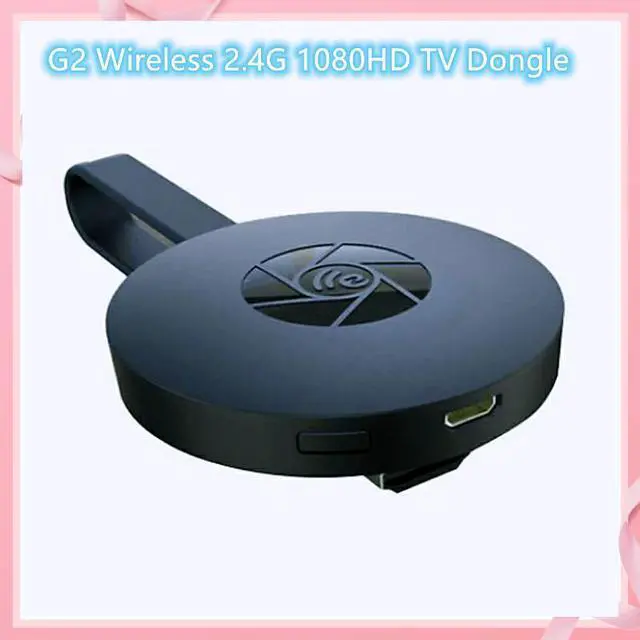
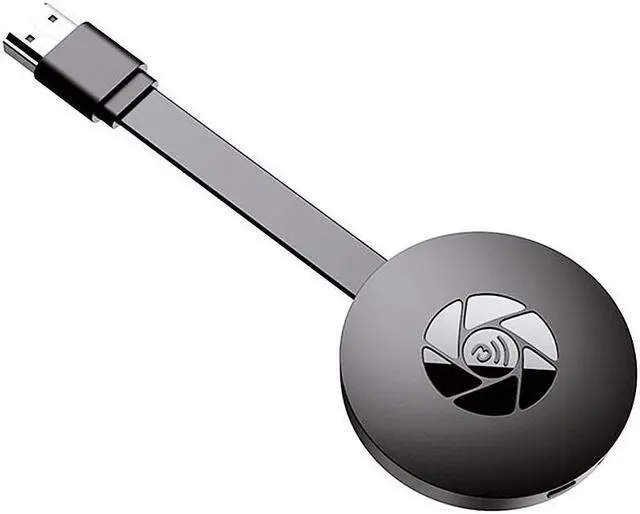
Wireless display dongle WiFi wireless display receiver HDMI-compatible adapter dongle 1080P support DLNA AirPlay Miracast dongle screen mirroring adaptor.
Screen mirroring. wireless display dongle for TV cast video/audio/game/picture, etc from PC/tablet/phone to HD displays, enjoying big screen home entertainment.
HD resolution. wireless display dongle support 1080P high definition, you can enjoy clear and vivid viewing experience.
Streaming mode. Support airplay (for iOS) and miracast (for Android and Windows).
compatible with Android 4.2+, iOS 8.0+, MacOS 10.0+ and Windows 8.1+ devices.
Wireless display. TV casting device with 2.4G wifi module for AV mirroring; if no WiFi it could only mirror downloaded content from phone to TV.
Play games on big screen. You can play mobile games on big screen, no lag and delay, fast and stable.
Easy to use. Plug and play, no need download any software driver or APP for this TV adapter.
Specifications
Material: ABS
Model: G2
Power Supply: 5V 1A
CPU: AM8252B
Operation System: LINUX
DDR: DDR3 128mm
Interface: HDMI-compatible/USB
HD Video Decoder: 1080p 60fps
Size: About 58x15.3mm/2.28x0.60"
Support for movie formats WMV, FLV, RMVB, MPEG, MKV, MP4, AVI, VOB
Audio playback format AC3, AAC, WAV, FLAC, OGG, MP3, APE, DTS, WMA
Attentions
Please allow tiny size deviations due to human measurement.
Please read the user manual first if you do not know how to use.
Your TV must support the HDMI-compatible port.
Please use 5V/1A power adapter to connect dongle USB.
Package Included
1 x Wireless HDMI-compatible Dongle
1 x WiFi Antenna
1 x User Manual