Certification:CE,FCC,RoHS
Origin:Mainland China
Plug Type:None
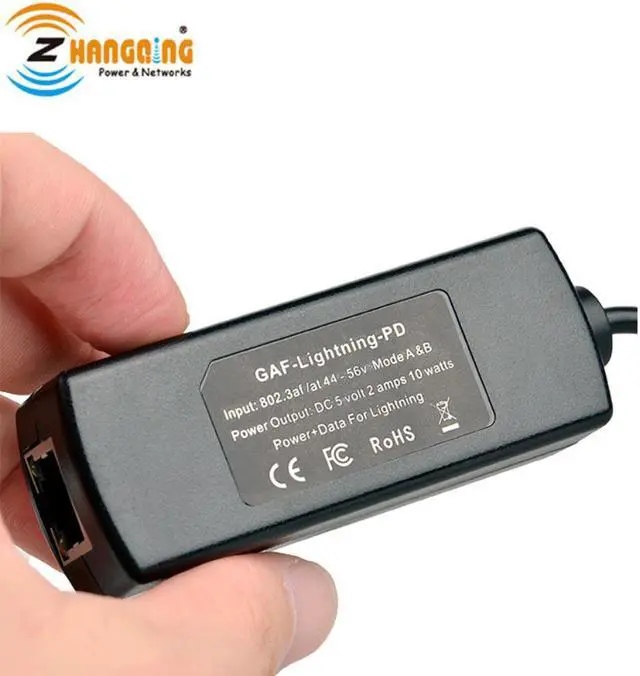
Model Number:GAF-Lightning-PD
Item Type:Cables
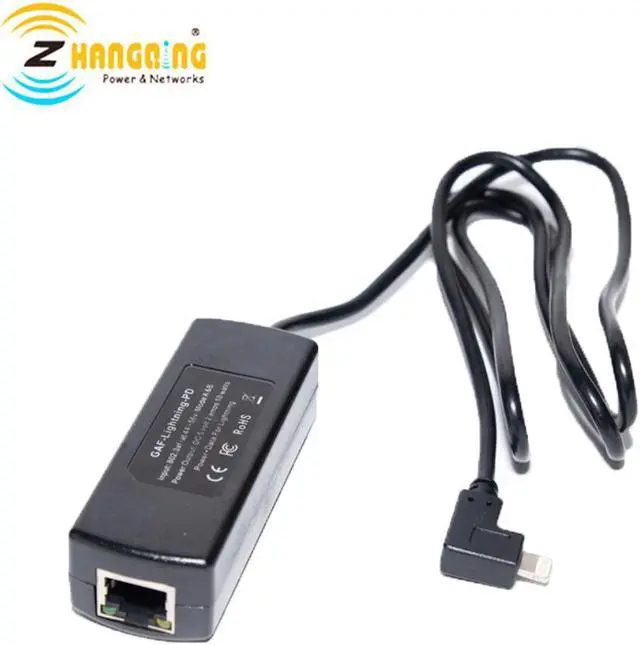
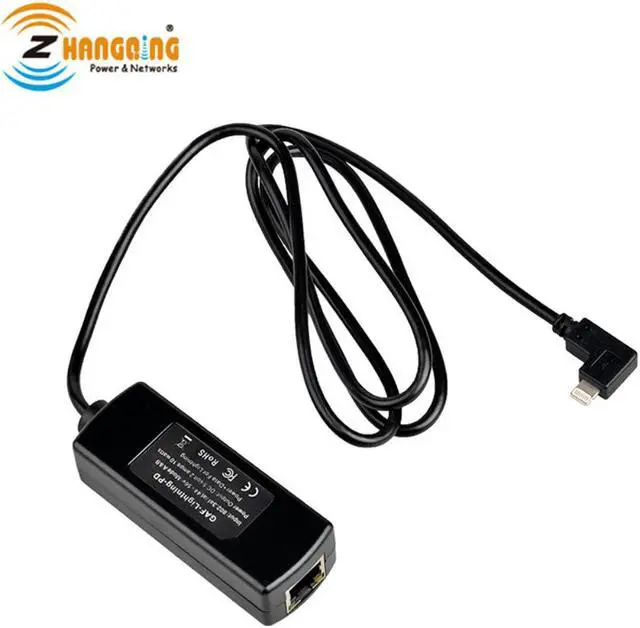
DC Output:Apple Lightning
power source:RJ 45 female connector
Input Voltage Max:Up to 57 volts
Output Voltage no load:5.2V
Output Voltage Max load:5V 10W
Operating Temperature:0°C ~ 50°C
Size:24 x 30 x 80 mm with 20 cm cord
Usage:For Apple devices charging and data
Isolation:3,000 volt isolation between PoE and power out t
5V Power Adapter Charger deliver Power & Data Transfer from 802.3af/at For Lightning devices
5V 10W PoE Lightning-PD
This device provides a low cost solution for delivering power and wired Ethernet data to a LightningÒ device over 328ftof network cable.
This splitter allows power input to be carried on 10/100/1000(output 100mbps) network cables with either 802.3af or passiveinjectors or switches with any CAT5e, CAT6 or CAT7 Ethernet network cable.
Intended for use with any 802.3af or 802.3at PoE switch this active PoE solution negotiates with the switch to activate
power and provide it to the client device. It is a compact and cost effective power solution.
The PoE switch supplies 48or 56 volts DC at the source location. The higher DC voltage means the current is reduced by a factor of 9 compared to5 volts, and then carried with 90% less loss over the Ethernet cable from the source, the 5v converter at the remote endallows you to extend the charge distance for this application up to 328ft or 100 meters.
Specification:
Power source
RJ45 female connector
DC output
Apple Lightning
Data output 10/100 mbit/s ethernet included
Data+Power input Pins1&2 and 3&6 either polarity
( 802.3af mode A or mode B )4&5 plus and7&8 minus
Input Voltage Max
Up to 57 volts
Input Current at 48v 265 ma input delivers 2 amps out
Output Voltage Max load (5v10w) 5v +- 2% at 2 amps 10 watts
Output Voltage no load 5.2v
Operating Temperature 0°C ~ 50°C
Size 24 x 30 x 80 mm with 20 cm cord
Weight 2.5 ounces
Isolation 3,000 volt isolation between PoE and power out
Picture Show
Simple Usage :
Step a) connect your PoE switch to an internet router
Step b) use an Ethernet cable to connect the RJ45 female to your PoE switch up to 100 meter
distance.
Step c) connect the LightningÒ male adapter to your Apple device
Step d) disable the wifi on the iPad
Step e) run speed test
The Ethernet cable can be 568A or 568B style, and only 2 pairs (orange and green) are required.