• $29.99
  • Free 30-day Returns
  • Price alert
    Shop it at NeweggBusiness.

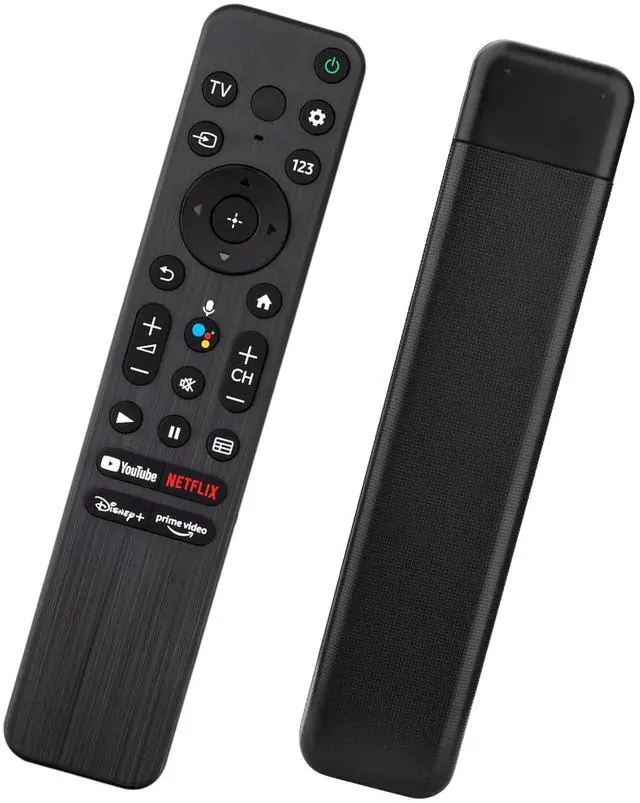
    Voice Remote for Sony Smart TVs,Replacement Remote Control for Sony Bravia 4K UHD LED/LCD TVs

    Limited time offer, ends 11/25 By FullChao Living Store

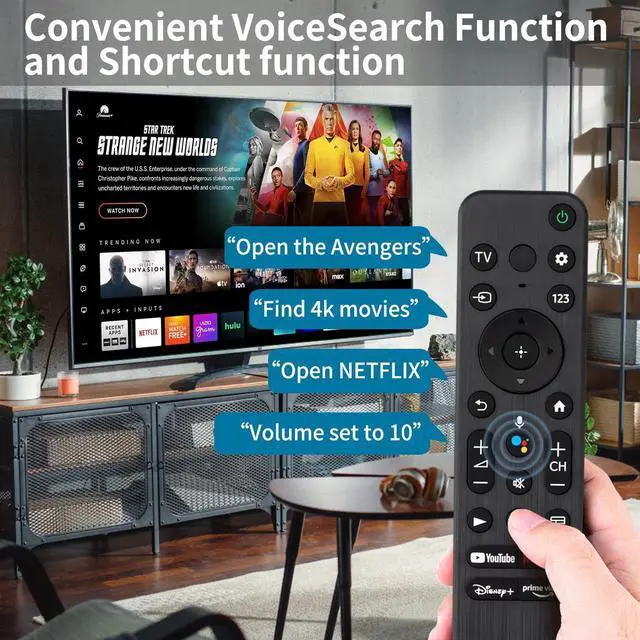
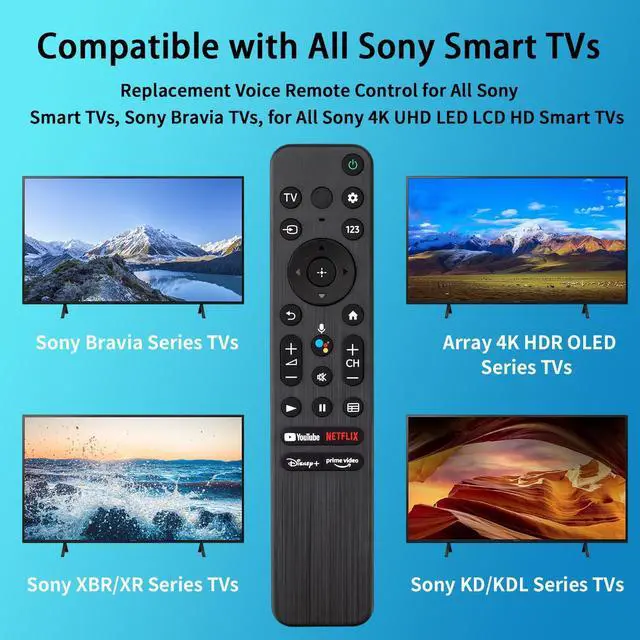
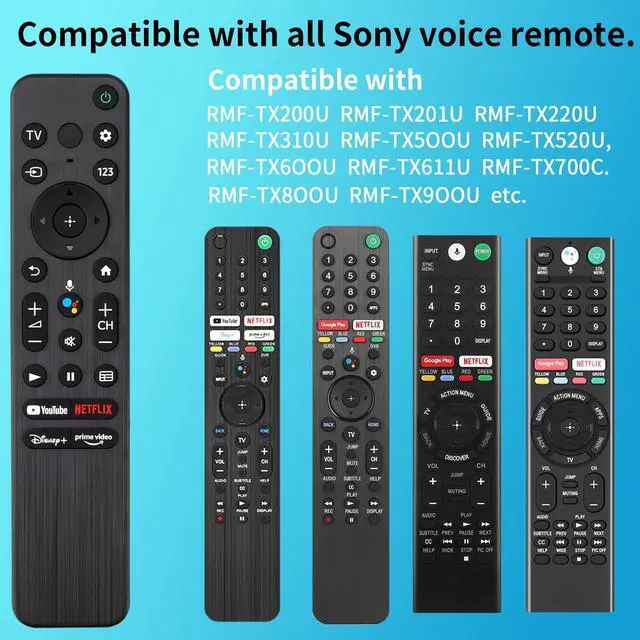
    • [Compatible Models] Universal Voice Remote Control Replacement for Sony TV Remote RMF-TX200U, RMF-TX201U, RMF-TX220U, RMF-TX310U, RMF-TX500U, RMF-TX520U, RMF-TX600U, RMF-TX611U, RMF-TX700C, RMF-TX800U, RMF-TX900U. Compatible with all Sony Bravia Series TVs, Sony XBR/XR/KD/KDL Series TVs, Sony 4K UHD Crystal HDR TVs, and Sony OLED Ultra HD TVs. [Voice Control Function] With the voice control function, you can search content, change channels, adjust volume, and more simply by speaking to the remote control. Enjoy hands-free navigation, search, and commands for a truly intuitive viewing experience. [Quick Link Buttons] Quickly jump to your favorite content with preset app buttons for YouTube, Netflix, Disney+, and Prime Video. [High Quality] Easy Setup: Install 2x AAA batteries (not included) first, then hold the "VOL-" button and the "Mic" button for 3 seconds to initiate pairing. Package
    +
    +
    Overview
    Specs
    Reviews

    Any questions? Ask CelesteSM will help you find out quickly.

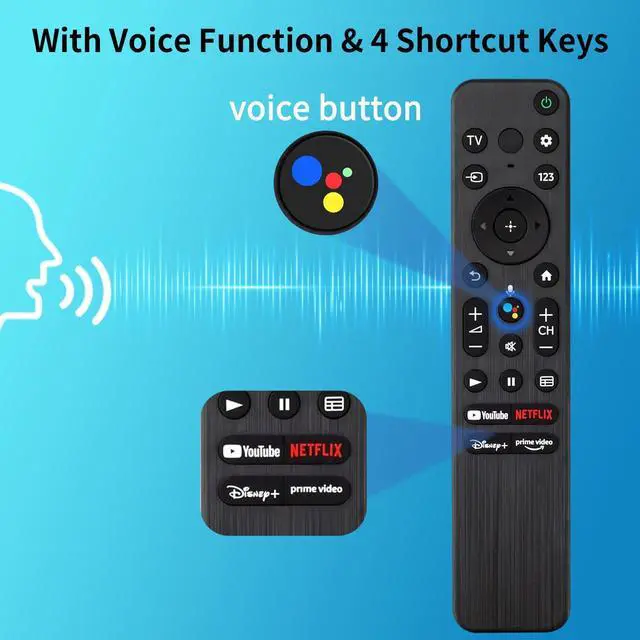
    [Compatible Models] Universal Voice Remote Control Replacement for Sony TV Remote RMF-TX200U, RMF-TX201U, RMF-TX220U, RMF-TX310U, RMF-TX500U, RMF-TX520U, RMF-TX600U, RMF-TX611U, RMF-TX700C, RMF-TX800U, RMF-TX900U. Compatible with all Sony Bravia Series TVs, Sony XBR/XR/KD/KDL Series TVs, Sony 4K UHD Crystal HDR TVs, and Sony OLED Ultra HD TVs. [Voice Control Function] With the voice control function, you can search content, change channels, adjust volume, and more simply by speaking to the remote control. Enjoy hands-free navigation, search, and commands for a truly intuitive viewing experience.

    [Quick Link Buttons] Quickly jump to your favorite content with preset app buttons for YouTube, Netflix, Disney+, and Prime Video.
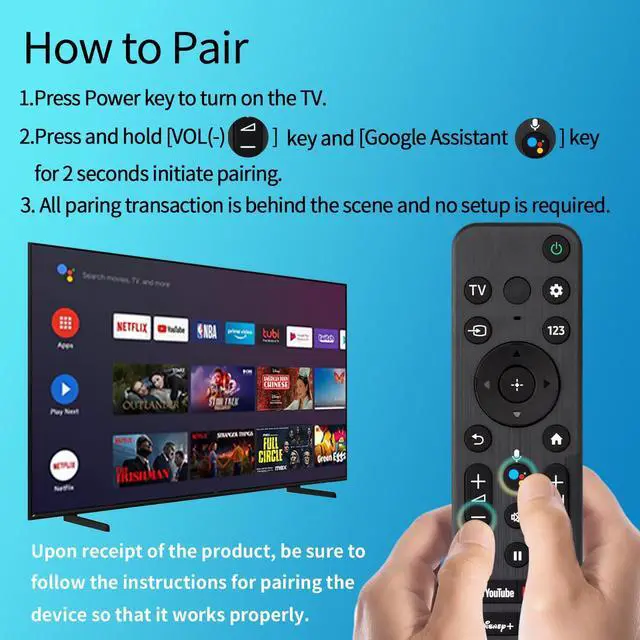
    [High Quality] Easy Setup: Install 2x AAA batteries (not included) first, then hold the "VOL-" button and the "Mic" button for 3 seconds to initiate pairing. Package

    Warranty & Returns

    Warranty, Returns, And Additional Information

    Warranty

    • Please contact the Seller directly for warranty information. Warranty information may also be found on the Manufacturer's website.
    • CONTACT

    Return Policies

    Manufacturer Contact Info

    LOADING...