• $39.99
  • Free 30-day Returns
  • Price alert
    Shop it at NeweggBusiness.

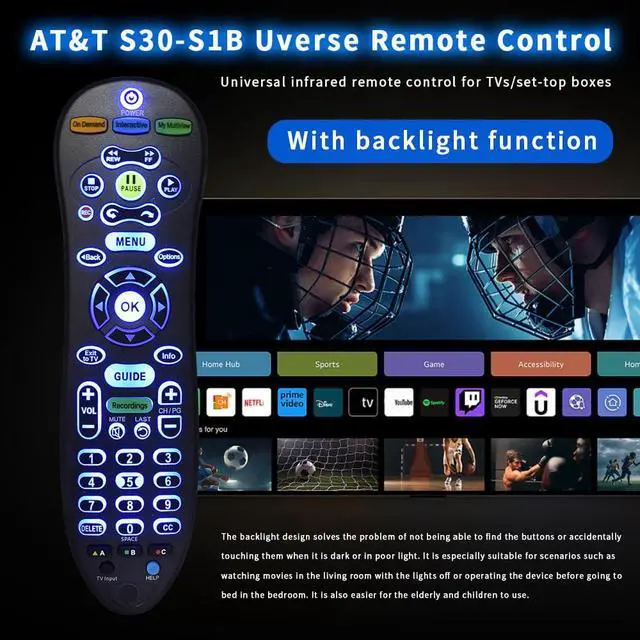
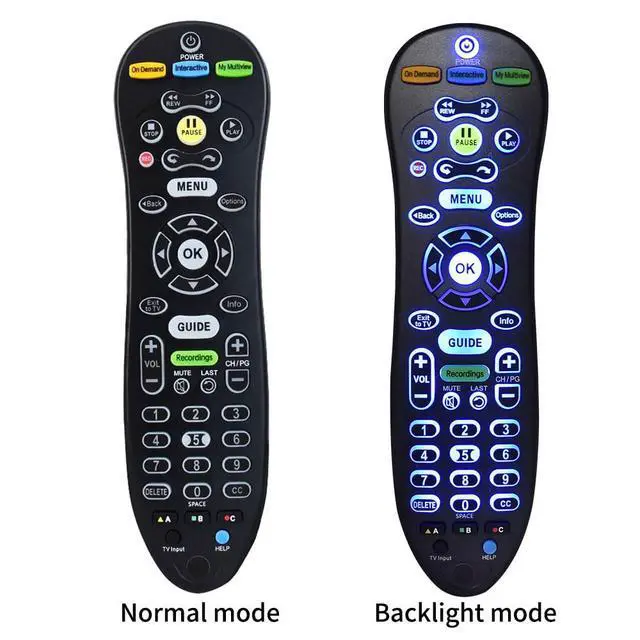
    S30 S30-S1B Remote for AT&T U-Verse Receiver S30 Remote Replacement with U-Verse Receiver Cable Box ISB7005 ISB7000, Remote with Backlit Function

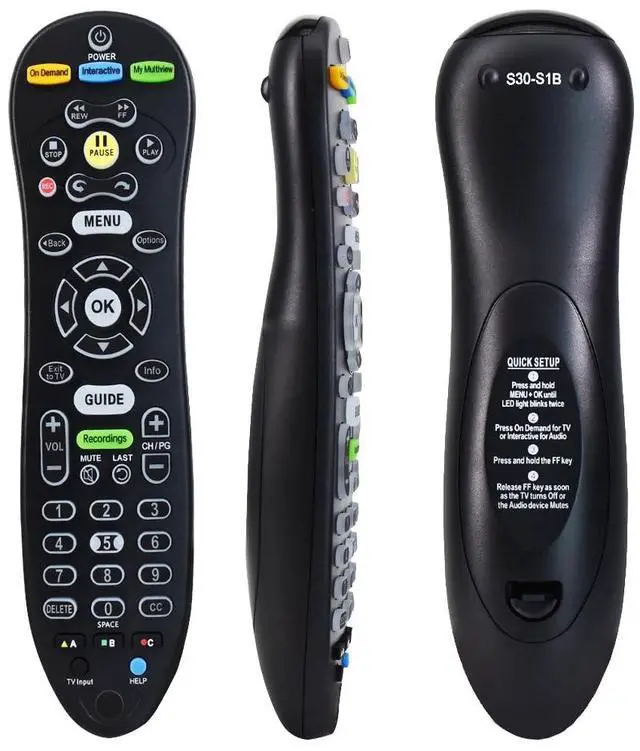
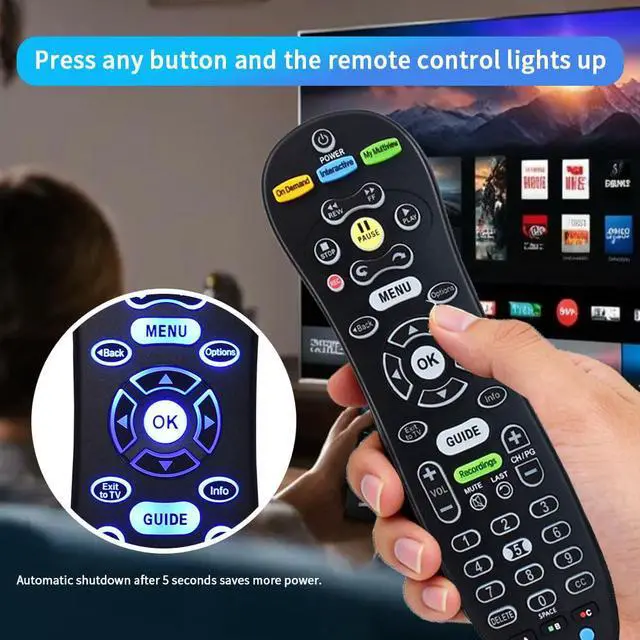
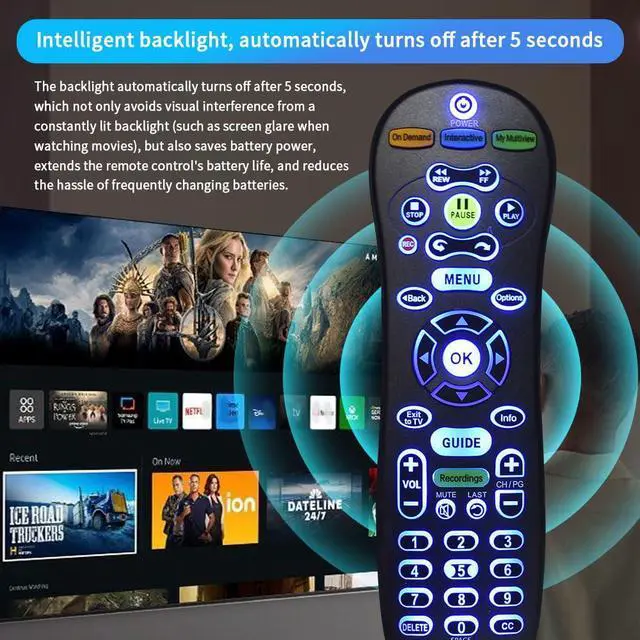
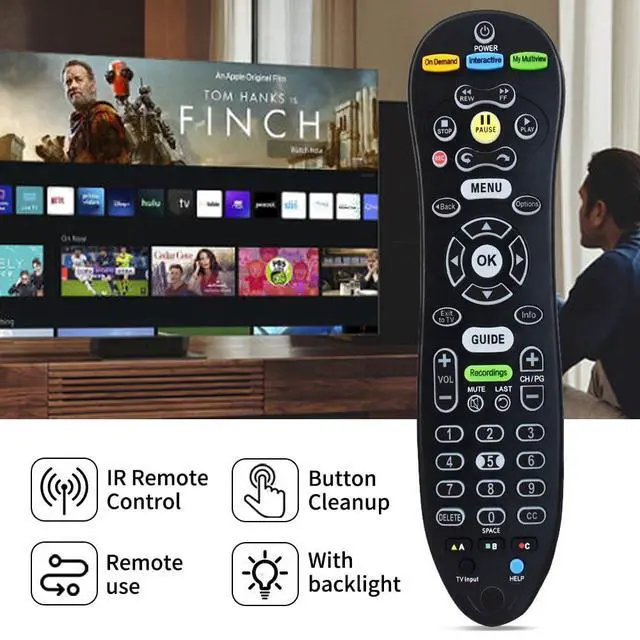
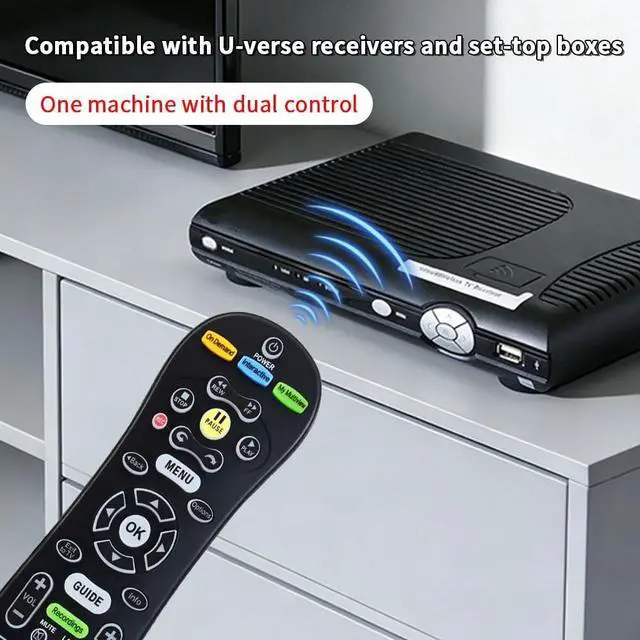
    • Excellent AdaptabilityThe S30 remote is compatible with AT&T U-Verse S30 receivers and for U-Verse Receiver Cable Box ISB7005 ISB7000. Using the latest chip technology, the connection is more stable and runs stably on various devices. Our AdvantagesNew ABS material with an ergonomic curved design for easy grip. Responsive buttons. Over 30ft control range and 120° angle for enhanced remote control freedom. Practical Function DesignThe comfortable grip design meets daily practical needs. The unique backlighting function design makes it easier to use precisely in the dark. Easy Pairing1. Press and hold MENU + OK until the LED light blinks twice. 2. Press On Demand for TV or Interactive for Audio. 3. Press and hold the FF key. 4. Release the FF key as soon as the TV turns off or the audio device mutes. If you encounter any problems, we will provide you with online support within 21 hours to deliver the best solution, ensuring your user experience at all times
    +
    +
    Overview
    Specs
    Reviews

    Any questions? Ask CelesteSM will help you find out quickly.

    Excellent AdaptabilityThe S30 remote is compatible with AT&T U-Verse S30 receivers and for U-Verse Receiver Cable Box ISB7005 ISB7000. Using the latest chip technology, the connection is more stable and runs stably on various devices. Our AdvantagesNew ABS material with an ergonomic curved design for easy grip. Responsive buttons. Over 30ft control range and 120° angle for enhanced remote control freedom. Practical Function DesignThe comfortable grip design meets daily practical needs. The unique backlighting function design makes it easier to use precisely in the dark. Easy Pairing1. Press and hold MENU + OK until the LED light blinks twice.

    2. Press On Demand for TV or Interactive for Audio. 3. Press and hold the FF key. 4. Release the FF key as soon as the TV turns off or the audio device mutes. If you encounter any problems, we will provide you with online support within 21 hours to deliver the best solution, ensuring your user experience at all times

    Warranty & Returns

    Warranty, Returns, And Additional Information

    Warranty

    • Please contact the Seller directly for warranty information. Warranty information may also be found on the Manufacturer's website.
    • CONTACT

    Return Policies

    Manufacturer Contact Info

    LOADING...