Your Browsing History
- Free 30-day Returns
$43.49
Meet Your Seller
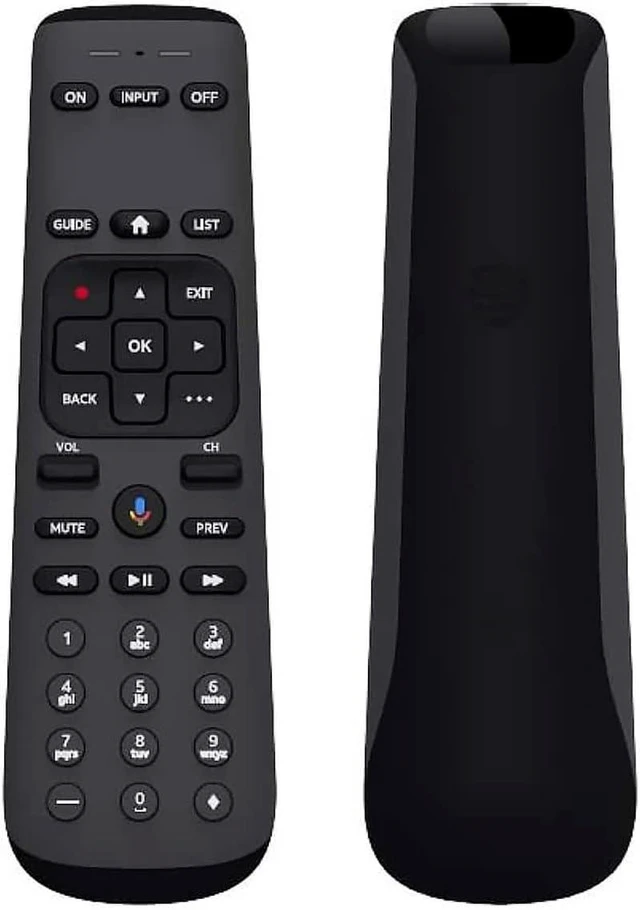
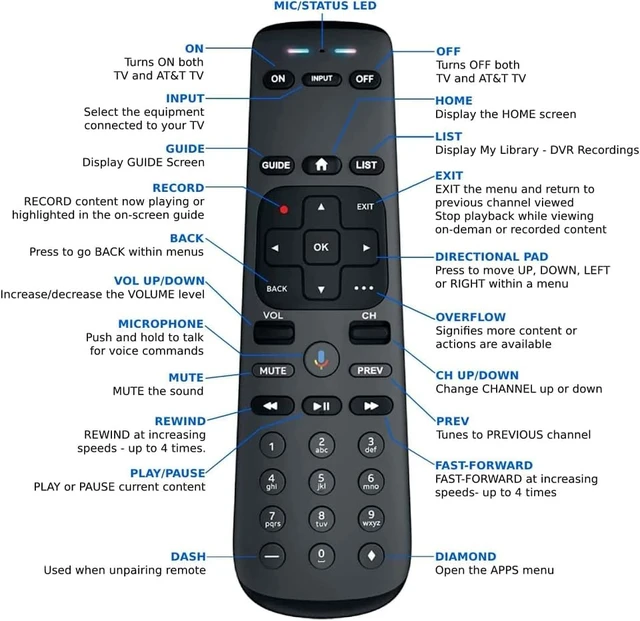
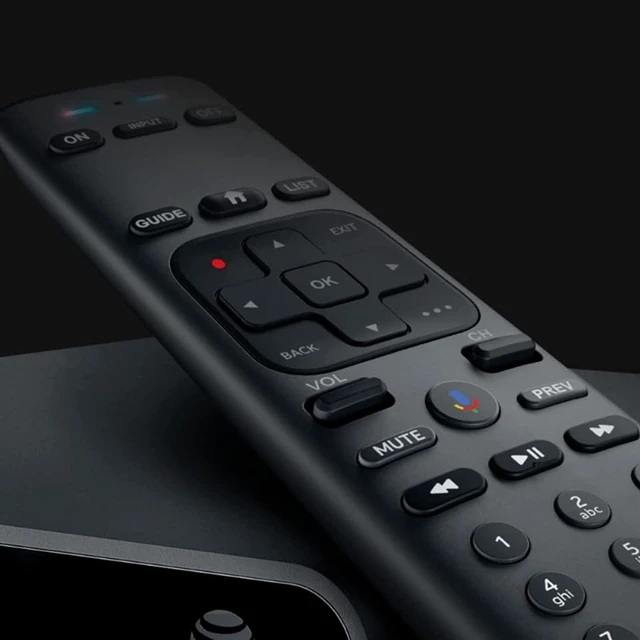
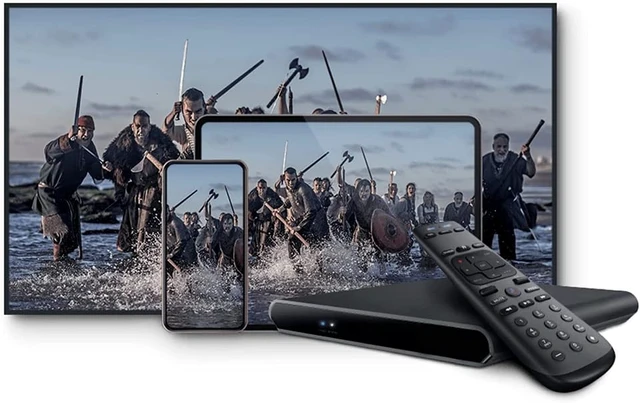
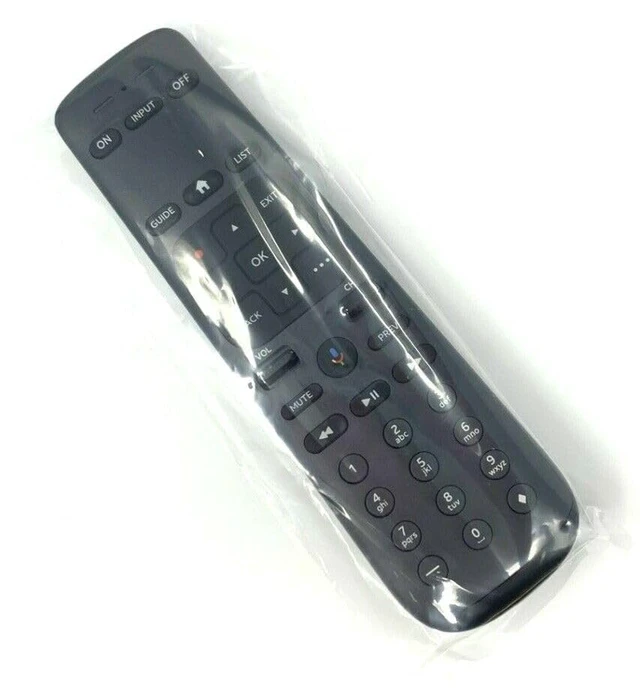
Replacement Remote Control Controller for DirecTV Gemini Air Streaming Device 4K Model P21KW-500
Limited time offer, ends 11/25 By MiniJoyBelle Tech
- Works with the DirecTV Gemini Air Streaming Device 4K Model P21KW-500. Power Supply: 2X 1.5V AA Alkaline Batteries. Battery and User Manual Not Included. Pairing the remote with the set-top box: 1. Press and hold Rewind and Fast Forward simultaneously for 3 seconds until the visible LEDs begin flashing. 2. Enter 961, followed by the CH Up key. 3. Using the number keys, enter the last six digits of the RID number located behind the set-top box. 4. Press and release the ENTER key. The green light flashes twice. Clearing Pairing: Press and hold Dash and ENTER simultaneously for 3 seconds until the LEDs flash. The RCU will unpair from the set-top box. Model: MG3-R35602 RC82V
+
+
Overview
Specs
Reviews
Any questions? Ask CelesteSM will help you find out quickly.
Try me now
Works with the DirecTV Gemini Air Streaming Device 4K Model P21KW-500.
Power Supply: 2X 1.5V AA Alkaline Batteries. Battery and User Manual Not Included. Pairing the remote with the set-top box: 1. Press and hold Rewind and Fast Forward simultaneously for 3 seconds until the visible LEDs begin flashing. 2. Enter 961, followed by the CH Up key. 3. Using the number keys, enter the last six digits of the RID number located behind the set-top box. 4. Press and release the ENTER key. The green light flashes twice.
Clearing Pairing: Press and hold Dash and ENTER simultaneously for 3 seconds until the LEDs flash. The RCU will unpair from the set-top box.
Model: MG3-R35602 RC82V
Power Supply: 2X 1.5V AA Alkaline Batteries. Battery and User Manual Not Included. Pairing the remote with the set-top box: 1. Press and hold Rewind and Fast Forward simultaneously for 3 seconds until the visible LEDs begin flashing. 2. Enter 961, followed by the CH Up key. 3. Using the number keys, enter the last six digits of the RID number located behind the set-top box. 4. Press and release the ENTER key. The green light flashes twice.
Clearing Pairing: Press and hold Dash and ENTER simultaneously for 3 seconds until the LEDs flash. The RCU will unpair from the set-top box.
Model: MG3-R35602 RC82V
Warranty & Returns
Warranty, Returns, And Additional Information
Warranty
- Please contact the Seller directly for warranty information. Warranty information may also be found on the Manufacturer's website.
- CONTACT
Return Policies
- Return for refund within: 30 days
- Return for replacement within: 30 days
- This item is covered by MiniJoyBelle Tech Return Policy
Manufacturer Contact Info
- For a directory of all our manufacturers, please click below.
- Manufacturers Directory
LOADING...