Your Browsing History
- Free 30-day Returns
$23.99
Meet Your Seller
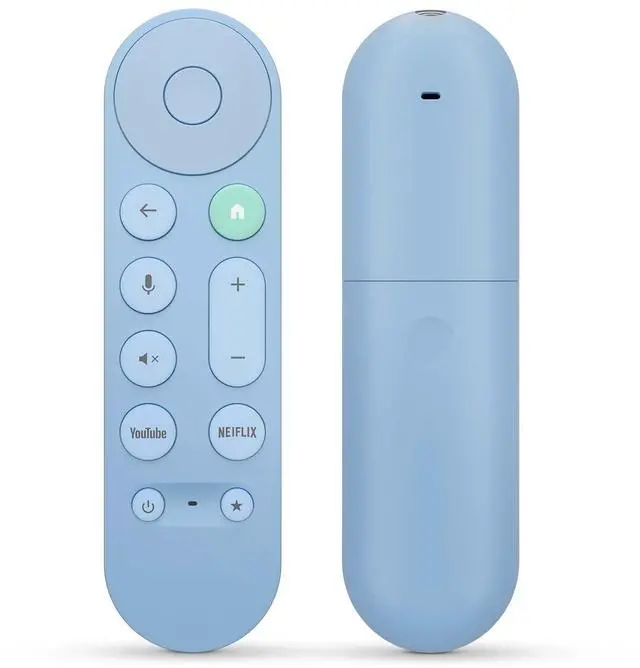
Voice Replacement for Google Chromecast Remotefor Google TV Remote Control & Google TV StreamerBlue
Limited time offer, ends 11/24 By Lu Sincere Store
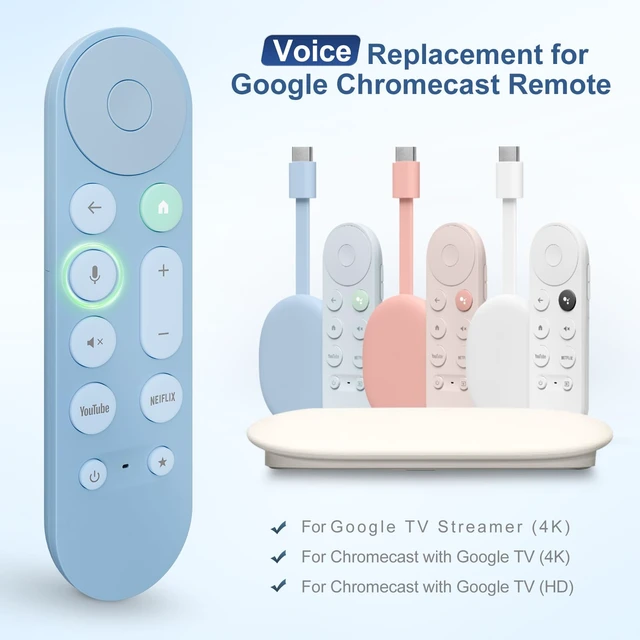
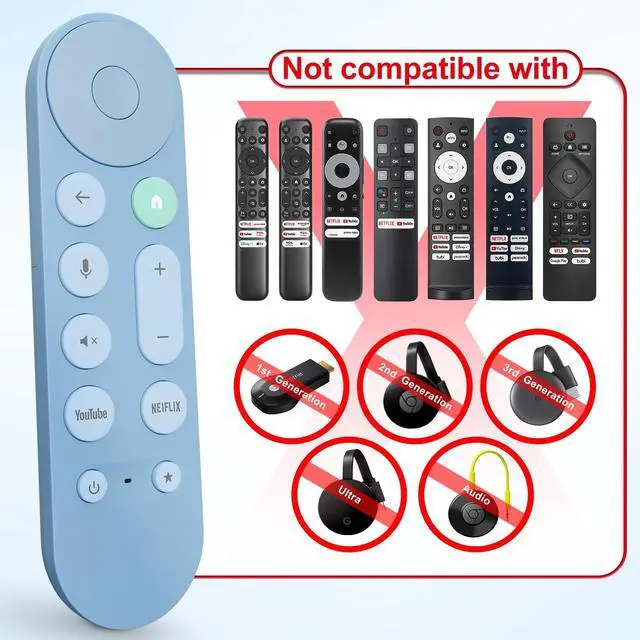
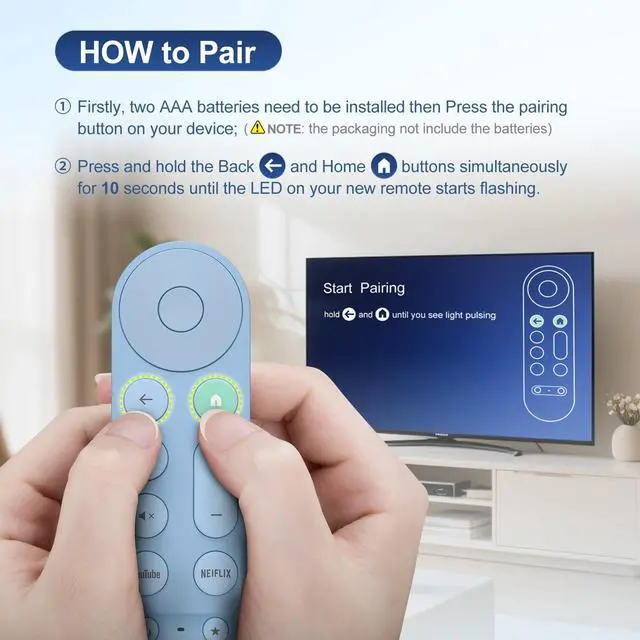
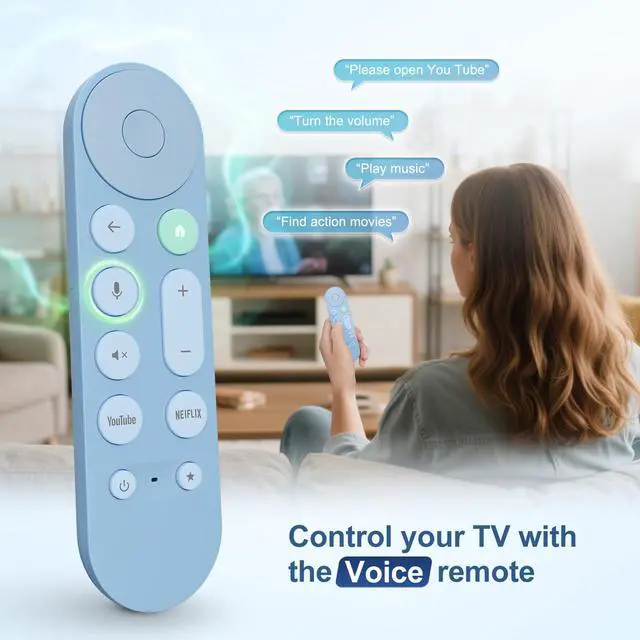
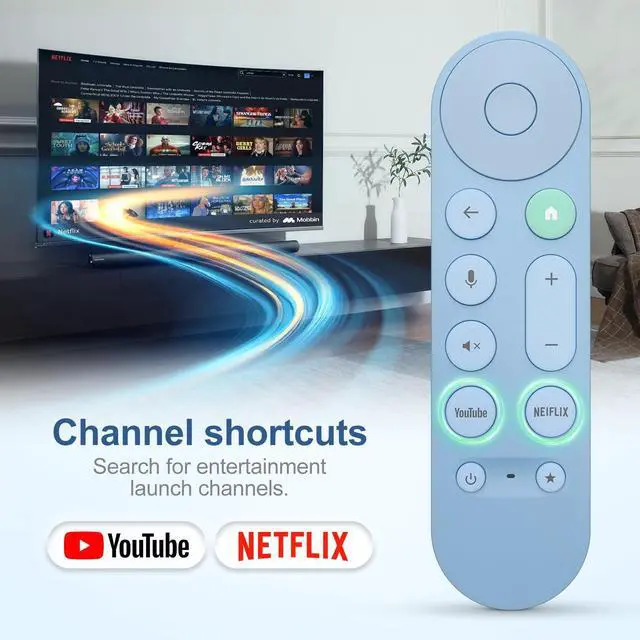
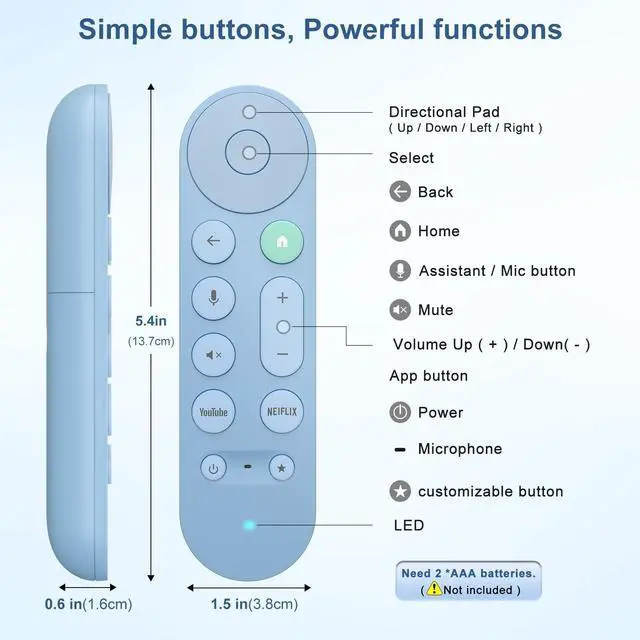
- [Compatibility] Voice replacement remote for pink Google-Chromecast-Remote, for Chromecast with Google TV Remote, for Google TV HD/4K Streaming Stick, for Google TV Streamer (4K). Only for Snow Chromecast Google. [Easy to Pair] Pair your new remote: Press the pairing button on your device; Press and hold the "Back" and "Home" buttons simultaneously for 10 seconds until the LED on your new remote starts flashing. [Voice Control] Press the voice button on the remote to use voice search for specific shows, or search by mood, genre, actress, and more. Talk to Google and say, "What should I watch?" Use the remote to control the volume, switch inputs, play music, and get answers on-screen. [Preferred Features] The replacement remote for Google Chromecast TV has 2 shortcut buttons for popular streaming channels and requires 2*AAA batteries to use (batteries are NOT included in the package)
+
+
Overview
Specs
Reviews
Any questions? Ask CelesteSM will help you find out quickly.
Try me now
[Compatibility] Voice replacement remote for pink Google-Chromecast-Remote, for Chromecast with Google TV Remote, for Google TV HD/4K Streaming Stick, for Google TV Streamer (4K). Only for Snow Chromecast Google. [Easy to
Pair] Pair your new remote: Press the pairing button on your device; Press and hold the "Back" and "Home" buttons simultaneously for 10 seconds until the LED on your new remote starts flashing. [Voice Control] Press the voice button on the remote to use voice search for specific shows, or search by mood, genre, actress, and more. Talk to Google and say, "What should I watch? " Use the remote to control the volume, switch inputs, play music, and get answers on-screen. [Preferred Features] The replacement remote for Google Chromecast TV has 2 shortcut buttons for popular streaming channels and requires 2*AAA batteries to use (batteries are NOT included in the package)
Warranty & Returns
Warranty, Returns, And Additional Information
Warranty
- Please contact the Seller directly for warranty information. Warranty information may also be found on the Manufacturer's website.
- CONTACT
Return Policies
- Return for refund within: 30 days
- Return for replacement within: 30 days
- This item is covered by Lu Sincere Store Return Policy
Manufacturer Contact Info
- For a directory of all our manufacturers, please click below.
- Manufacturers Directory
LOADING...