Your Browsing History
- Free 30-day Returns
$19.49
Meet Your Seller
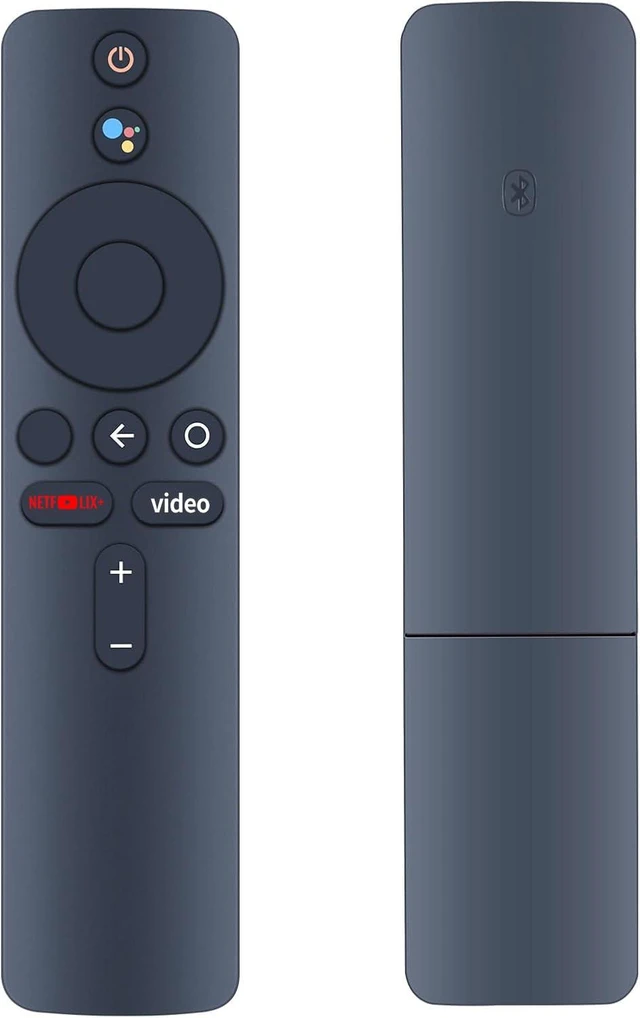
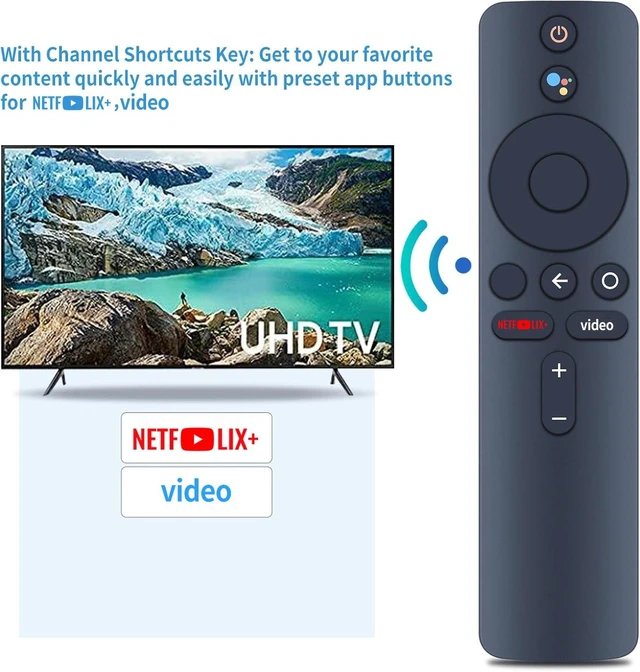
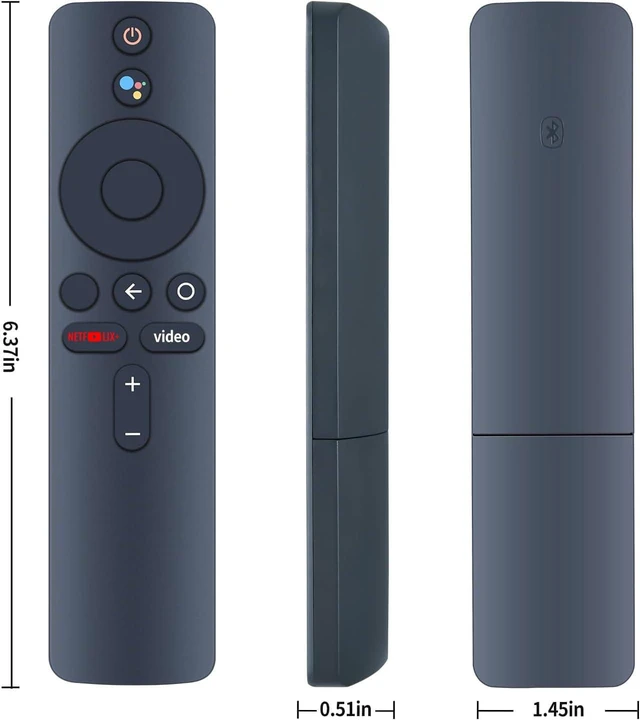
Voice Bluetooth Replacement Remote Control Compatible for Xiaomi Mi Box S Smart TV XMRM-006
Limited time offer, ends 11/30 By HeYuan Shop
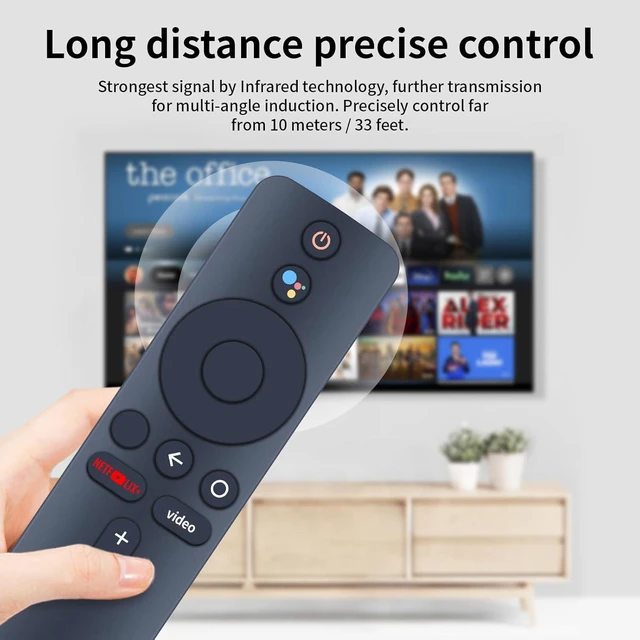
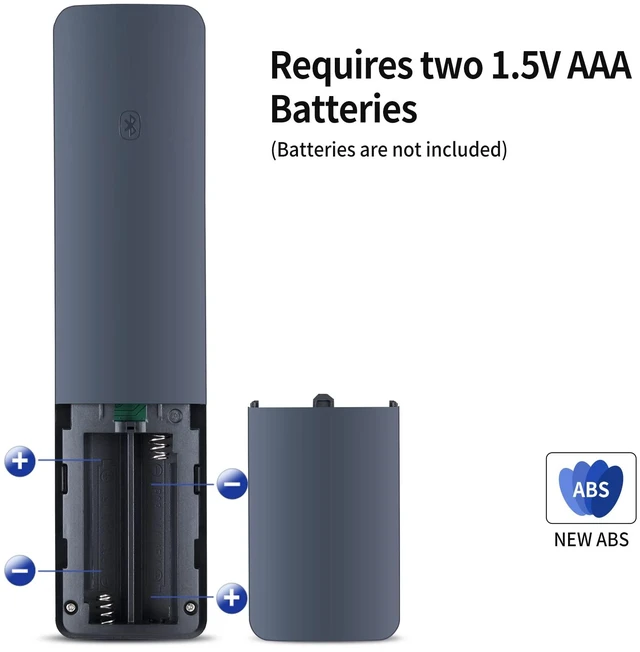
- Provides New XMRM-006 Voice Bluetooth Remote Control Replacement for Xiaomi Mi Box S Smart TV. High quality alternative remote control, Only Compatible Models: Mi Box S (NOT for MI TV or BOX 3) (NOT for MI TV or BOX 3). Noticed: This is a Voice Remote, Please pair this remote with your TV before use. Pairing Methods: 1. Turn on the Xiaomi Mi Box S. 2. Press and hold the red frame button for 15-30 seconds at the same time. 3. After the TV displays the pairing interface, release the buttons and wait for the TV displaying the successful pairing. And then you can use the remote. 4. If there is no successful pairing, please repeat the above steps. Battery Type: 2 X 1.5V AAA Batteries, Batteries are not included
+
+
Overview
Specs
Reviews
Any questions? Ask CelesteSM will help you find out quickly.
Try me now
Provides New XMRM-006 Voice Bluetooth Remote Control Replacement for Xiaomi Mi Box S Smart TV. High quality alternative remote control, Only
Compatible Models: Mi Box S (NOT for MI TV or BOX 3) (NOT for MI TV or BOX 3).
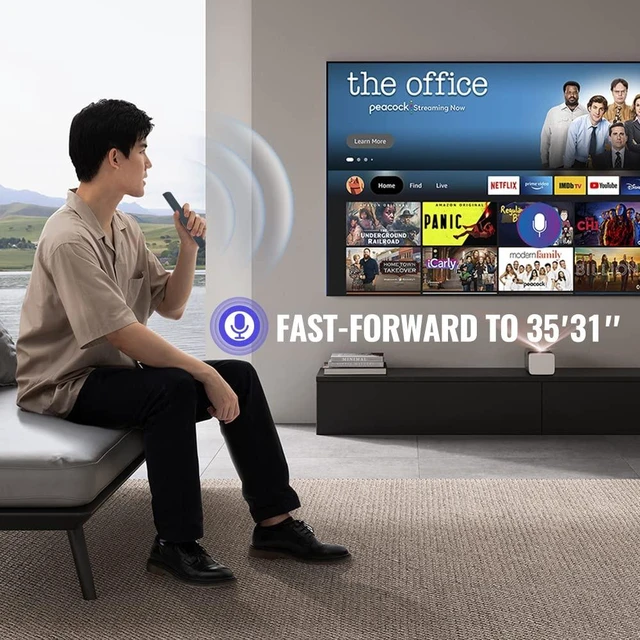
Noticed: This is a Voice Remote, Please pair this remote with your TV before use.
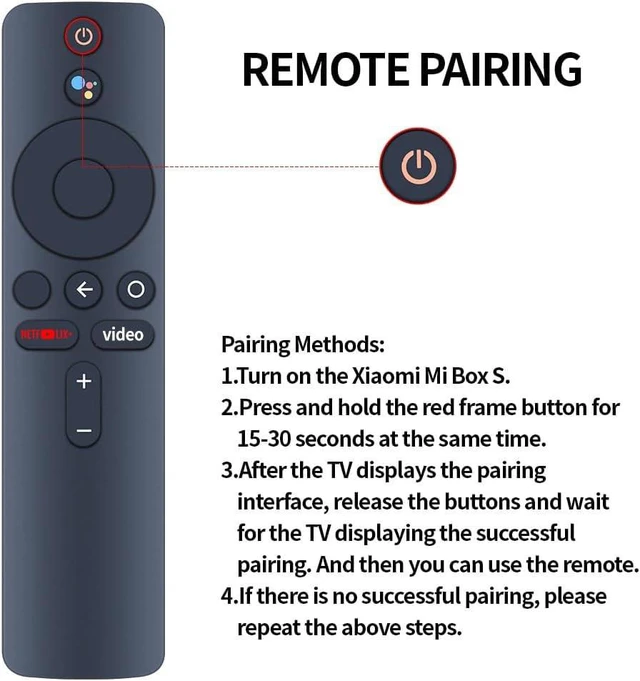
Pairing Methods: 1. Turn on the Xiaomi Mi Box S. 2. Press and hold the red frame button for 15-30 seconds at the same time. 3. After the TV displays the pairing interface, release the buttons and wait for the TV displaying the successful pairing. And then you can use the remote. 4. If there is no successful pairing, please repeat the above steps.
Battery Type: 2 X 1.5V AAA Batteries, Batteries are not included
Compatible Models: Mi Box S (NOT for MI TV or BOX 3) (NOT for MI TV or BOX 3).
Noticed: This is a Voice Remote, Please pair this remote with your TV before use.
Pairing Methods: 1. Turn on the Xiaomi Mi Box S. 2. Press and hold the red frame button for 15-30 seconds at the same time. 3. After the TV displays the pairing interface, release the buttons and wait for the TV displaying the successful pairing. And then you can use the remote. 4. If there is no successful pairing, please repeat the above steps.
Battery Type: 2 X 1.5V AAA Batteries, Batteries are not included
Warranty & Returns
Warranty, Returns, And Additional Information
Warranty
- Please contact the Seller directly for warranty information. Warranty information may also be found on the Manufacturer's website.
- CONTACT
Return Policies
- Return for refund within: 30 days
- Return for replacement within: 30 days
- This item is covered by HeYuan Shop Return Policy
Manufacturer Contact Info
- For a directory of all our manufacturers, please click below.
- Manufacturers Directory
LOADING...