• $38.99
  • Free 30-day Returns
  • Price alert
    Shop it at NeweggBusiness.

    Meet Your Seller

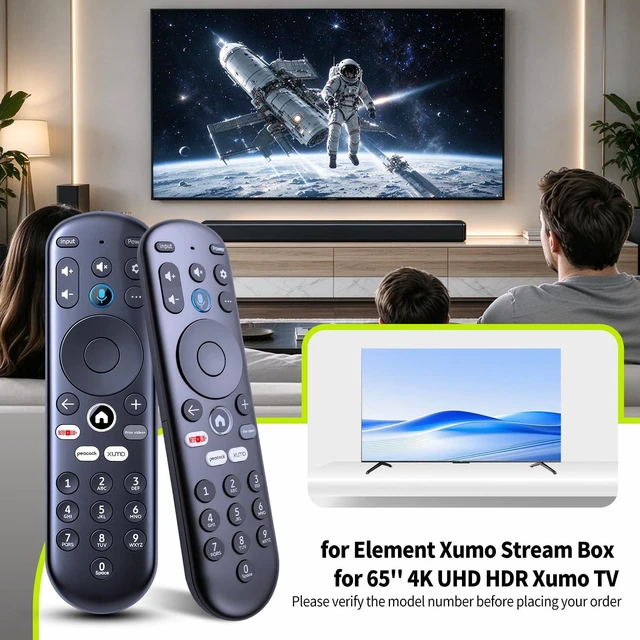
    Replacement for Element Xumo TV Stream Box Voice Remote Control Compatible with Element 65 4K UHD HDR Xumo TV E500AC65C E500AC43C E500AC55C E500AC50C

    Limited time offer, ends 11/30 By HeYuan Shop

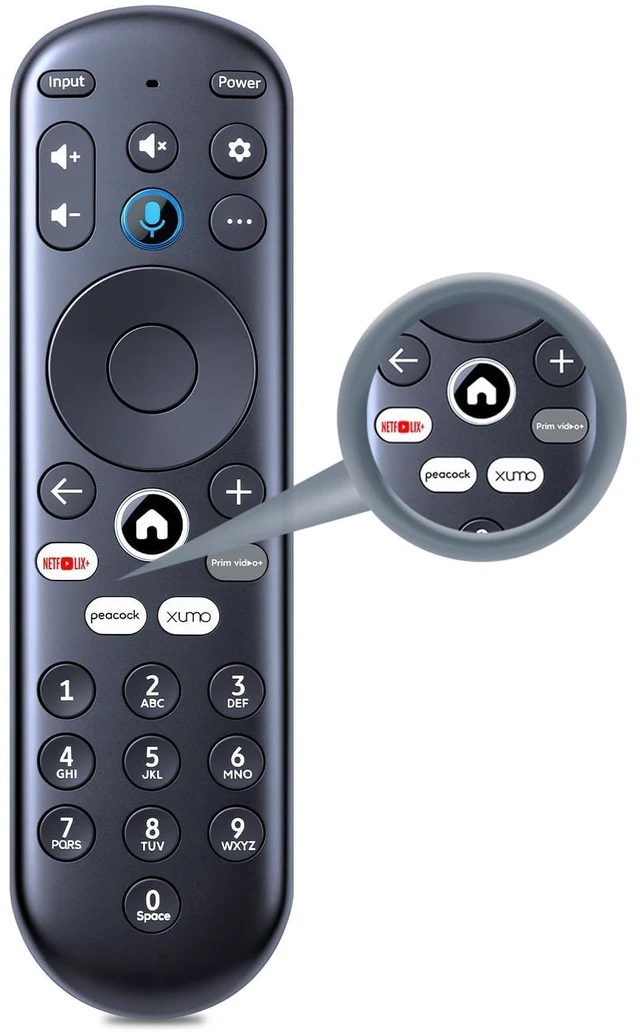
    • New replacement voice remote control compatible with Element Xumo TV Stream Box, including Element 65-inch 4K UHD HDR Xumo TV E500AC65C, E500AC43C, E500AC55C, and E500AC50C. The voice remote lets you quickly search and access your favorites across every app. Switch between apps, discover new shows, change the volume, and more with your voice. Note: Voice control will not work until you pair your remote. Voice commands only work when your TV is connected to the internet. Pairing with a New Xumo TV: Before using your remote, pair it with your TV. If you put batteries in your remote within 15 minutes of plugging in your TV for the first time, your remote will automatically pair with your TV. If unpaired, follow these instructions: 1. Press the SETTING button. 2. Select Remote > Pair your remote to your TV. 3. Follow the on-screen instructions. If pairing fails, turn off your TV and unplug it from the power source. Plug the TV back in, turn it on, and try steps 1-3 again. Pairing with a Sound System: 1. Press the SETTING button. 2. Select Remote > Pair your remote and sound system. 3. Follow the on-screen instructions. Resetting the Remote: 1. Hold the left arrow and plus buttons for 3 seconds until the light at the top of the remote turns solid green. 2. Press 9, then 8, then 4. The light will blink red a few times. 3. Hold the left arrow and plus buttons for 3 seconds again. 4. Press 9, then 8, then 1. 5. Wait for the light at the top of the remote to flash red again. 6. Poin
    +
    +
    Overview
    Specs
    Reviews

    Any questions? Ask CelesteSM will help you find out quickly.

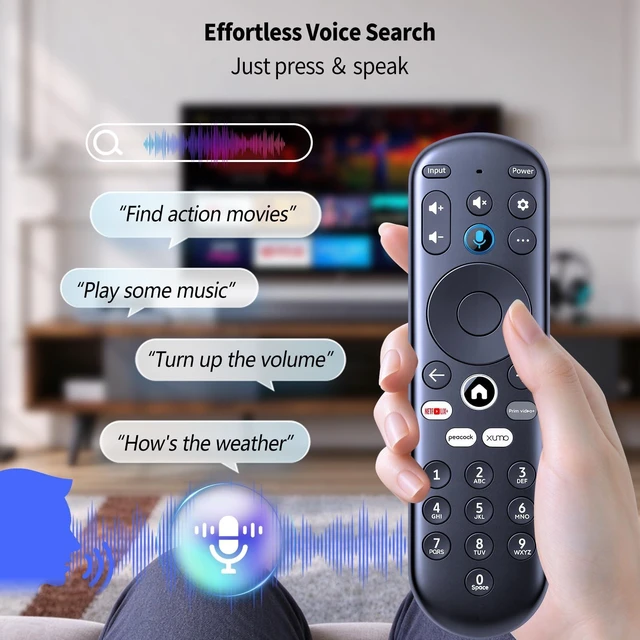
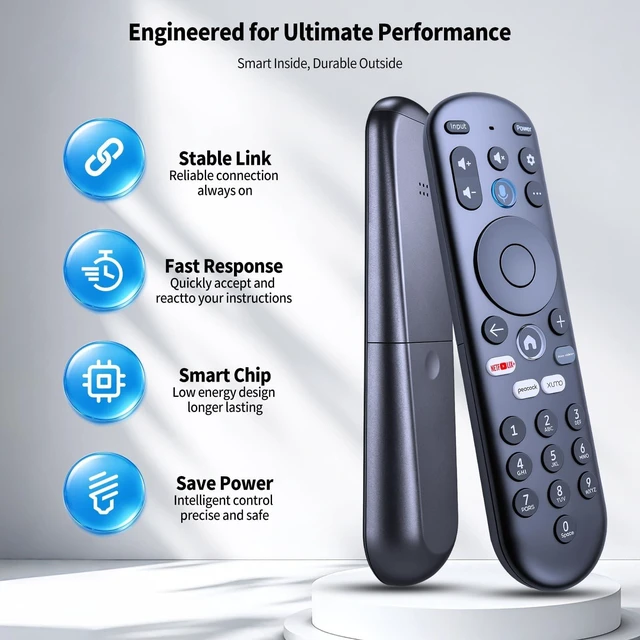
    New replacement voice remote control compatible with Element Xumo TV Stream Box, including Element 65-inch 4K UHD HDR Xumo TV E500AC65C, E500AC43C, E500AC55C, and E500AC50C. The voice remote lets you quickly search and access your favorites across every app. Switch between apps, discover new shows, change the volume, and more with your voice.
    Note: Voice control will not work until you pair your remote. Voice commands only work when your TV is connected to the internet. Pairing with a
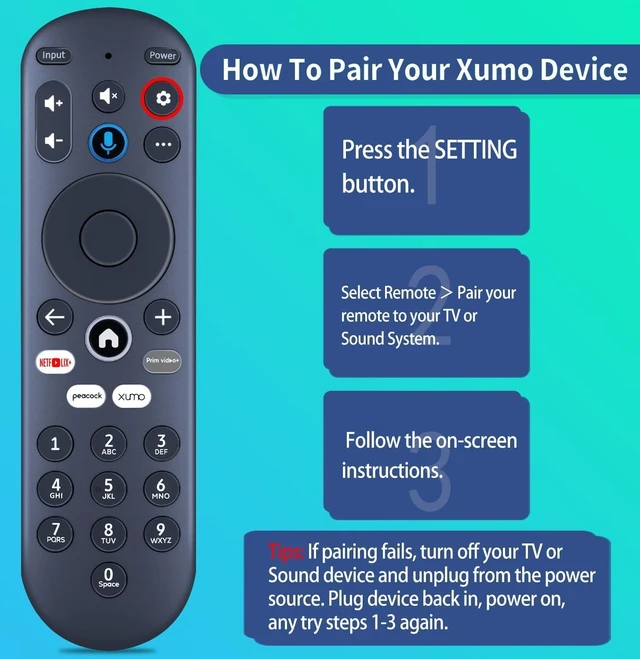
    New Xumo TV: Before using your remote, pair it with your TV. If you put batteries in your remote within 15 minutes of plugging in your TV for the first time, your remote will automatically pair with your TV. If unpaired, follow
    these instructions: 1. Press the SETTING button. 2. Select Remote > Pair your remote to your TV. 3. Follow the on-screen instructions. If pairing fails, turn off your TV and unplug it from the power source. Plug the TV back in, turn it on, and try steps 1-3 again. Pairing with a
    Sound System: 1. Press the SETTING button. 2. Select Remote > Pair your remote and sound system. 3. Follow the on-screen instructions.
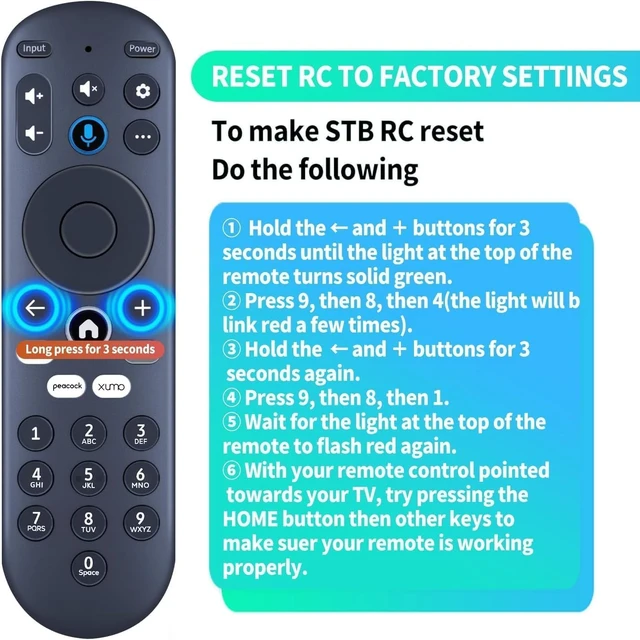
    Resetting the Remote: 1. Hold the left arrow and plus buttons for 3 seconds until the light at the top of the remote turns solid green. 2. Press 9, then 8, then 4. The light will blink red a few times. 3. Hold the left arrow and plus buttons for 3 seconds again. 4. Press 9, then 8, then 1. 5. Wait for the light at the top of the remote to flash red again. 6. Point the remote at your TV and press the HOME button, then other keys, to check that it is working properly

    Warranty & Returns

    Warranty, Returns, And Additional Information

    Warranty

    • Please contact the Seller directly for warranty information. Warranty information may also be found on the Manufacturer's website.
    • CONTACT

    Return Policies

    Manufacturer Contact Info

    LOADING...