Out of stock
  • $139.99
  • Free 30-day Returns
Price alert
Shop it at NeweggBusiness.

Meet Your Seller

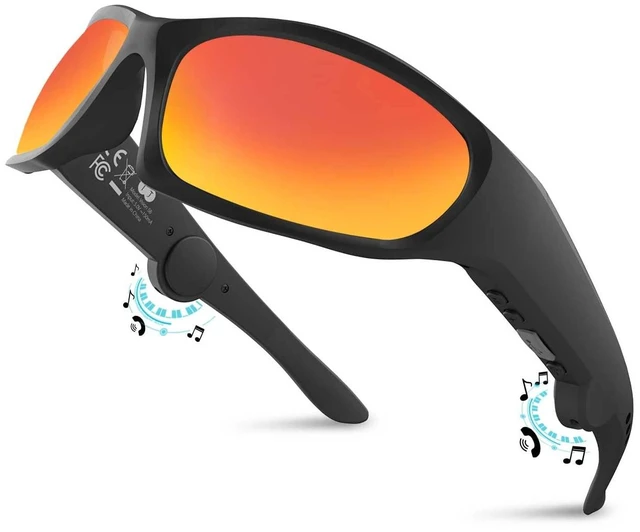
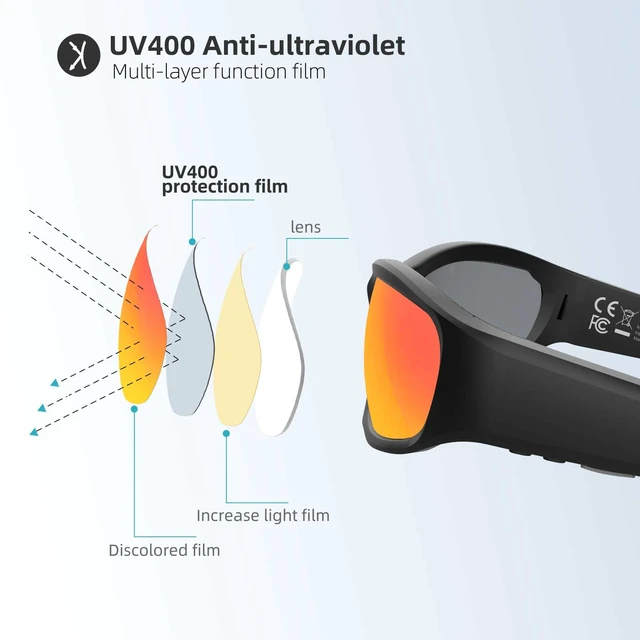
Bluetooth Glasses Audio Smart Glasses sunglasses for Men Women Built-in Speakers Mic UV Protection Voice Assistant (Red Lens)

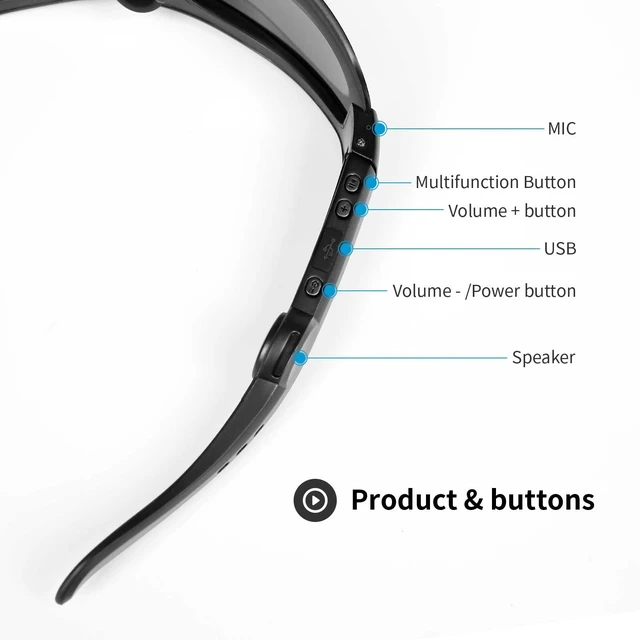
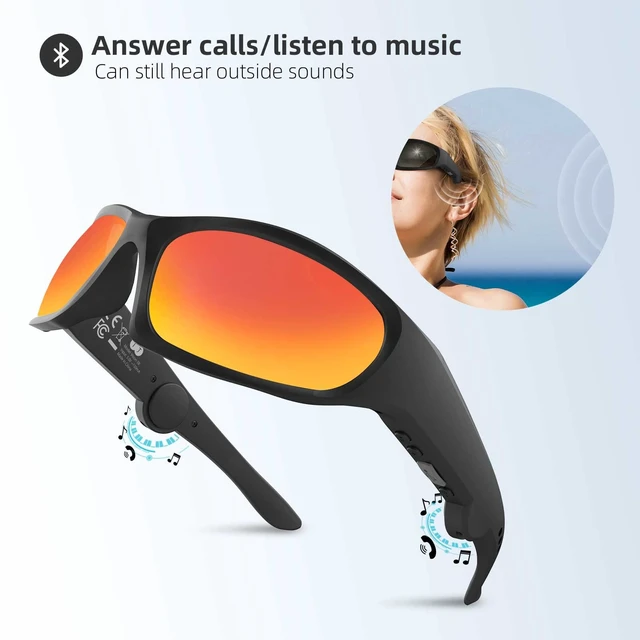
  • Smart Bluetooth glasses with a built-in mic and speakers high-quality clear calls, listen to music and voice navigation, adjust the volume and switch to the next track. Long battery life: 6~8 hours of uninterrupted playback at full charge, 2 hours of full charge via USB port, reliable Bluetooth range of up to 30 feet. TR90 material frame, waterproof class IPX4. Open-ear headphone audio design allowing you to perceive the environment while enjoying music. Comfortable and safe to wear. The Bluetooth connection method of the Bluetooth glasses and mobile phone is as follows: 1. After the glasses are turned off, press and hold the power button "-" for 5 seconds (for 5 seconds, do not let go) until the red and green light flash alternately and the glasses enter Bluetooth connection mode. 2. Turn on the Bluetooth of the mobile phone, find "Vision 5A" in the drop-down list and click to select "Vision 5A". Volume turn up operation reminder: After Bluetooth pairing, first please turn up the volume of your paired mobile phone, then turn up the volume of your Bluetooth glasses, press the glasses volume button+

+
+
Overview
Specs
Reviews
avatar

Any questions? Our AI mode will help you find out quickly.

Smart Bluetooth glasses with a built-in mic and speakers high-quality clear calls, listen to music and voice navigation, adjust the volume and switch to the next track.
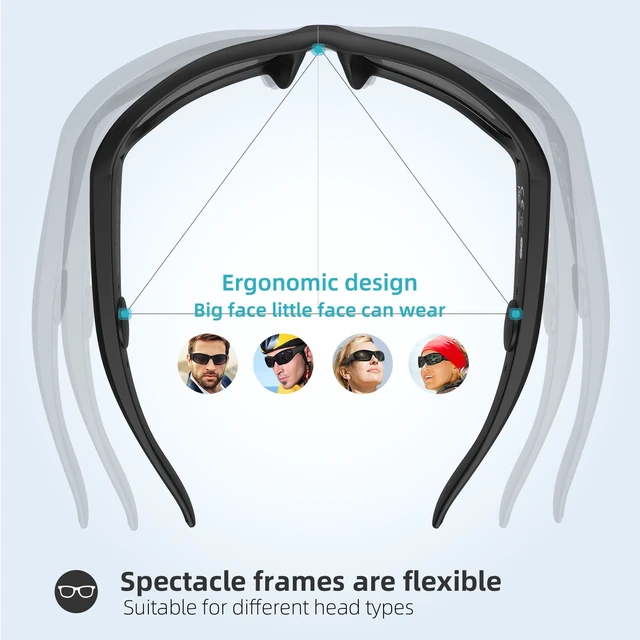
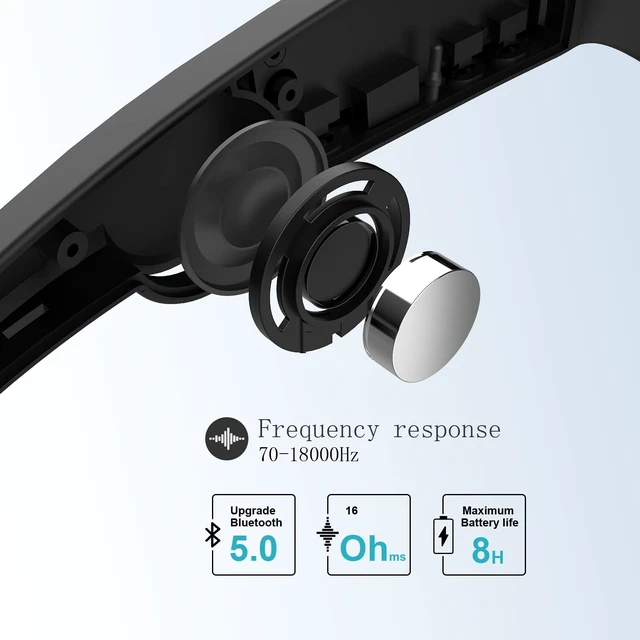
Long battery life: 6~8 hours of uninterrupted playback at full charge, 2 hours of full charge via USB port, reliable Bluetooth range of up to 30 feet. TR90 material frame, waterproof class IPX4. Open-ear headphone audio design allowing you to perceive the environment while enjoying music. Comfortable and safe to wear. The Bluetooth connection method of the Bluetooth glasses and mobile phone is as follows: 1. After the glasses are turned off, press and hold the power button "-" for 5 seconds (for 5 seconds, do not let go) until the red and green light flash alternately and the glasses enter Bluetooth connection mode. 2. Turn on the Bluetooth of the mobile phone, find "Vision 5A" in the drop-down list and click to select "Vision 5A".
Volume turn up operation reminder: After Bluetooth pairing, first please turn up the volume of your paired mobile phone, then turn up the volume of your Bluetooth glasses, press the glasses volume button+

Warranty & Returns

Warranty, Returns, And Additional Information

Warranty

  • Please contact the Seller directly for warranty information. Warranty information may also be found on the Manufacturer's website.
  • CONTACT

Return Policies

Manufacturer Contact Info

LOADING...