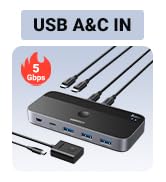
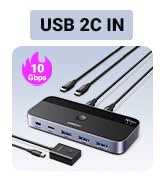
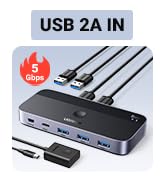
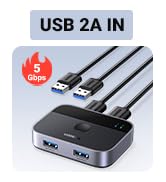
USB 3.0 Switch 2 Computers Sharing USB C & A Devices, 4 Port USB Switcher Sharing Keyboard and Mouse, Printer/Scanner USB Switch Hub for Two Computers with 2 USB3.0 Cables and Remote
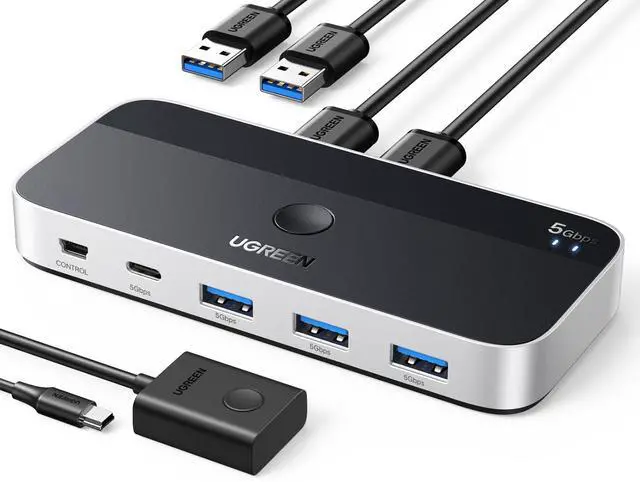
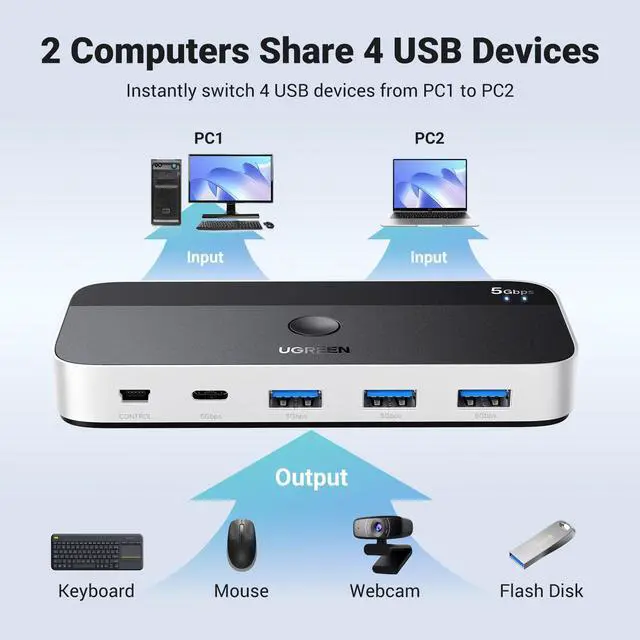
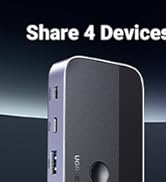
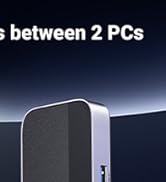
2 PCs Share Multiple Devices: UGREEN 4-In 2-Out USB switcher supports 2 computers sharing 4 USB devices like keyboards, mouses, printers, headphones, and USB cameras. Switch freely between your work computer and personal computer and boost your work efficiency.
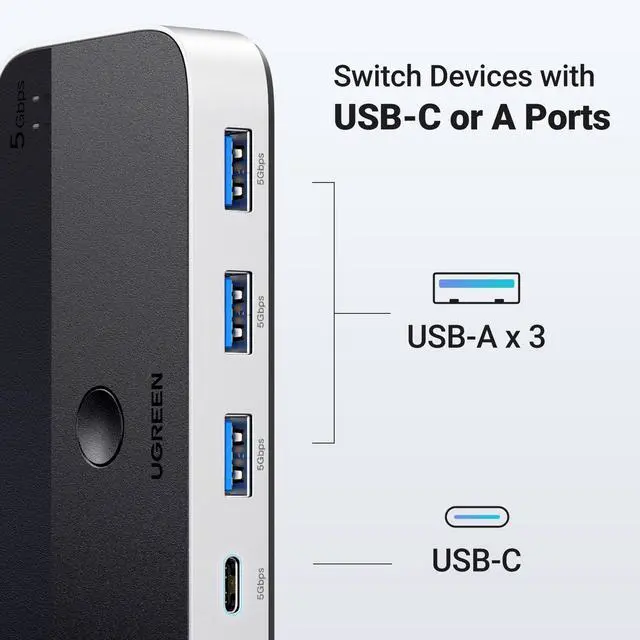
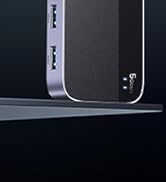
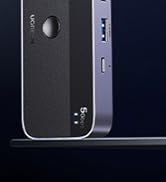
Connect USB C & USB A Devices: The USB 3.0 switch provides 1 USB C port and 3 USB A ports to support connecting various USB devices. USB C ports can be connected to a USB C hub or other USB C devices, extending more ports for two computers.
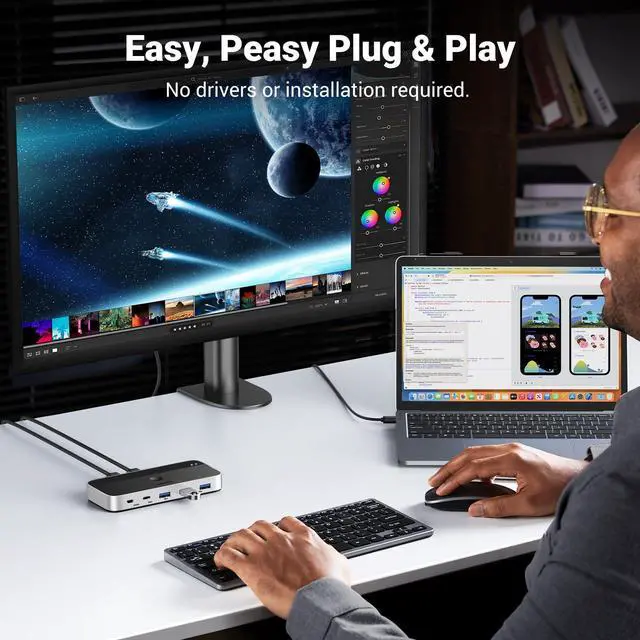
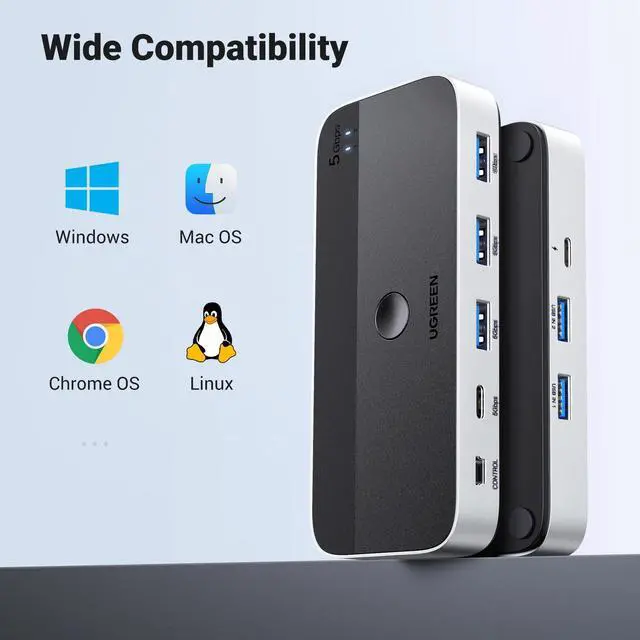
5Gb Data Transfer / Plug & Play: With 4 USB 3.0 ports, the USB 3.0 switcher supports data transfer up to 5Gbps and is backward compatible with USB 2.0; Simple plug and play for any modern operating system: Windows, macOS, Chrome OS, and Linux computers.
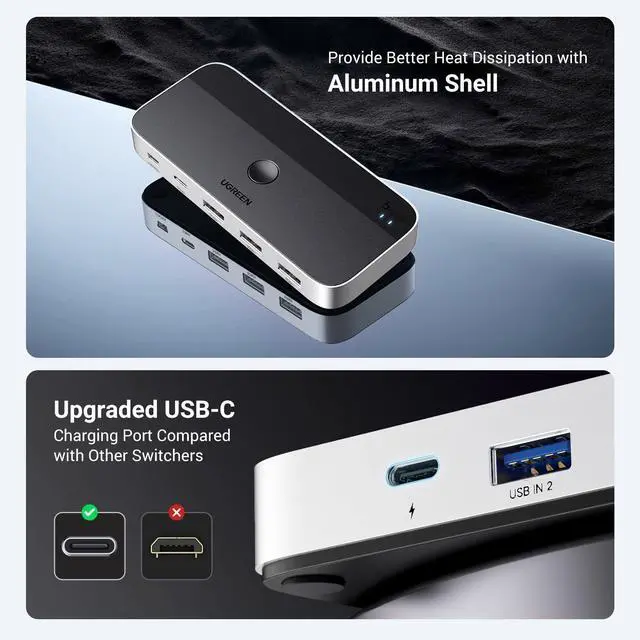
USB-C Power Supply: The USB switch is designed with a USB-C charging port for high-power devices like Hard Disk Drives, headsets, and other USB devices to work more stably; The Upgraded USB-C Power port avoids the trouble of not finding a micro cable.
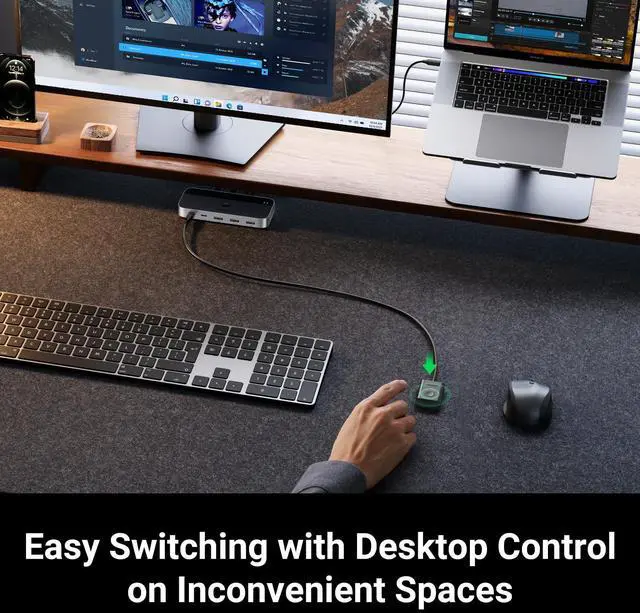
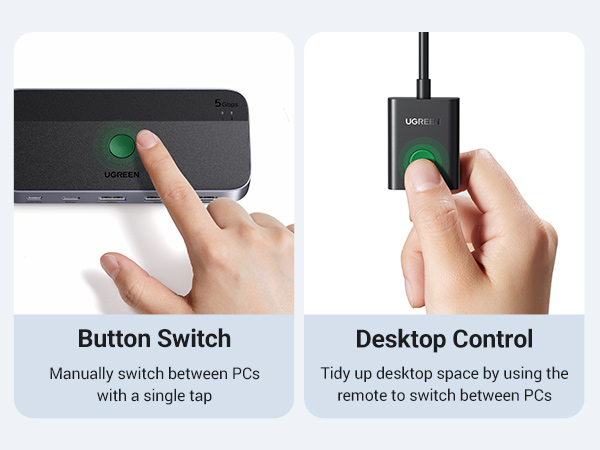
Two Switching Modes: The USB switcher has two switching modesRemote control and button, switch devices freely as you like.You can hide the USB switch to tidy up the desktop and save space, and then use the remote to switch devices.
+
+
Overview
Specs
Reviews
Any questions? Our AI beta will help you find out quickly.
If you want to connect this switch with a Mac or other host devices that only have usb c port, you need to use a USB C to A adapter with a USB A to A cable. It won't work when using a USB C to A cable directly.
Input Tip:
It is a USB switch without an hdmi port and it does not support two computers sharing a single display.
The produce is designed for data transmission and does not support video transmission.
Output Tip:
It is not suggested to connect the wireless device to the usb 3.0 switch due to 2.4Ghz interference.
If the wireless network is affected, please set your router from 2.4GHz to 5GHz.
About Power Supply:
Not all devices need power supply during use; the power port can only supply power to USB devices and not to computers.
USB switch is designed with a USB C power port, the USB C charging cable and power adapter (5V 2A) are not included.
Package Content:
USB 3.0 Switch * 1 (4.8 x 2.1 x 0.7 Inches)
USB A to A Cable * 2 (5FT/1.5M)
Remote Control *1 (5FT/1.5M)
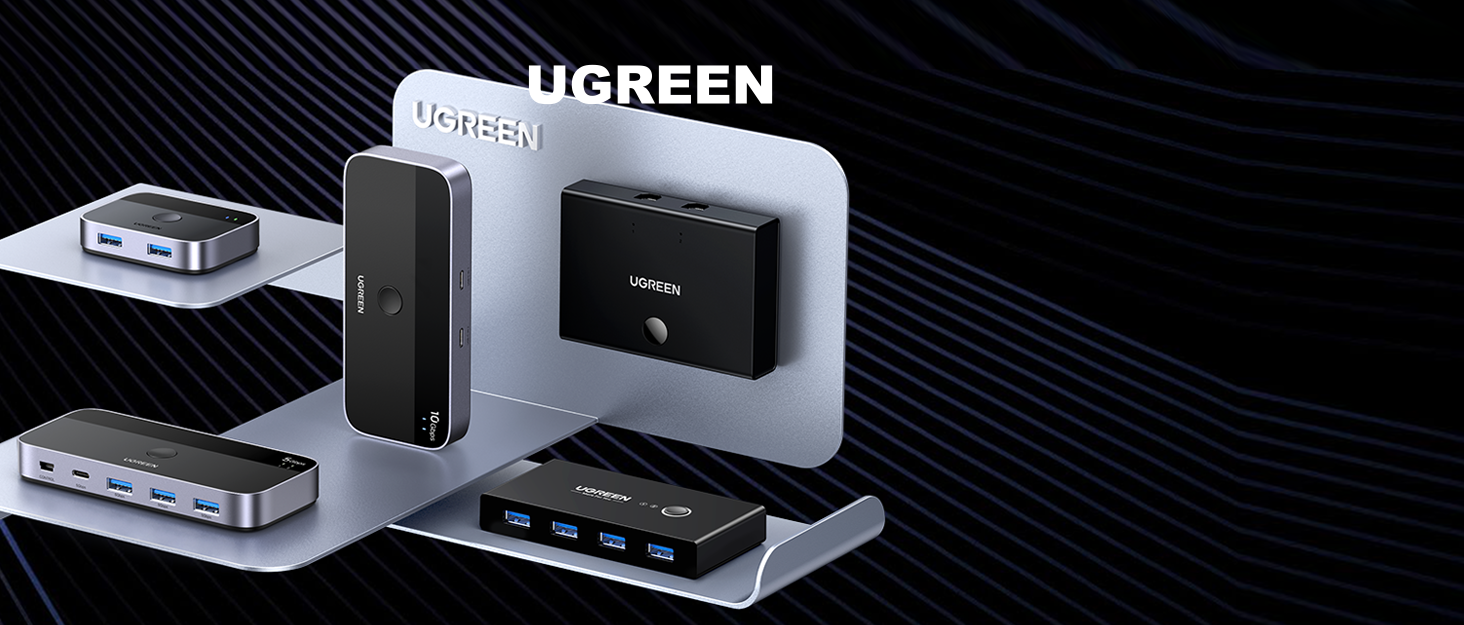
UGREEN 2 INPUT USB Switch
1 USB C & 3 USB A OUTPUT
KVM/ HDMI Switch
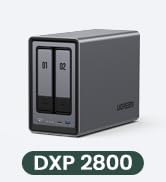
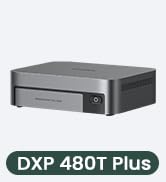
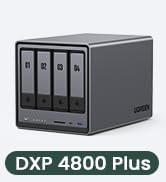
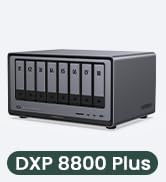
Ugreen Nas, Easy Storage
Attention
For USB C device:
If you want to connect this switch with a Mac or other host devices that only have usb c port, you need to use a USB C to A adapter with a USB A to A cable. It won't work when using a USB C to A cable directly.
Input Tip:
It is a USB switch without an hdmi port and it does not support two computers sharing a single display.
The produce is designed for data transmission and does not support video transmission.
Output Tip:
It is not suggested to connect the wireless device to the usb 3.0 switch due to 2.4Ghz interference.
If the wireless network is affected, please set your router from 2.4GHz to 5GHz.
About Power Supply:
Not all devices need power supply during use; the power port can only supply power to USB devices and not to computers.
USB switch is designed with a USB C power port, the USB C charging cable and power adapter (5V 2A) are not included.
Package Content:
USB 3.0 Switch * 1 (4.8 x 2.1 x 0.7 Inches)
USB A to A Cable * 2 (5FT/1.5M)
Remote Control *1 (5FT/1.5M)
UGREEN 2 INPUT USB Switch
1 USB C & 3 USB A OUTPUT
KVM/ HDMI Switch
Ugreen Nas, Easy Storage
USB 3.0 Switch 2 Computers Sharing USB C & A Devices, 4 Port USB Switcher Sharing Keyboard and Mouse, Printer/Scanner USB Switch Hub for Two Computers with 2 USB 3.0 Cables and Remote
Learn more about the Detailed Specifications
Additional Information
First Listed on Newegg
May 24, 2026
There are no reviews yet.
Do you own this product?
Warranty & Returns
Warranty, Returns, And Additional Information
Warranty
Please contact the Seller directly for warranty information. Warranty information may also be found on the Manufacturer's website.