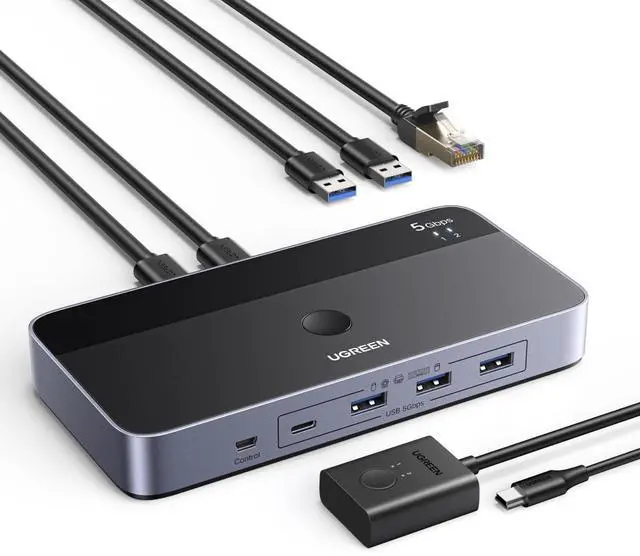
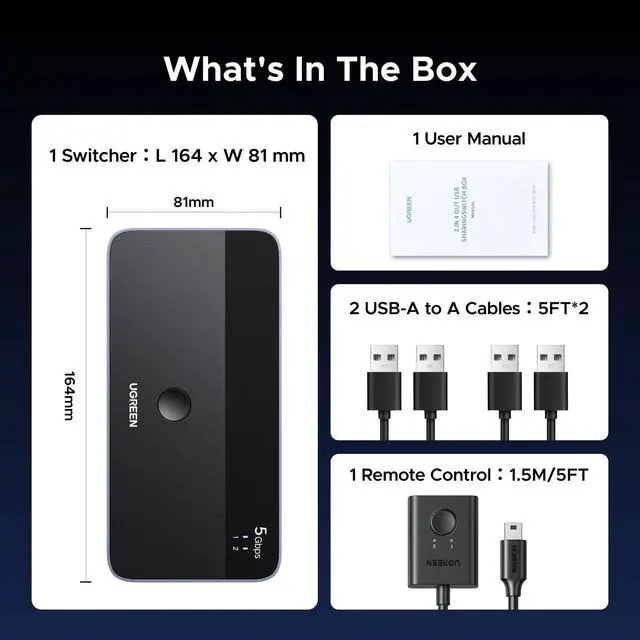
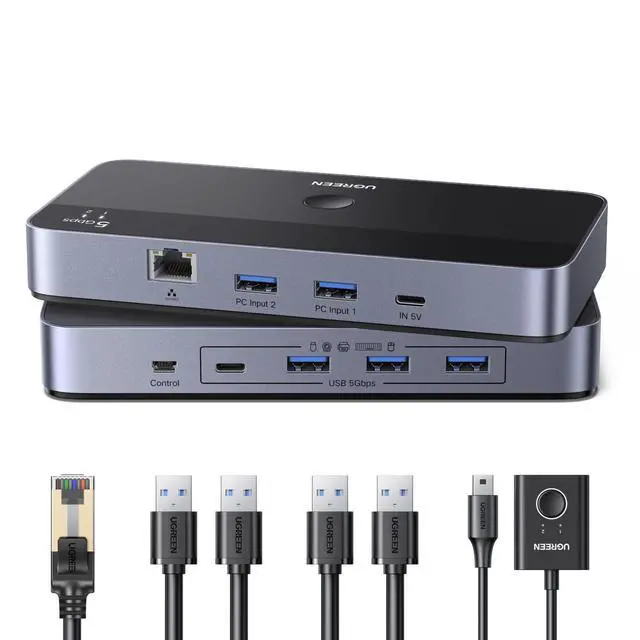
USB 3.0 Switch for 2 PCs Simultaneous Internet Access & Sharing USB Devices, USB Switcher Sharing Keyboard and Mouse, Built-in Gigabit Ethernet Adapter, Includes 2 USB Cables & Controller
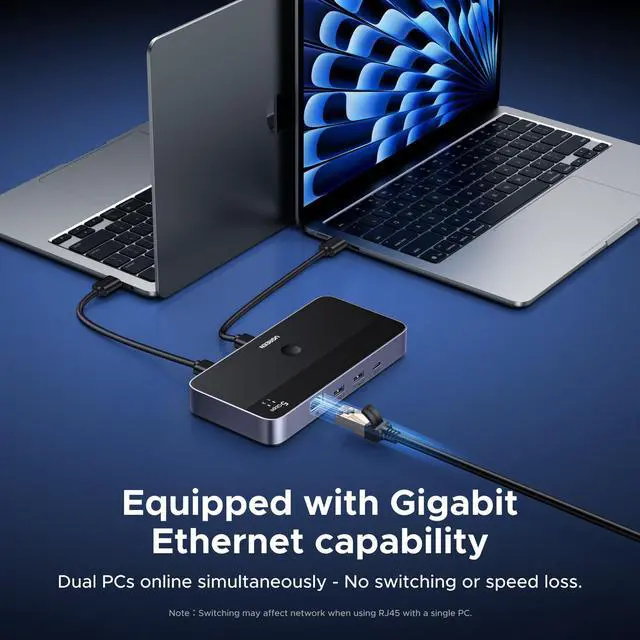
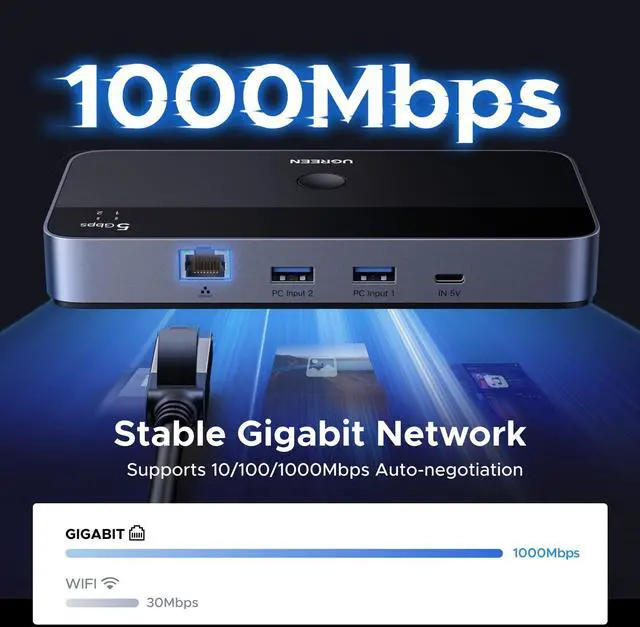
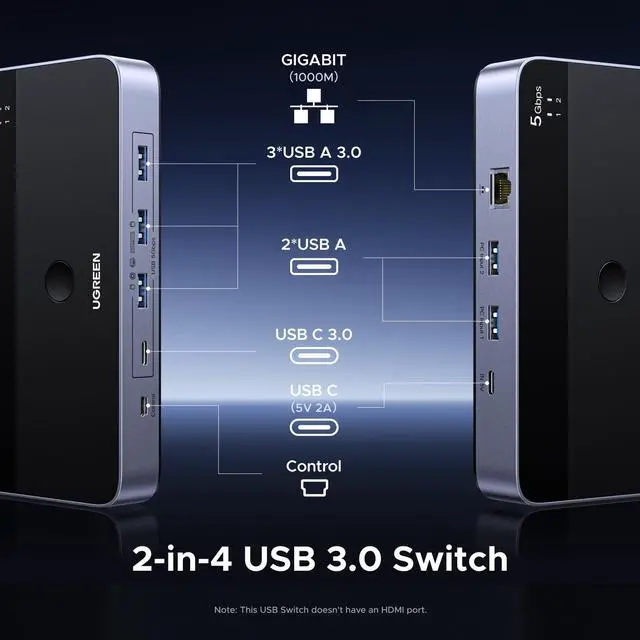
Simultaneous Internet Access for 2 PCs: This USB switch features a high-performance chip-integrated gigabit network adapter, allowing two computers to connect to the Internet simultaneously without switching network cables or settings. It does not slow down the network speed even when both devices are in use at the same time, maintaining a stable and smooth high-speed network connection to meet various needs such as office work, entertainment, and data transmission.
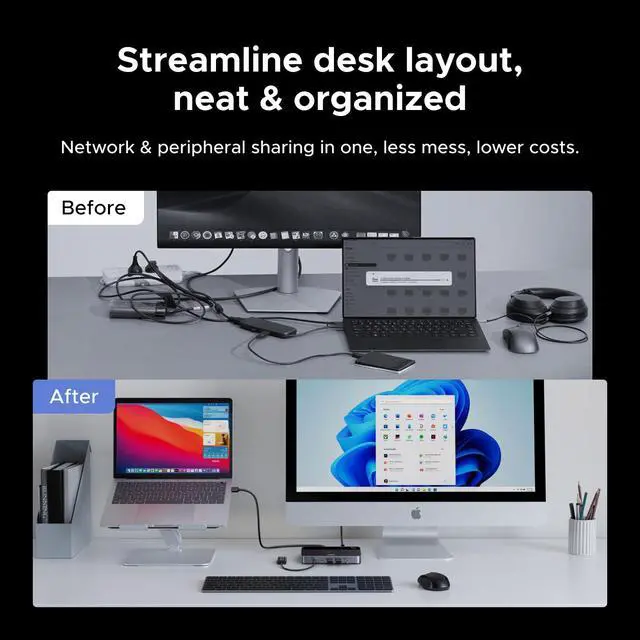
2 PCs Share Multiple Devices: UGREEN 2-In 4-Out USB switcher supports 2 computers sharing 4 USB devices like keyboards, mouses, printers, headphones, and USB cameras. Switch freely between your work computer and personal computer and boost your work efficiency. (*Not a KVM switch and does not support a monitor or video transmission.*)
Connect USB C & USB A Devices: The USB 3.0 switch provides 1 USB C port and 3 USB A ports to support connecting various USB devices, extending more ports for two computers. (*It is recommended to power supply when using multiple devices simultaneously to avoid disconnection due to insufficient power.*)
5Gbps Data Transfer / Plug & Play: With 4 USB 3.0 ports, the USB 3.0 switcher supports data transfer up to 5Gbps and is backward compatible with USB 2.0; Simple plug and play for any modern operating system: Windows, macOS, Chrome OS, and Linux computers. (*The USB ports are primarily for data transfer and are not recommended for charging devices.*)
+
+
Overview
Specs
Reviews
Any questions? Our AI beta will help you find out quickly.
USB 3.0 Switch for 2 PCs Simultaneous Internet Access & Sharing USB Devices, USB Switcher Sharing Keyboard and Mouse, Built-in Gigabit Ethernet Adapter, Includes 2 USB Cables & Controller
Learn more about the Detailed Specifications
Additional Information
First Listed on Newegg
May 23, 2026
There are no reviews yet.
Do you own this product?
Warranty & Returns
Warranty, Returns, And Additional Information
Warranty
Please contact the Seller directly for warranty information. Warranty information may also be found on the Manufacturer's website.