





8K@60Hz HDMI KVM Switch 1 Monitor 2 Computers, 3 USB3.0 ports
It's a good choice for the people who need to use 2 computers. You can easily switch between 2 computers and share USB devices without any confusion. KVM switches is plug and play and does not require the installation of a driver. Compatible with multiple systems, such as Windows, Mac, Unix, etc.
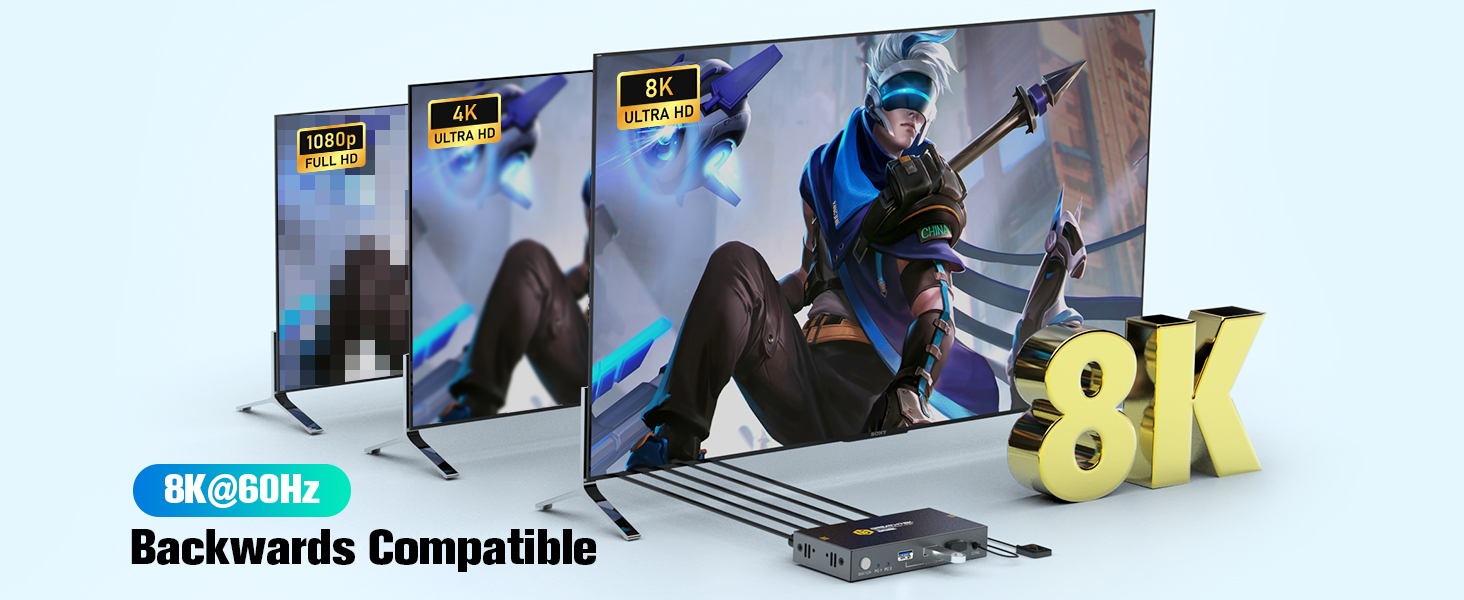
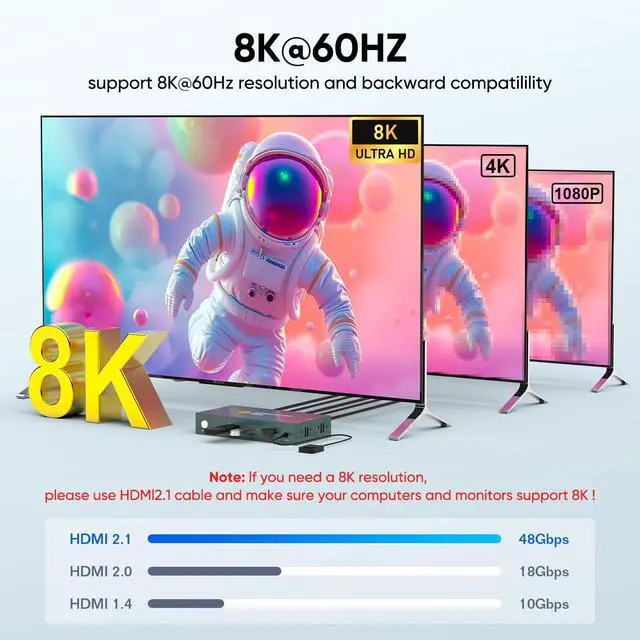
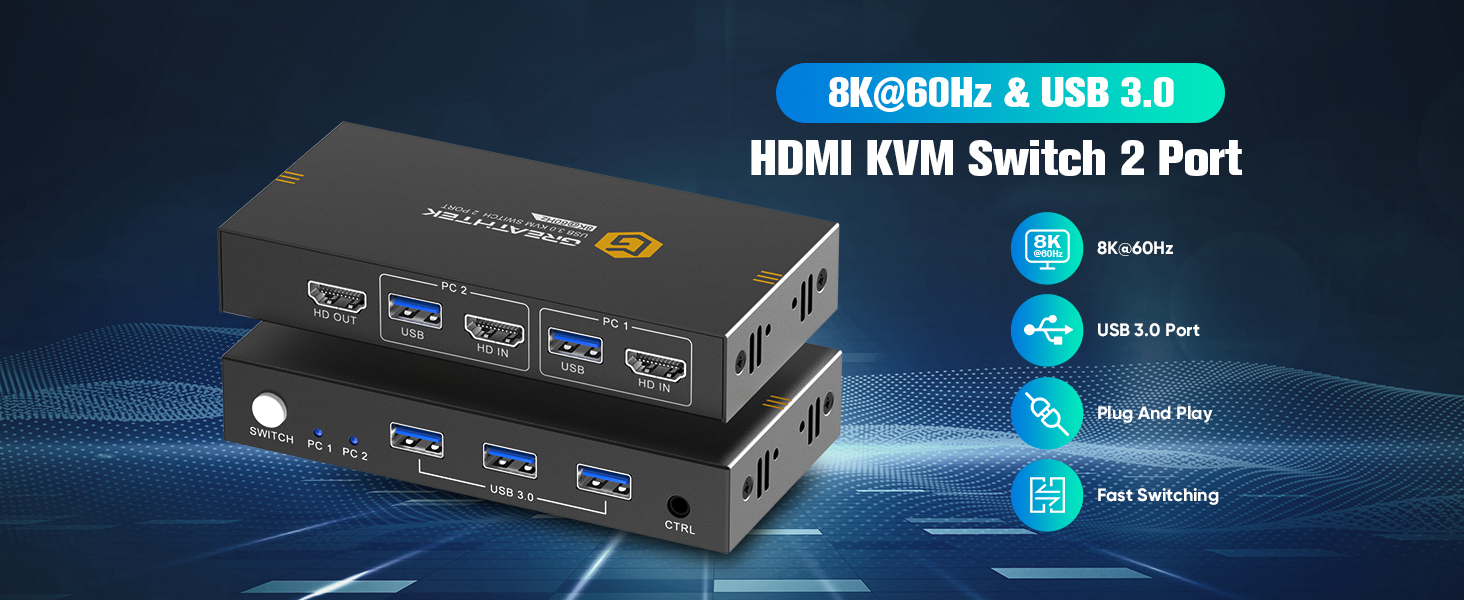
HDMI KVM Switch maximum support 8K@60Hz, backward compatibility 8K@30Hz, 4K@144Hz, 4K@120Hz, 4K@60Hz etc. Adaptive EDID.
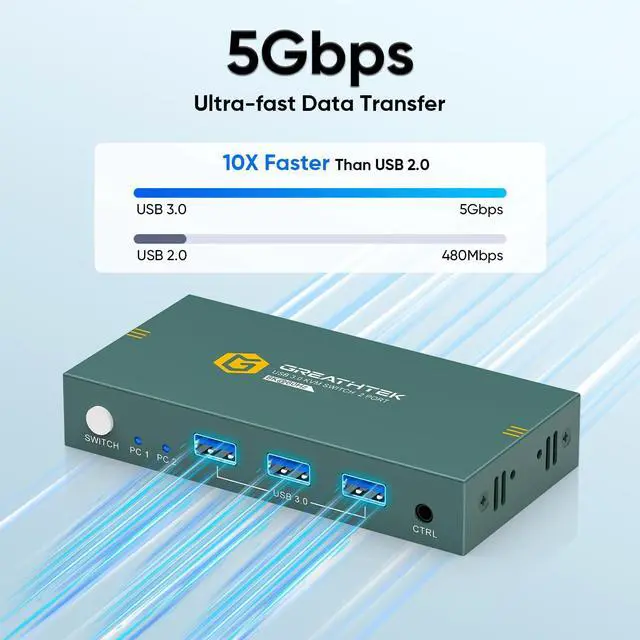
USB3.0 - 5Gbps SuperSpeed Transmission
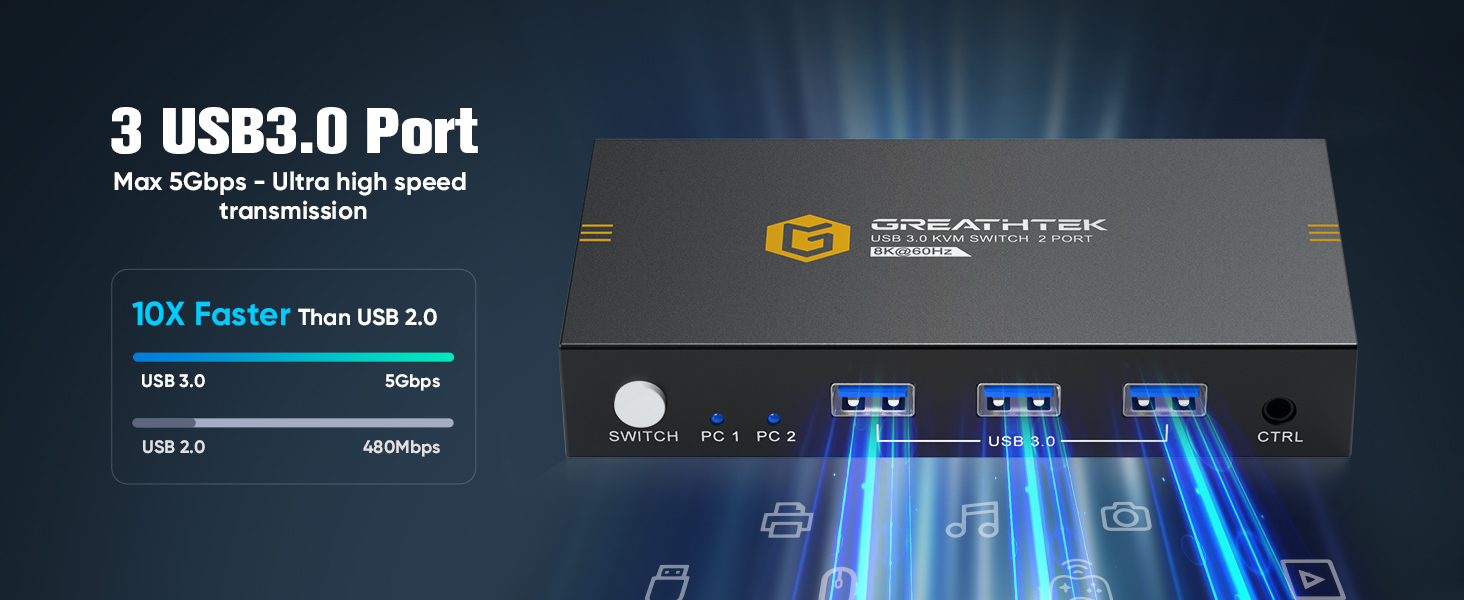
kvm switch 1 monitors 2 computers is equipped with 3 USB3.0 ports, which have an ultra fast transmission rate of up to 5Gbps, which is 10 times faster than USB2.0. It can greatly improve your work efficiency and meet your USB speed requirements.
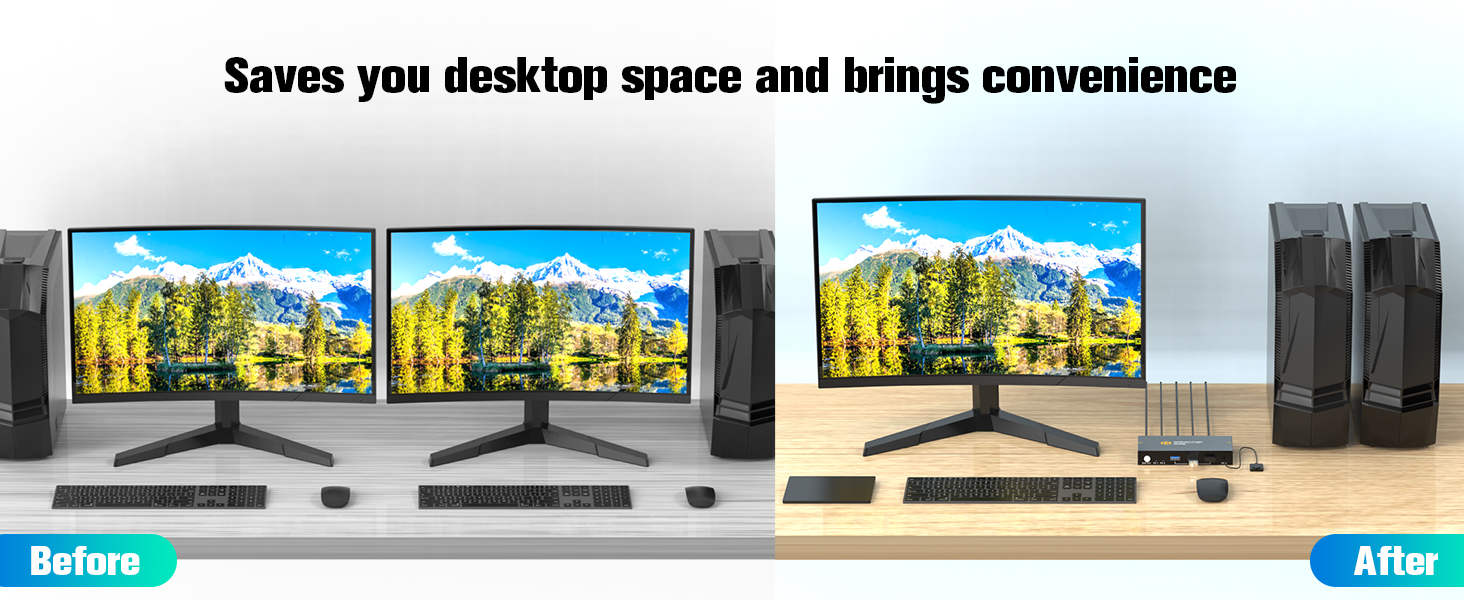
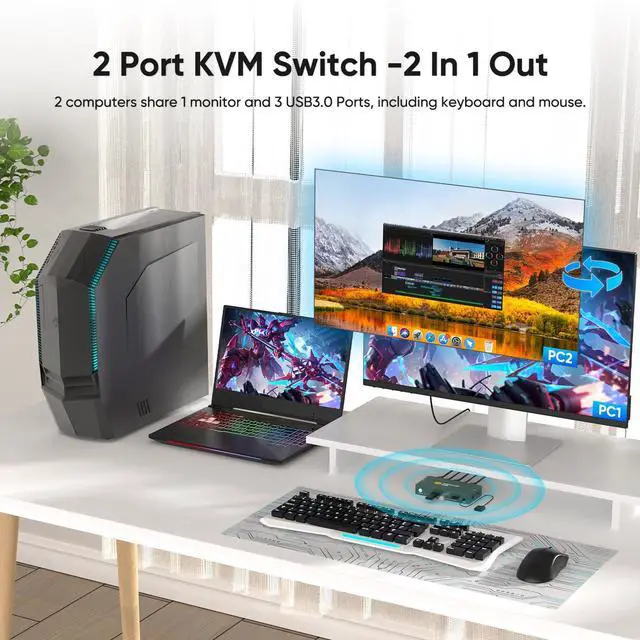
KVM Switch 2 port greatly saves your desk space and time, making your work more convenient and efficient.
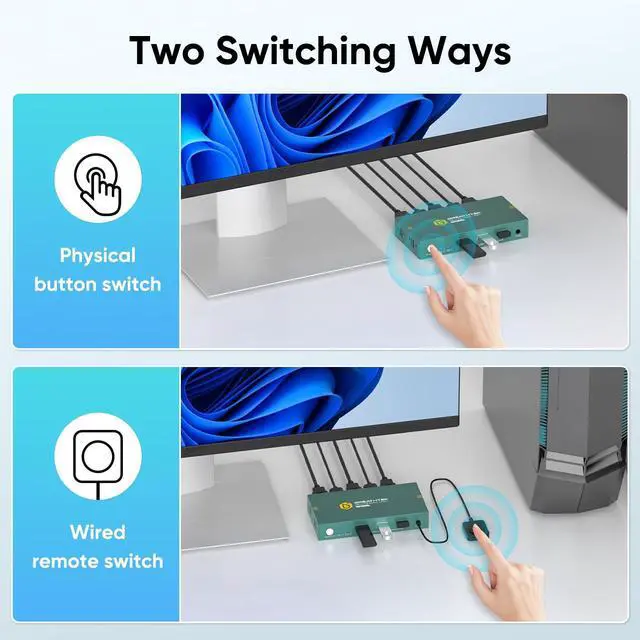
Supports 2 switching modes
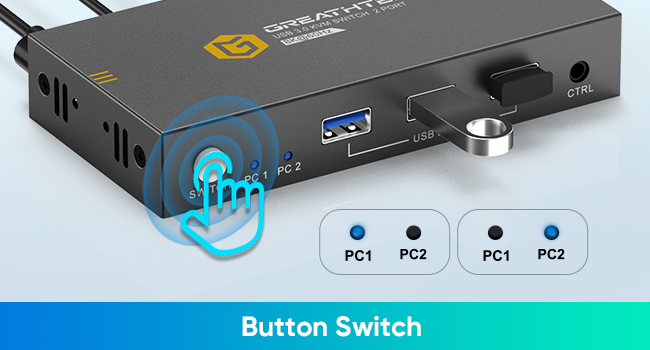
Button switch
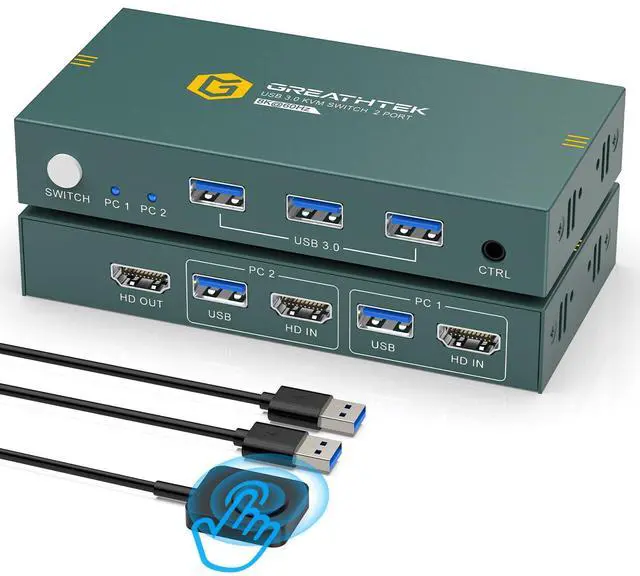
The button is located at the front of the panel and can be switched with just one press.
There is an LED indicator light in front of the panel to indicate which computer you are currently selecting.
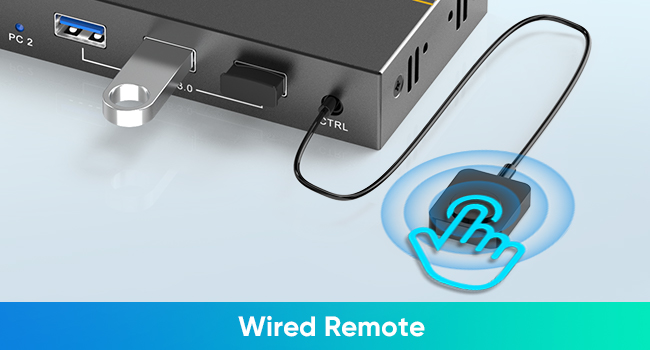
Wired remote control switch
The cable length is about 1m, and you can place the remote control anywhere, just press the remote control to switch.
Plug and Play
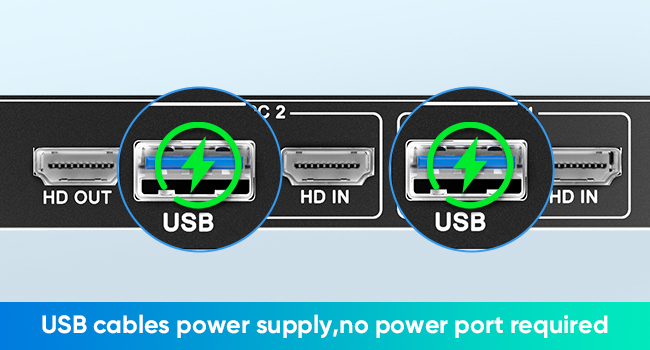
USB cable power supply
The KVM Switch 2 port is powed by USB3.0 cables and does not require a power port, reducing the number of cables connected and making the connection simpler.
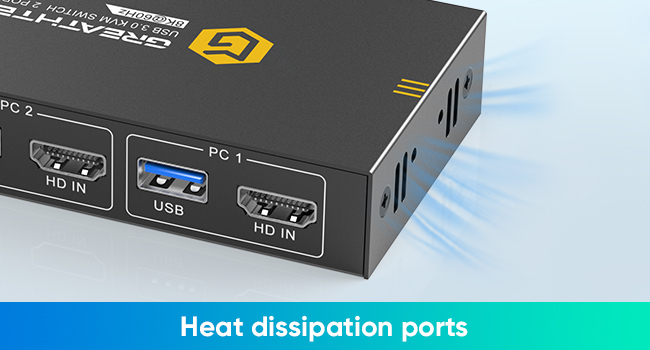
Heat dissipation ports
There are heat dissipation holes on both sides of the KVM Switches, providing a stable working environment and extending its lifespan.
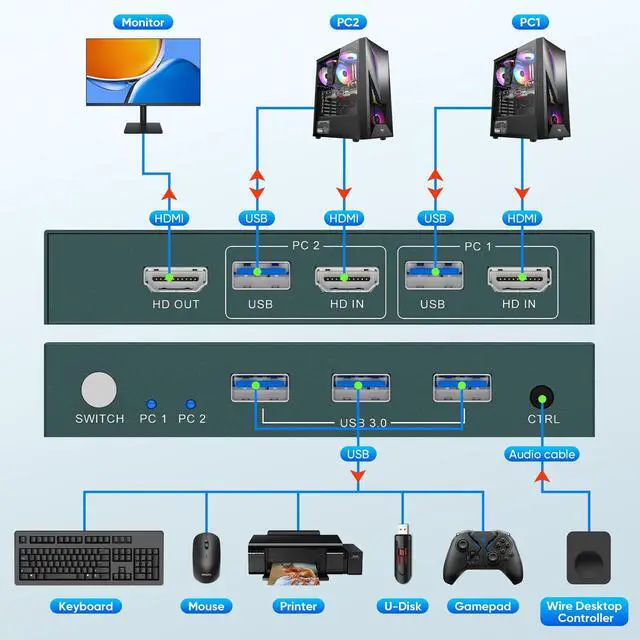
Connection steps:
- Use 1 HDMI2.1 cable and 1 USB3.0 cable to connect the PC1 and switch PC1 input ports.
- Use 1 HDMI2.1 cable and 1 USB3.0 cable to connect the PC2 and switch PC2 input ports.
- Use 1 HDMI2.1 cable to connect the monitor and switch output port.
- Connect the keyboard and mouse to the USB 3.0 ports.
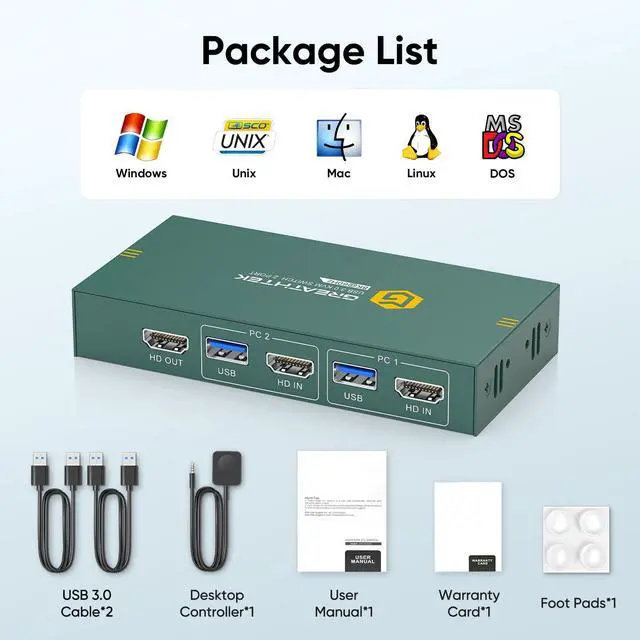
The product packaging is equipped with 2 USB3.0 cables, and you need to use your 3 HDMI2.1 cables to complete the complete connection.
Kind reminder:
- Please use 3 HDMI2.1 cables to connect the switch to the computer. Please ensure that a total of 3 HDMI2.1 cables and 2 USB3.0 cables are connected to the switch.
- Please set both computers to the same resolution, such as both computers being 8K@60Hz or both computers being 4K@60Hz. This way, the switch can function properly. It is not supported to set two computers to different resolutions.
- The audio port in front of the switch panel is used to connect to a wired remote control (desktop controller) and does not support audio connection.
8K@60Hz HDMI KVM Switch 1 Monitor 2 Computers, 3 USB3.0 ports
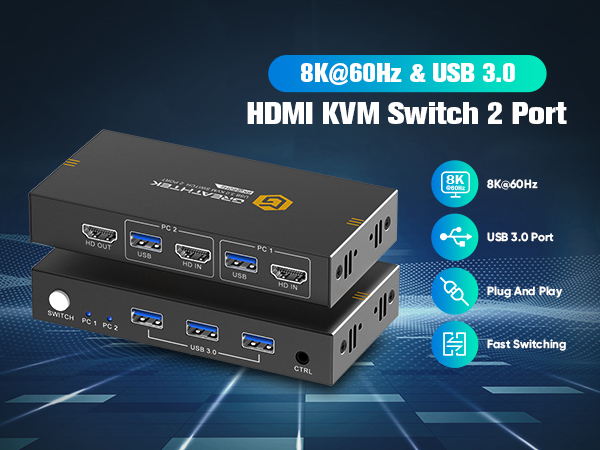
It's a good choice for the people who need to use 2 computers. You can easily switch between 2 computers and share USB devices without any confusion. KVM switches is plug and play and does not require the installation of a driver. Compatible with multiple systems, such as Windows, Mac, Unix, etc.
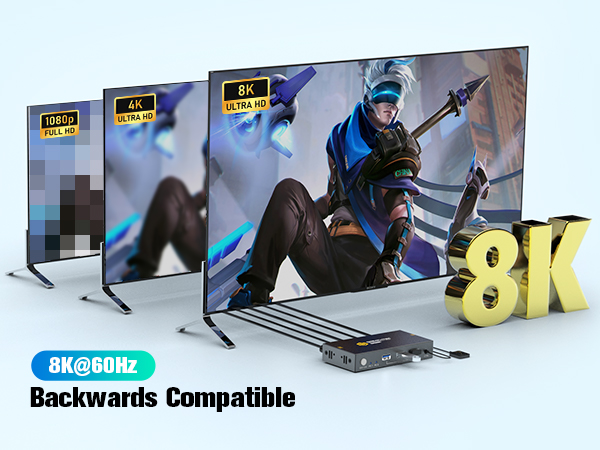
HDMI KVM Switch maximum support 8K@60Hz, backward compatibility 8K@30Hz, 4K@144Hz, 4K@120Hz, 4K@60Hz etc. Adaptive EDID.
USB3.0 - 5Gbps SuperSpeed Transmission
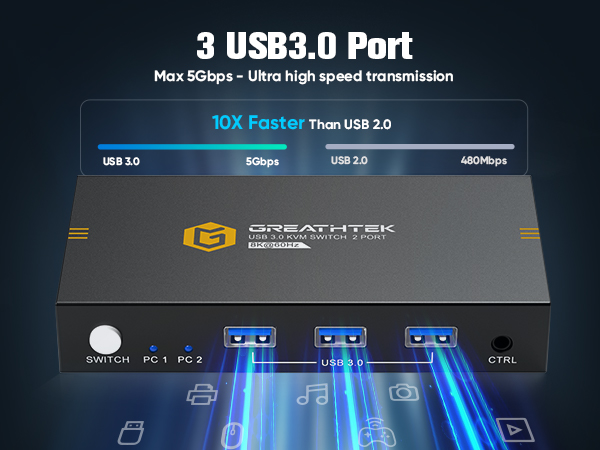
kvm switch 1 monitors 2 computers is equipped with 3 USB3.0 ports, which have an ultra fast transmission rate of up to 5Gbps, which is 10 times faster than USB2.0. It can greatly improve your work efficiency and meet your USB speed requirements.
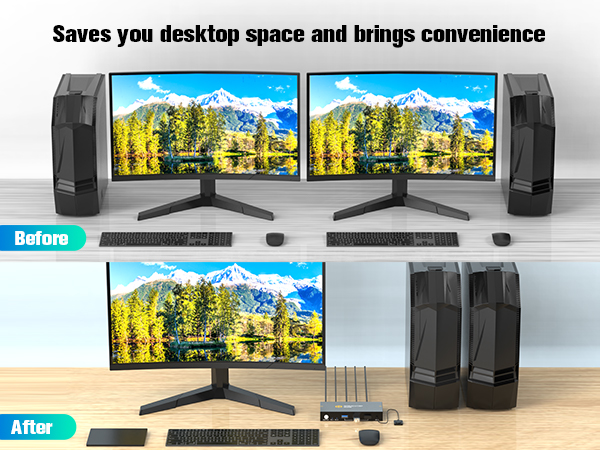
KVM Switch 2 port greatly saves your desk space and time, making your work more convenient and efficient.
Supports 2 switching modes
Button switch
The button is located at the front of the panel and can be switched with just one press.
There is an LED indicator light in front of the panel to indicate which computer you are currently selecting.
Wired remote control switch
The cable length is about 1m, and you can place the remote control anywhere, just press the remote control to switch.
Plug and Play
USB cable power supply
The KVM Switch 2 port is powed by USB3.0 cables and does not require a power port, reducing the number of cables connected and making the connection simpler.
Heat dissipation ports
There are heat dissipation holes on both sides of the KVM Switches, providing a stable working environment and extending its lifespan.
Connection steps:
- Use 1 HDMI2.1 cable and 1 USB3.0 cable to connect the PC1 and switch PC1 input ports.
- Use 1 HDMI2.1 cable and 1 USB3.0 cable to connect the PC2 and switch PC2 input ports.
- Use 1 HDMI2.1 cable to connect the monitor and switch output port.
- Connect the keyboard and mouse to the USB 3.0 ports.
The product packaging is equipped with 2 USB3.0 cables, and you need to use your 3 HDMI2.1 cables to complete the complete connection.
Kind reminder:
- Please use 3 HDMI2.1 cables to connect the switch to the computer. Please ensure that a total of 3 HDMI2.1 cables and 2 USB3.0 cables are connected to the switch.
- Please set both computers to the same resolution, such as both computers being 8K@60Hz or both computers being 4K@60Hz. This way, the switch can function properly. It is not supported to set two computers to different resolutions.
- The audio port in front of the switch panel is used to connect to a wired remote control (desktop controller) and does not support audio connection.