





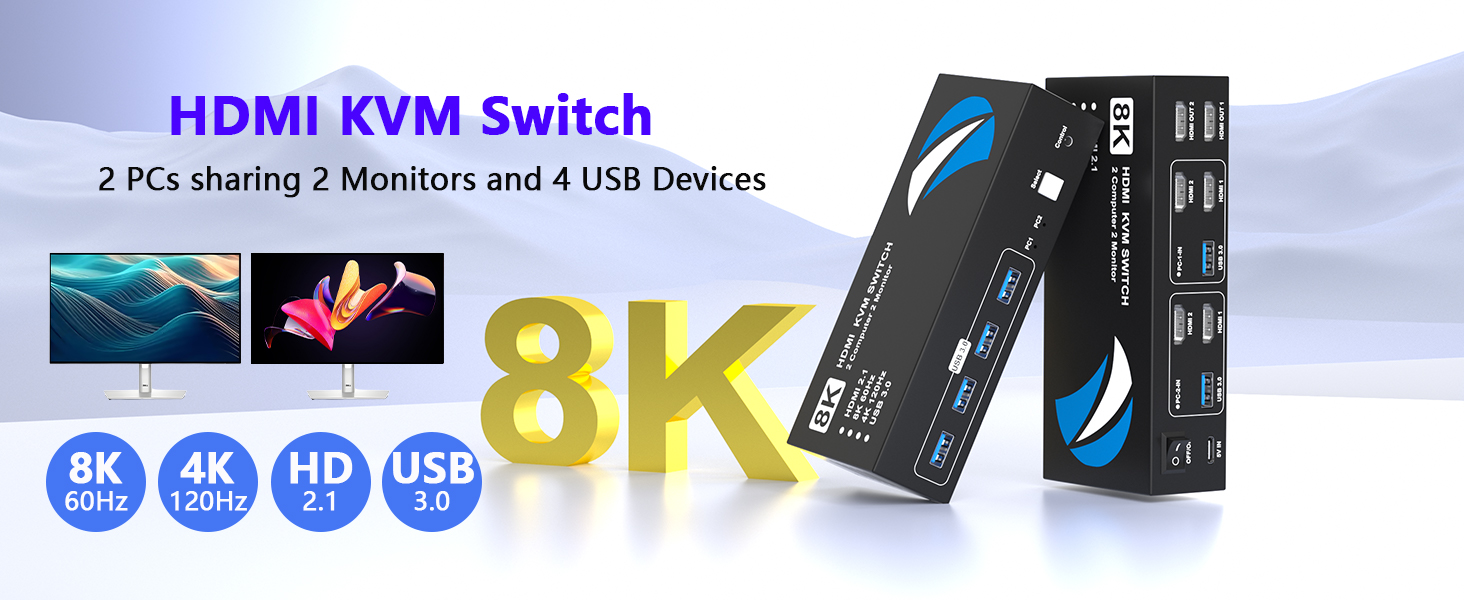
8K@60Hz HDMI KVM Switch 2 Monitors 2 Computers
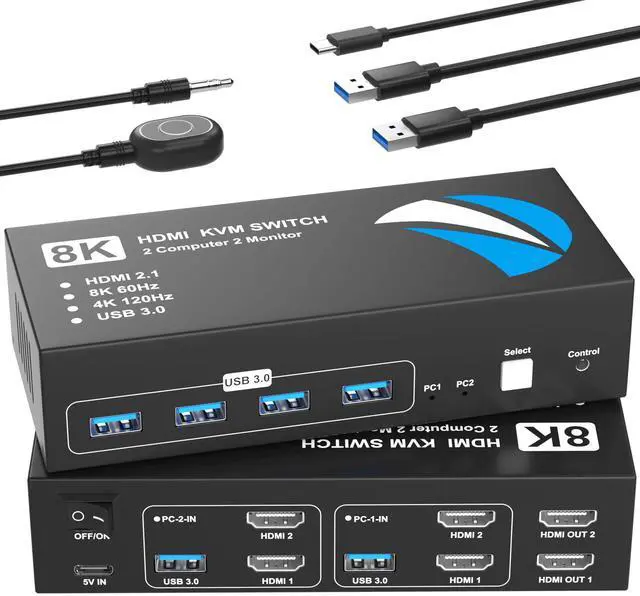
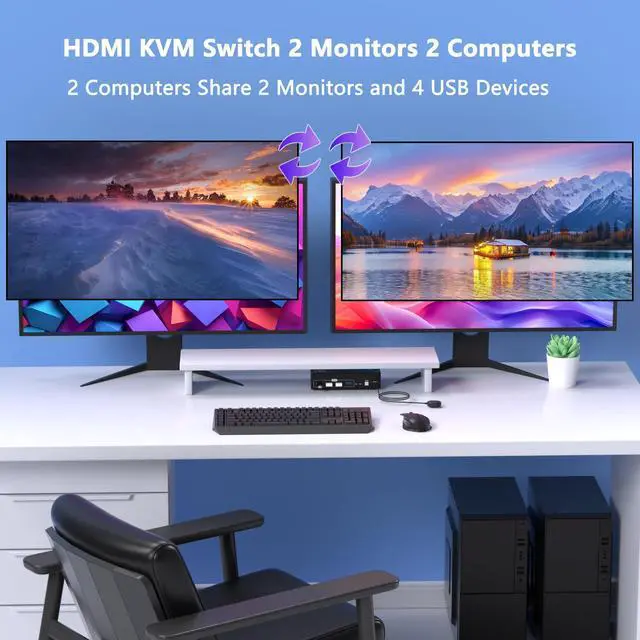
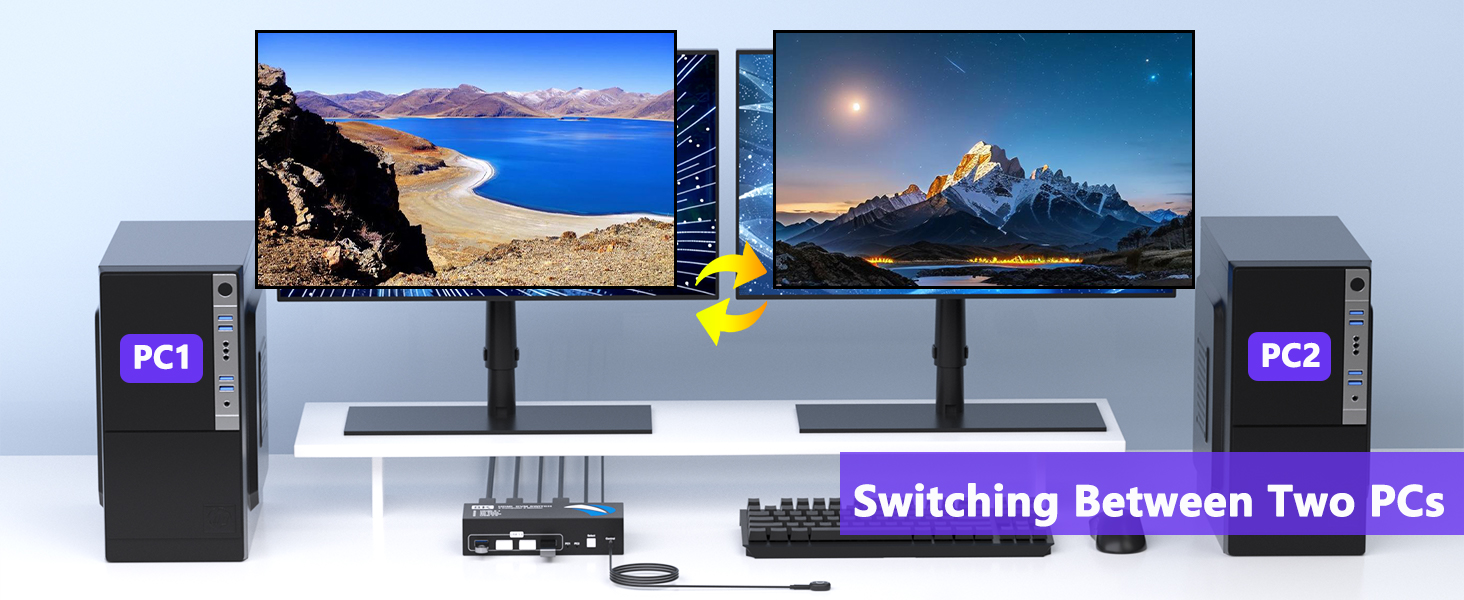
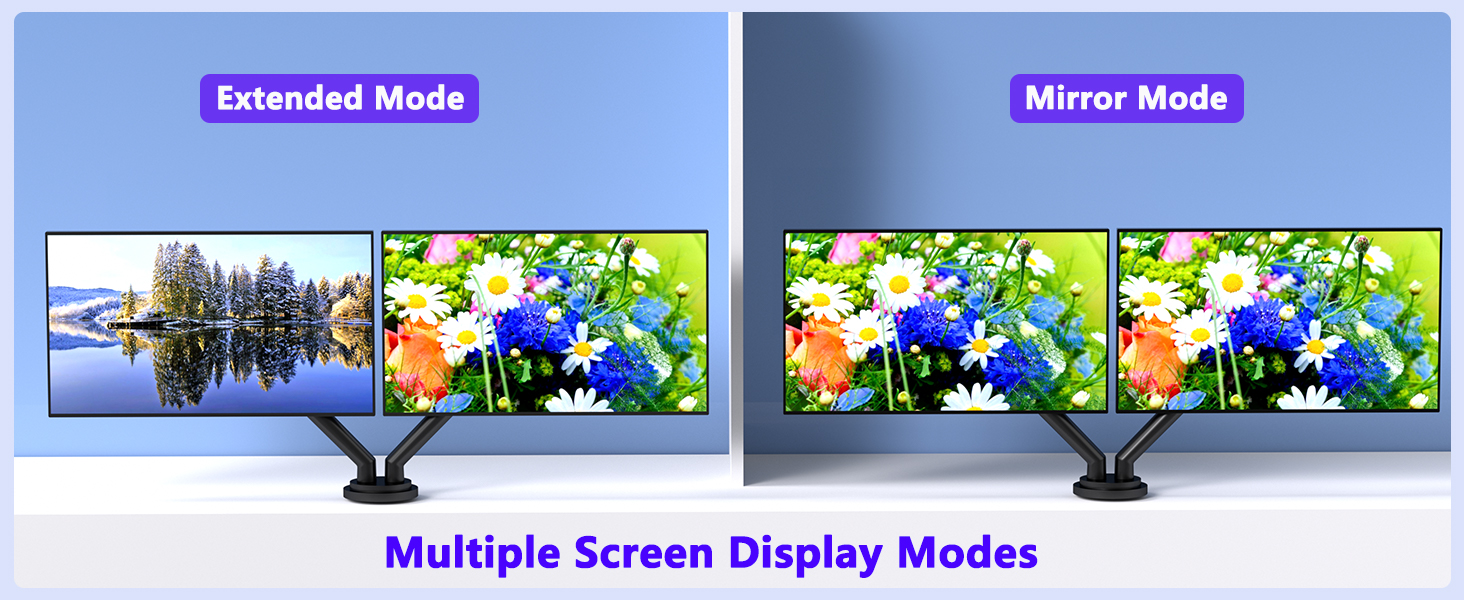
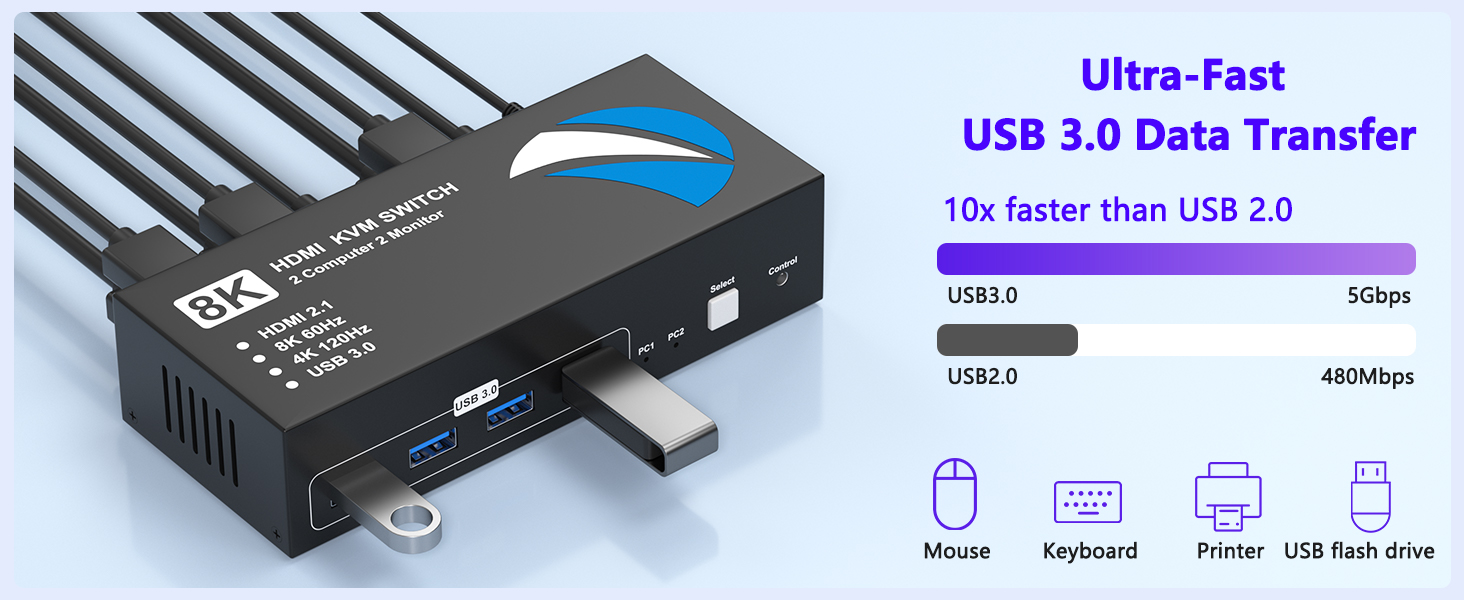
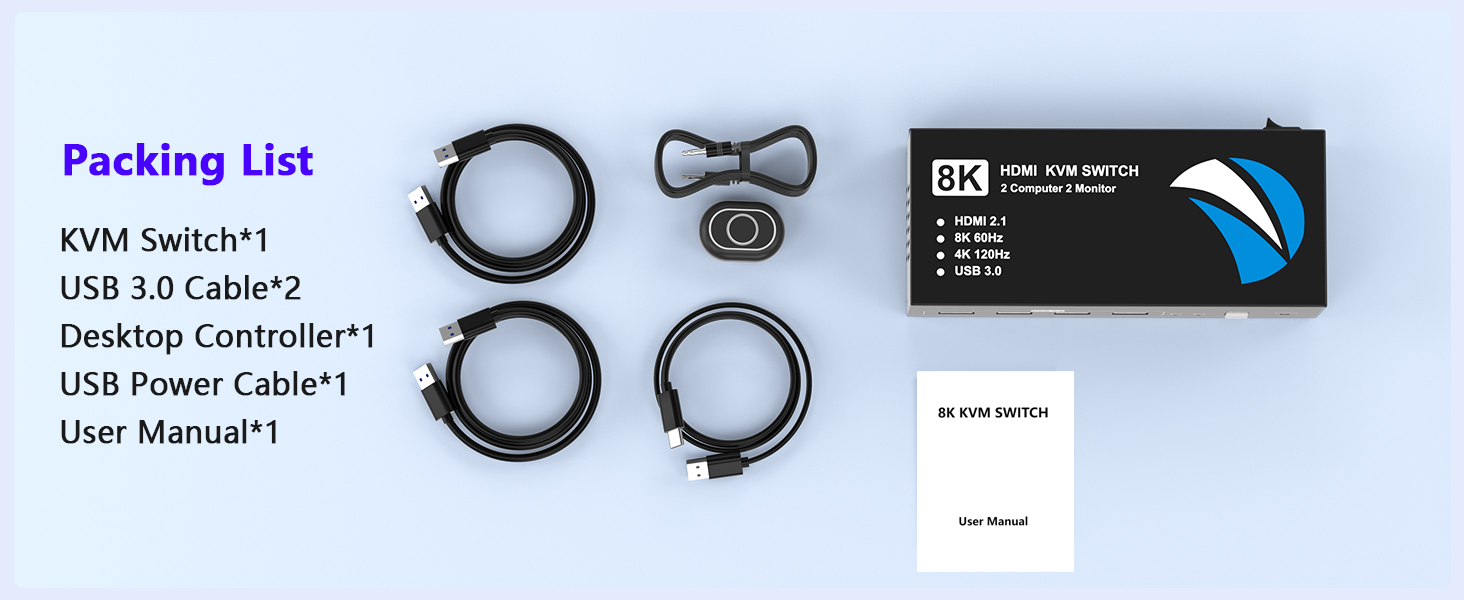
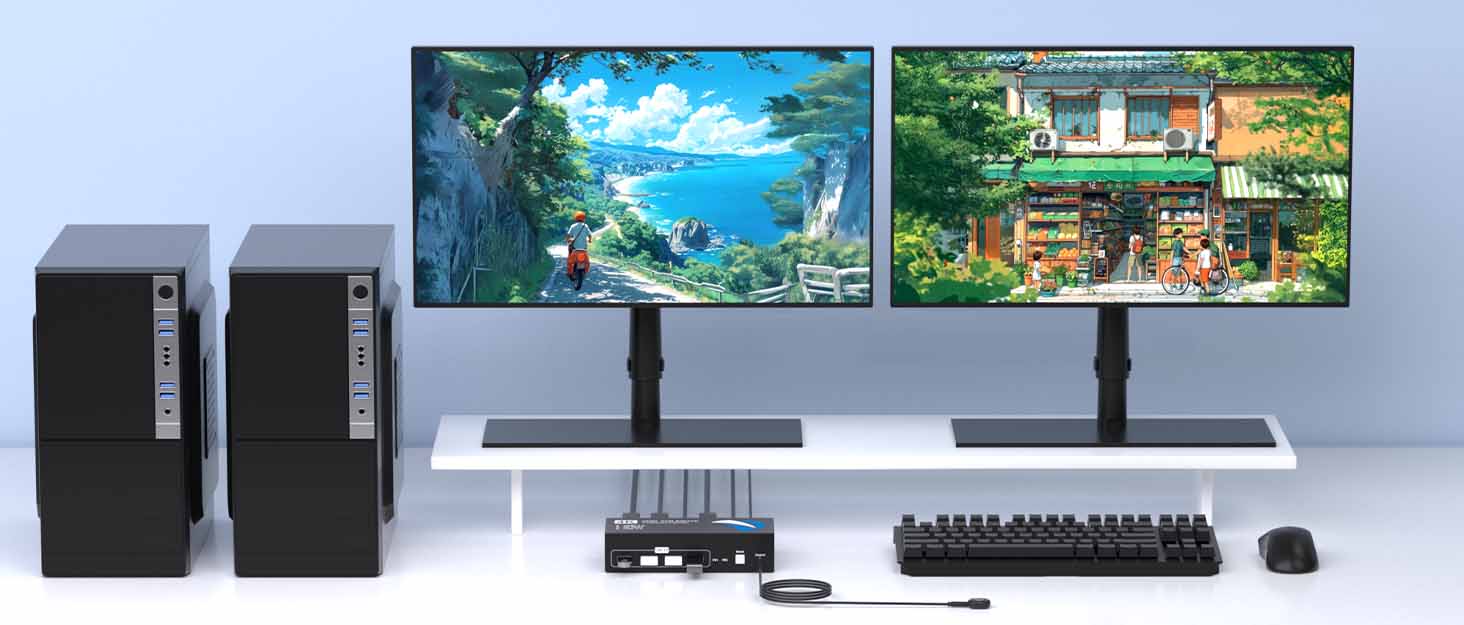
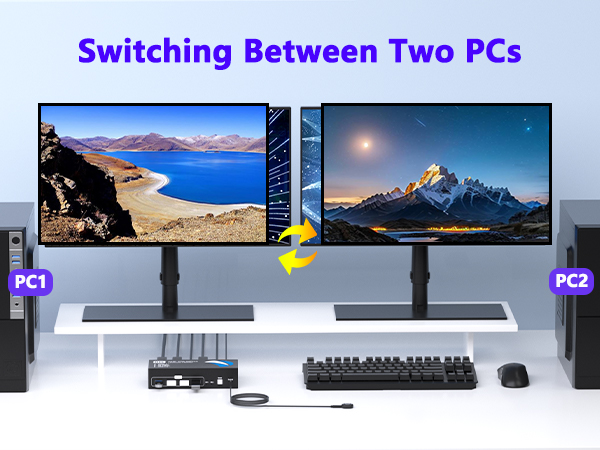
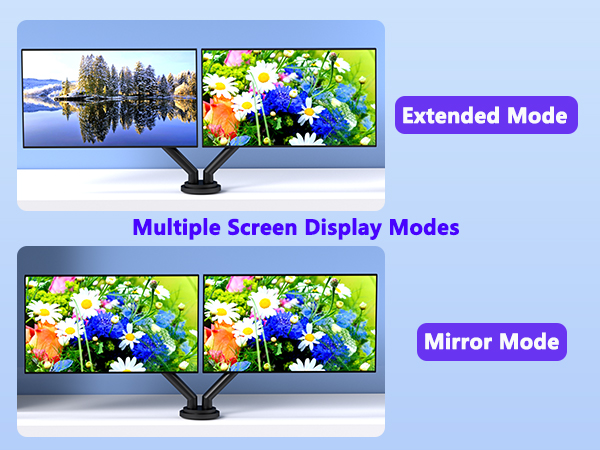
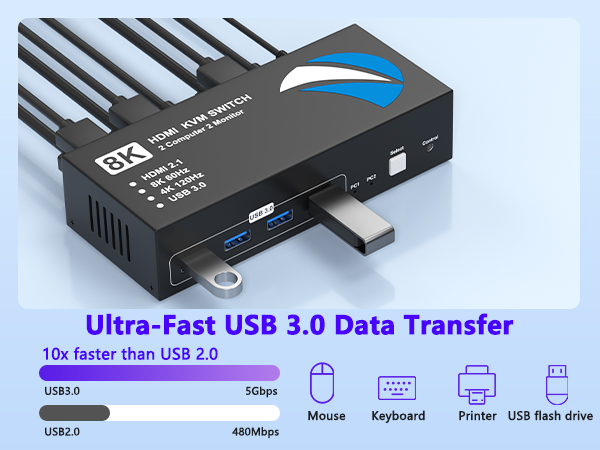
This HDMI KVM switch allows you to connect two computers, each providing two HDMI inputs and one USB-A input. It enables two computers to share two monitors and four USB devices, making it ideal for dual-monitor setups.
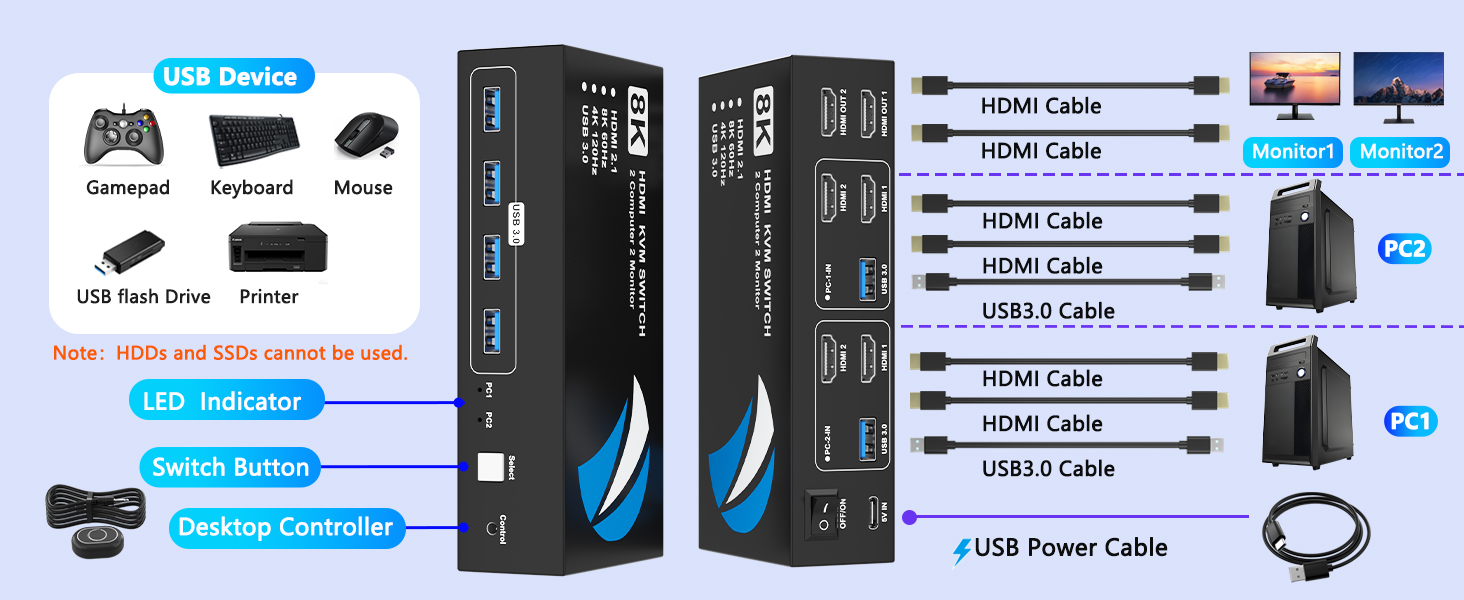
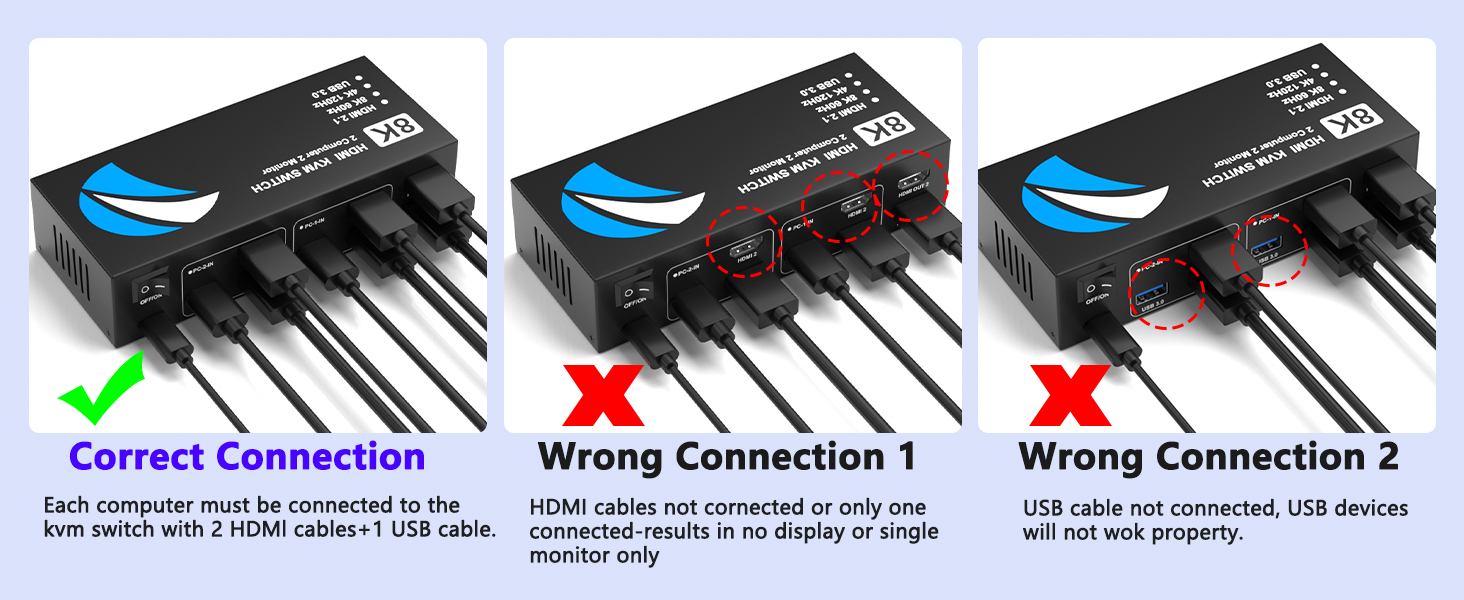
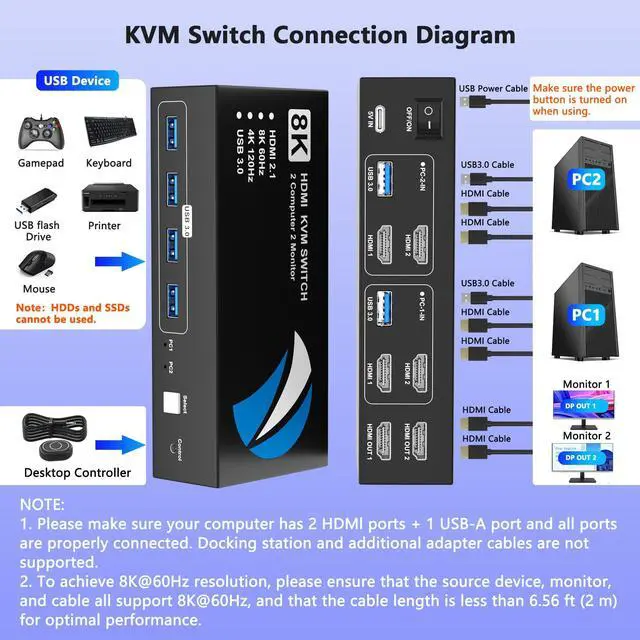
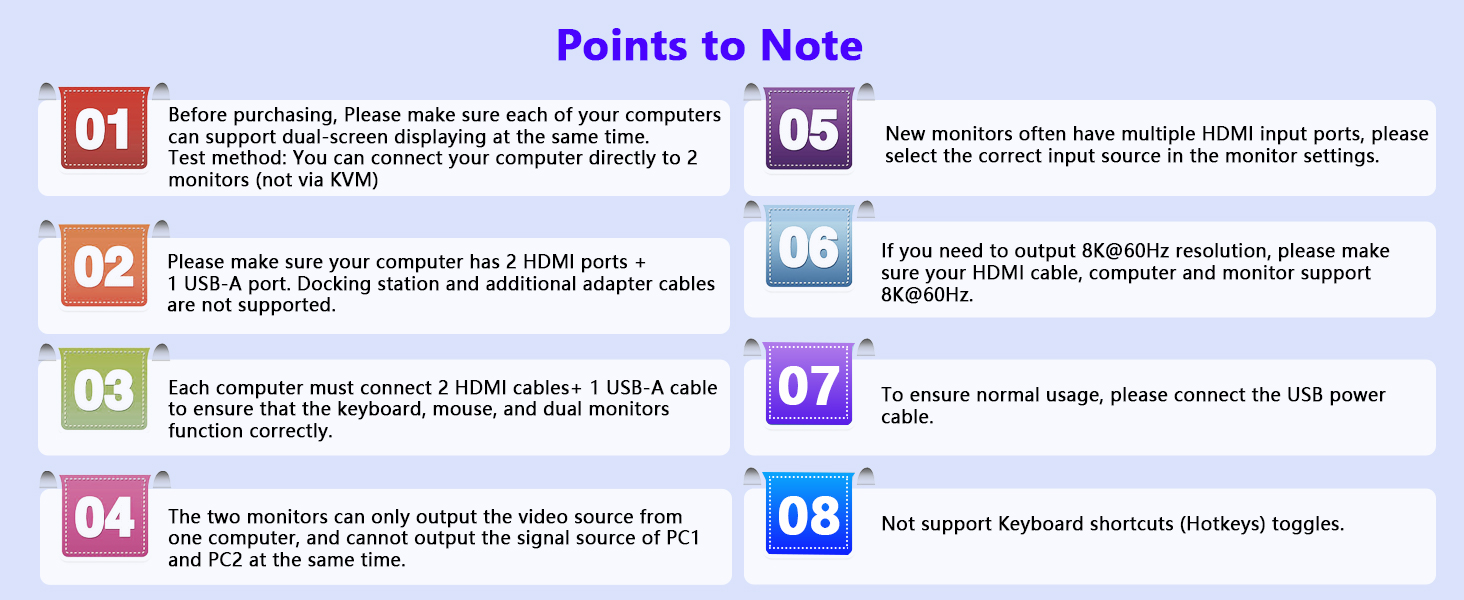
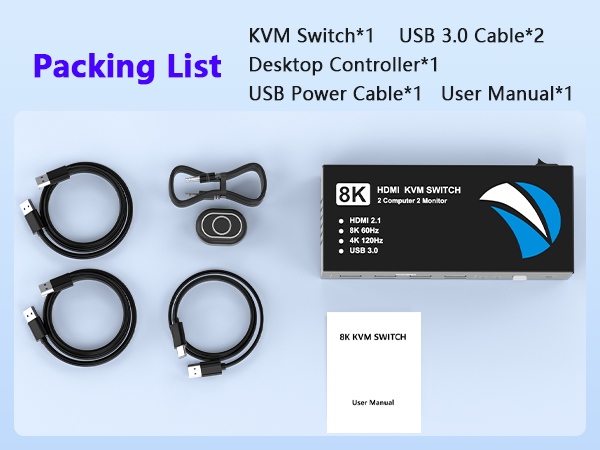
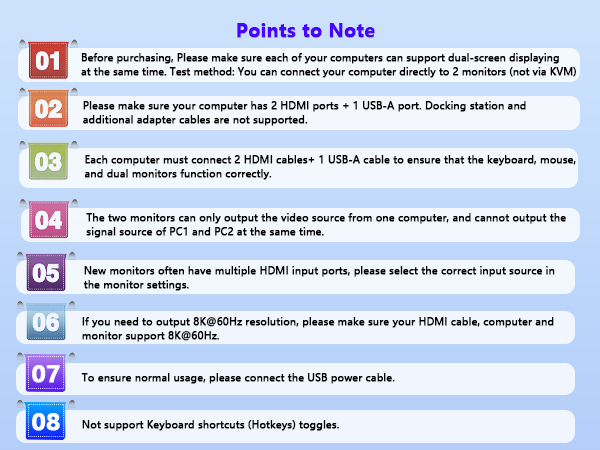
Note: Please connect two HDMI cables and one USB cable to each computer, and make sure all ports are properly connected. HDMI cables are not included in the package.
Docking station and additional adapter cables are not supported.
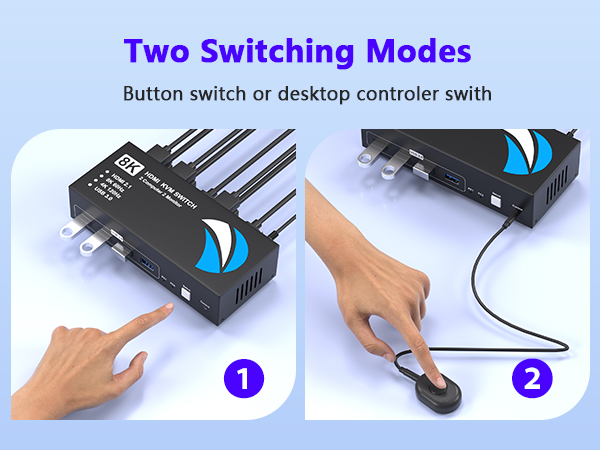
Make sure the power button on the KVM switch is turned on before use.
Find the Best KVM Switch for You
 KVM Switch HDMI 2 IN 2 OUT |  KVM Switch HDMI DP 2 IN 2 OUT | 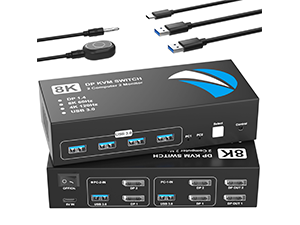 KVM Switch DP 2 IN 2 OUT |
|---|---|---|
Video Input/Output Port HDMI Port | Video Input/Output Port HDMI and DisplayPort | Video Input/Output Port DisplayPort |
Number of Supported Computers 2 Computer Input | Number of Supported Computers 2 Computer Input | Number of Supported Computers 2 Computer Input |
Number of Supported Monitors 2 Monitor Output | Number of Supported Monitors 2 Monitor Output | Number of Supported Monitors 2 Monitor Output |
Number of USB Devices Supports 4 USB Devices | Number of USB Devices Supports 4 USB Devices | Number of USB Devices Supports 4 USB Devices |
Resolution Support Up to 8K@60Hz / 4K@120Hz | Resolution Support Up to 8K@60Hz / 4K@120Hz | Resolution Support Up to 8K@60Hz / 4K@120Hz |

Buerlaseul KVM Switch Brand
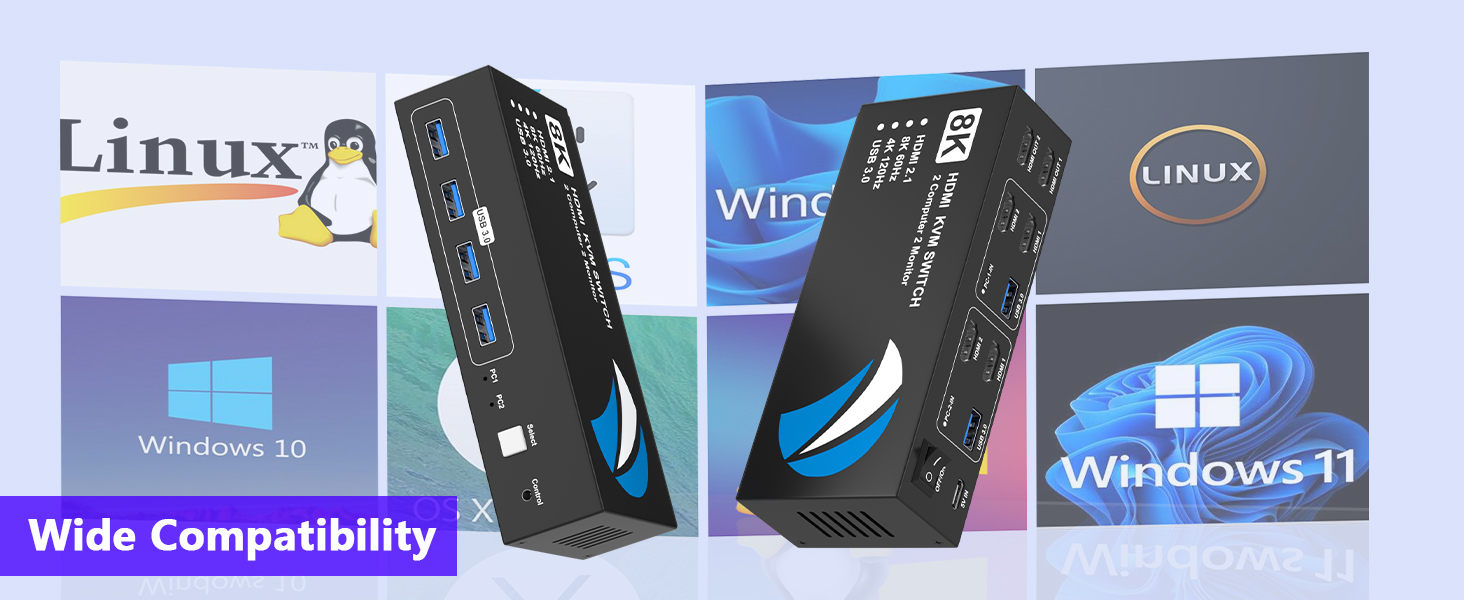
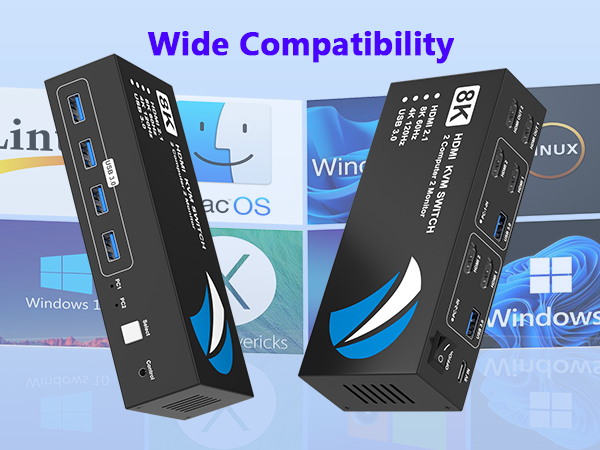
Buerlaseul is a professional consumer electronics brand. We mainly sell KVM switches, HDMI/DP converters, and AV connection accessories. Widely compatible with PC, laptop, monitor, TV and game console. Widely used in home office, multi-device control, meeting room and gaming system. With strict quality inspection and stable performance, we provide professional AV solutions and reliable after-sales service.
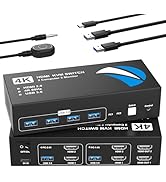
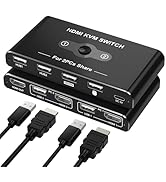
KVM Switch
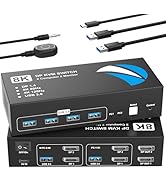
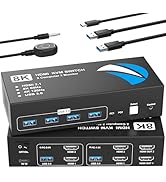
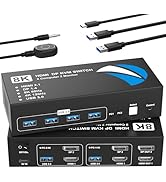
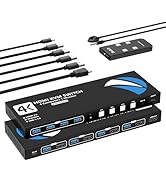
KVM Switch
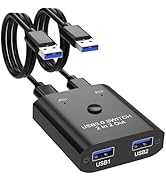
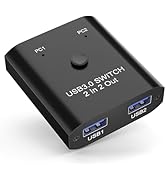
USB Switch
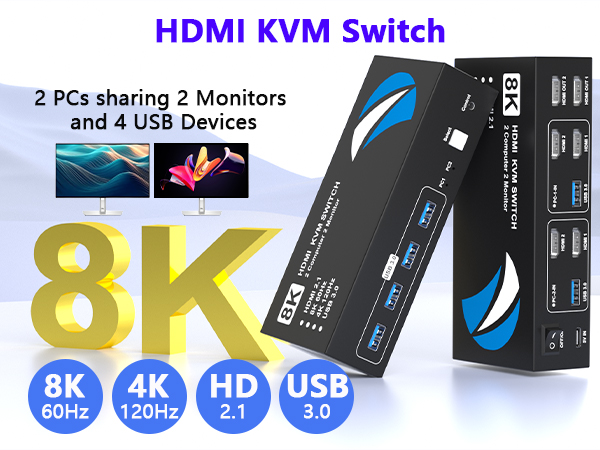
8K@60Hz HDMI KVM Switch 2 Monitors 2 Computers
This HDMI KVM switch allows you to connect two computers, each providing two HDMI inputs and one USB-A input. It enables two computers to share two monitors and four USB devices, making it ideal for dual-monitor setups.
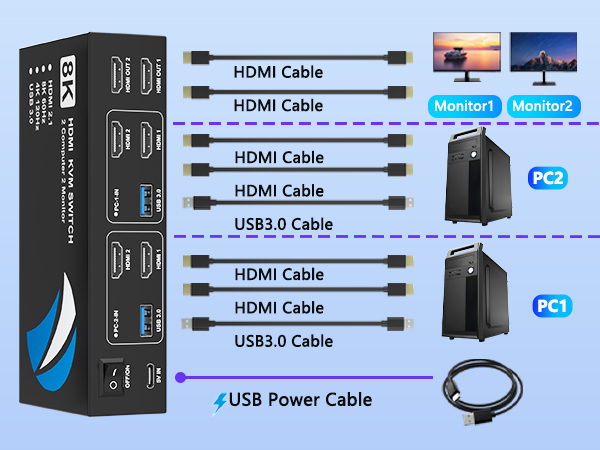
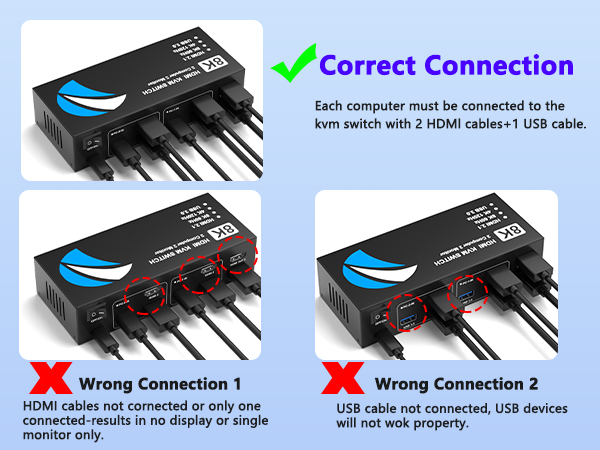
Note: Please connect two HDMI cables and one USB cable to each computer, and make sure all ports are properly connected. HDMI cables are not included in the package.
Docking station and additional adapter cables are not supported.
Make sure the power button on the KVM switch is turned on before use.
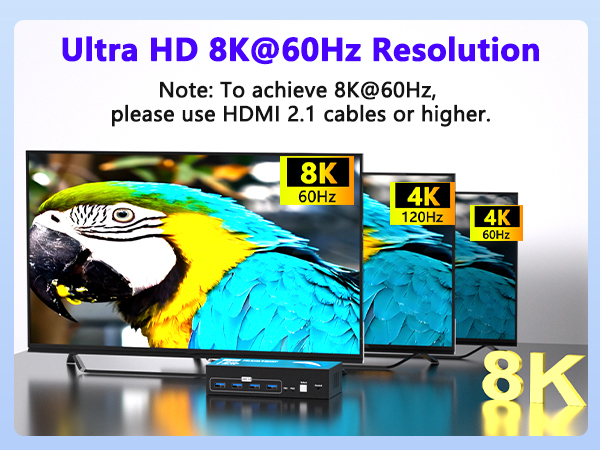
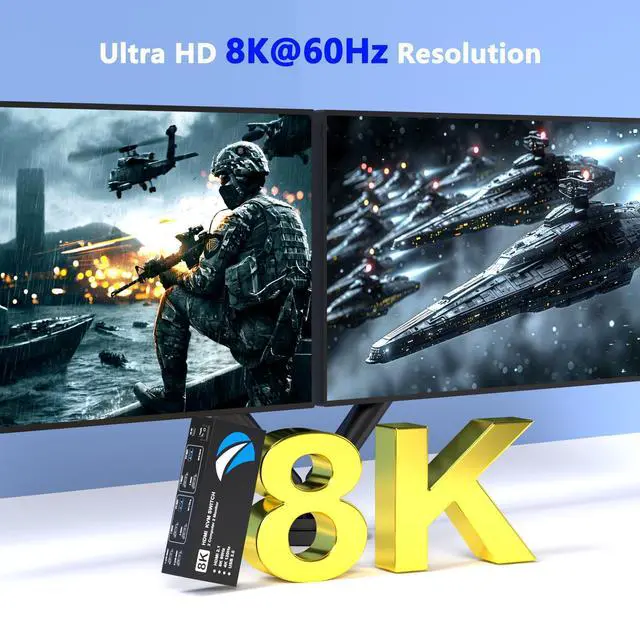
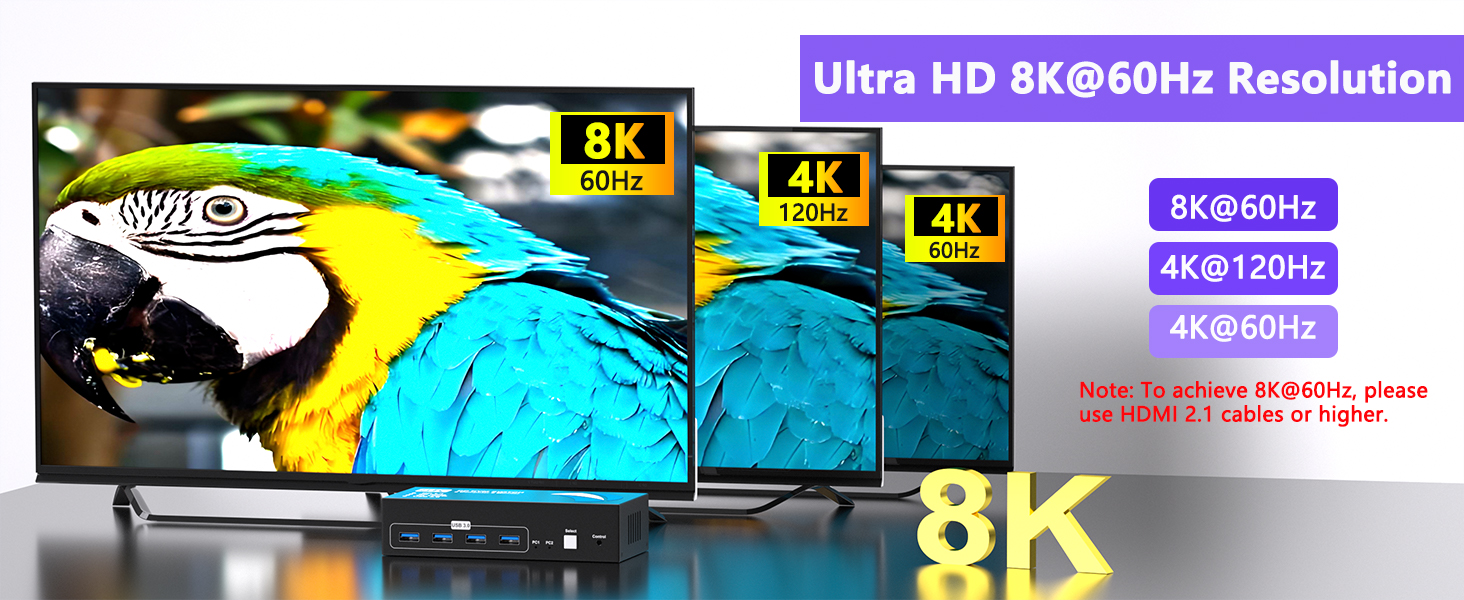
Ultra HD 8K@60Hz Resolution
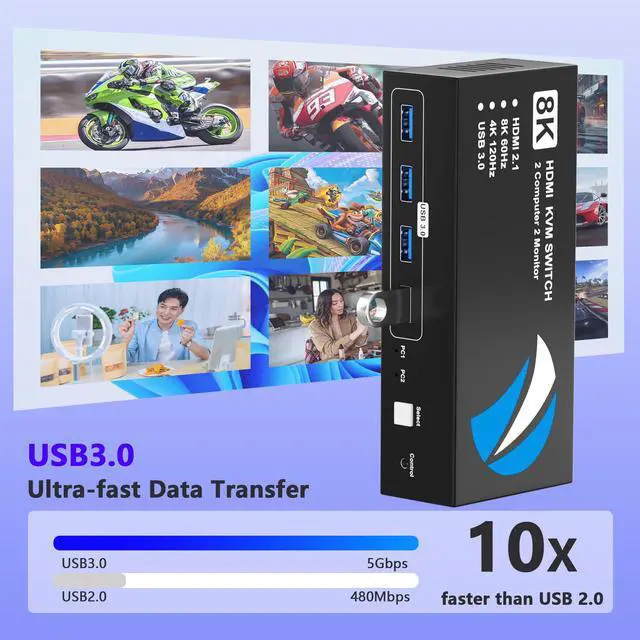
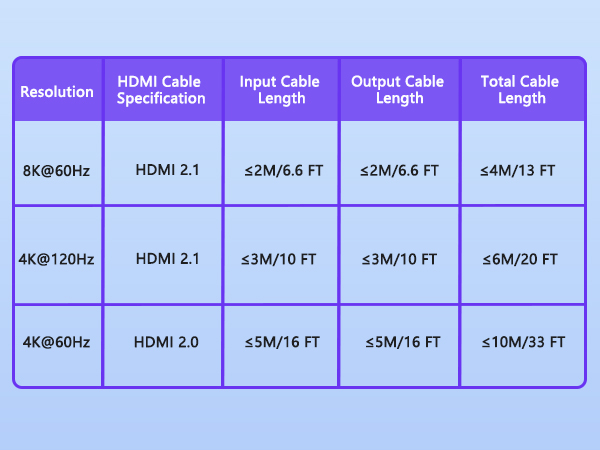
Supports ultra-high resolutions up to 8K@60Hz and 4K@120Hz, delivering exceptional image clarity and smooth motion.
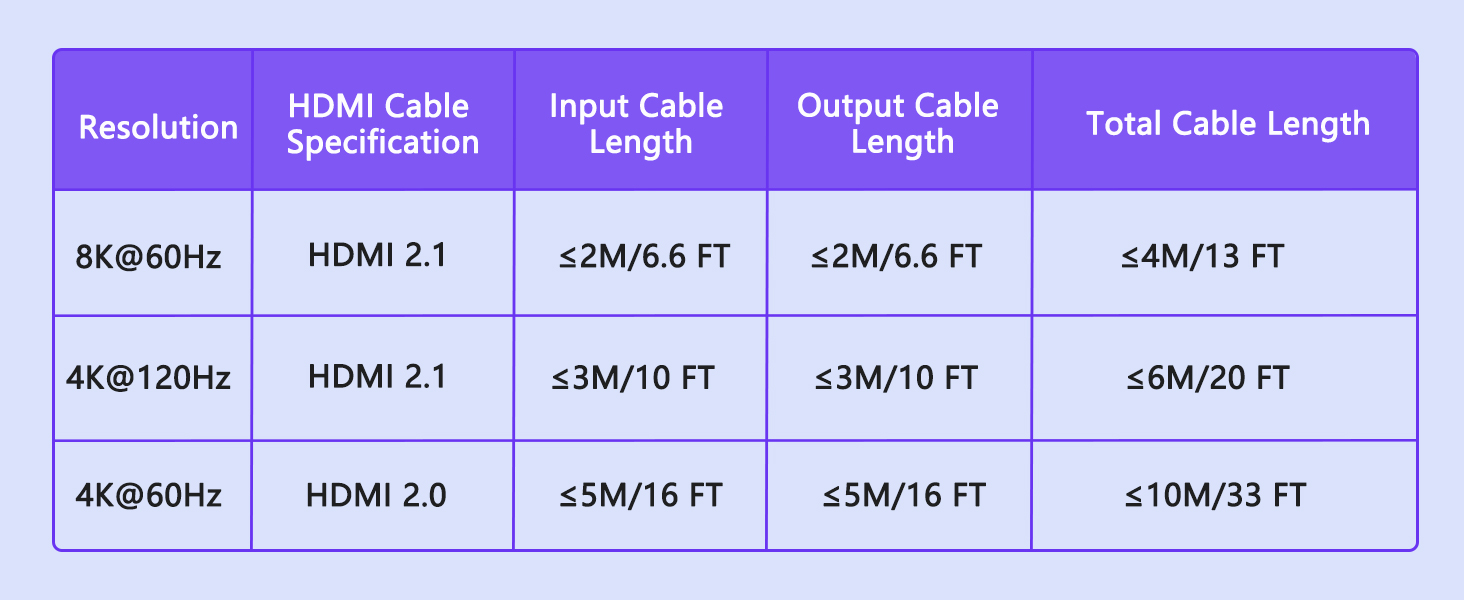
Note: To achieve 8K@60Hz resolution, the computer, monitor, and cable must all support 8K@60Hz. Please keep the cable length under 6.6ft.
Find the Best KVM Switch for You
Buerlaseul KVM Switch Brand
Buerlaseul is a professional consumer electronics brand. We mainly sell KVM switches, HDMI/DP converters, and AV connection accessories. Widely compatible with PC, laptop, monitor, TV and game console. Widely used in home office, multi-device control, meeting room and gaming system. With strict quality inspection and stable performance, we provide professional AV solutions and reliable after-sales service.
KVM Switch
KVM Switch
USB Switch