



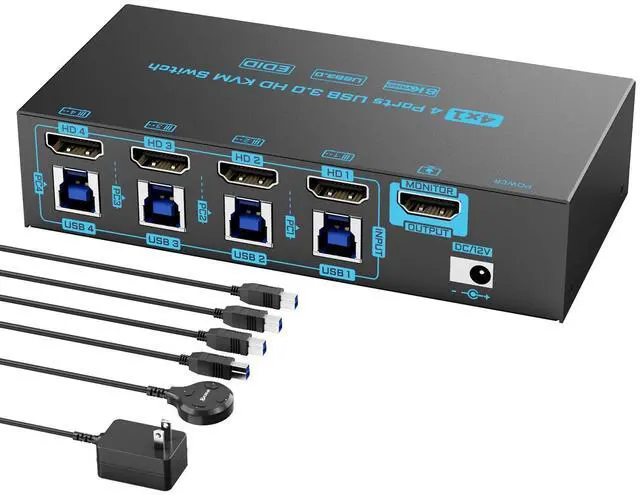

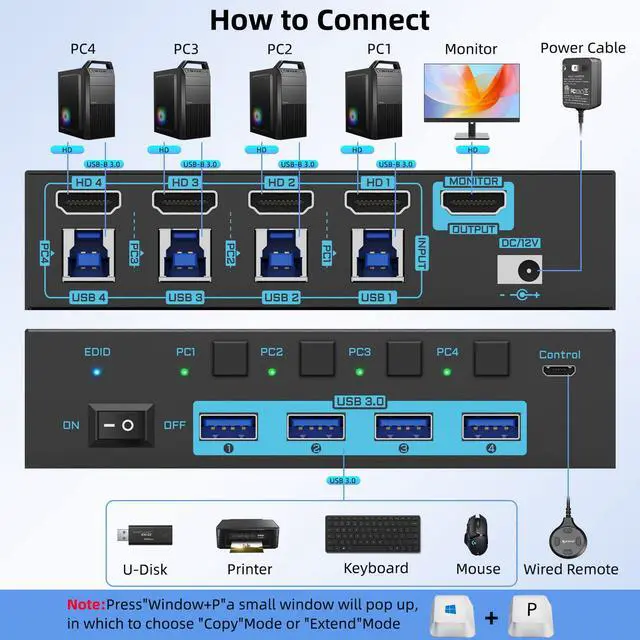


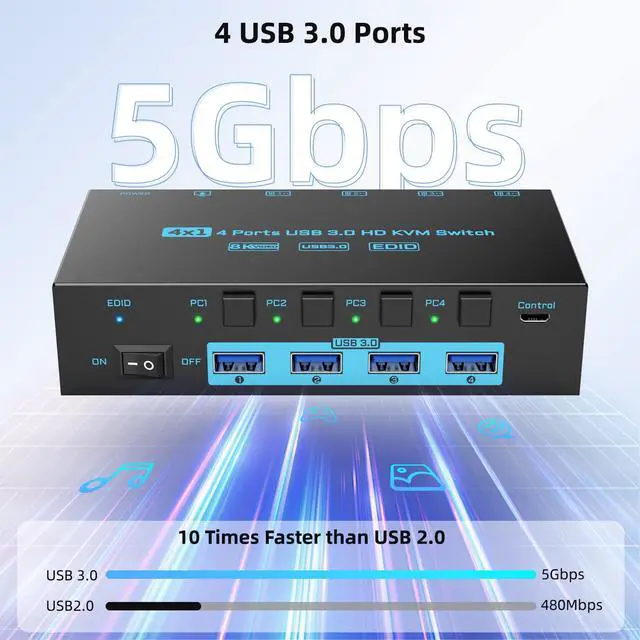
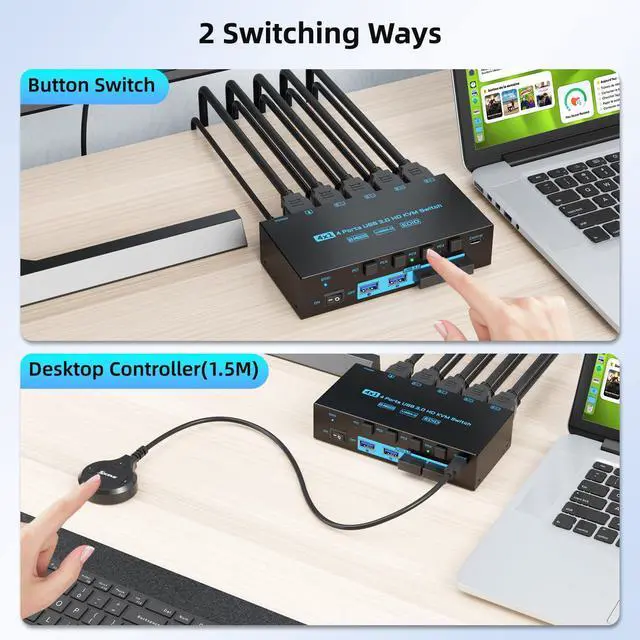


4 Computers 1 Monitor USB 3.0 8K HDMI 2.1 KVM Switch With EDID Simulator
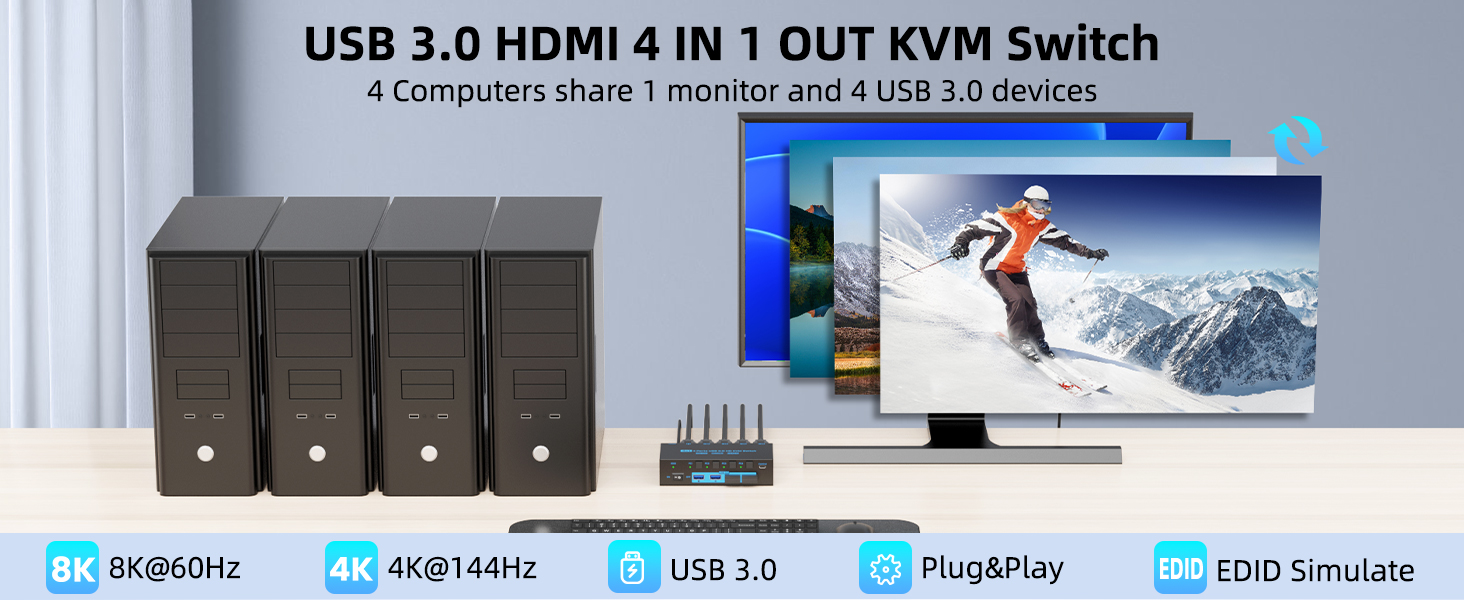
Plug &Play, Easy to Install
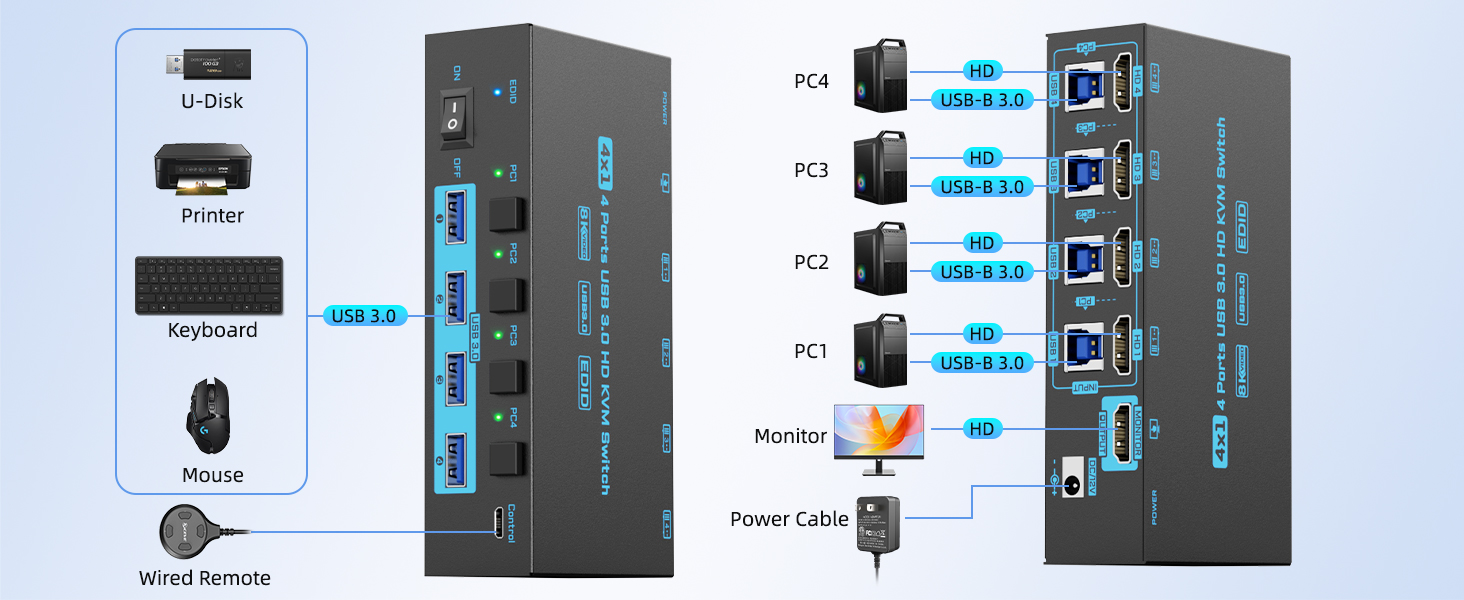
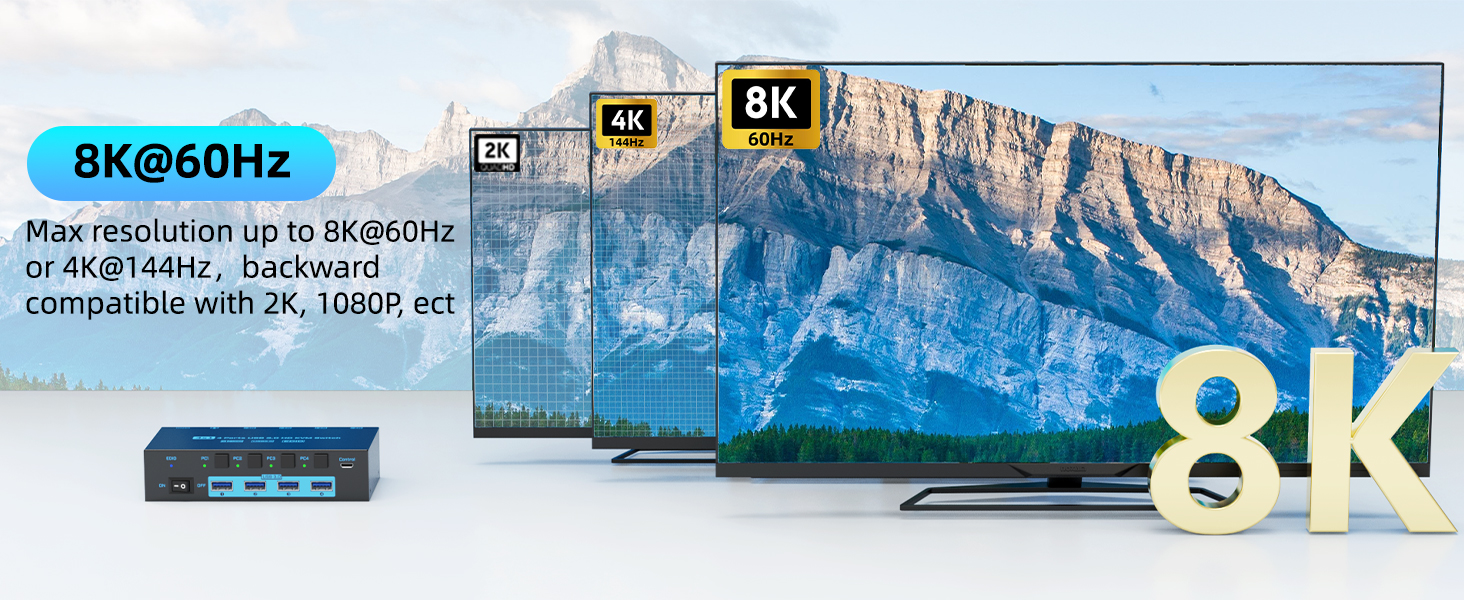
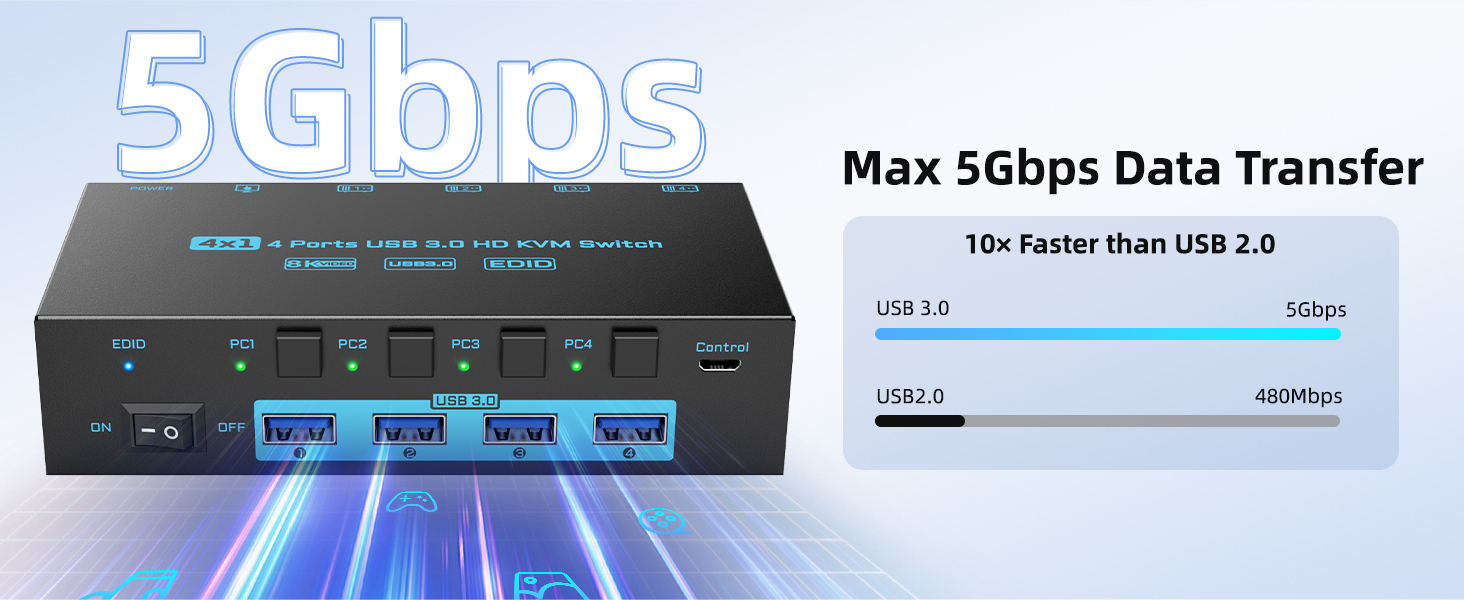
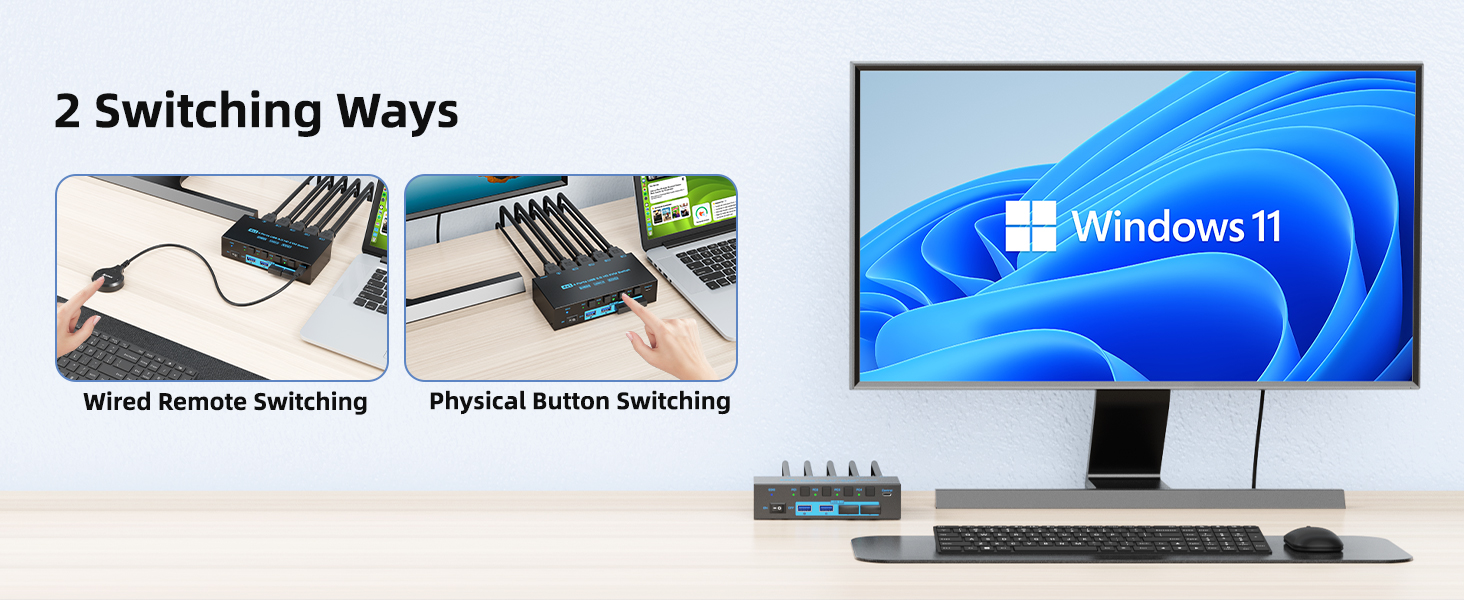
Optional EDID Emulation
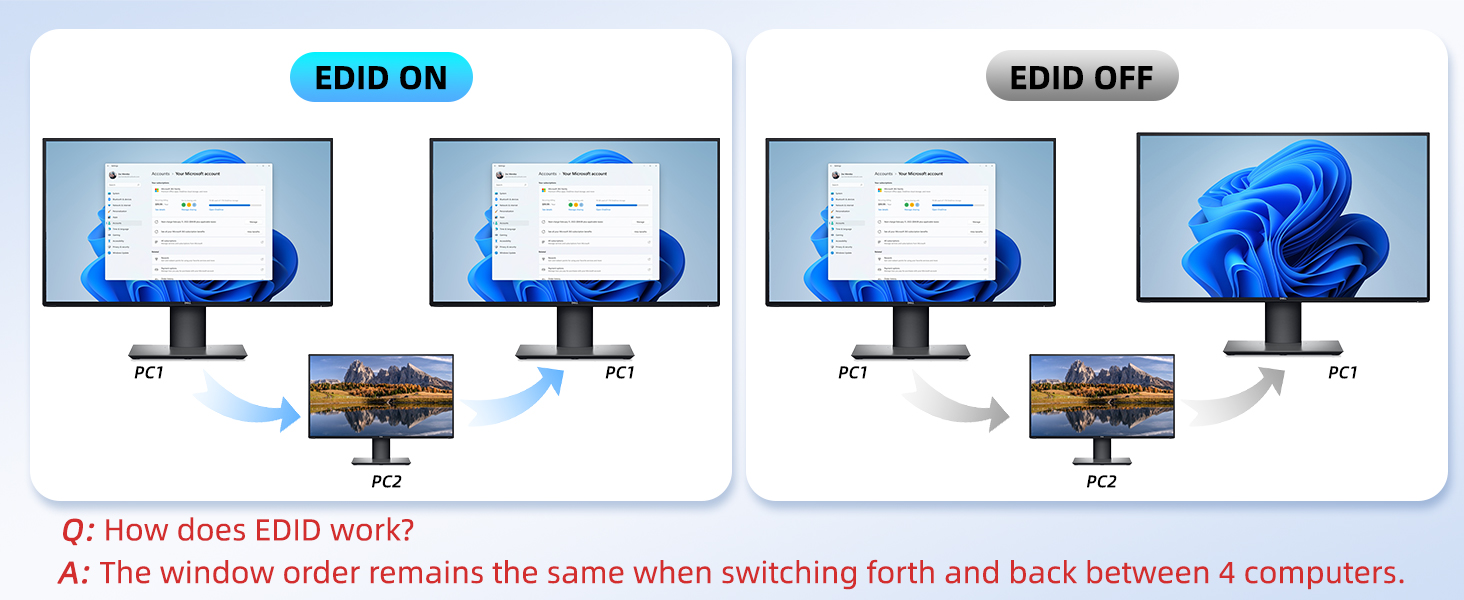
Methods to tun ON/OFF EDID Emulation: Pressing and holding the “PC1” button for 3 seconds until the EDID indicator blinks constantly.
Details of the 4 Computers 1 Monitor KVM Switcher
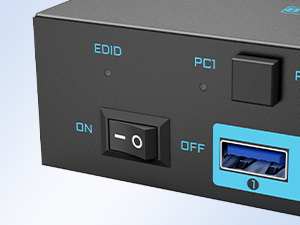
Independent Power Switch
Simply click the power ON/OFF button to restart the 4 port kvm switcher when the signal need to be re-identified.
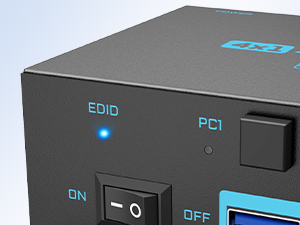
Specialized EDID Indicator
You can choose to turn ON/OFF the EDID emulation according to your needs, the EDID indicator shows the operating status of EDID.
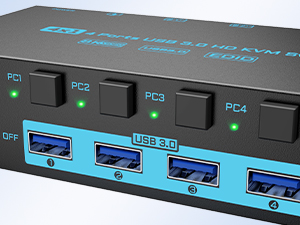
Clear Signal Indicator
When switching between signals, the signal indicator will shows the PC that is working.
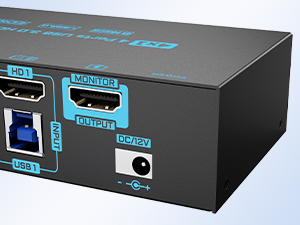
12V Power Port
12V external power supply makes high power consumption USB devices work more stable.

Welcome to DXchip Store
Wireless Connection , Unlimited Happiness

At DXchip, every product undergoes strict inspection before shipping.
We adhere to the principle of "user first", it is our aim to provide our customer with unparalleled products as well as extrodinary service.
We keep up with market demand, we will continue to innovate and develop more products to meet different needs.
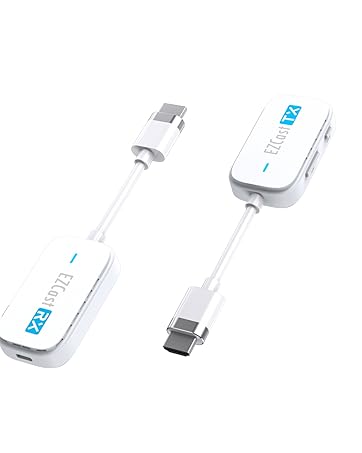
Portable Wireless HDMI
- 98Ft/30M powerful long distance transmission
- 1080P@60Hz Full HD
- Plug &Play
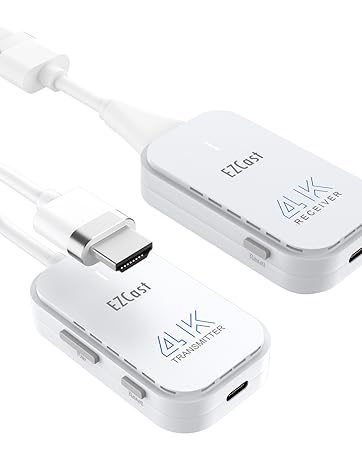
4K Wireless HDMI Kit
- Support 4K@30Hz resolution
- 98Ft/30M wireless transmission range
- Plug and Play
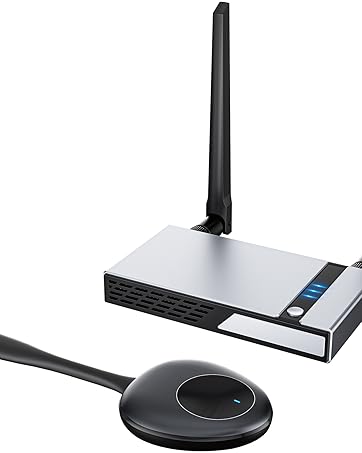
Dual Monitor Wireless HDMI
- 165Ft/50M Long distance transmission, support HDMI&VGA
- 2.4G+5G dual channel design, suitable for smartphone.
- 1 RX support up to 8 TXs
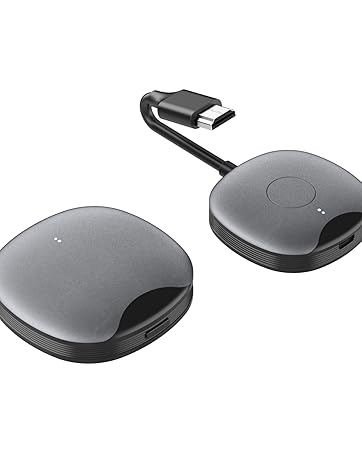
Wireless HDMI Built-in Antenna
- 98Ft/30M powerful long distance transmission
- Built-in 2.4G+5G dual antenna
- 1 receiver support up to 8 transmitters

Best Gift for Love

Home Video

Business Meeting
4 Computers 1 Monitor USB 3.0 8K HDMI 2.1 KVM Switch With EDID Simulator
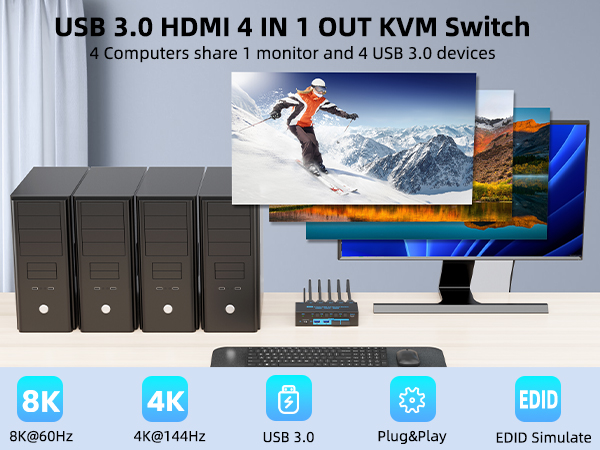
Plug &Play, Easy to Install
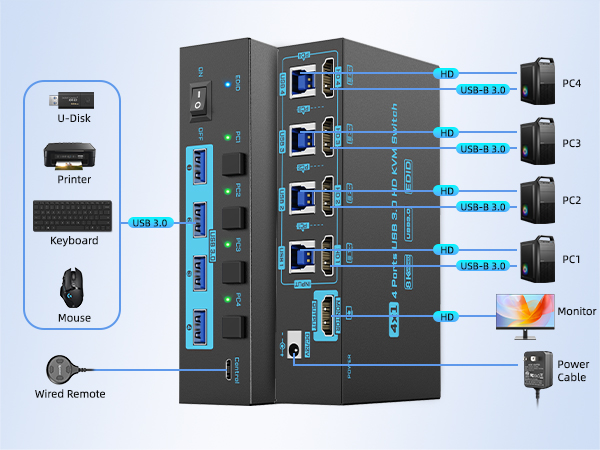
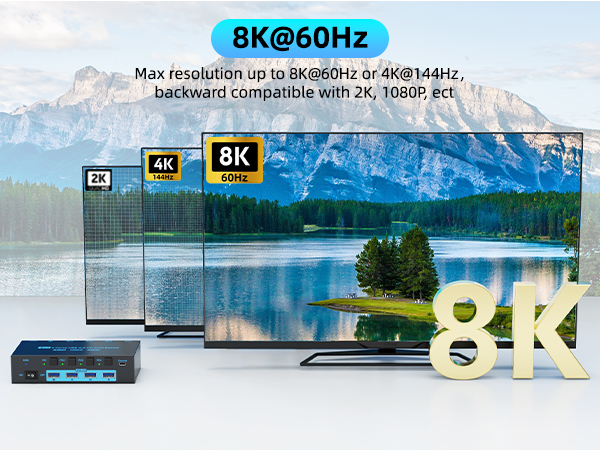
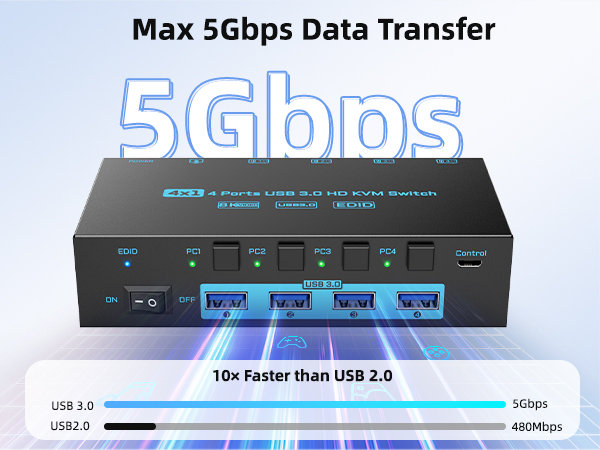
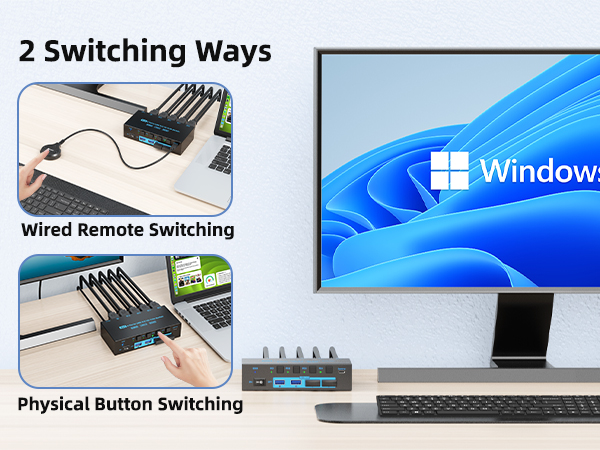
Optional EDID Emulation
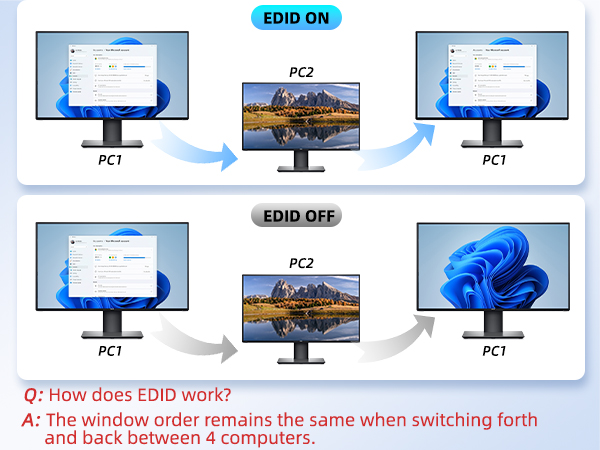
Methods to tun ON/OFF EDID Emulation: Pressing and holding the “PC1” button for 3 seconds until the EDID indicator blinks constantly.
Details of the 4 Computers 1 Monitor KVM Switcher
Independent Power Switch
Simply click the power ON/OFF button to restart the 4 port kvm switcher when the signal need to be re-identified.
Specialized EDID Indicator
You can choose to turn ON/OFF the EDID emulation according to your needs, the EDID indicator shows the operating status of EDID.
Clear Signal Indicator
When switching between signals, the signal indicator will shows the PC that is working.
12V Power Port
12V external power supply makes high power consumption USB devices work more stable.
Welcome to DXchip Store
Wireless Connection , Unlimited Happiness
At DXchip, every product undergoes strict inspection before shipping.
We adhere to the principle of "user first", it is our aim to provide our customer with unparalleled products as well as extrodinary service.
We keep up with market demand, we will continue to innovate and develop more products to meet different needs.
Portable Wireless HDMI
- 98Ft/30M powerful long distance transmission
- 1080P@60Hz Full HD
- Plug &Play
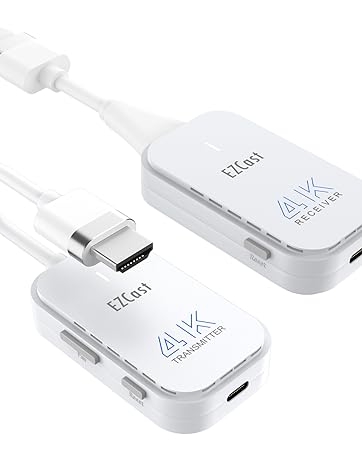
4K Wireless HDMI Kit
- Support 4K@30Hz resolution
- 98Ft/30M wireless transmission range
- Plug and Play
Dual Monitor Wireless HDMI
- 165Ft/50M Long distance transmission, support HDMI&VGA
- 2.4G+5G dual channel design, suitable for smartphone.
- 1 RX support up to 8 TXs
Wireless HDMI Built-in Antenna
- 98Ft/30M powerful long distance transmission
- Built-in 2.4G+5G dual antenna
- 1 receiver support up to 8 transmitters
Best Gift for Love
Home Video
Business Meeting
