KVM Switch 2 Monitors 2 Computers 8K Displayport 1.4 and HDMI 2.1 Dual Monitor USB 3.0 2 IN 2 Out KVM Switch for 2 PCs Share 2 Screens Support Max 8K@60Hz/4K@144Hz, with Wired Remote & 12V Power Cable
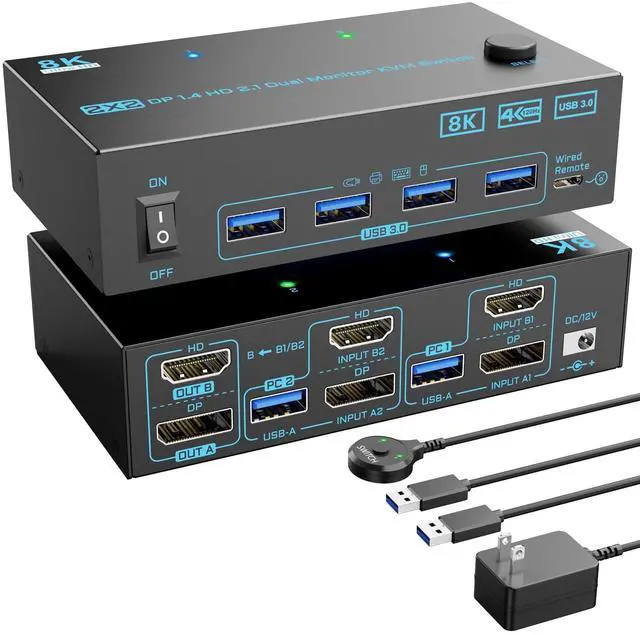
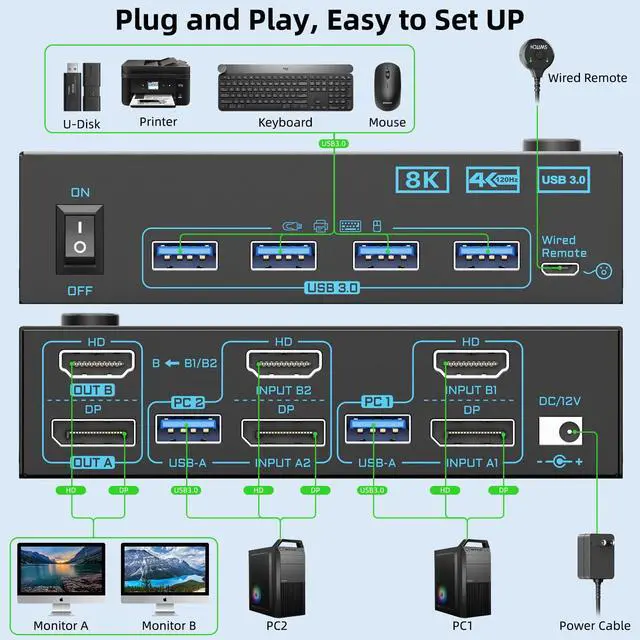
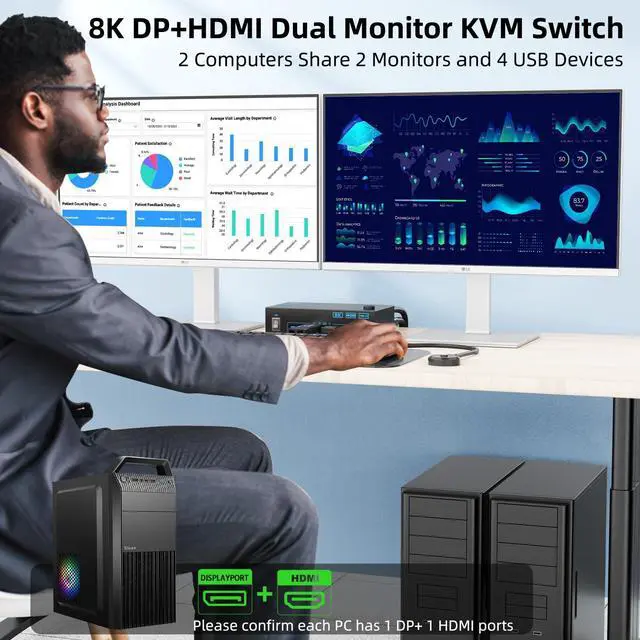
[8K Displayport HDMI Dual Monitor KVM Switch]: Displayport and HDMI KVM switch 2 monitors 2 computers is innovative 2-in-2-out DisplayPort HDMI KVM switch that allows seamless sharing of two monitors and one keyboard/mouse setup between two computers or laptops, effectively reducing clutter and maximizing productivity. It is a perfect tool for multitaskers like businessmen, designers, game player or other people who need efficient workspace management
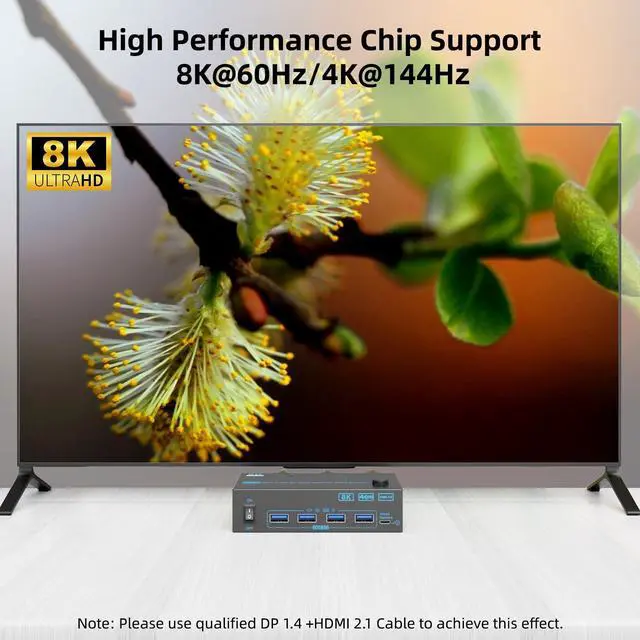
[8K@60Hz/4K@144Hz DP HDMI Dual Monitor KVM Switch]: With our 2 in 2 out Displayport and HDMI dual monitor kvm switch, you can experience stunning visuals with support for resolutions up to 8K@60Hz and 4K@144Hz. Whether you're gaming or working on high-resolution graphics, the DP 1.4 HDMI 2.1 KVM switch ensures you enjoy a crystal-clear image with no pixelation or delay, bridging the gap between high-definition content and fast-paced gaming needs
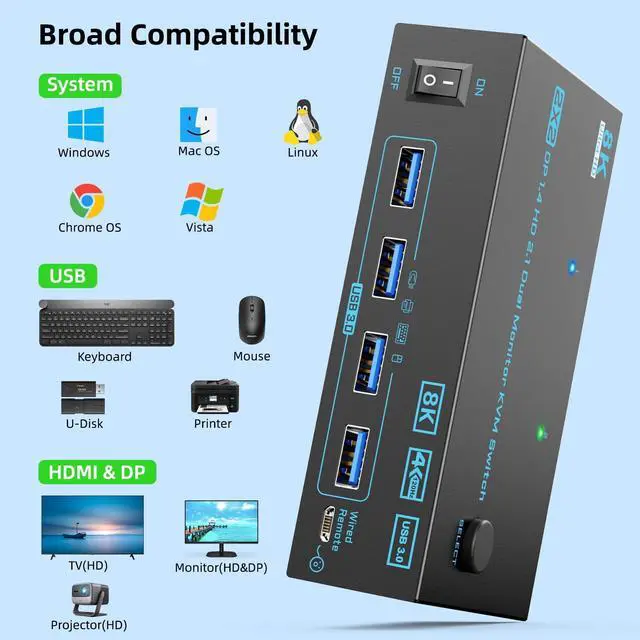
[5Gbps USB 3.0 DP 1.4 HDMI 2.1 KVM Switch]: 2 port 2 monitors 2 computers KVM switch equipped with 4 USB 3.0 ports for connecting peripherals such as keyboard, mouse, scanner, printer, USB camera, and hard drive ect. 5Gbps transfer rate is faster and more stable than USB 2.0. Please connect the USB cable from each PC to power the 8K KVM and transfer the USB data
+
+
Overview
Specs
Reviews
Any questions? Our AI beta will help you find out quickly.
Try me now
Create An Effective Workspace with 8K Displayport 1.4 HDMI 2.1 KVM Switch
Create An Effective Workspace with 8K Displayport 1.4 HDMI 2.1 KVM Switch
KVM Switch 2 Monitors 2 Computers 8K Displayport 1.4 and HDMI 2.1 Dual Monitor USB 3.0 2 IN 2 Out KVM Switch for 2 PCs Share 2 Screens Support Max 8K@60Hz/4K@144Hz, with Wired Remote & 12V Power Cable
Learn more about the Detailed Specifications
Additional Information
First Listed on Newegg
May 24, 2026
There are no reviews yet.
Do you own this product?
Warranty & Returns
Warranty, Returns, And Additional Information
Warranty
Please contact the Seller directly for warranty information. Warranty information may also be found on the Manufacturer's website.