



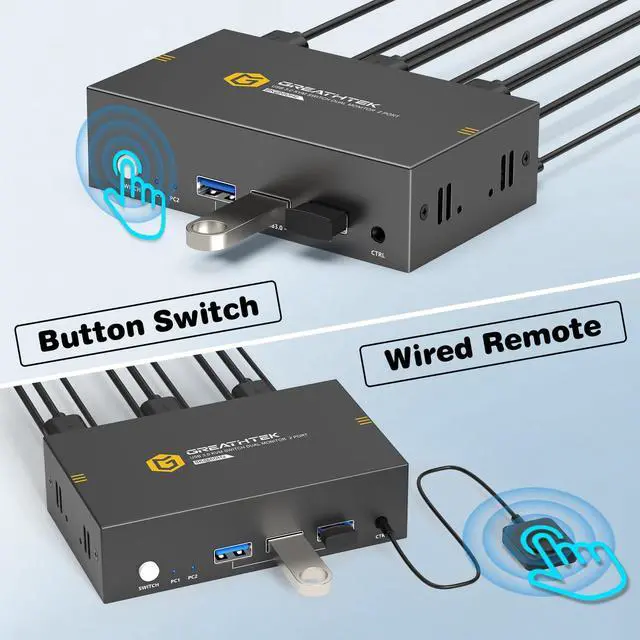
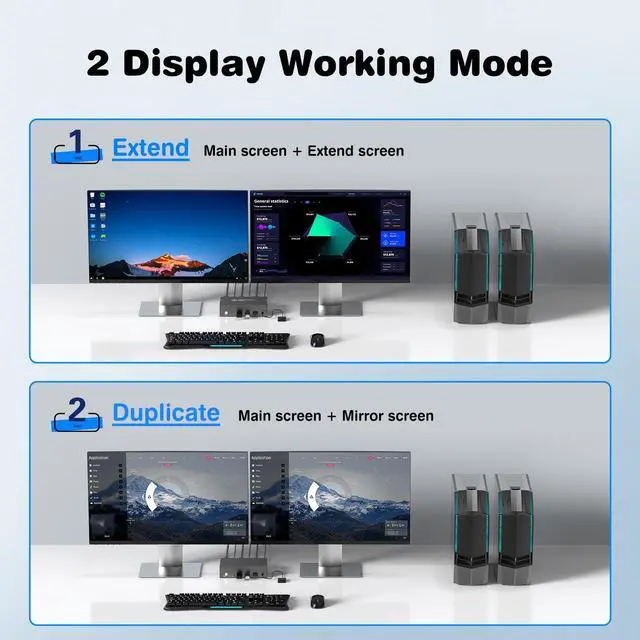


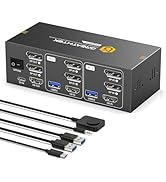
8K HDMI KVM SWITCH FOR 2 COMPUTERS 2 MONITOR
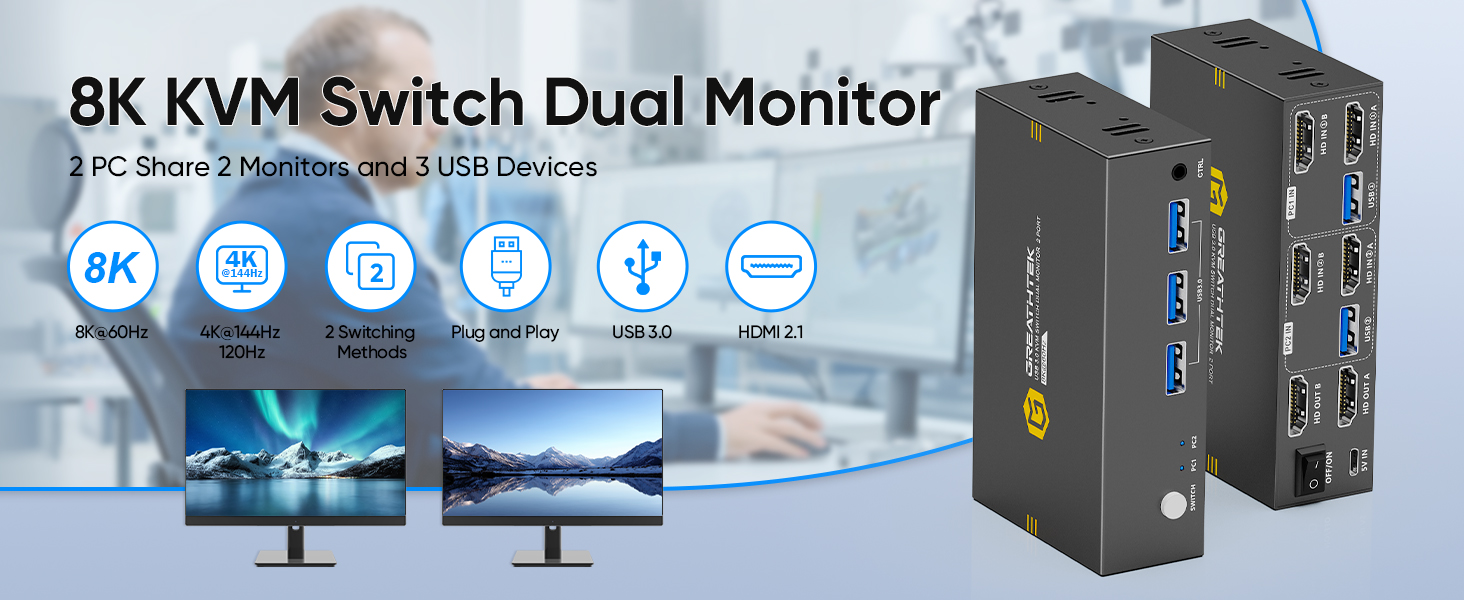
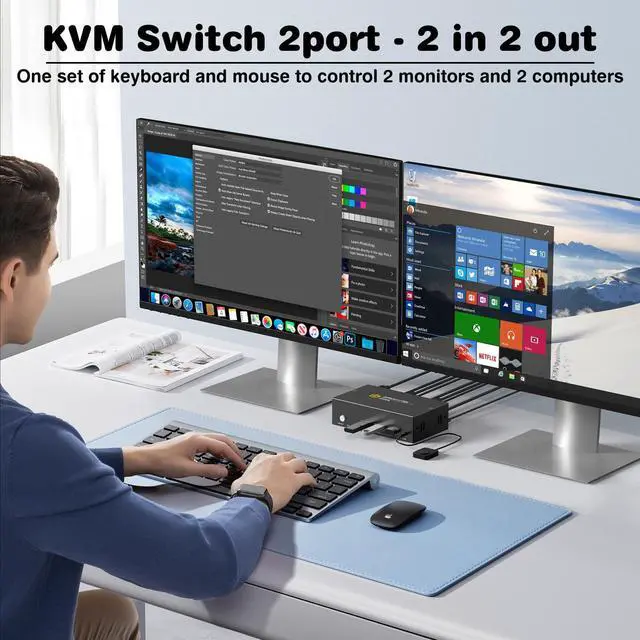
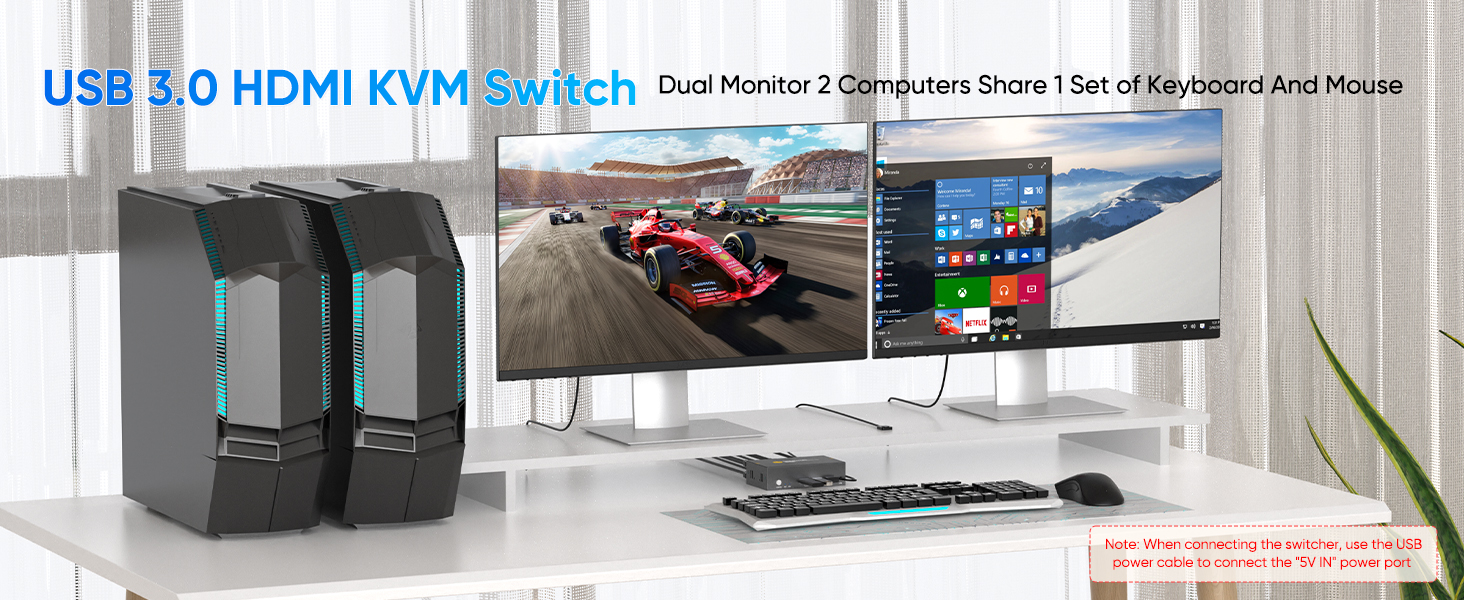
2 COMPUTERS SHARE ON 2 MONITORS
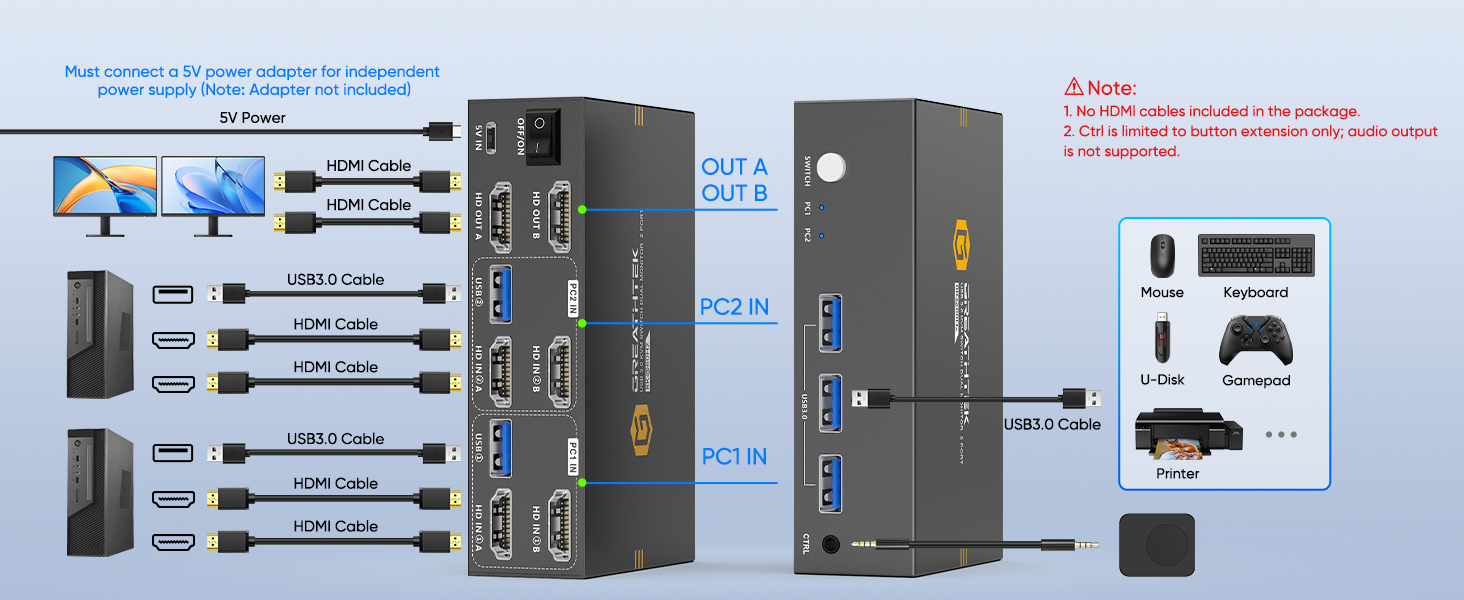
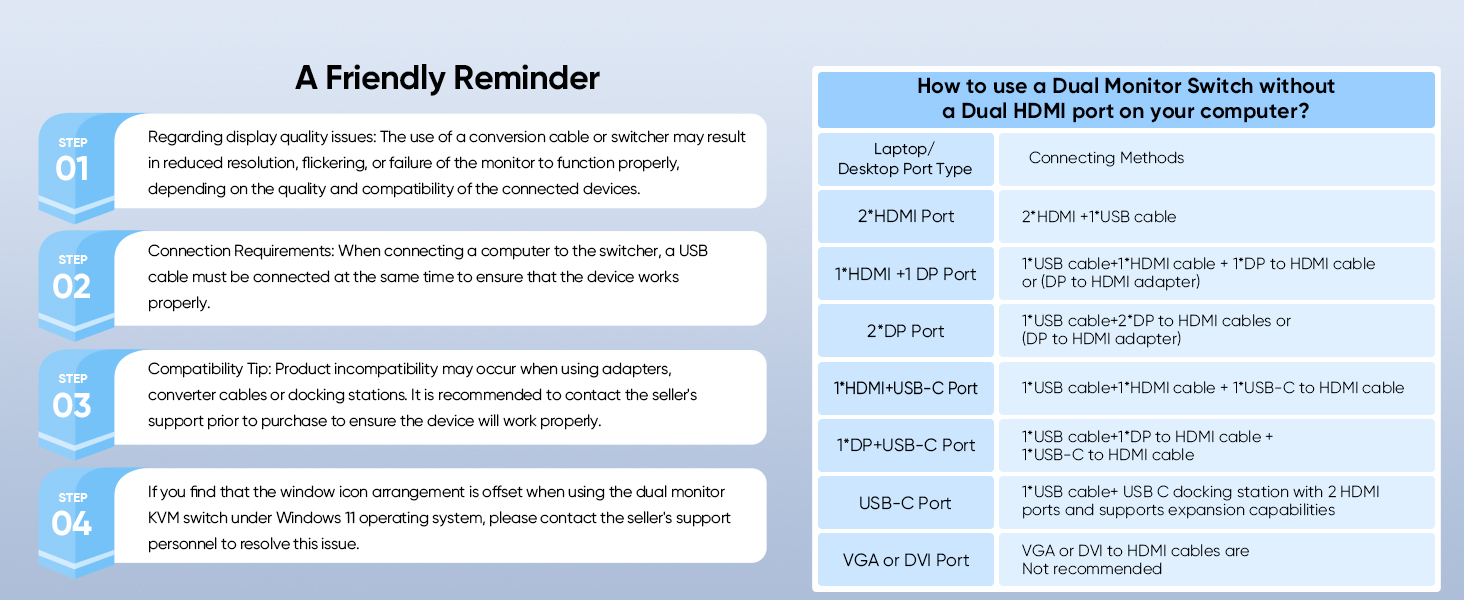
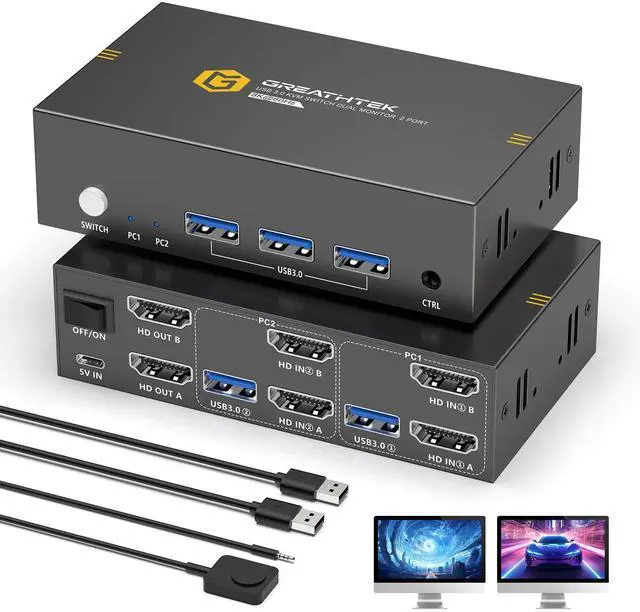
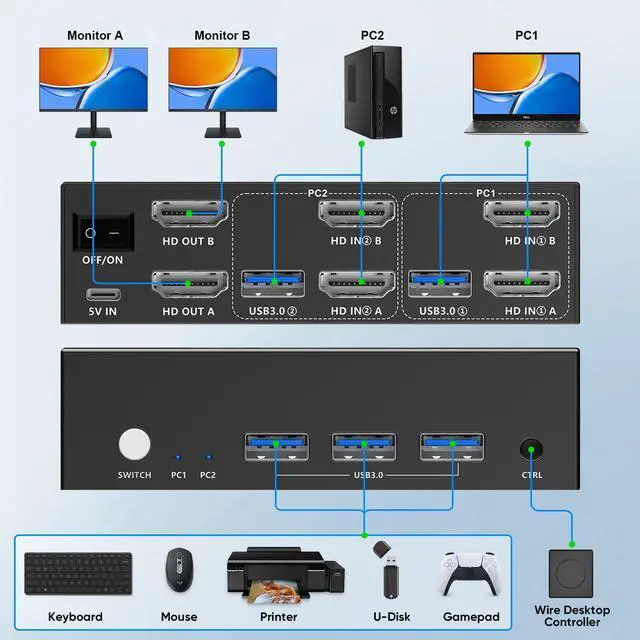
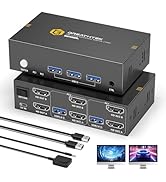
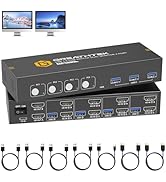
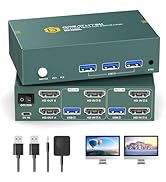
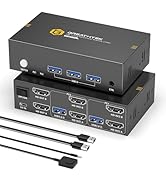
How many HDMI and USB cables are required for a complete setup?
A total of 6 HDMI cables and 2 USB cables are required, plus one power cable. Please use a 5V power adapter for power supply (power adapter and HDMI cables not included).
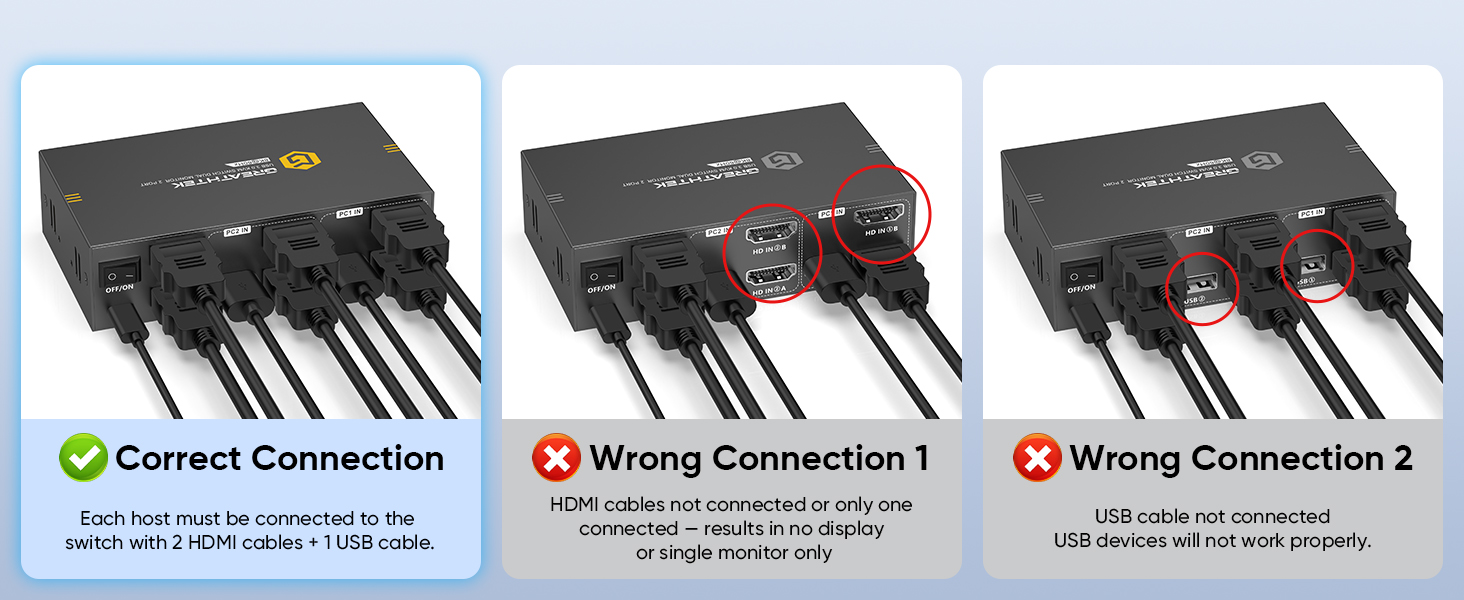
Only One Monitor Displays
1)Please check the HDMI connections. Make sure both PC1 and PC2 are each connected to the switch with two HDMI cables.
2) Ensure the switch is powered properly using a 5V power adapter.
No Display on Both Monitors
1)Check the HDMI connections. Make sure both PC1 and PC2 are each connected to the switch with two HDMI cables.
2)Ensure the switch is properly powered with a 5V adapter.
USB Not Working
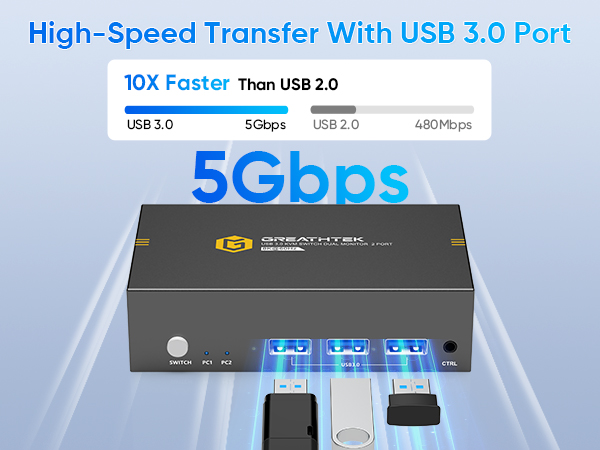
1)Make sure both USB cables between each PC and the KVM switch are securely connected. Missing connections may cause the USB devices not to be recognized.


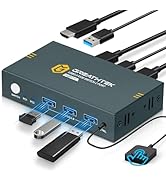
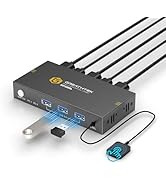
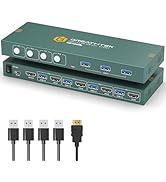
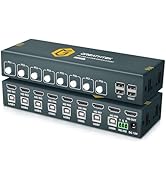
8K HDMI KVM SWITCH FOR 2 COMPUTERS 2 MONITOR
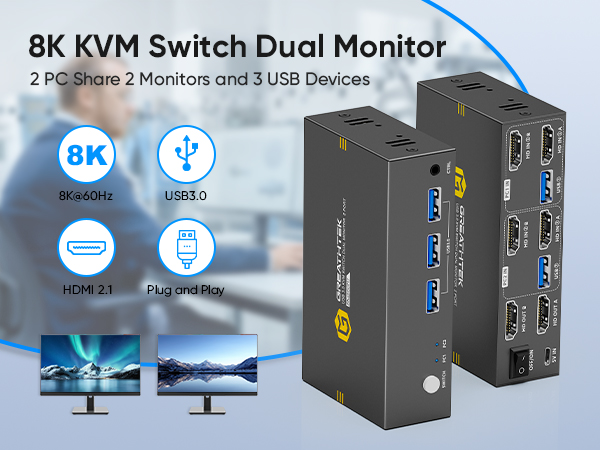
2 COMPUTERS SHARE ON 2 MONITORS
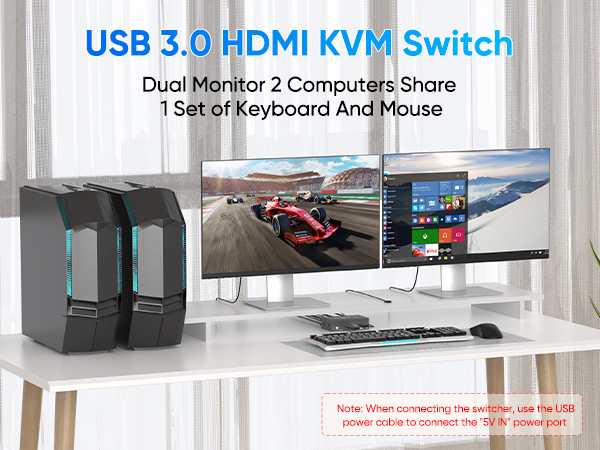
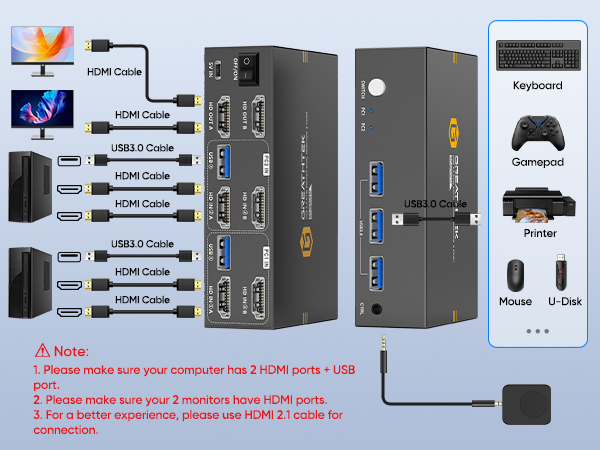
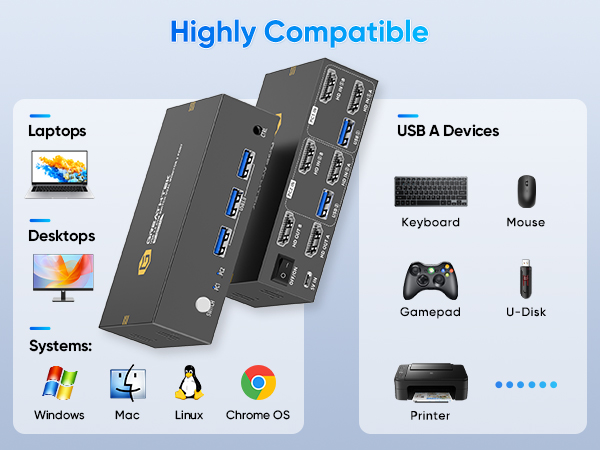
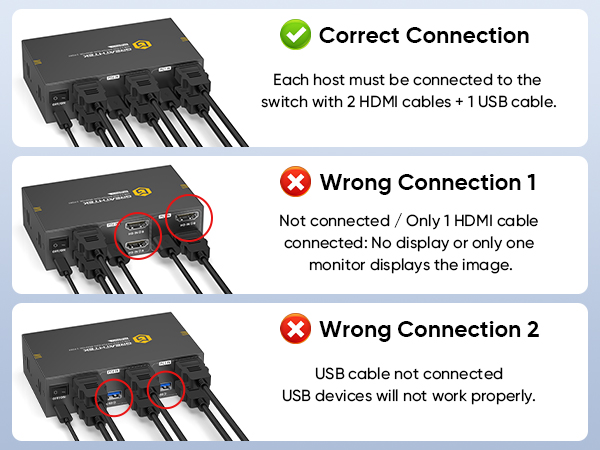
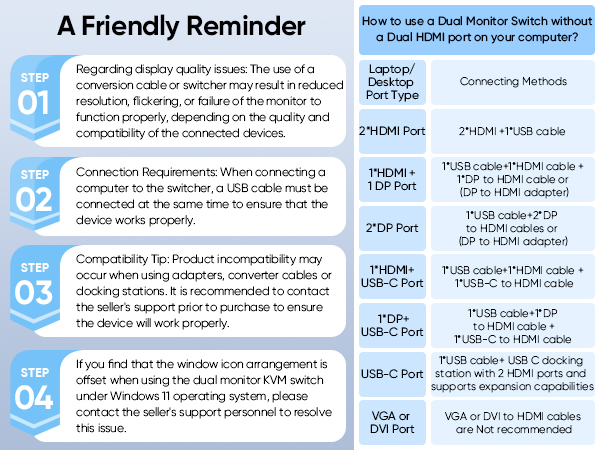

How many HDMI and USB cables are required for a complete setup?
A total of 6 HDMI cables and 2 USB cables are required, plus one power cable. Please use a 5V power adapter for power supply (power adapter and HDMI cables not included).
Only One Monitor Displays
1)Please check the HDMI connections. Make sure both PC1 and PC2 are each connected to the switch with two HDMI cables.
2) Ensure the switch is powered properly using a 5V power adapter.
No Display on Both Monitors
1)Check the HDMI connections. Make sure both PC1 and PC2 are each connected to the switch with two HDMI cables.
2)Ensure the switch is properly powered with a 5V adapter.
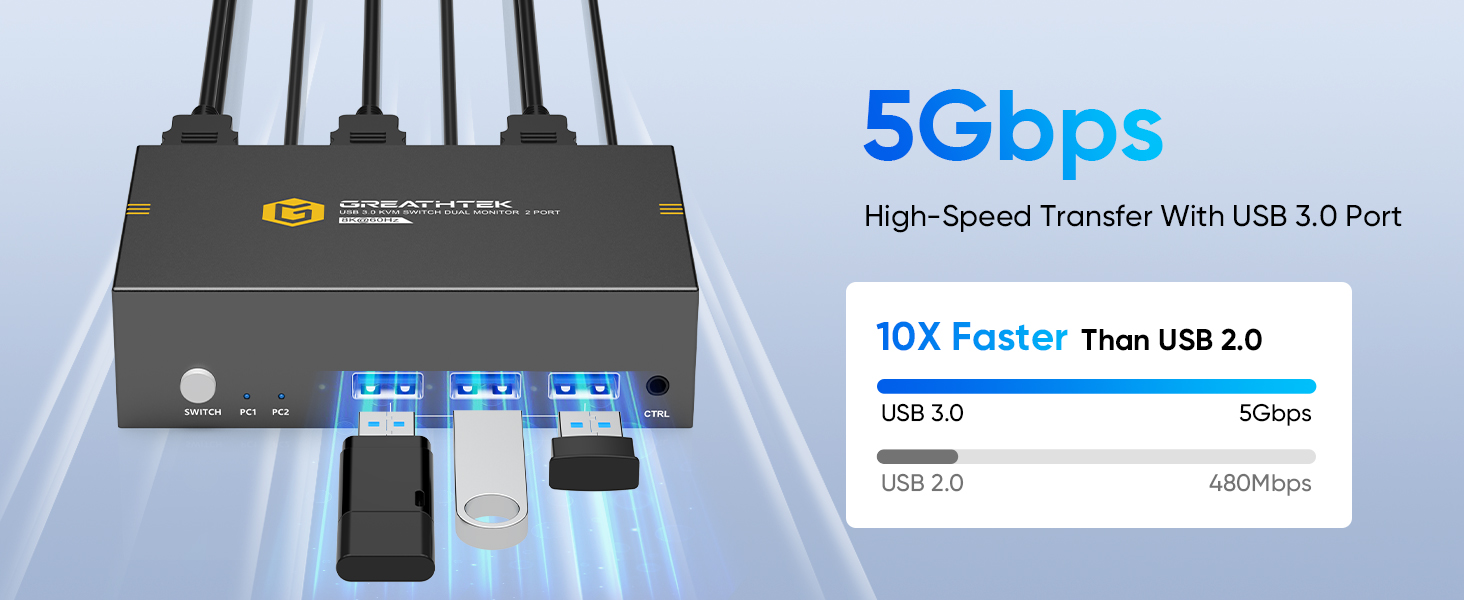
USB Not Working
1)Make sure both USB cables between each PC and the KVM switch are securely connected. Missing connections may cause the USB devices not to be recognized.
HDMI KVM Switch 2x1/4x1/8x1
HDMI KVM Switch 2x2/4x2
HDMI/USB Extender