



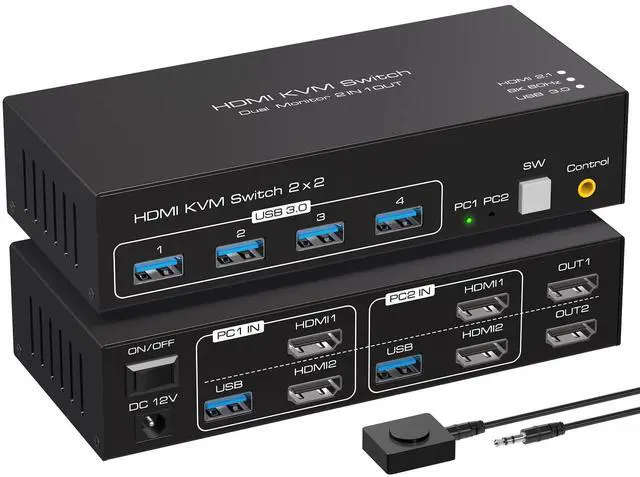
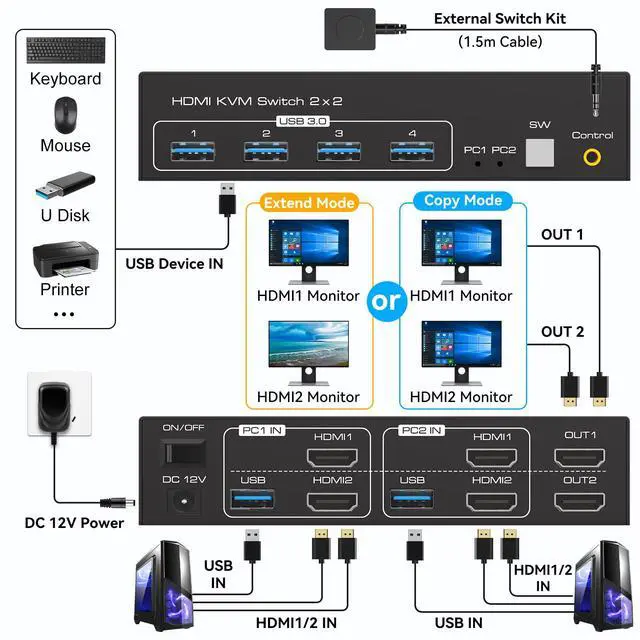
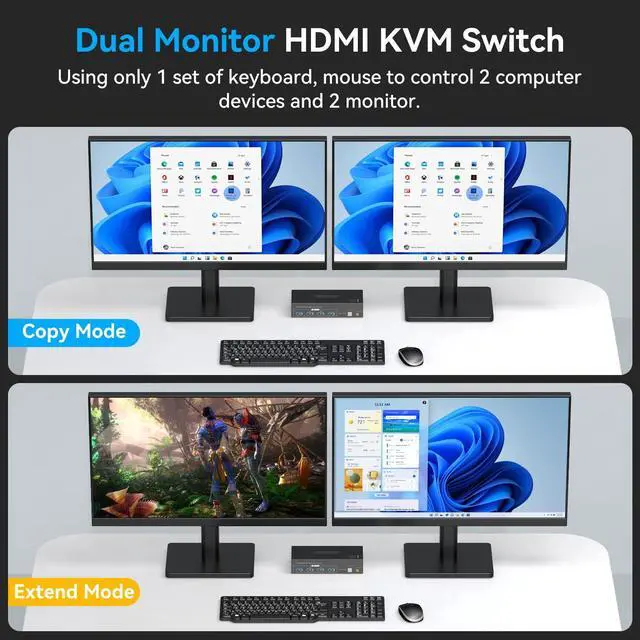
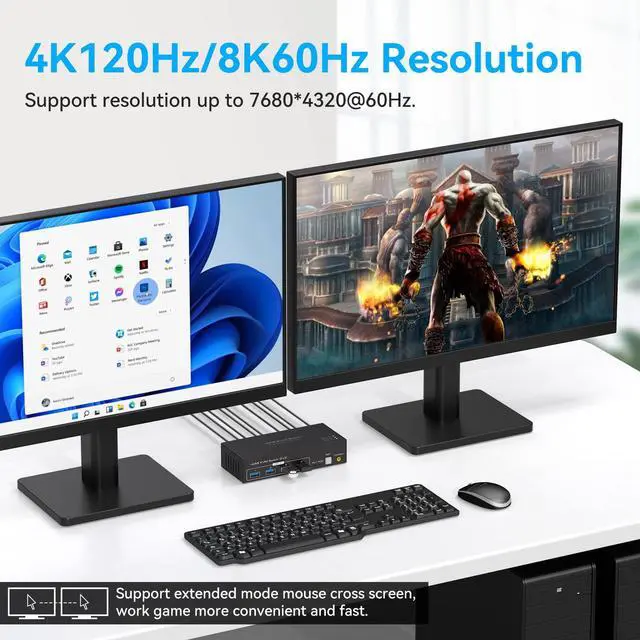
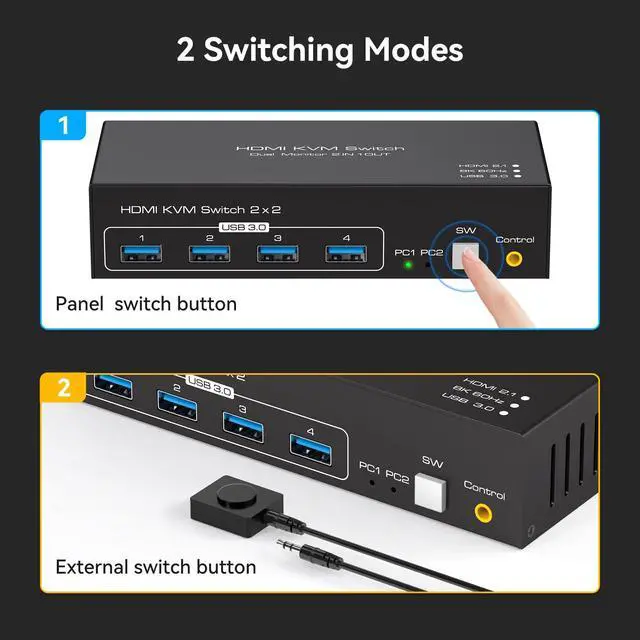
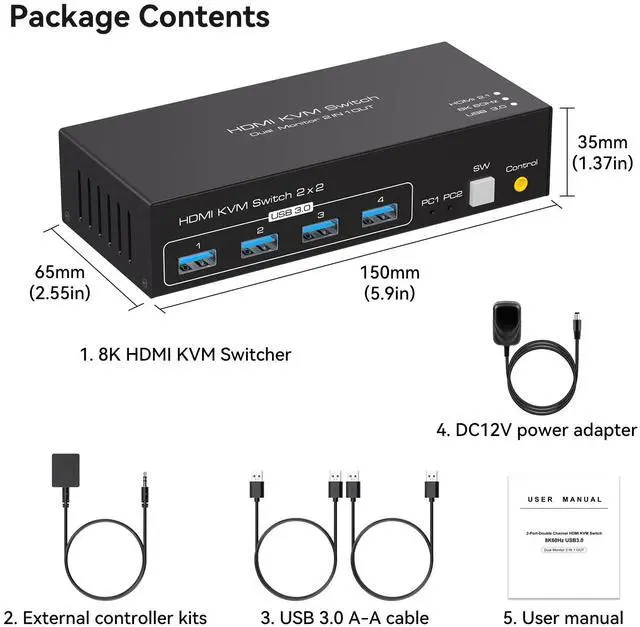


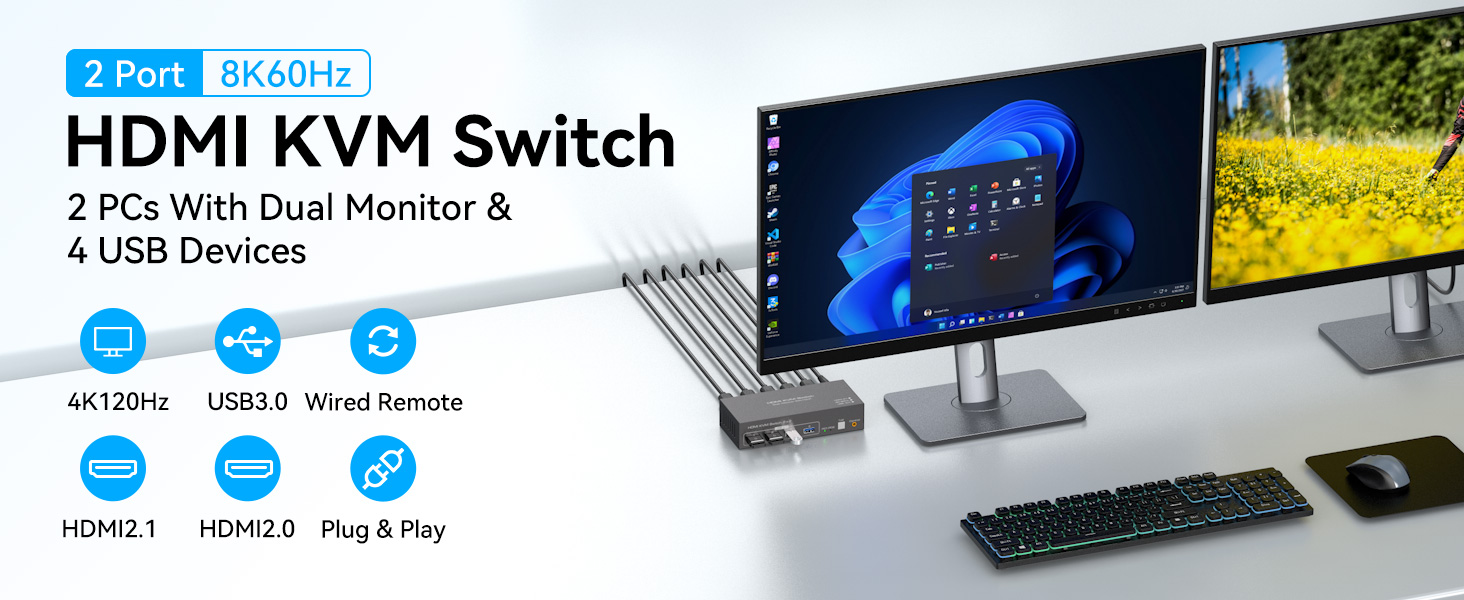
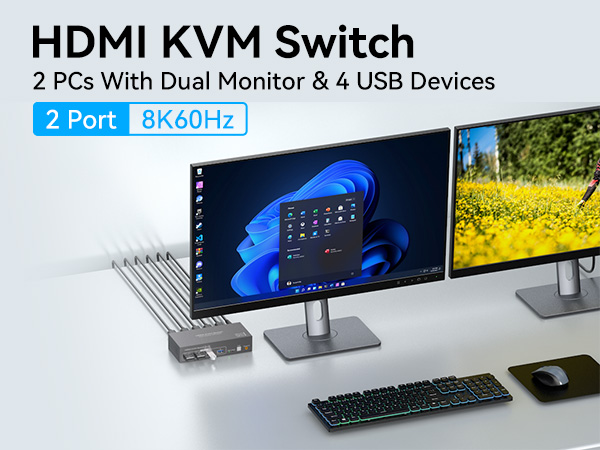
HDMI KVM SWITCH 2 COMPUTER 2 MONITOR
Product Comparison
 8K HDMI KVM 2 in 2 out |  4K HDMI KVM 2 in 2 out | 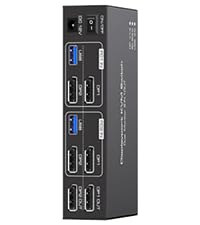 8K DP KVM 2 in 2 out | 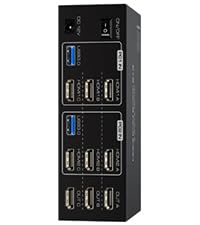 8K HDMI KVM 2 in 3 out | 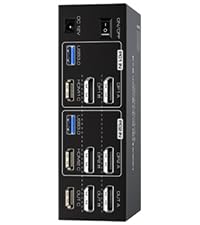 8K DP+HDMI KVM 2 in 3 out | 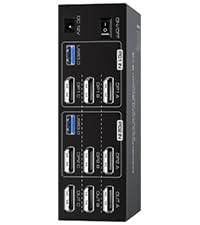 8K DP KVM 2 in 3 out | |
|---|---|---|---|---|---|---|
Customer Reviews | — | — | — | — | — | — |
Price | — | — | — | — | — | — |
Inputs | 2*HDMI2.1 | 2*HDMI2.0 | 2*DP1.4 | 3*HDMI2.1 | 1*HDMI2.1+2*DP1.4 | 3*DP1.4 |
Outputs | 2*HDMI2.1 | 2*HDMI2.0 | 2*DP1.4 | 3*HDMI2.1 | 1*HDMI2.1+2*DP1.4 | 3*DP1.4 |
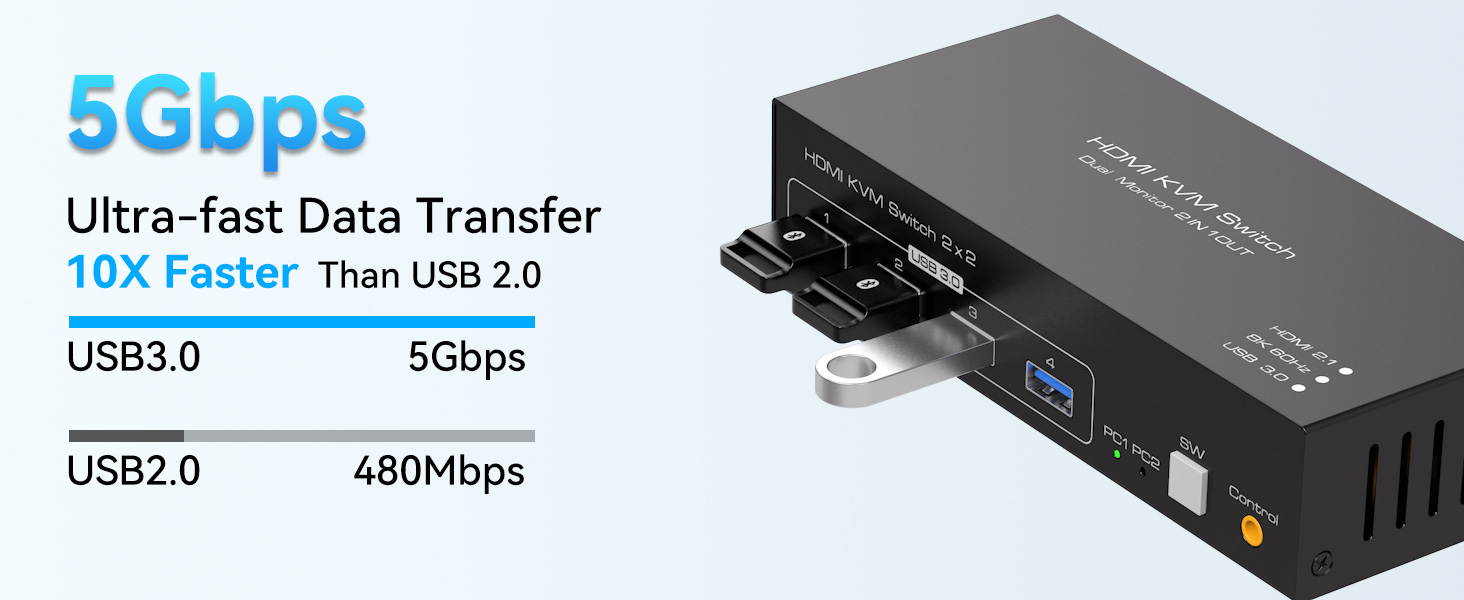
USB standard | USB3.0*4 | USB3.0*4 | USB3.0*4 | USB3.0*4 | USB3.0*4 | USB3.0*4 |
Maximum resolution | 8K 60Hz | 4K 60Hz | 8K 60Hz | 8K 60Hz | 8K 60Hz | 8K 60Hz |
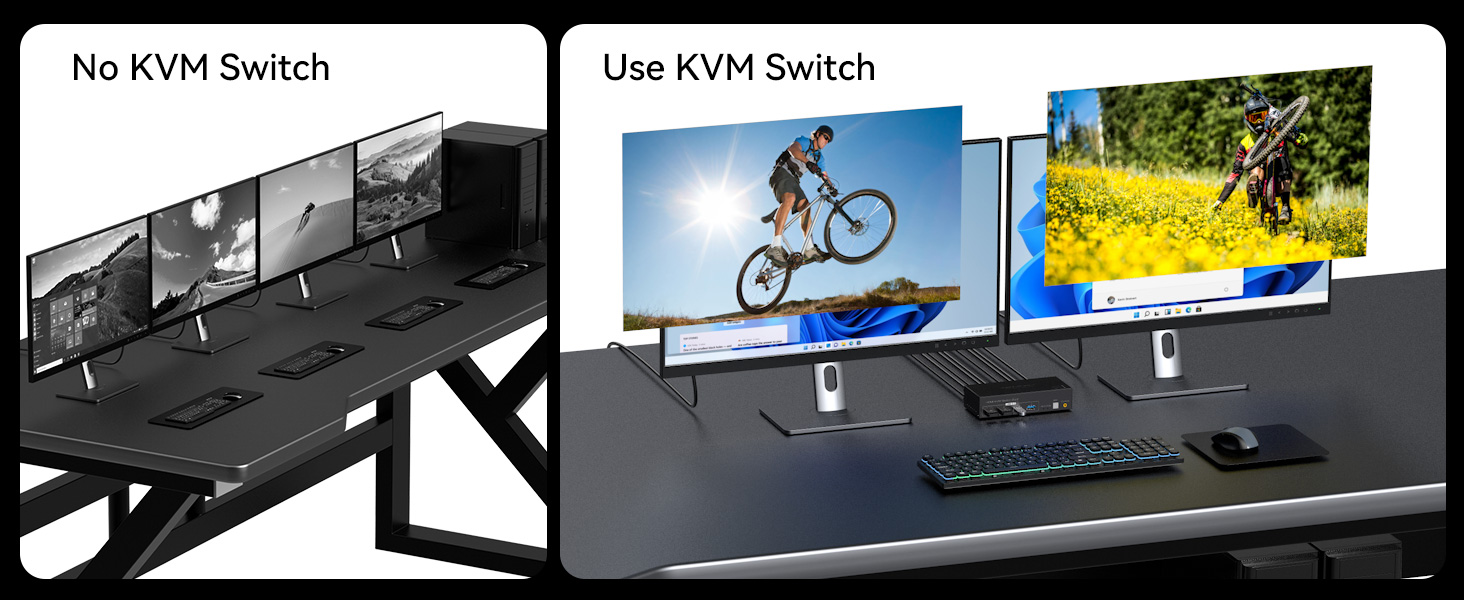
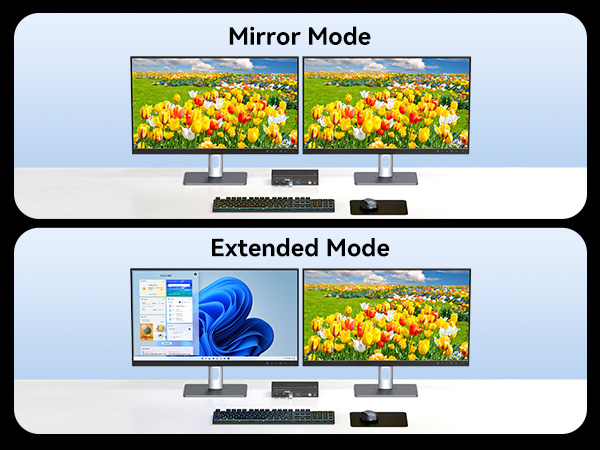
Features | 2 PC share 2 monitor | 2 PC share 2 monitor | 2 PC share 2 monitor | 2 PC share 2 monitor | 2 PC share 3 monitor | 2 PC share 3 monitor |
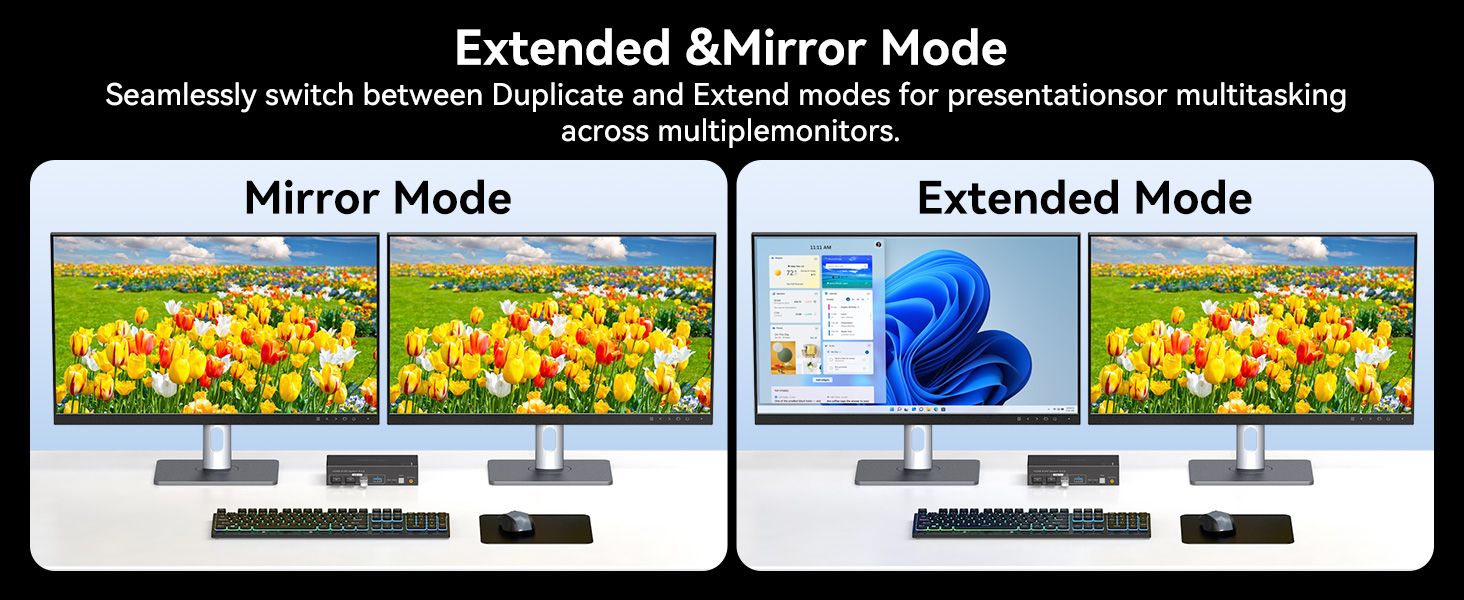
Copy and Extend | ? | ? | ? | ? | ? | ? |
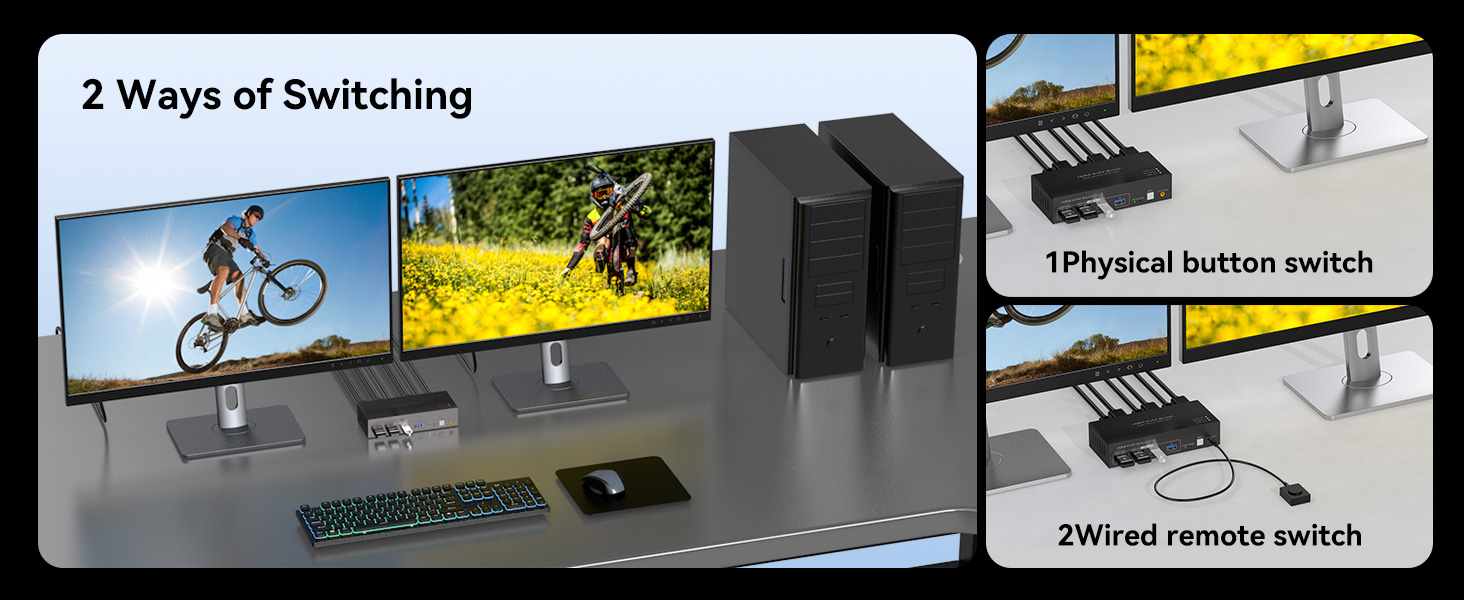
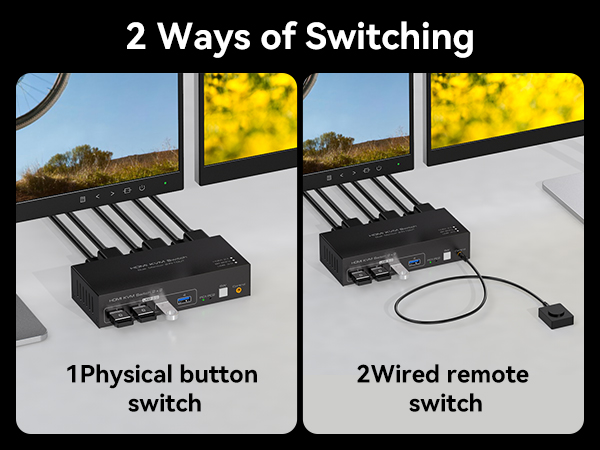
Wire Control | ? | ? | ? | ? | ? | ? |
2 x USB 3.0 cable | ? | ? | ? | ? | ? | ? |
DC12V Power Adapter | ? | ? | ? | ? | ? | ? |
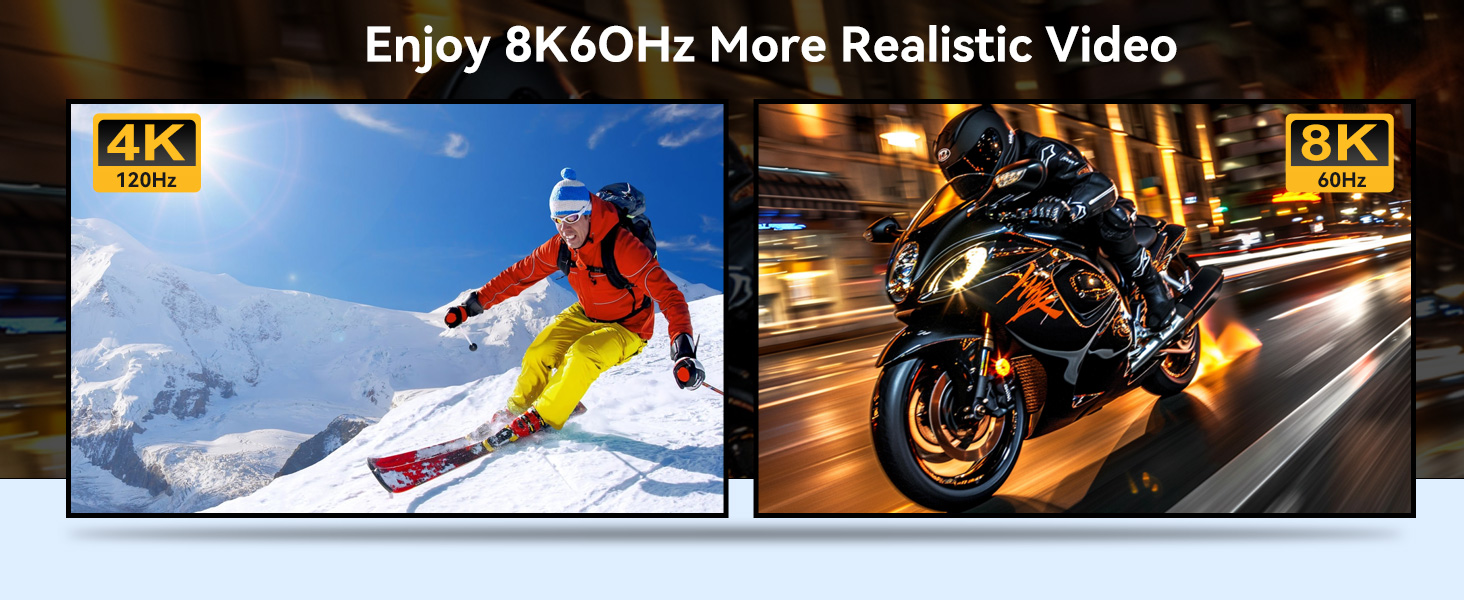
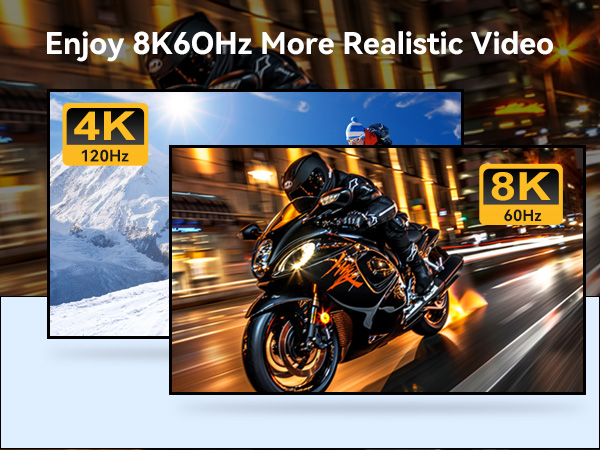
Does the kvm switch support 8K@60Hz resolution?
This kvm supports 8K@60Hz, but you must ensure that your monitor and HDMI cable also support 8K@60Hz.
Can the two functions of USB Switch and HDMI Switch be used independently?
Yes, you can think of the KVM switch can also be used separately.
Can I use a docking station or an adapter cable between my computer and the KVM?
We do not recommend using intermediary devices such as docking stations or adapters to connect your computer to the KVM, as this may cause compatibility issues that prevent the product from functioning properly.
What ports do my computer and monitor need to have in order to use this KVM switch?
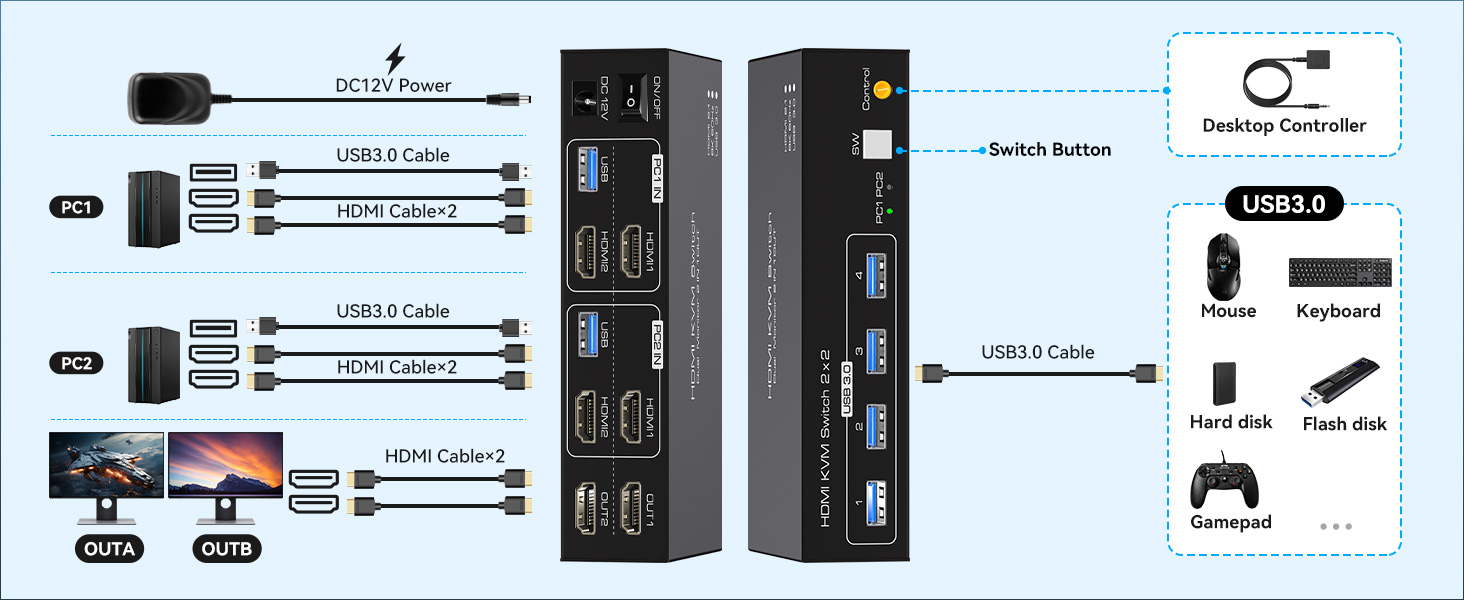
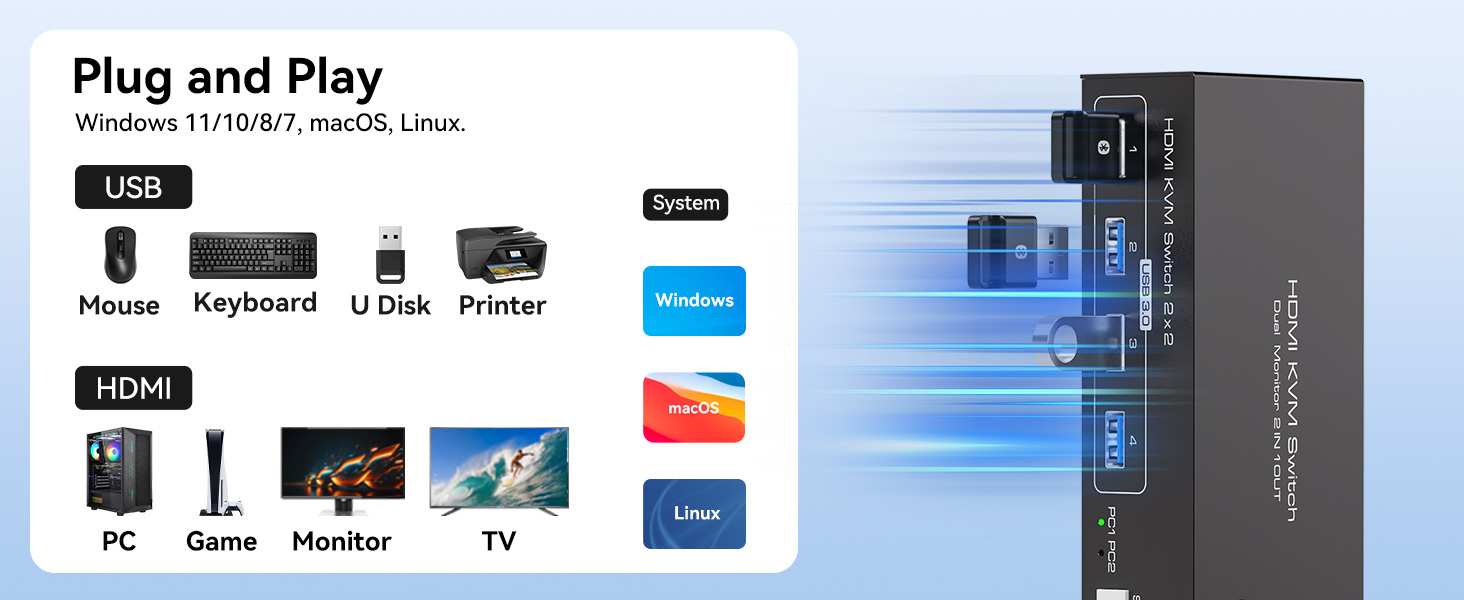
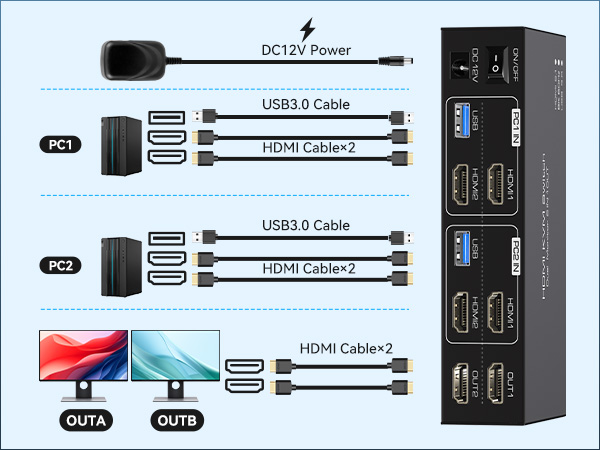
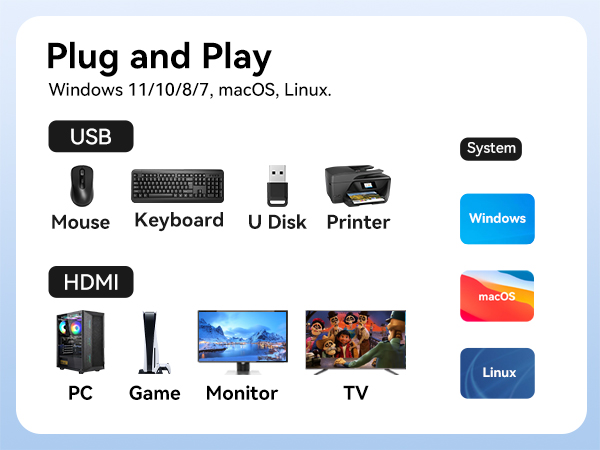
Each of your computers must have at least two HDMI ports and one USB-A port and each of your monitors must have at least one HDMI port.
Is it really possible to replace a new product within two years?
Yes,if there are any problems with theproduct within two years,we willsolve it foryou, including replacing it with a newKVM.
HDMI KVM SWITCH 2 COMPUTER 2 MONITOR
Product Comparison
8K HDMI KVM 2 in 2 out | 4K HDMI KVM 2 in 2 out | 8K DP KVM 2 in 2 out | 8K HDMI KVM 2 in 3 out | 8K DP+HDMI KVM 2 in 3 out | 8K DP KVM 2 in 3 out |
|---|---|---|---|---|---|
| Customer Reviews | |||||
| — | — | — | — | — | — |
| Price | |||||
| — | — | — | — | — | — |
| Inputs | |||||
| 2*HDMI2.1 | 2*HDMI2.0 | 2*DP1.4 | 3*HDMI2.1 | 1*HDMI2.1+2*DP1.4 | 3*DP1.4 |
| Outputs | |||||
| 2*HDMI2.1 | 2*HDMI2.0 | 2*DP1.4 | 3*HDMI2.1 | 1*HDMI2.1+2*DP1.4 | 3*DP1.4 |
| USB standard | |||||
| USB3.0*4 | USB3.0*4 | USB3.0*4 | USB3.0*4 | USB3.0*4 | USB3.0*4 |
| Maximum resolution | |||||
| 8K 60Hz | 4K 60Hz | 8K 60Hz | 8K 60Hz | 8K 60Hz | 8K 60Hz |
| Features | |||||
| 2 PC share 2 monitor | 2 PC share 2 monitor | 2 PC share 2 monitor | 2 PC share 2 monitor | 2 PC share 3 monitor | 2 PC share 3 monitor |
| Copy and Extend | |||||
| ? | ? | ? | ? | ? | ? |
| Wire Control | |||||
| ? | ? | ? | ? | ? | ? |
| 2 x USB 3.0 cable | |||||
| ? | ? | ? | ? | ? | ? |
| DC12V Power Adapter | |||||
| ? | ? | ? | ? | ? | ? |
Does the kvm switch support 8K@60Hz resolution?
This kvm supports 8K@60Hz, but you must ensure that your monitor and HDMI cable also support 8K@60Hz.
Can the two functions of USB Switch and HDMI Switch be used independently?
Yes, you can think of the KVM switch can also be used separately.
Can I use a docking station or an adapter cable between my computer and the KVM?
We do not recommend using intermediary devices such as docking stations or adapters to connect your computer to the KVM, as this may cause compatibility issues that prevent the product from functioning properly.
What ports do my computer and monitor need to have in order to use this KVM switch?
Each of your computers must have at least two HDMI ports and one USB-A port and each of your monitors must have at least one HDMI port.
Is it really possible to replace a new product within two years?
Yes,if there are any problems with theproduct within two years,we willsolve it foryou, including replacing it with a newKVM.