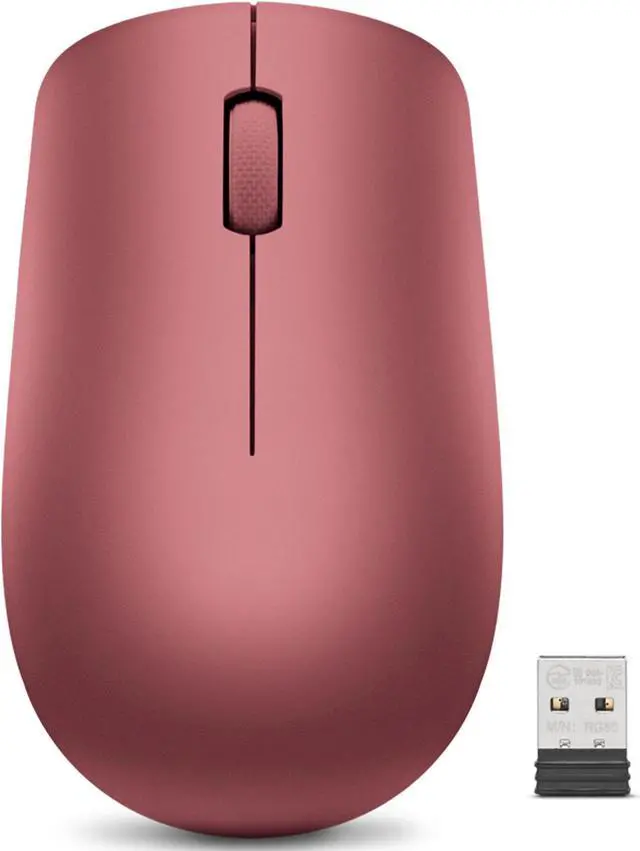
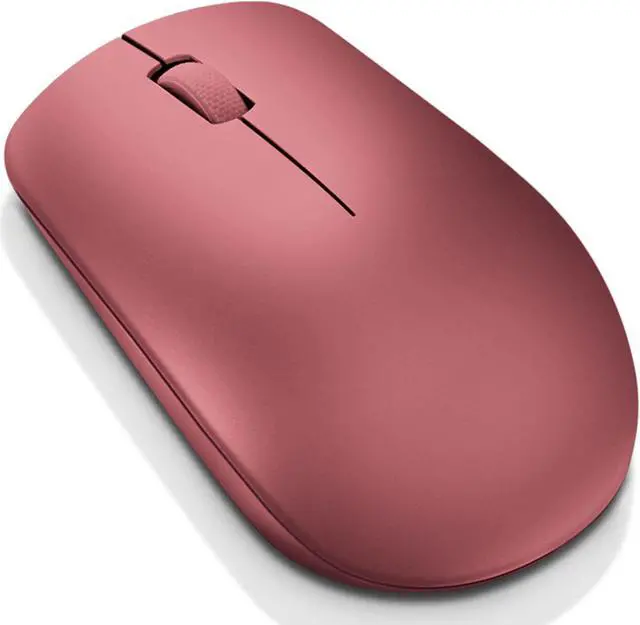
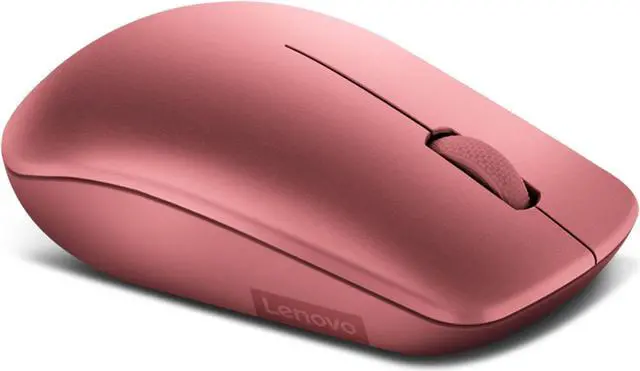
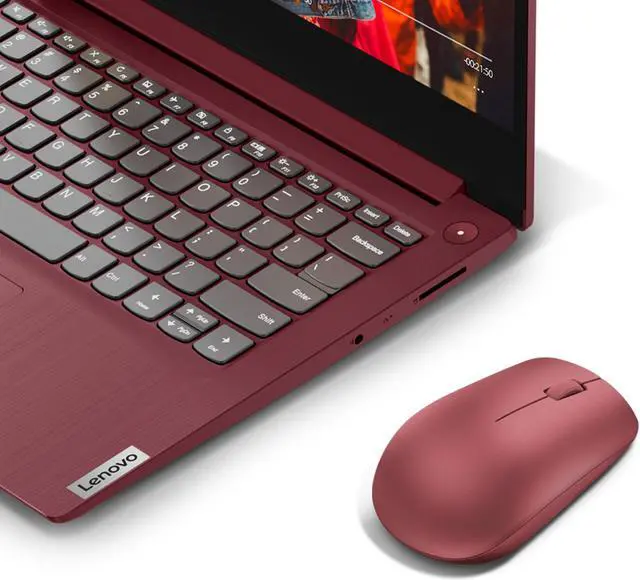
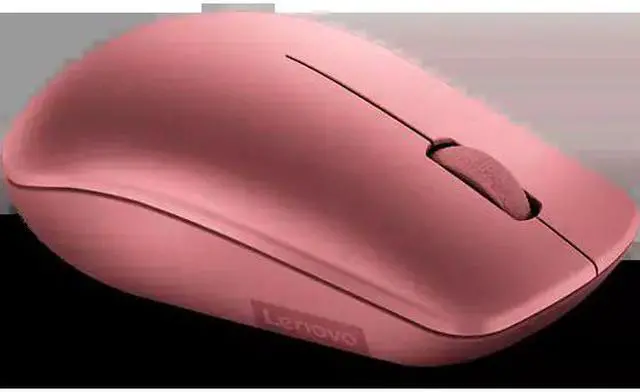
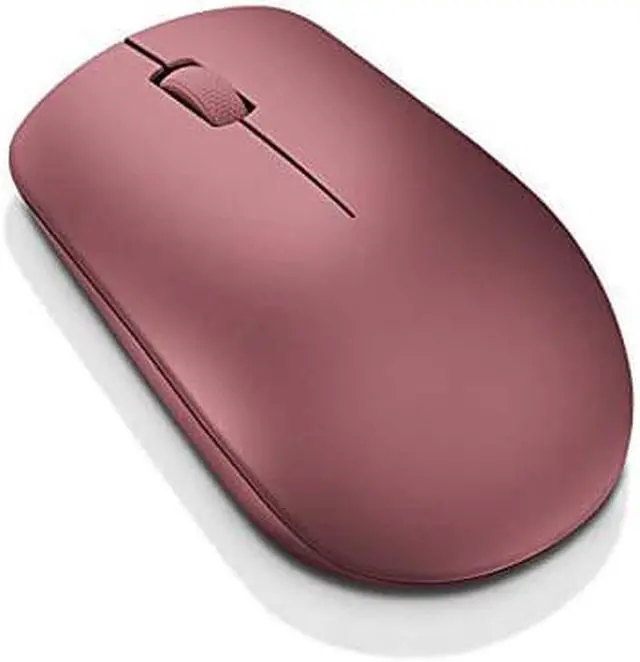
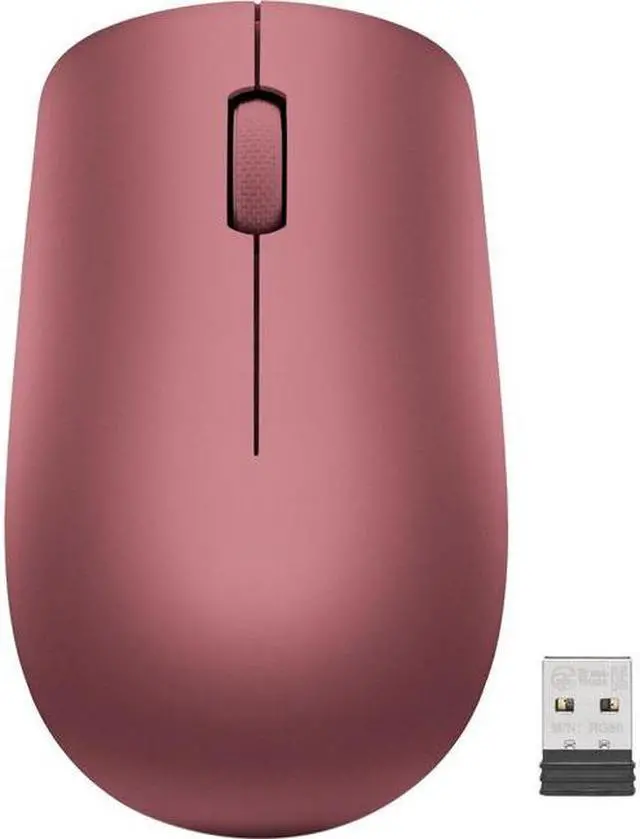
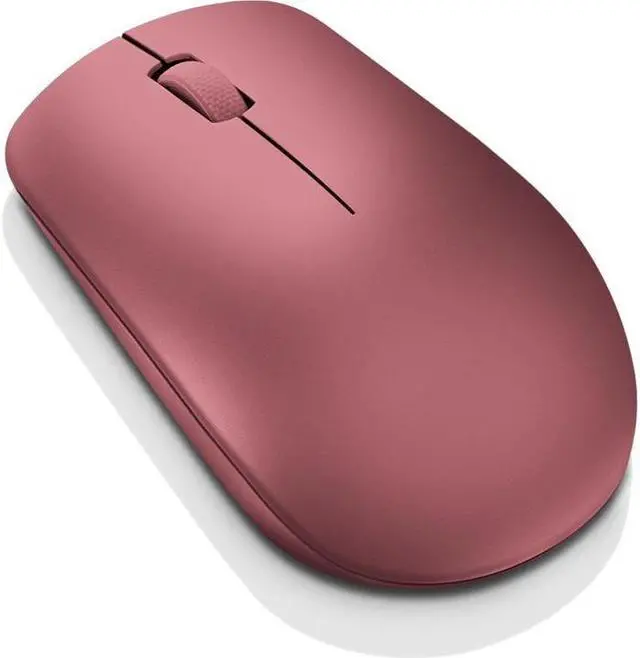
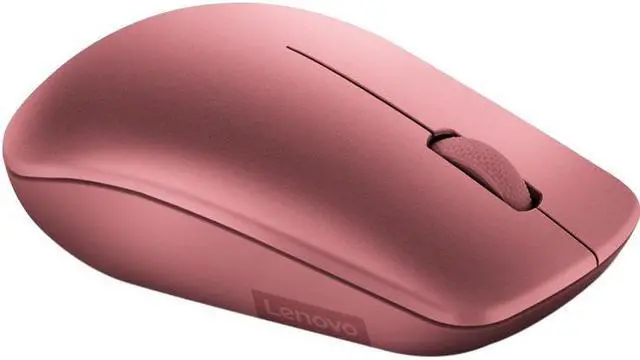
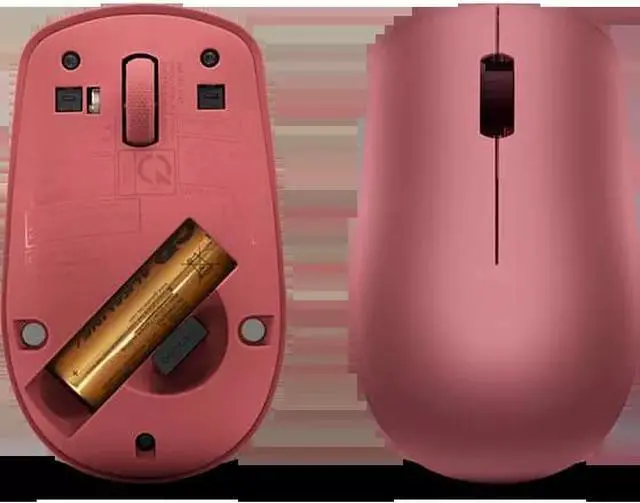
The Lenovo 530 Wireless Mouse (Cherry Red), model GY50Z18990, is a plug-and-play 2.4 GHz wireless mouse for people who want a simple, cable-free option for everyday computer use.
Recommended For
- Laptop users who move between home, office, or classrooms and want a light, cordless mouse that connects through a small USB receiver rather than Bluetooth.
- Students and office workers handling documents, email, and web browsing who want simple three-button control and ordinary cursor tracking for everyday computer tasks.
- Left- and right-handed users sharing a workstation, or people who prefer a mouse designed to work in either hand.
- People outfitting a basic computer setup who prefer a plug-in receiver and a replaceable AA battery over charging or pairing a mouse.
Real-World Use Scenarios
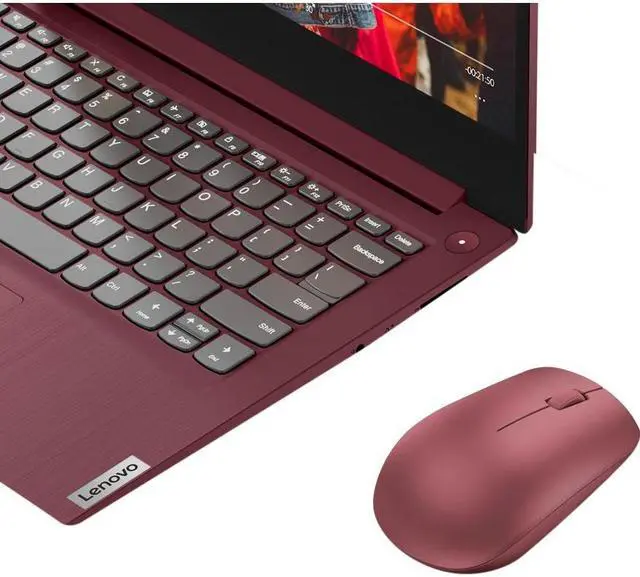
- For everyday laptop tasks such as browsing, email, and documents, the 530 gives users a physical scroll wheel and pointer control without relying on the trackpad; its USB receiver needs to be plugged into the computer.
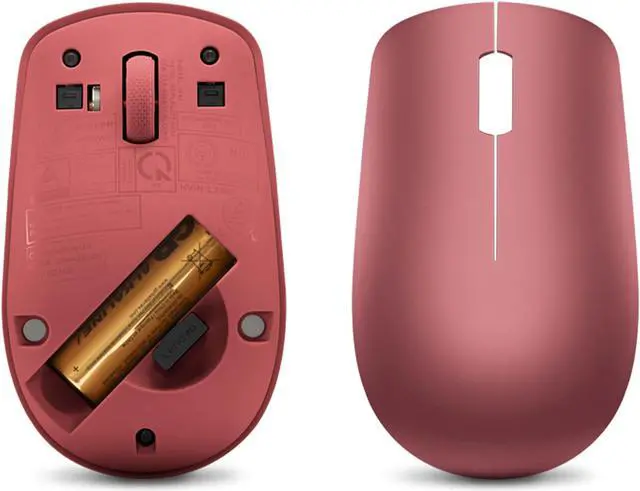
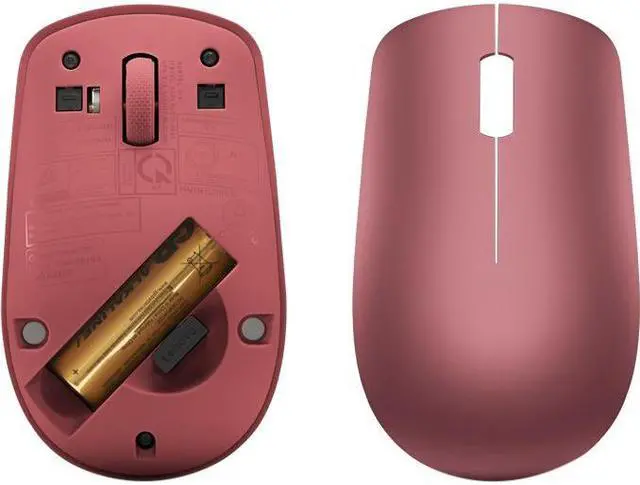
- When packing a mouse for work or class, its lightweight build and receiver storage inside the mouse make it easier to carry and less likely to leave the dongle loose in a bag.
- On a Chromebook with a USB-A port, it can serve as a straightforward alternative to the trackpad for navigating apps and web pages; Android Central specifically includes the Lenovo 530 among its Chromebook mouse picks.
- In a shared home or office setup used by left- and right-handed people, the ambidextrous shape lets either person use the same mouse for routine clicking and scrolling.
- For regular browsing and office use, the single-AA design and stated battery life of up to 12 months can mean fewer battery changes, though actual life varies with use.




 here!