








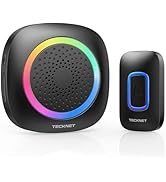
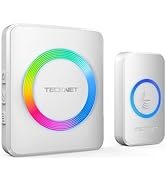
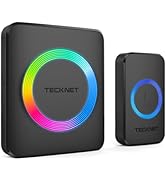
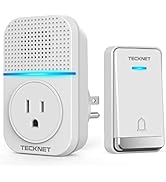




Memory Function
Remembers the last melody and volume after a power failure; you do not have to return to your previous settings. Practical and user-friendly design for an improved user experience.

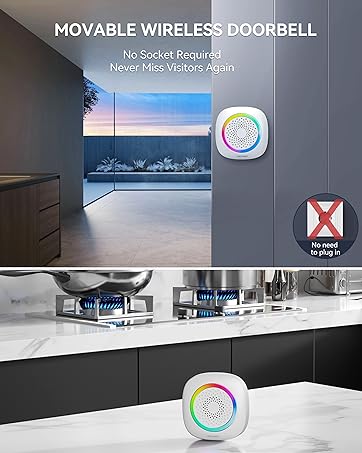
Mute & Only RGB Mode
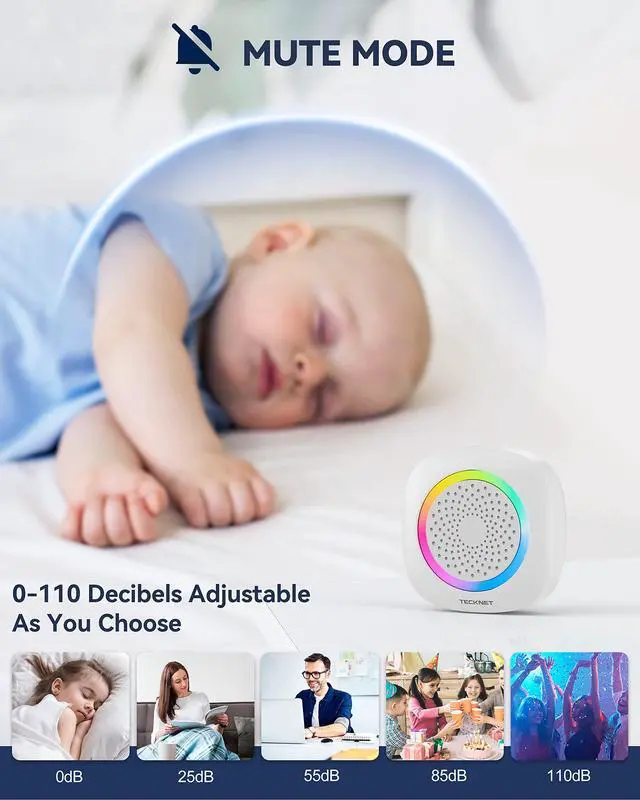
The quiet volume does not disturb a sleeping baby and the maximum volume of 110 dB is audible for the hearing impaired or even during a party.

Operations Instructions
- Volume Button: Press once to choose from 5 volume levels.
- Next Chime / Pairing Button: Press once to select the next song. / Press and hold for 3s to enter pairing mode.
- Previous Chime / Mode Button: Press once to select the previous song. / Press and hold for 3s to switch working modes.

Package Includes
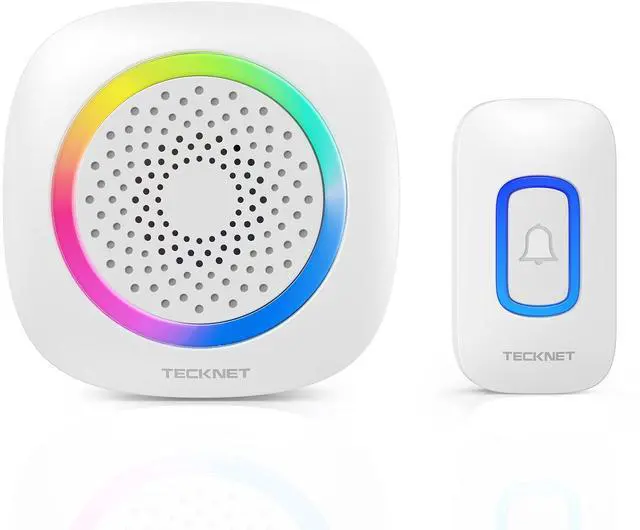
- 1 × Push Button
- 1 × Doorbell Receiver
- 1 × Installation Kit
- 1 × User Manual
Effortless Installation

How to pair the push button with doorbell receiver?
1.Press and hold the "Next Chime" button for over 3s, and you'll hear a "ding dong" prompt, showing that the receiver is in the pairing status.
2.Press the Push Button, and the receiver plays the chime, which means the pairing operation is completed.
Why doesn't the doorbell work when I change the battery?
It is possible that the doorbell pairing is cleared. Please re-pair the doorbell transmitter and receiver.
How do I adjust the volume?
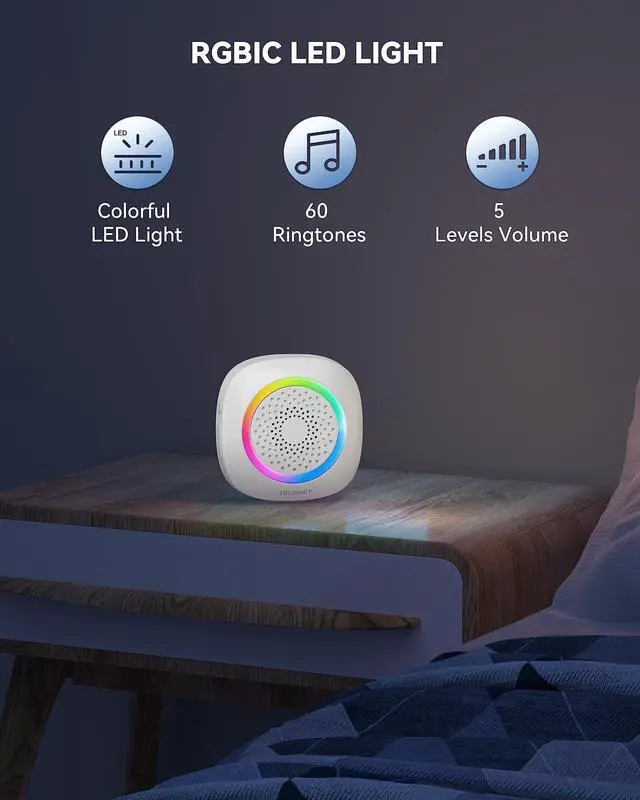
You can press the volume button to choose from 5 volume levels (mute, low, medium, high, and max).
Why does the receiver's LED light stay on?
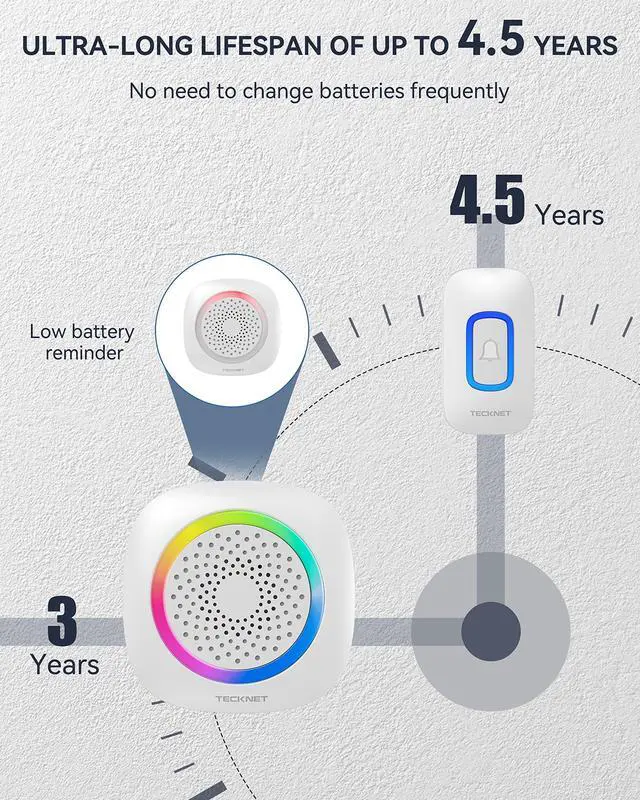
The receiver's LED light stays on, which means the battery is low. Please replace the battery.
Can I turn off the light of the doorbell receiver?
Yes. Press and hold the "Previous Chime" button for 3s to switch the "ring only" mode and the receiver light will turn off
TECKNET Plug-in Doorbell
TECKNET Self-Powered Doorbell

Create More Convenient Lifestyle


Enjoy Pleasant Melodies Whenever Someone Rings
60 classic ringtones for selection, including special holiday chimes.


Memory Function
Remembers the last melody and volume after a power failure; you do not have to return to your previous settings. Practical and user-friendly design for an improved user experience.
Mute & Only RGB Mode
The quiet volume does not disturb a sleeping baby and the maximum volume of 110 dB is audible for the hearing impaired or even during a party.
Operations Instructions
- Volume Button: Press once to choose from 5 volume levels.
- Next Chime / Pairing Button: Press once to select the next song. / Press and hold for 3s to enter pairing mode.
- Previous Chime / Mode Button: Press once to select the previous song. / Press and hold for 3s to switch working modes.
Package Includes
- 1 × Push Button
- 1 × Doorbell Receiver
- 1 × Installation Kit
- 1 × User Manual
Effortless Installation

How to pair the push button with doorbell receiver?
1.Press and hold the "Next Chime" button for over 3s, and you'll hear a "ding dong" prompt, showing that the receiver is in the pairing status.
2.Press the Push Button, and the receiver plays the chime, which means the pairing operation is completed.
Why doesn't the doorbell work when I change the battery?
It is possible that the doorbell pairing is cleared. Please re-pair the doorbell transmitter and receiver.
How do I adjust the volume?
You can press the volume button to choose from 5 volume levels (mute, low, medium, high, and max).
Why does the receiver's LED light stay on?
The receiver's LED light stays on, which means the battery is low. Please replace the battery.
Can I turn off the light of the doorbell receiver?
Yes. Press and hold the "Previous Chime" button for 3s to switch the "ring only" mode and the receiver light will turn off