








Fast & Stable Links
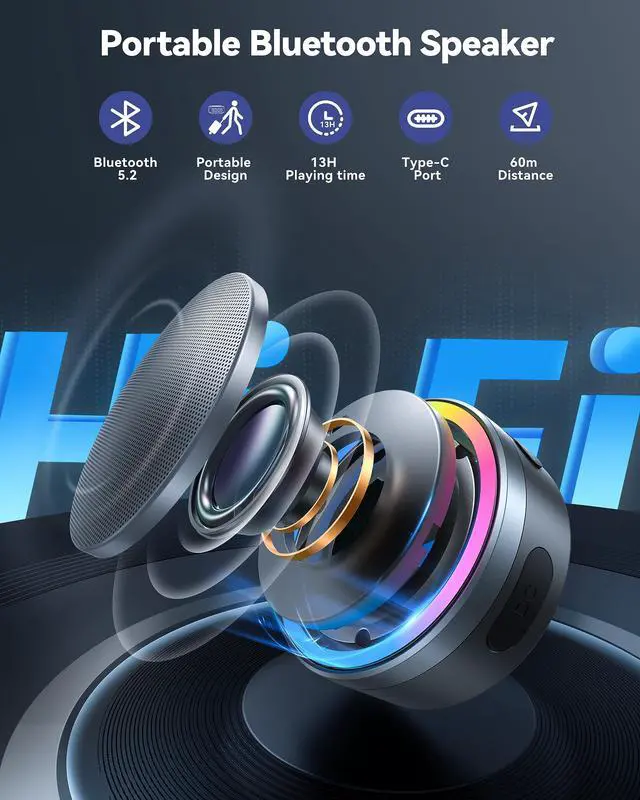
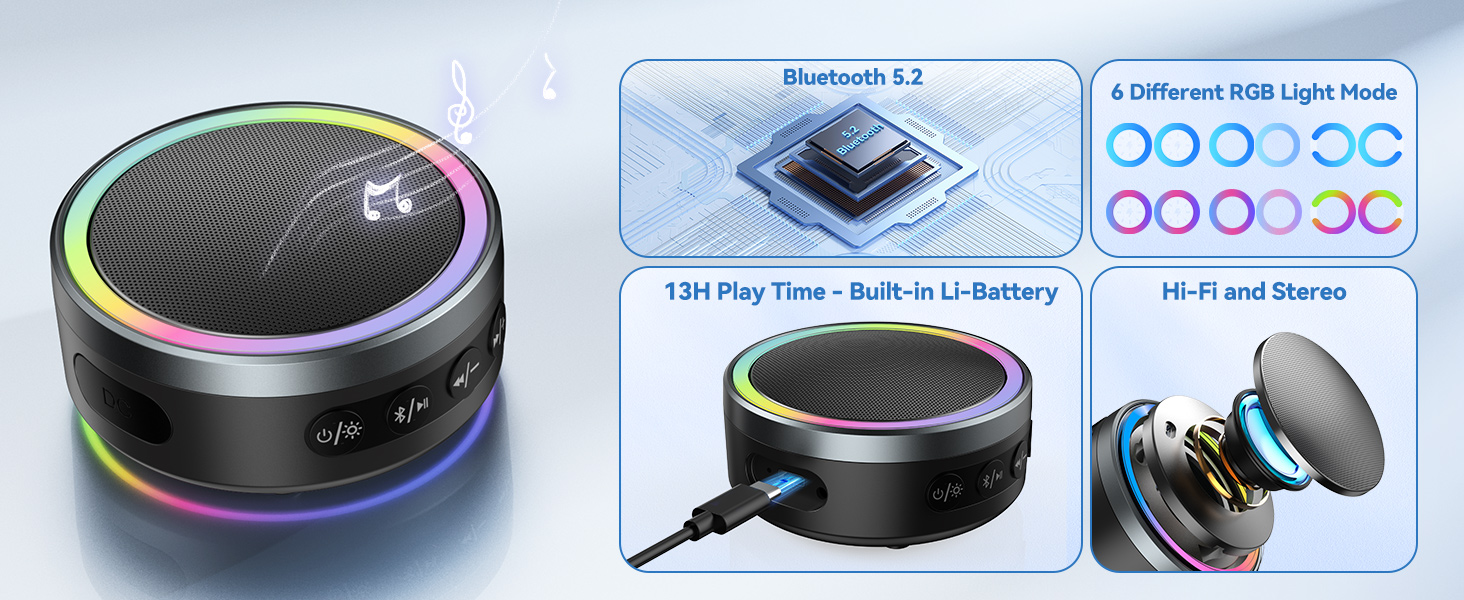
Bluetooth 5.2 offers a reliable and high-speed connection to paired devices within 60M.

1000mAh Rechargeable Battery
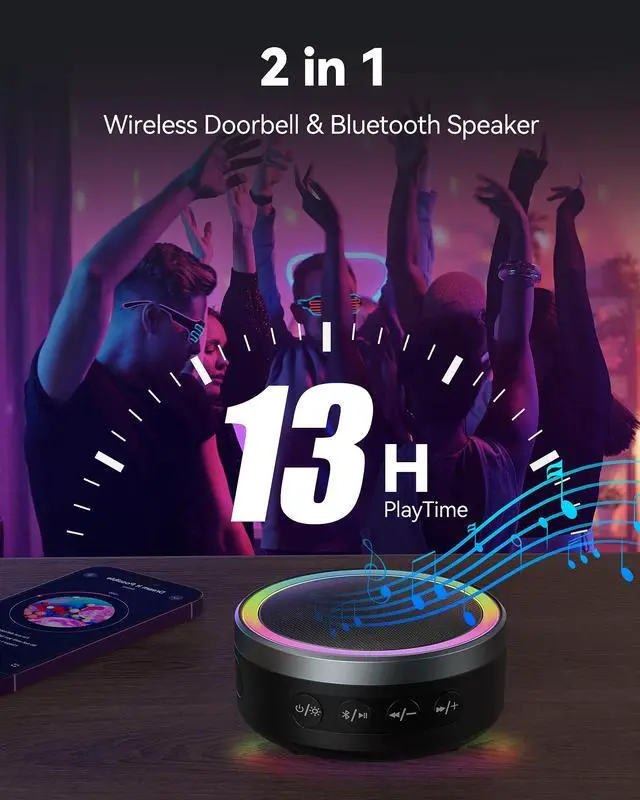
Comes with a built-in 1000mAh rechargeable lithium battery, providing up to 13 hours of usage.

Immersive Stereo Sound
Hi-Fi sound quality and advanced technology for powerful, balanced, and distortion-free sound.


Operations Instructions
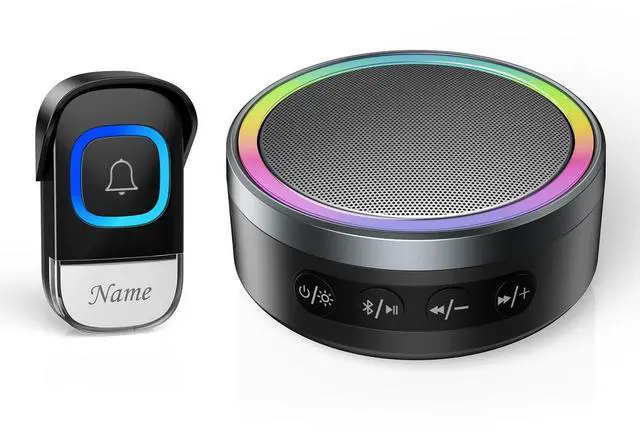
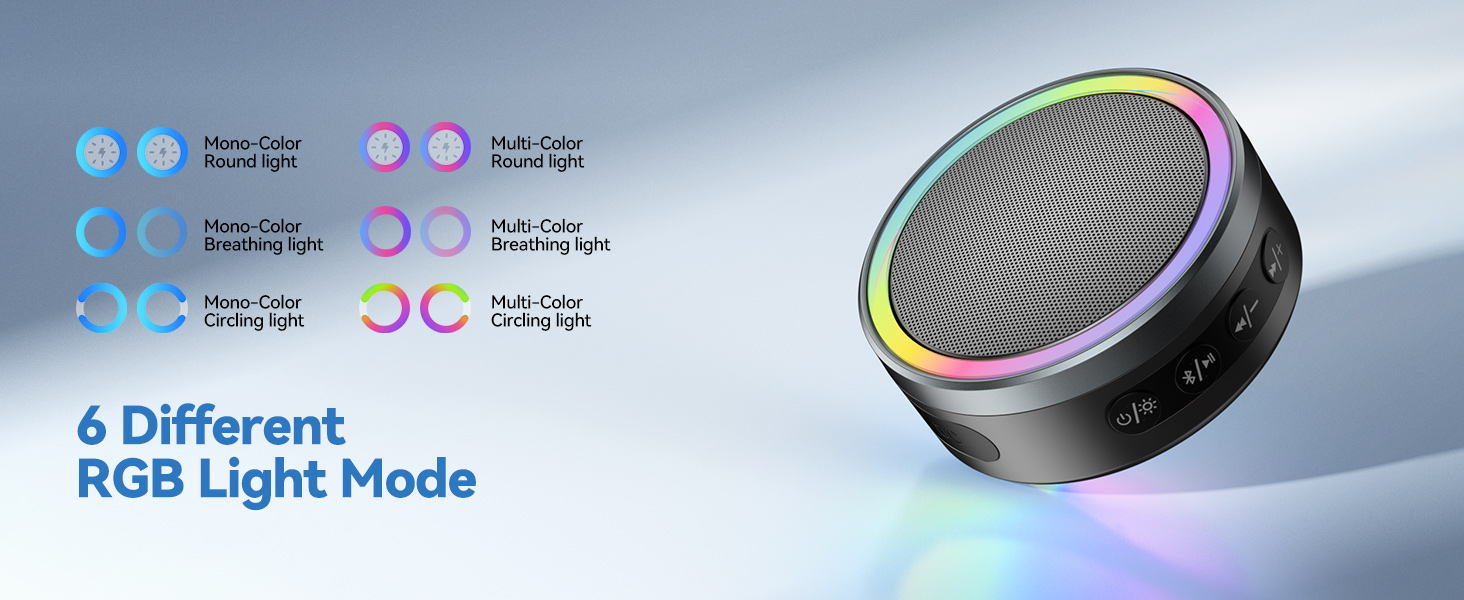
- Power Button / Lighting Button: Press and hold for 3s to turn it on or off. / Press once to switch lighting mode.
- Bluetooth Button / Play & Pause Button: Press and hold 2s to turn on or off Bluetooth mode. / In Bluetooth mode, press once to play or pause music when playing music.

Package Includes
- 1 × Transmitter
- 1 × Doorbell Receiver / Bluetooth Speaker
- 1 × Type - C Cable
- 1 × Installation Kit
- 1 × User Manual


Will the doorbell work normally while I'm using a Bluetooth speaker?
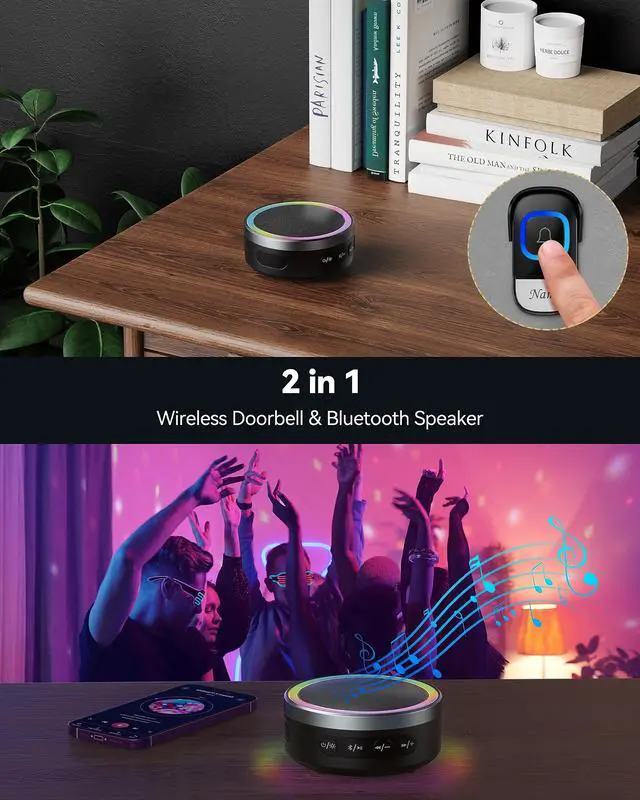
Yes. When the push button of doorbell is pressed, the Bluetooth speaker will pause the music and the doorbell will ring. The music will resume playing once the doorbell stops ringing.
How can I pair my phone with the Bluetooth speaker?
1. Turn on Bluetooth on your phone.
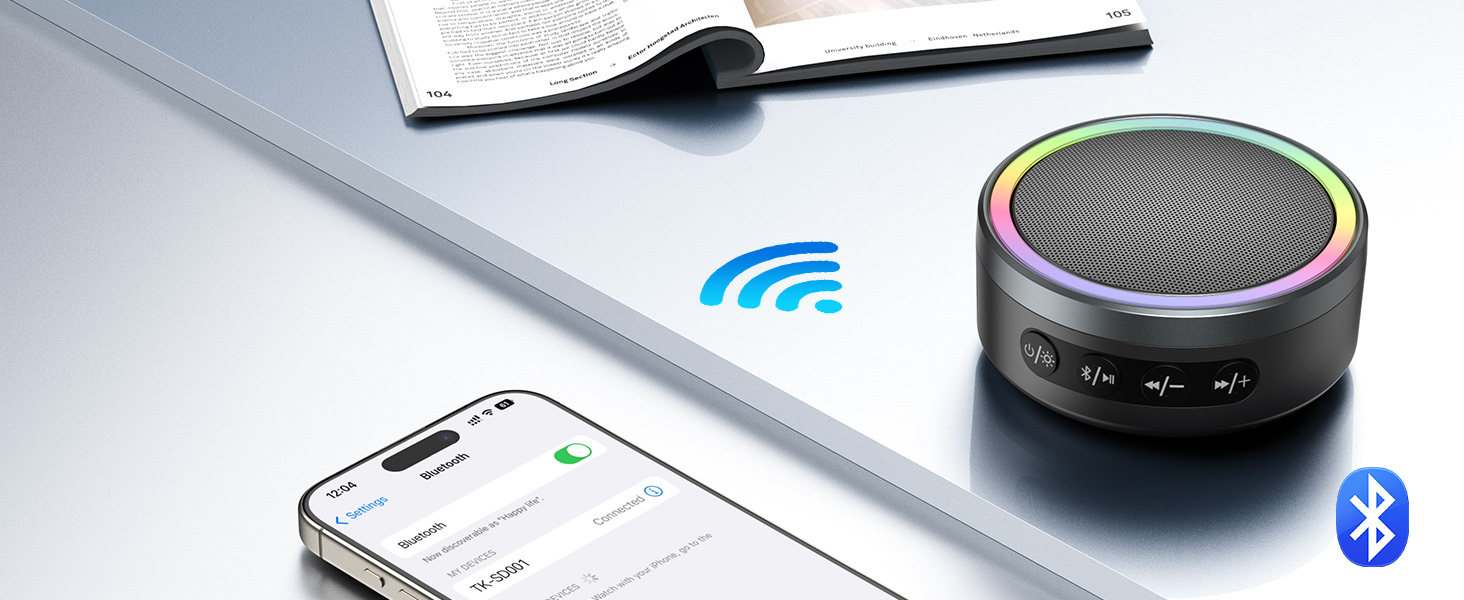
2. Turn on the Bluetooth speaker . Press and hold the Bluetooth Button for 2s. You will hear “Bluetooth Mode. Pairing”.
3. Connect to "TK-SD001" in your phone's Bluetooth list and you'll hear "Connected."
How to pair push button with doorbell receiver?
1. Press & hold Bluetooth Button for 2s to turn off Bluetooth mode.
2. Press & hold "Bluetooth Button" and "Next Track" for 2s, hear a "Ding-dong" prompt.
3. Press Push Button, doorbell receiver plays selected chime,indicating pairing is complete..
Can I choose the favorite chime in the doorbell mode?
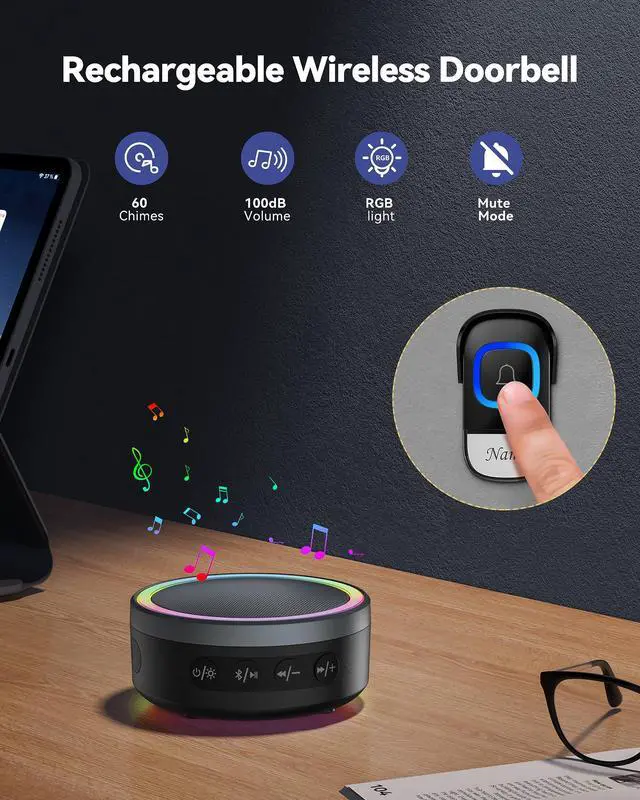
Yes. Press the "Previous Track" or "Next Track" button to select a chime. Stop pressing the button when you hear the chime you want.
How do I adjust the volume?
You can hold the "Volume +" or "Volume -" button for 2 seconds to adjust the volume.


Fast & Stable Links
Bluetooth 5.2 offers a reliable and high-speed connection to paired devices within 60M.
1000mAh Rechargeable Battery
Comes with a built-in 1000mAh rechargeable lithium battery, providing up to 13 hours of usage.
Immersive Stereo Sound
Hi-Fi sound quality and advanced technology for powerful, balanced, and distortion-free sound.


Operations Instructions
- Power Button / Lighting Button: Press and hold for 3s to turn it on or off. / Press once to switch lighting mode.
- Bluetooth Button / Play & Pause Button: Press and hold 2s to turn on or off Bluetooth mode. / In Bluetooth mode, press once to play or pause music when playing music.
Package Includes
- 1 × Transmitter
- 1 × Doorbell Receiver / Bluetooth Speaker
- 1 × Type - C Cable
- 1 × Installation Kit
- 1 × User Manual


Will the doorbell work normally while I'm using a Bluetooth speaker?
Yes. When the push button of doorbell is pressed, the Bluetooth speaker will pause the music and the doorbell will ring. The music will resume playing once the doorbell stops ringing.
How can I pair my phone with the Bluetooth speaker?
1. Turn on Bluetooth on your phone.
2. Turn on the Bluetooth speaker . Press and hold the Bluetooth Button for 2s. You will hear “Bluetooth Mode. Pairing”.
3. Connect to "TK-SD001" in your phone's Bluetooth list and you'll hear "Connected."
How to pair push button with doorbell receiver?
1. Press & hold Bluetooth Button for 2s to turn off Bluetooth mode.
2. Press & hold "Bluetooth Button" and "Next Track" for 2s, hear a "Ding-dong" prompt.
3. Press Push Button, doorbell receiver plays selected chime,indicating pairing is complete..
Can I choose the favorite chime in the doorbell mode?
Yes. Press the "Previous Track" or "Next Track" button to select a chime. Stop pressing the button when you hear the chime you want.
How do I adjust the volume?
You can hold the "Volume +" or "Volume -" button for 2 seconds to adjust the volume.