












How can I view the passwords I have set or auto-generated in my fingerprint door knob with keypad?
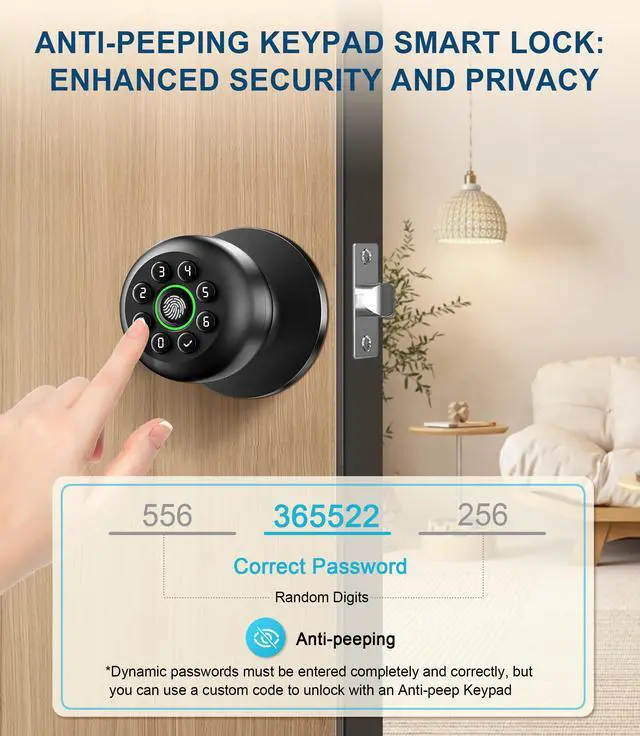
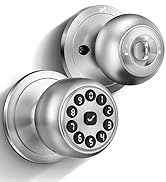
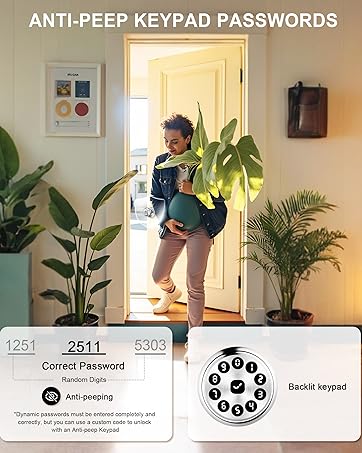
The door lock’s app does not display set or auto-generated passwords. To save or share passwords with family members, take a screenshot after generating them, then click 'OK' and SAVE to ensure they take effect.
How do I pair and set up my new smart door lock?
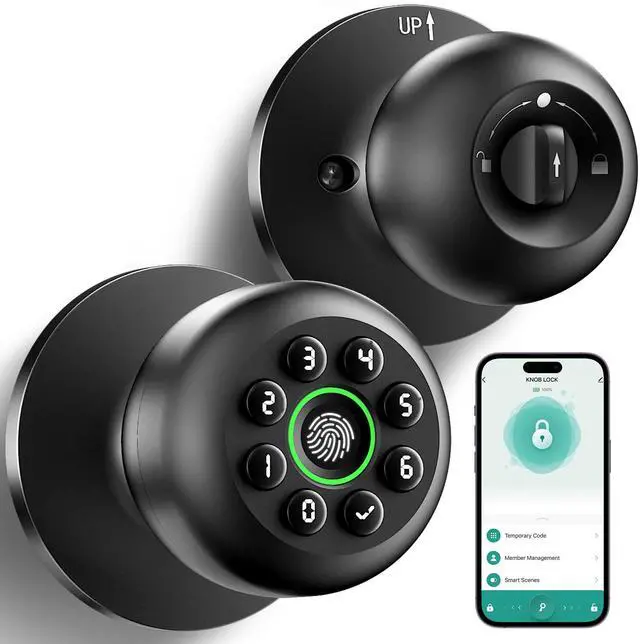
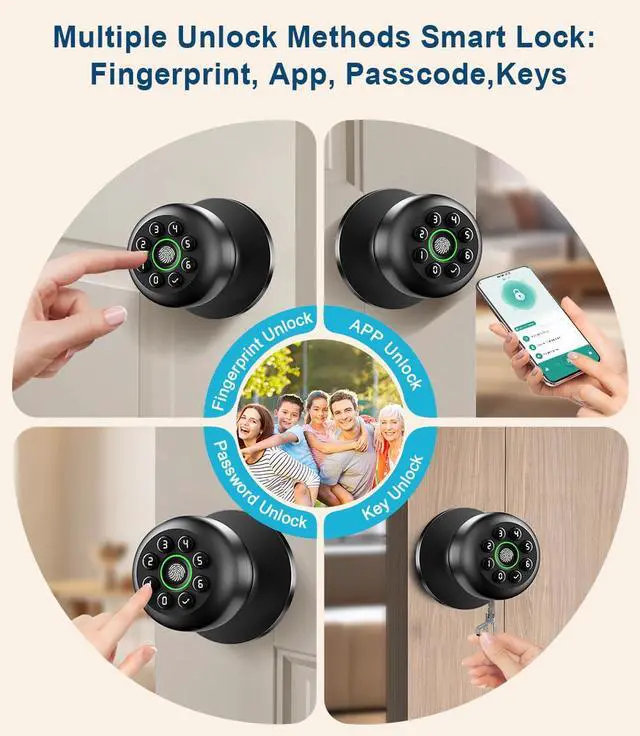
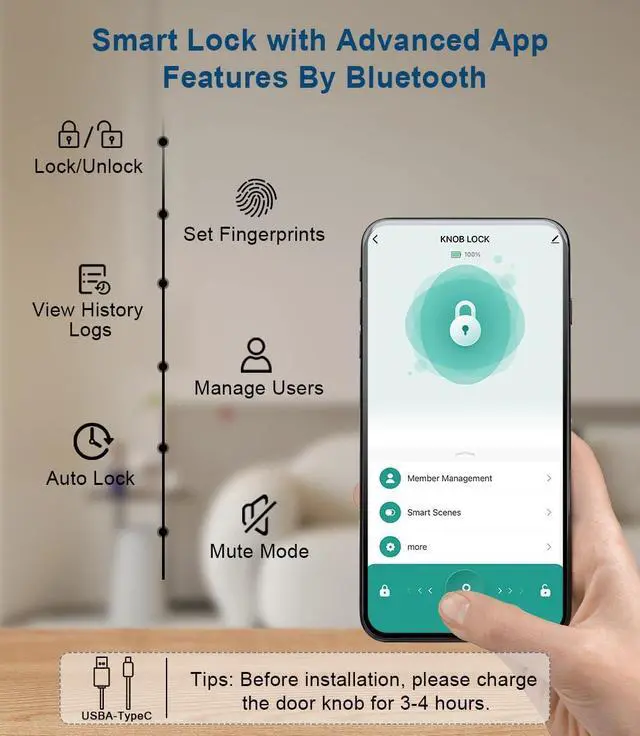
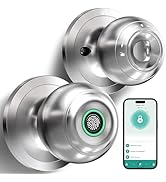
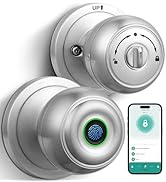
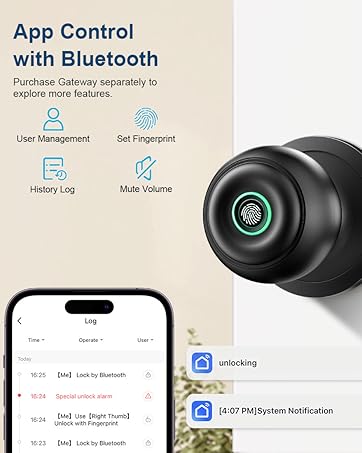
Use the Bluetooth Smart Life app to control the smart door knob. Make sure Bluetooth, Wi-Fi, Mobile Network, and Location permissions are enabled for the app. Once authorized, touch the fingerprint sensor to wake up the lock.
If the batteries die, how can I open the door?
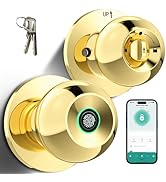
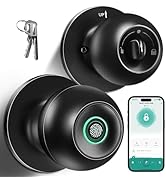
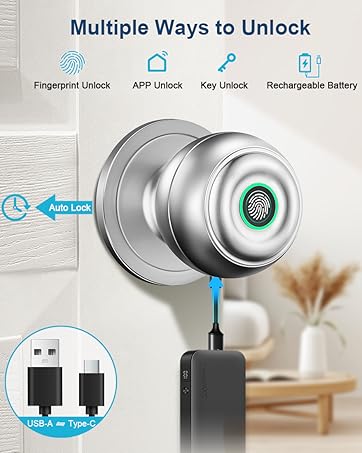
The smart door knob has a built-in rechargeable battery. Use an emergency power supply to charge it via the USB A+Type C port or use the backup key to unlock the door. Tips: Charge the lock when the low battery indicator appears.
Why can’ t the door lock recognize my fingerprint well or why did it fail to unlock with the App?
When recording fingerprints, ensure your finger is clean and dry, and place it at different angles and positions to capture a larger scan area. If two users try to manage the lock simultaneously via the app, only one user can connect at a time.
Why can't I lock the door with the keypad door lock with code?
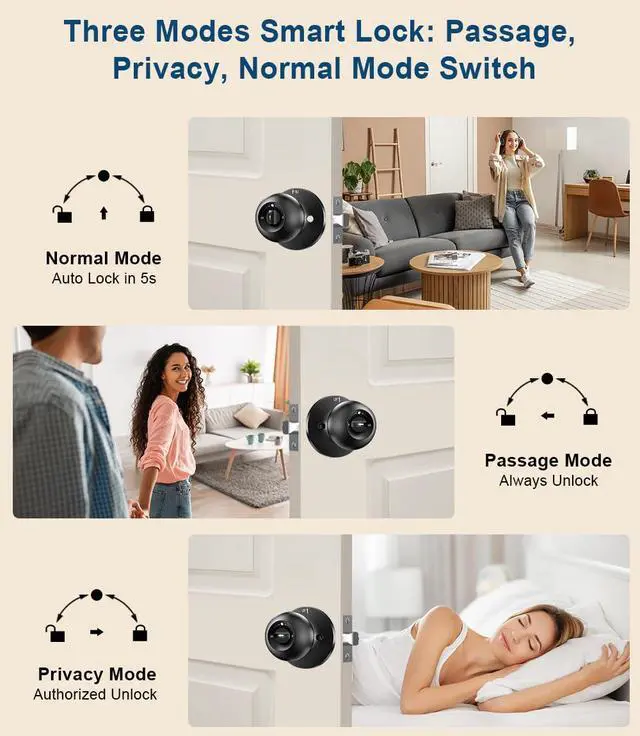
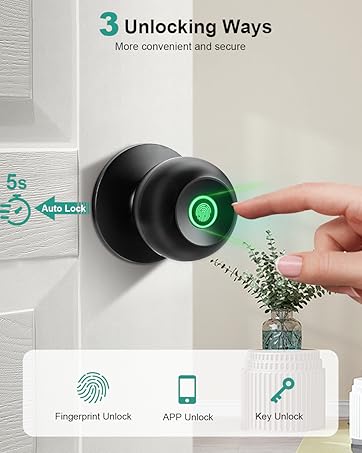
Check if the Interior Knob is set to Passage Mode (unlocked mode). In this mode, the door cannot be locked. Switch to Normal Mode to enable locking via the app or the auto-lock feature, which activates in 5 seconds.


Fingerprint Door Lock

Door Knob


How can I view the passwords I have set or auto-generated in my fingerprint door knob with keypad?
The door lock’s app does not display set or auto-generated passwords. To save or share passwords with family members, take a screenshot after generating them, then click 'OK' and SAVE to ensure they take effect.
How do I pair and set up my new smart door lock?
Use the Bluetooth Smart Life app to control the smart door knob. Make sure Bluetooth, Wi-Fi, Mobile Network, and Location permissions are enabled for the app. Once authorized, touch the fingerprint sensor to wake up the lock.
If the batteries die, how can I open the door?
The smart door knob has a built-in rechargeable battery. Use an emergency power supply to charge it via the USB A+Type C port or use the backup key to unlock the door. Tips: Charge the lock when the low battery indicator appears.
Why can’ t the door lock recognize my fingerprint well or why did it fail to unlock with the App?
When recording fingerprints, ensure your finger is clean and dry, and place it at different angles and positions to capture a larger scan area. If two users try to manage the lock simultaneously via the app, only one user can connect at a time.
Why can't I lock the door with the keypad door lock with code?
Check if the Interior Knob is set to Passage Mode (unlocked mode). In this mode, the door cannot be locked. Switch to Normal Mode to enable locking via the app or the auto-lock feature, which activates in 5 seconds.