here!
here!
I’m your shopping assistant for PC builds, upgrades, and everything tech.
Got questions? Ask away!
Start a conversation
here!
I’m your shopping assistant for PC builds, upgrades, and everything tech.
Got questions? Ask away!
Start a conversation



Any questions? Ask CelesteSM will help you find out quickly.
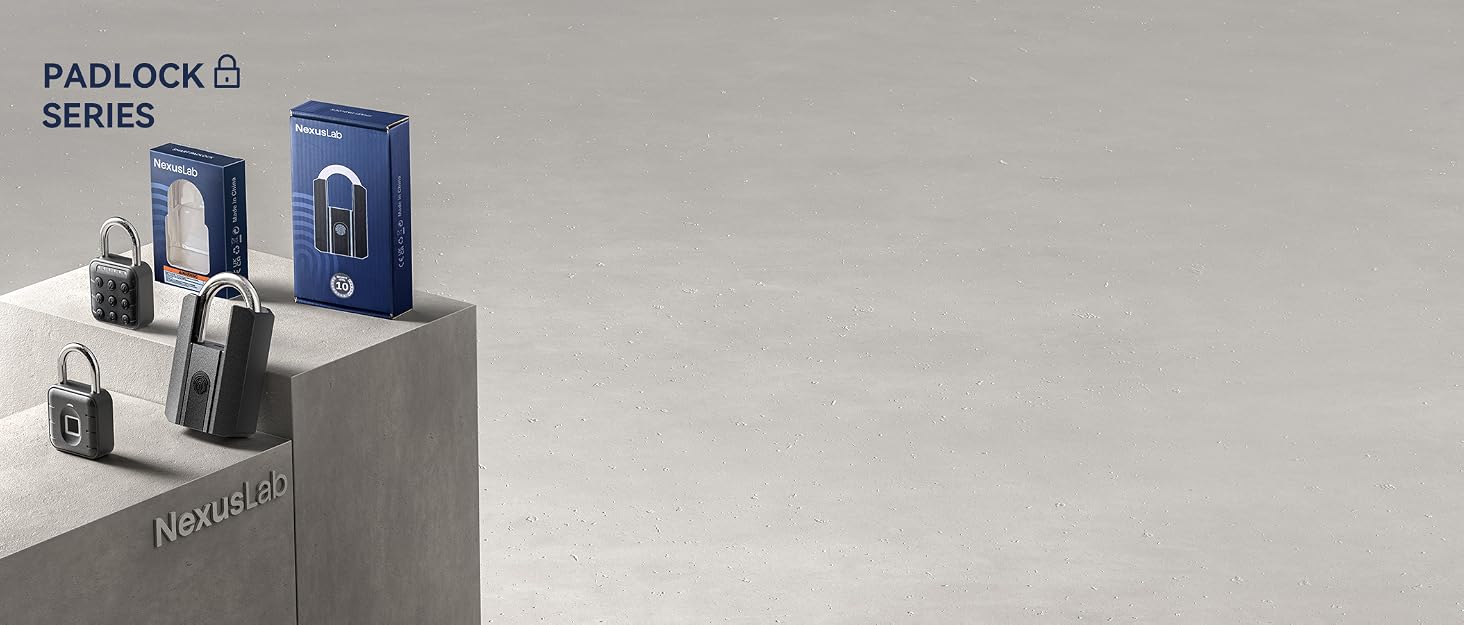
Secure the Future, Unlock Possibilities

Established in 2021, NexusLab has quickly recognized the potential of the smart padlock industry. We specialize in technological locking devices, developing high-quality products like our smart lock with precise password and fingerprint systems. Our mission is to integrate tech convenience and security into locks, enhancing every household's safety and convenience in this intelligent era.


Absolutely, our smart locks ensure top-notch quality using advanced tech and strict production controls for a safe, convenient experience. We're confident in our products, offering a 200-day return policy.
Our mission is to use cutting-edge technology for top home security. We aim to be a global leader in smart locks for safety and convenience.
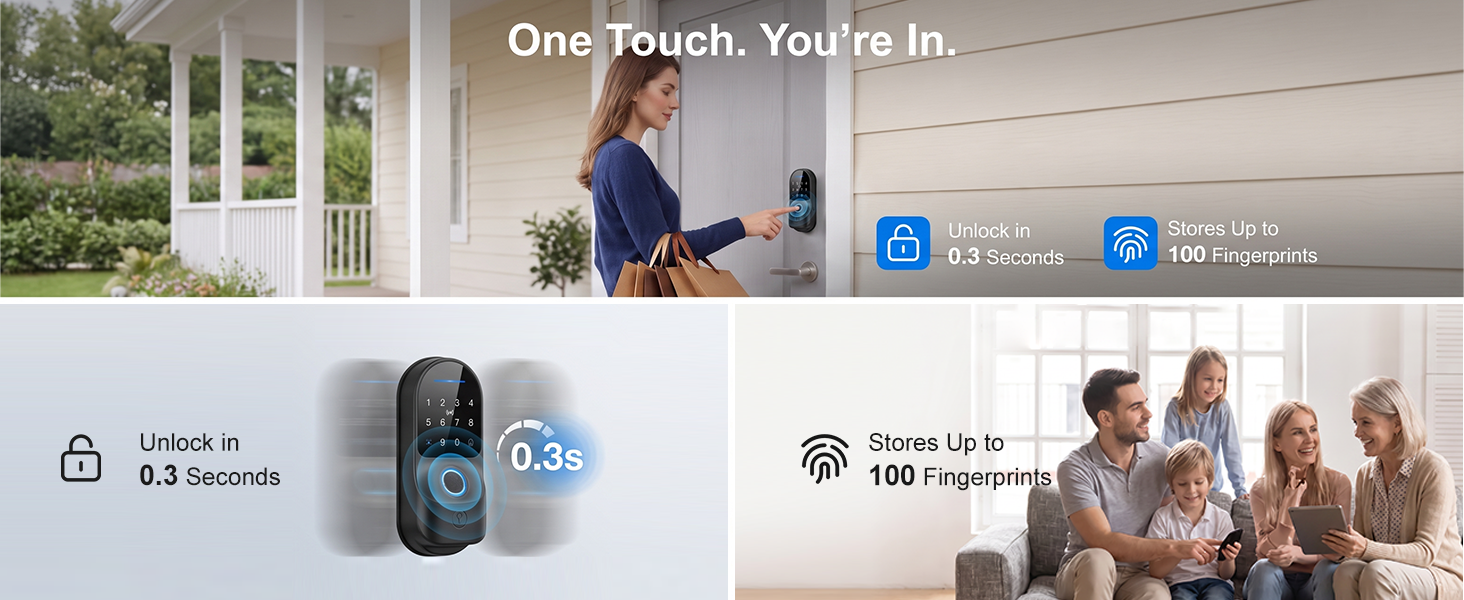
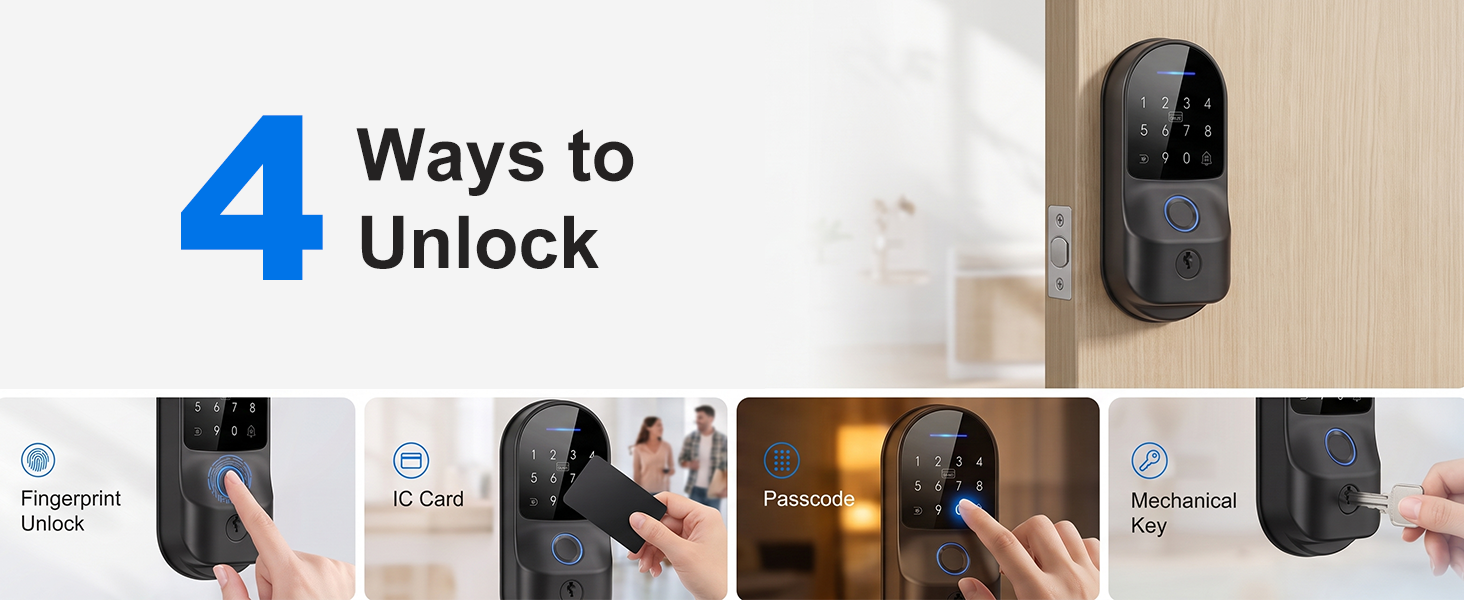
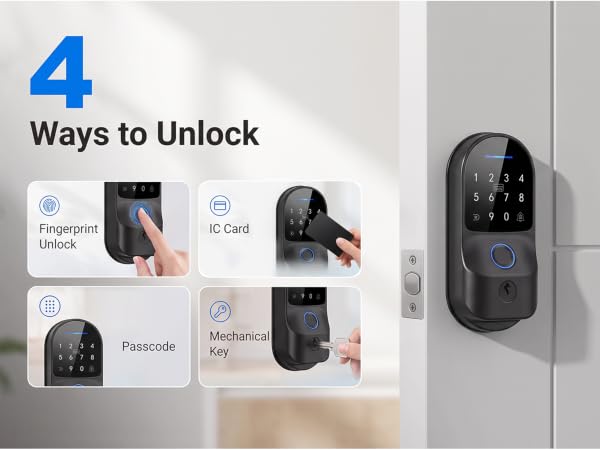
What are the ways to unlock the door?
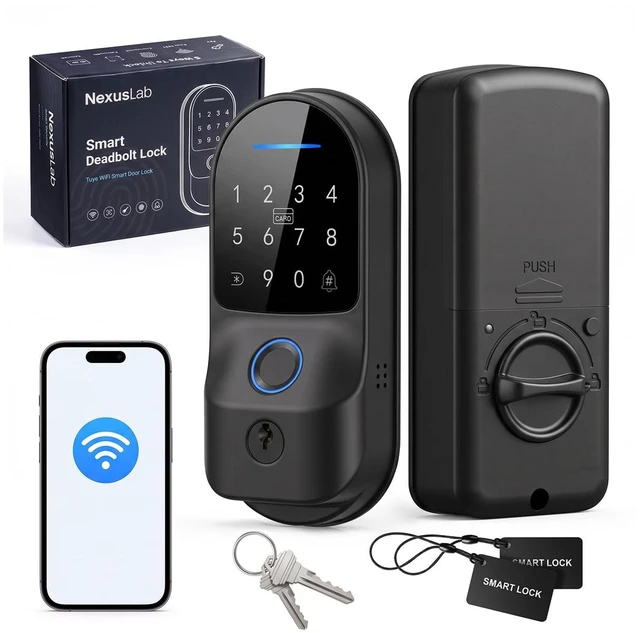
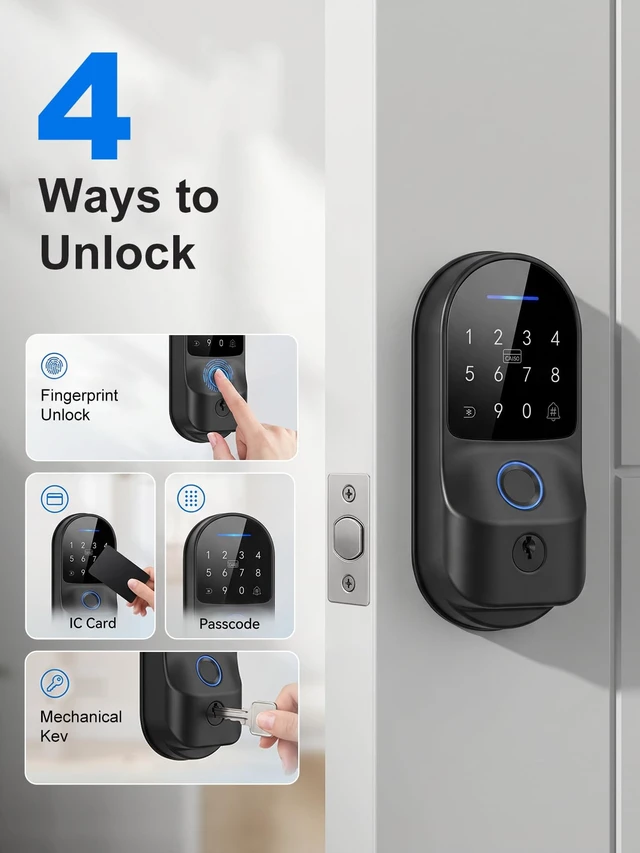
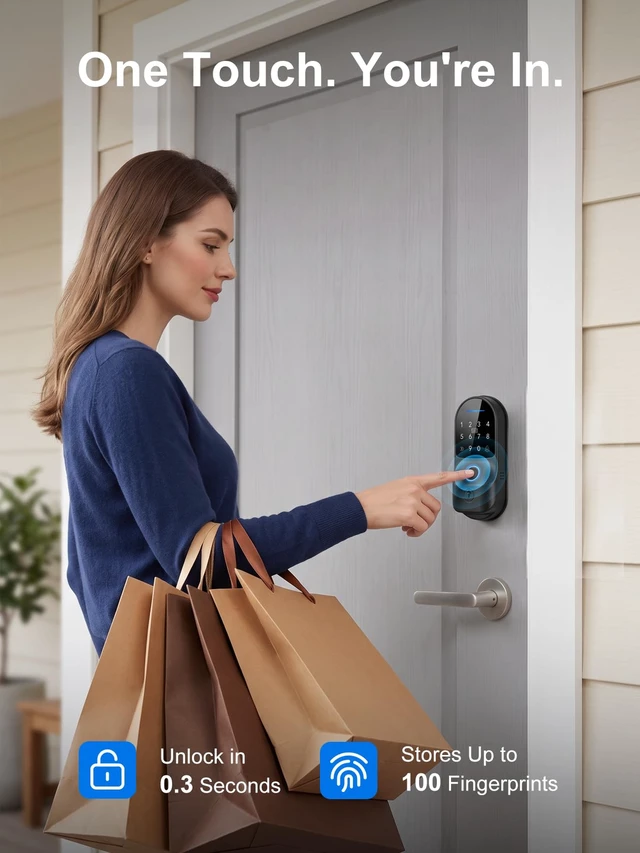
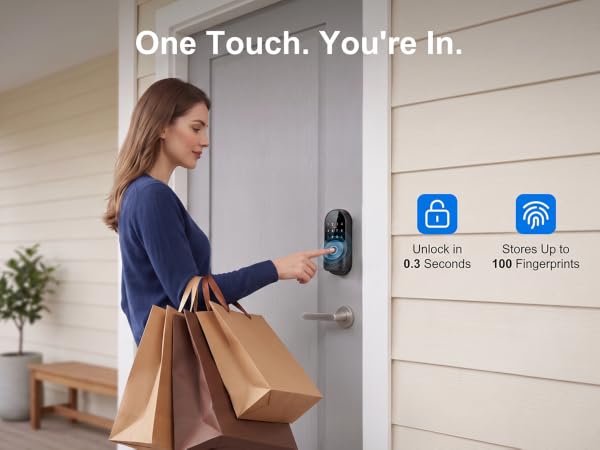
Use a fingerprint, 6-10 digit passcode, IC card, Tuya Smart App, or mechanical key. The lock stores up to 100 fingerprints and up to 412 passcodes and IC cards combined.
Does this smart lock require a Wi-Fi hub?
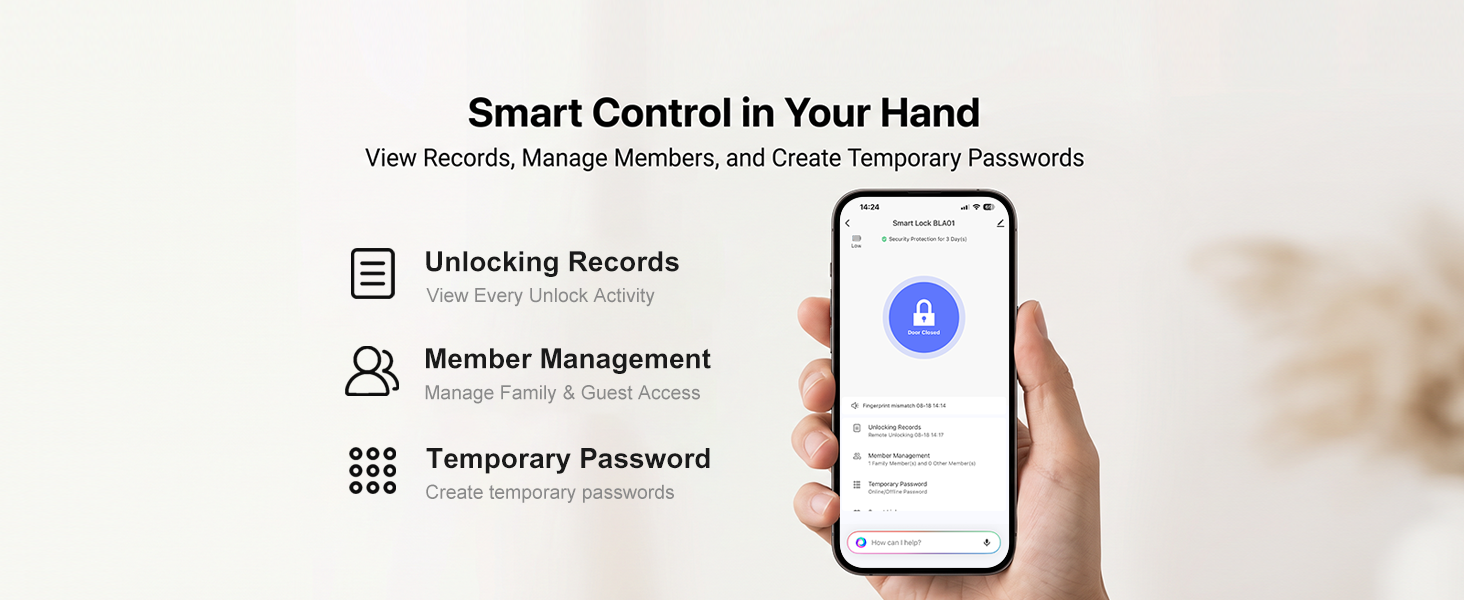
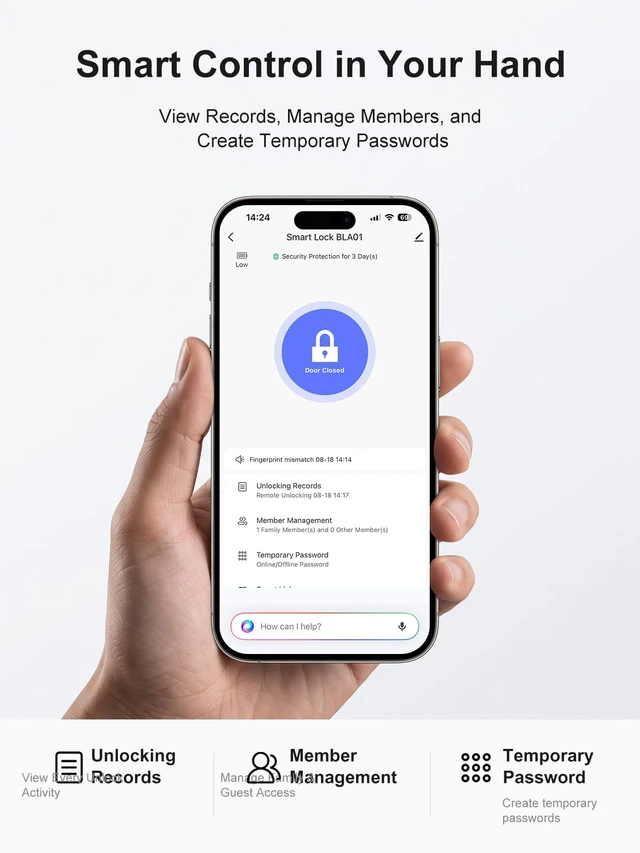
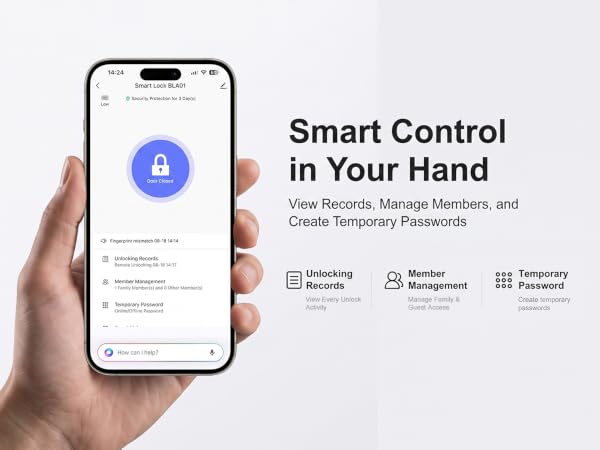
No. Built-in Wi-Fi connects directly to a 2.4 GHz network through the Tuya Smart App. Manage users, create temporary passcodes, view unlock records, and receive alerts when visitors press the # key.
Will this smart lock fit my door?
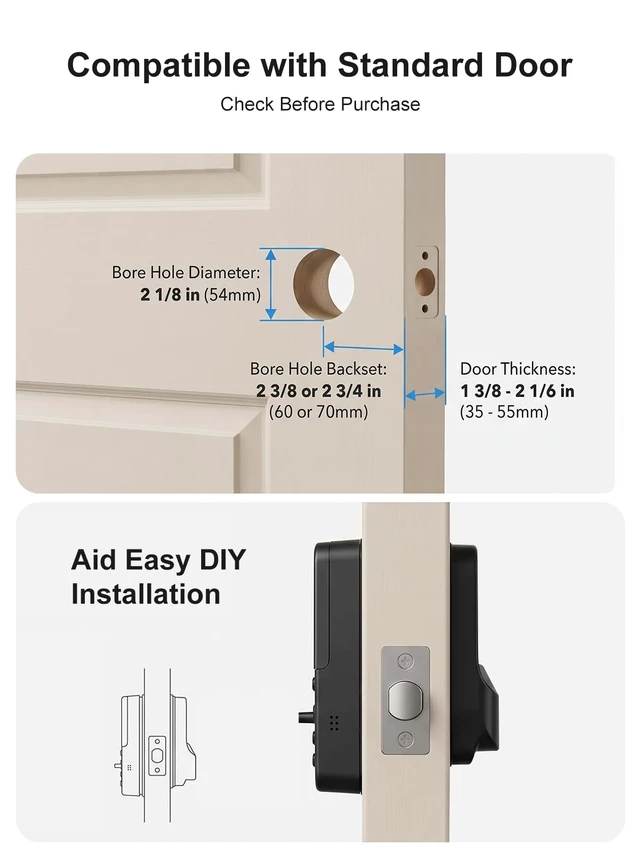
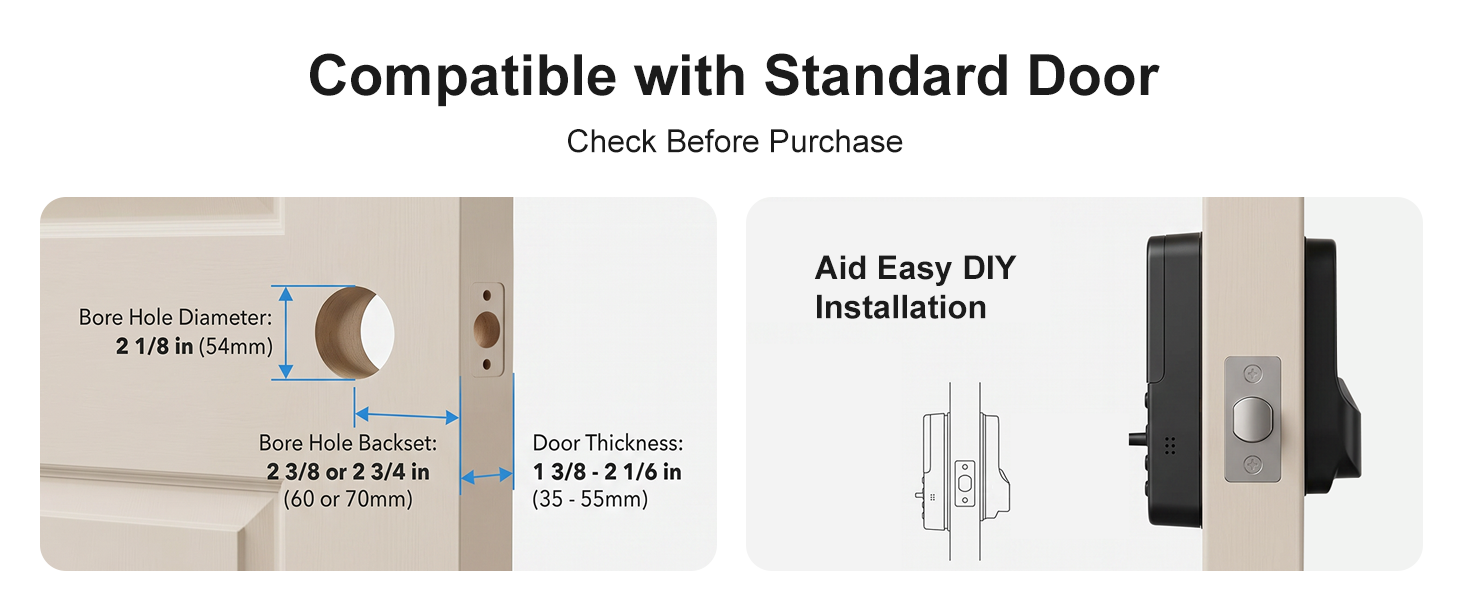
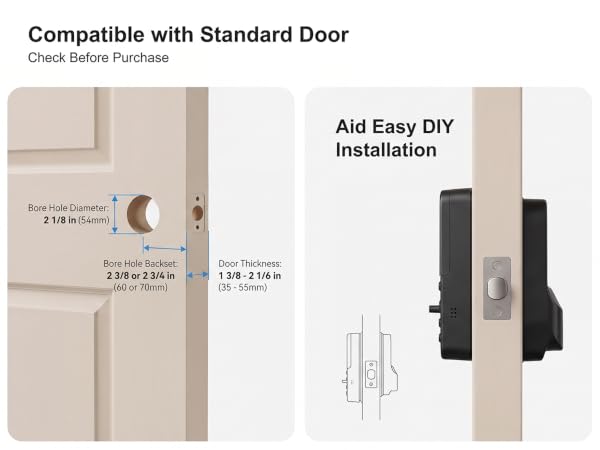
It fits compatible pre-bored doors with 2-3/8 in. (60 mm) or 2-3/4 in. (70 mm) backsets and supports left- or right-opening doors. Installation requires a Phillips screwdriver, with no drilling needed.
Can I create temporary access for guests?
Yes. Use the Tuya Smart App to create one-time, time-limited, or recurring passcodes. You can also add or delete fingerprints, passcodes, and IC cards for family members, guests, or staff.
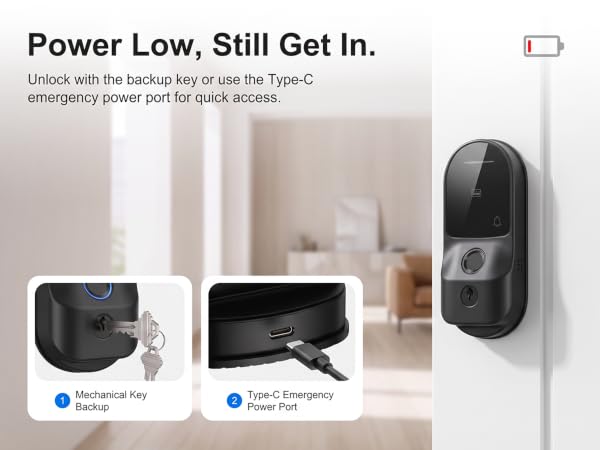
What if the batteries die or a wrong code is entered?
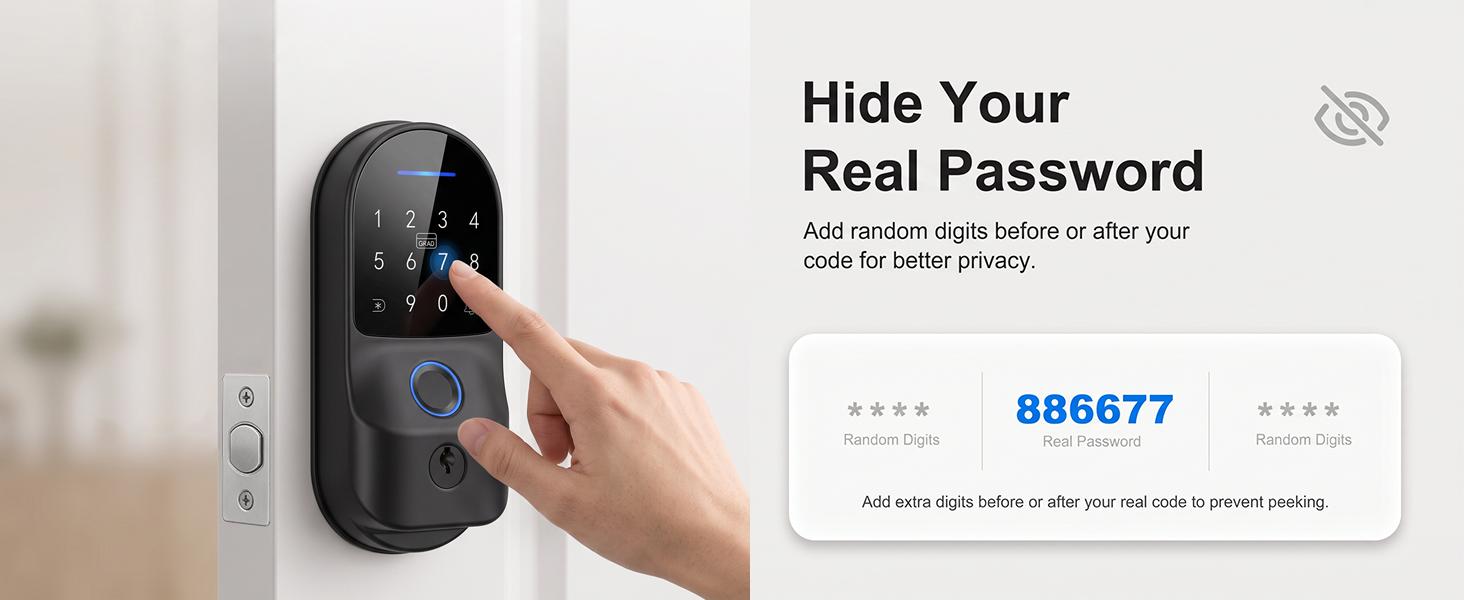
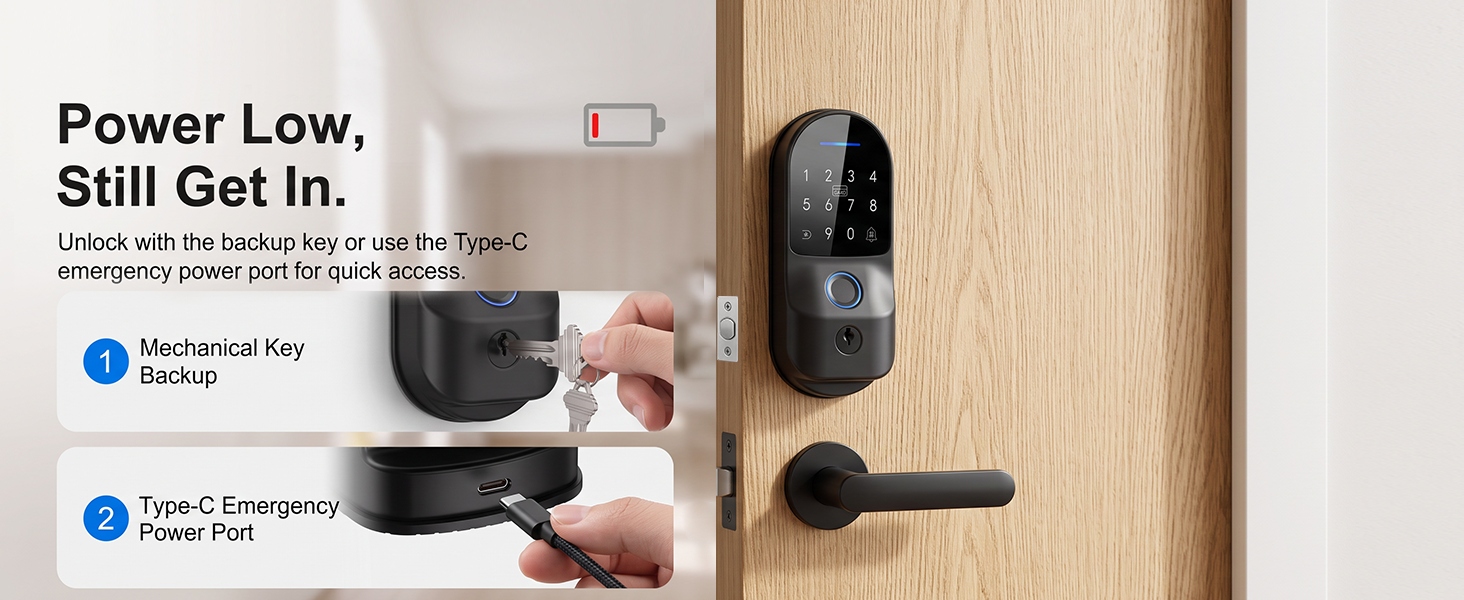
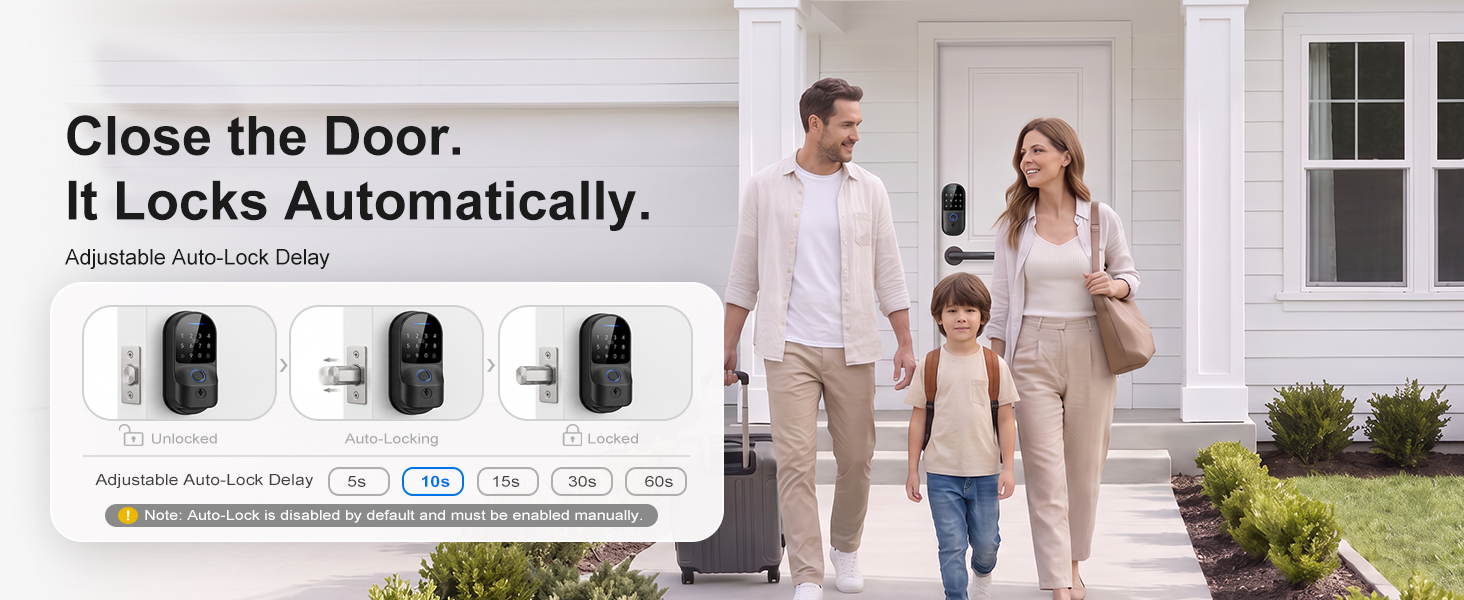
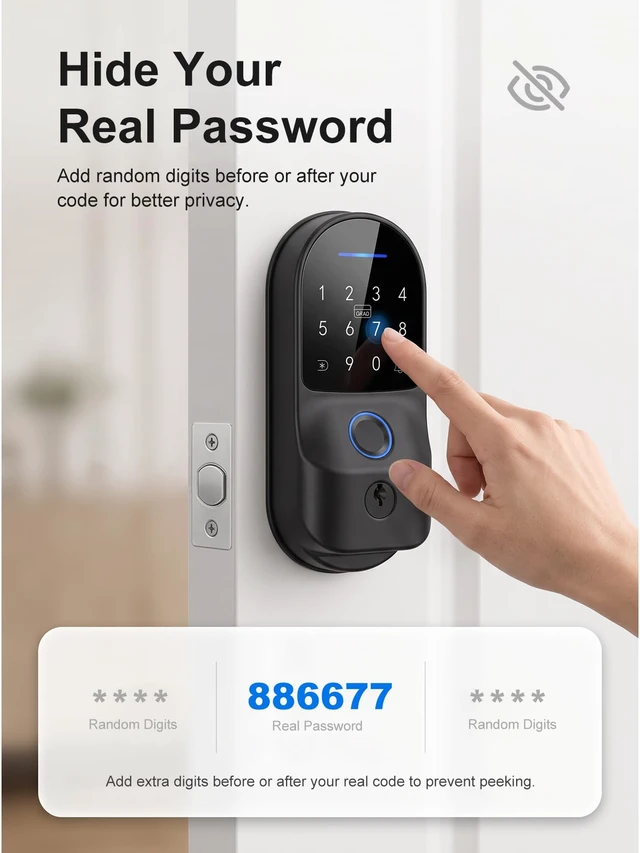
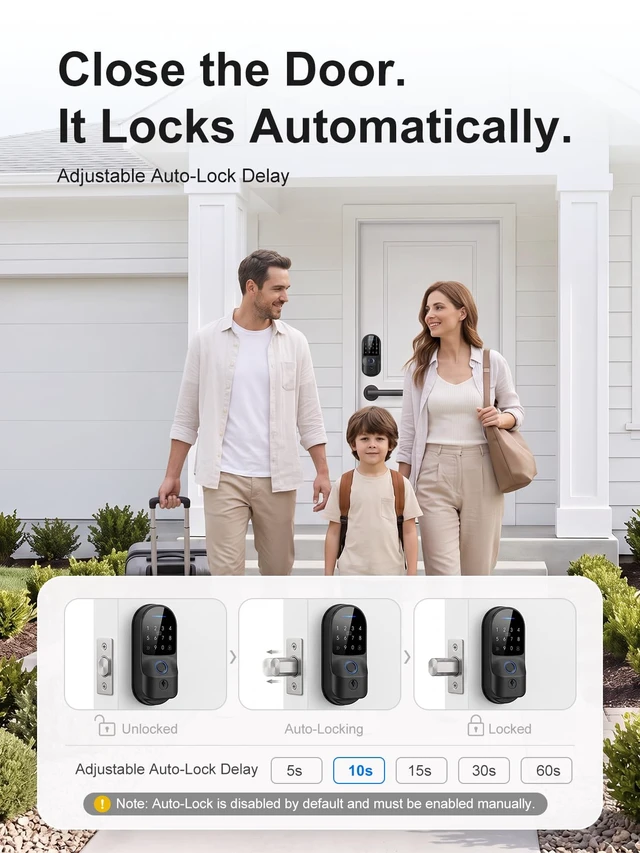
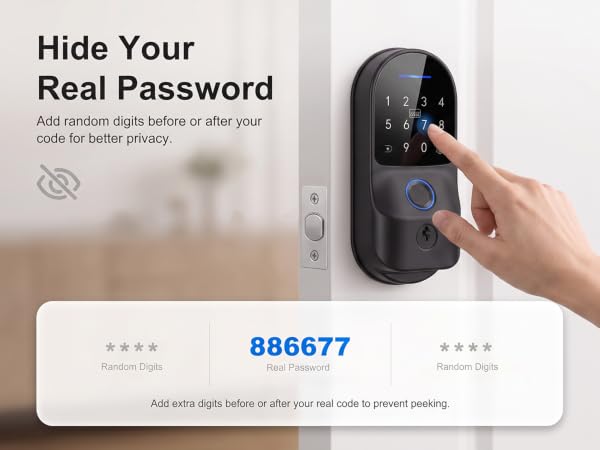
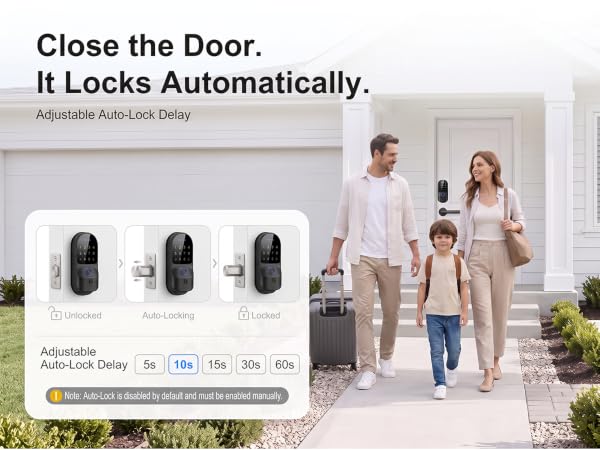
Low-battery alerts warn you in advance. If power runs out, use the 5V backup port or mechanical key. Five wrong passcodes trigger a temporary lockout. Anti-peeping passwords and 5-60 second auto-lock are supported.
Secure the Future, Unlock Possibilities
Established in 2021, NexusLab has quickly recognized the potential of the smart padlock industry. We specialize in technological locking devices, developing high-quality products like our smart lock with precise password and fingerprint systems. Our mission is to integrate tech convenience and security into locks, enhancing every household's safety and convenience in this intelligent era.
Absolutely, our smart locks ensure top-notch quality using advanced tech and strict production controls for a safe, convenient experience. We're confident in our products, offering a 200-day return policy.
Our mission is to use cutting-edge technology for top home security. We aim to be a global leader in smart locks for safety and convenience.
| Material | Zinc Alloy |
|---|---|
| Product Dimensions | 5.7 × 1.2 × 2.6 in. / approximately 145 × 30 × 66 mm |
| Item Weight | 2.1 lb / approximately 953 g |
| Unlocking Methods | Fingerprint, keypad passcode, IC card, Tuya Smart App, mechanical key |
| Fingerprint Capacity | Up to 100 fingerprints |
| Passcode Length | 6–10 digits |
| Anti-Peeping Input Length | Up to 16 digits, including random digits before or after the correct passcode |
| Wi-Fi Frequency | 2.4 GHz |
| Additional Hub | Not required |
| Temporary Passcodes | One-time, time-limited, and recurring passcodes |
| Access Records | Available through the Tuya Smart App |
| Doorbell Notification | Pressing the # key can send a visitor notification to the connected Ap |
| Remote Unlock Request | The administrator can approve or reject an App unlocking request |
| Power Supply | 4 AA batteries |
| Batteries Included | No |
| Mechanical Backup | Included mechanical keys*2 |
| Adjustable Backset | Supported |
|---|---|
| Anti-Peeping Password | Supported |
| Adjustable Backset | 2-3/8 in. (60 mm) or 2-3/4 in. (70 mm) |
| Door Direction | Left-opening and right-opening doors |
| Drilling Requirement | No drilling for a compatible, pre-bored deadbolt installation |
| Operating Temperature | -13°F to 158°F / -25°C to 70°C |
| Operating Humidity | 20%–90% RH |
| Supported Languages | English, Chinese, Spanish, Portuguese, Indonesian, Vietnamese, Arabic, and Russian |
| Door Magnetic Switch | On/off setting available |
| Default Administrator Password | 123456#; must be changed during initial setup |
What are the ways to unlock the door?
Use a fingerprint, 6-10 digit passcode, IC card, Tuya Smart App, or mechanical key. The lock stores up to 100 fingerprints and up to 412 passcodes and IC cards combined.
Does this smart lock require a Wi-Fi hub?
No. Built-in Wi-Fi connects directly to a 2.4 GHz network through the Tuya Smart App. Manage users, create temporary passcodes, view unlock records, and receive alerts when visitors press the # key.
Will this smart lock fit my door?
It fits compatible pre-bored doors with 2-3/8 in. (60 mm) or 2-3/4 in. (70 mm) backsets and supports left- or right-opening doors. Installation requires a Phillips screwdriver, with no drilling needed.
Can I create temporary access for guests?
Yes. Use the Tuya Smart App to create one-time, time-limited, or recurring passcodes. You can also add or delete fingerprints, passcodes, and IC cards for family members, guests, or staff.
What if the batteries die or a wrong code is entered?
Low-battery alerts warn you in advance. If power runs out, use the 5V backup port or mechanical key. Five wrong passcodes trigger a temporary lockout. Anti-peeping passwords and 5-60 second auto-lock are supported.