here!
here!
I’m your shopping assistant for PC builds, upgrades, and everything tech.
Got questions? Ask away!
Start a conversation
here!
I’m your shopping assistant for PC builds, upgrades, and everything tech.
Got questions? Ask away!
Start a conversation



Any questions? Ask CelesteSM will help you find out quickly.
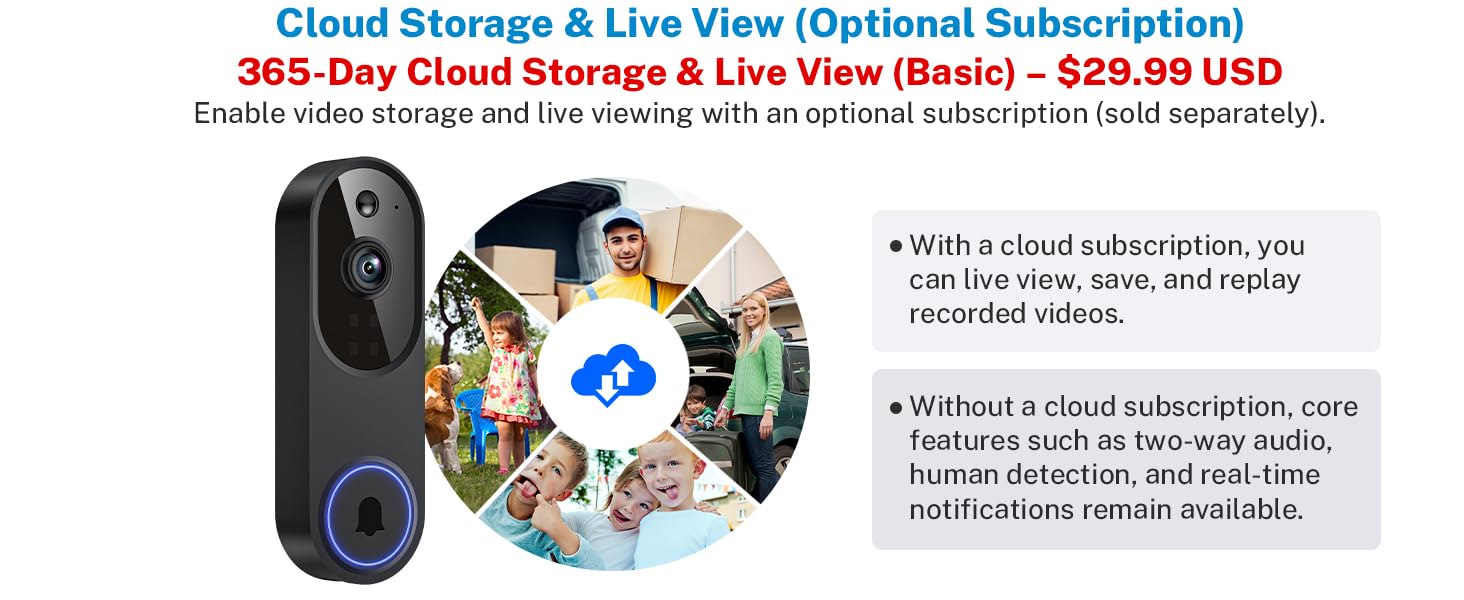
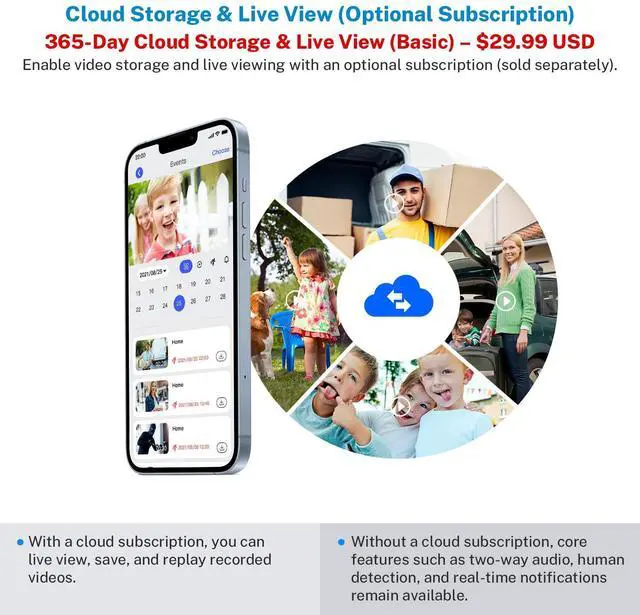
Will the video be stored without a cloud storage subscription?
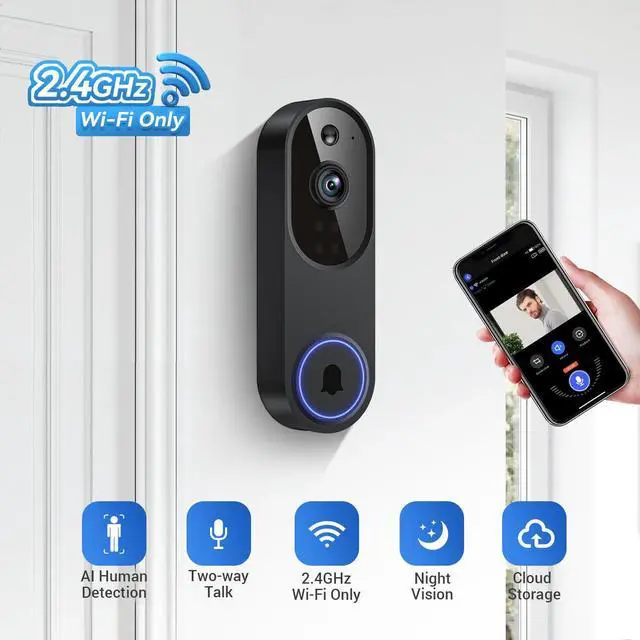
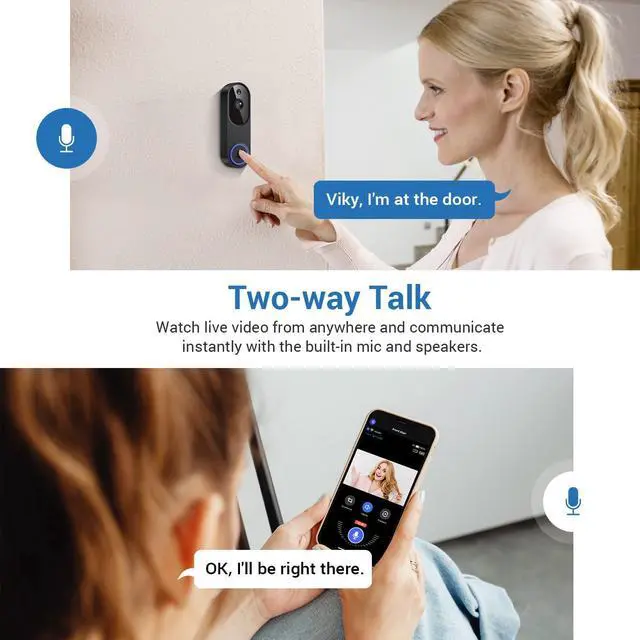
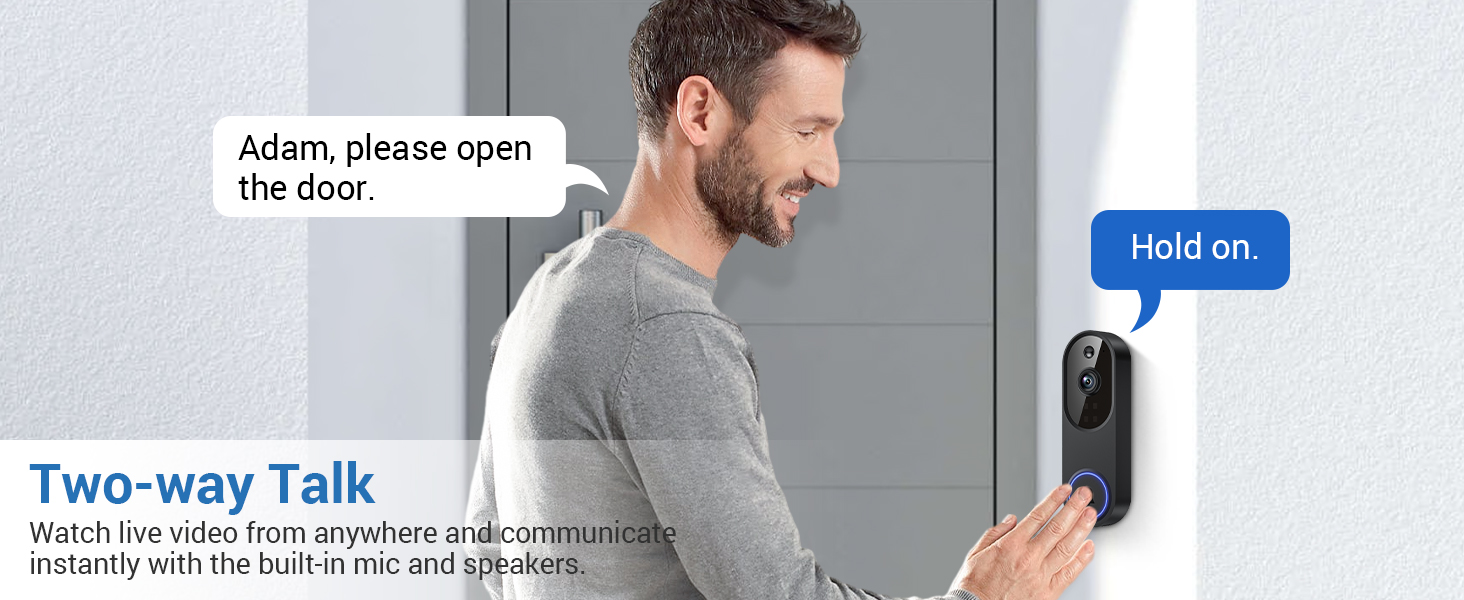
Without a cloud-storage subscription, video recording, live view and historical playback are unavailable. Other features like motion alerts and two-way talk still function. Subscribe to cloud storage to access 30-day video history.
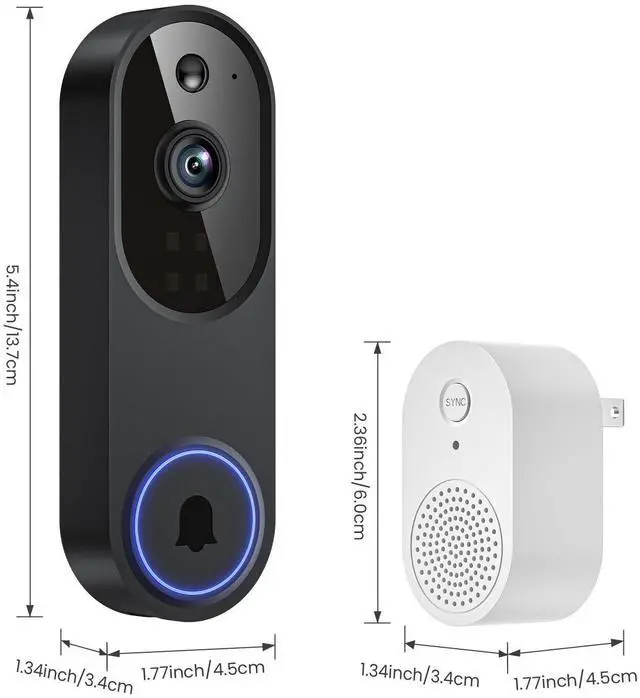
Does the doorbell camera include an indoor chime receiver?
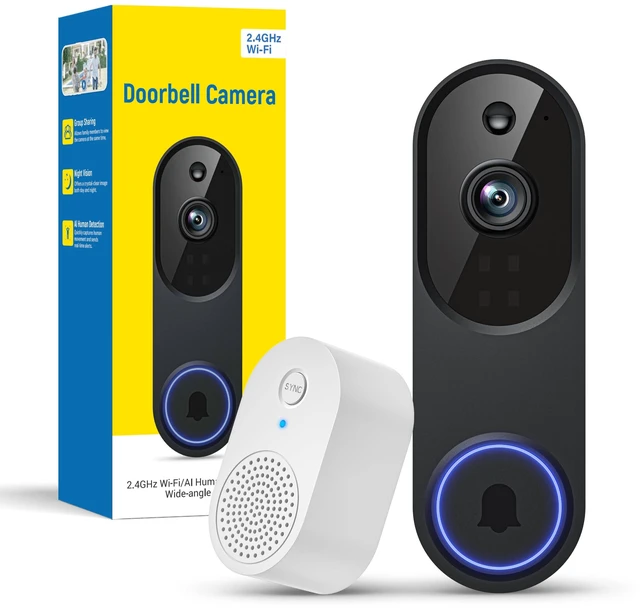
Yes, an indoor chime receiver is included. It rings inside your home when a visitor presses the doorbell.
Does the doorbell camera support sharing with family members?
Yes. Device access can be shared with family in the app, supporting up to 8 users for live viewing and notification alerts.
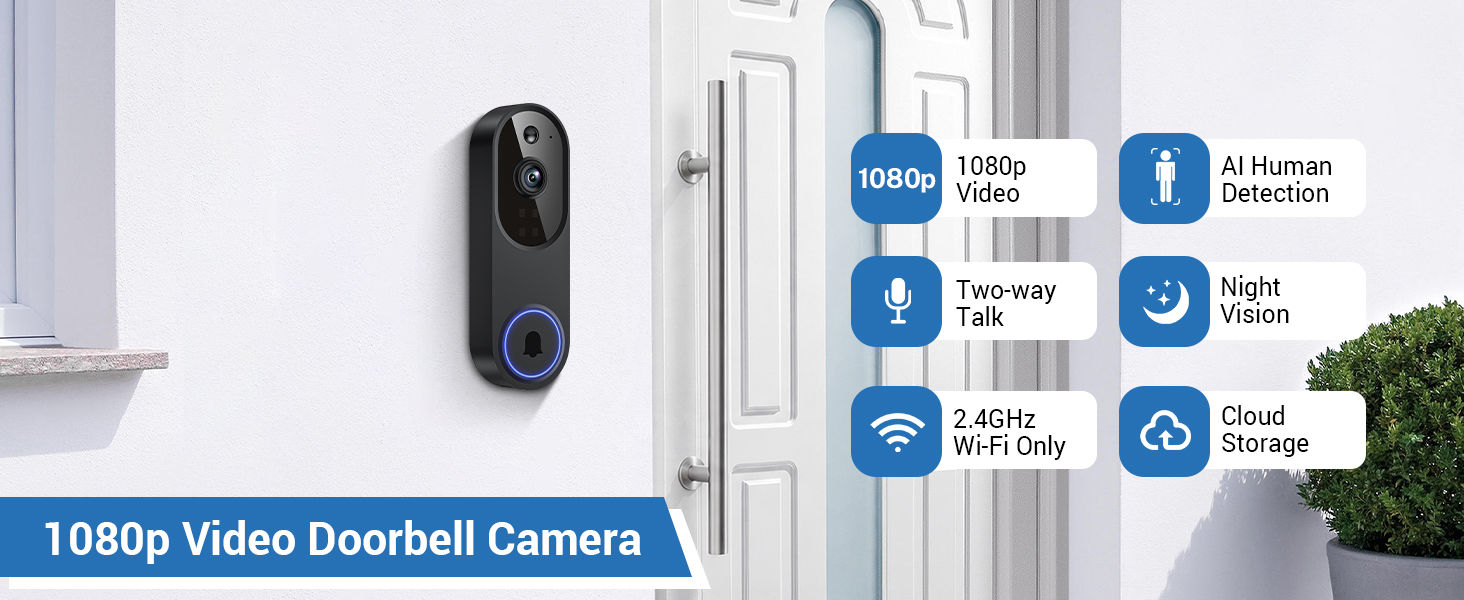
(1) The doorbell camera only works with 2.4GHz Wi-fi. Please connect it to a 2.4GHz network.
(2) Double-check that you are entering the correct Wi-Fi name and password.
(3) Verify the distance between the camera and the Wi-fi router; the camera should be within 33 feet (10 meters) of the router.
(4) Please enable Bluetooth on your phone, but you don't need to connect Bluetooth with the device, just ensure the Bluetooth is on.
(5) If you changed your Wi-Fi password, or your camera got disconnected, please reset the Wi-fi connection with the camera: Press and hold the ring button until the camera was reset, and then add the camera again back to the same App account.
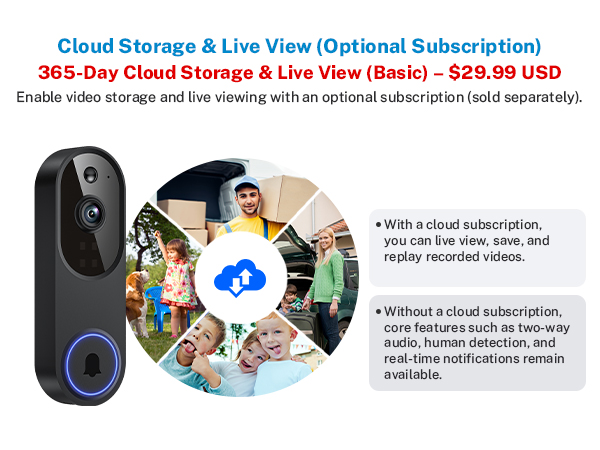
Will the video be stored without a cloud storage subscription?
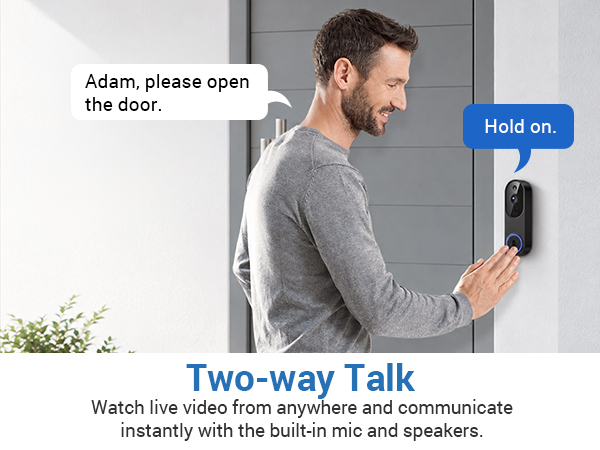
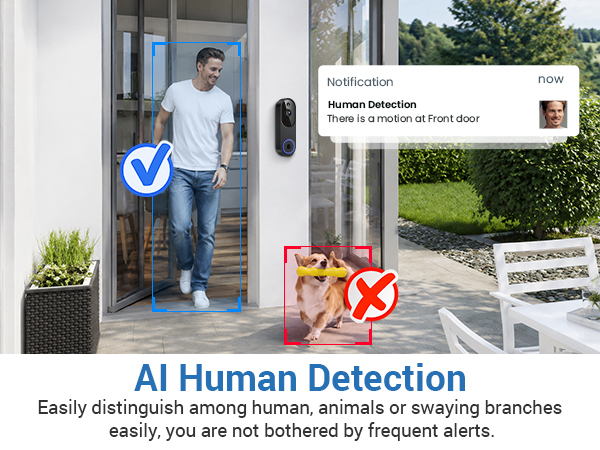
Without a cloud-storage subscription, video recording, live view and historical playback are unavailable. Other features like motion alerts and two-way talk still function. Subscribe to cloud storage to access 30-day video history.
Does the doorbell camera include an indoor chime receiver?
Yes, an indoor chime receiver is included. It rings inside your home when a visitor presses the doorbell.
Does the doorbell camera support sharing with family members?
Yes. Device access can be shared with family in the app, supporting up to 8 users for live viewing and notification alerts.
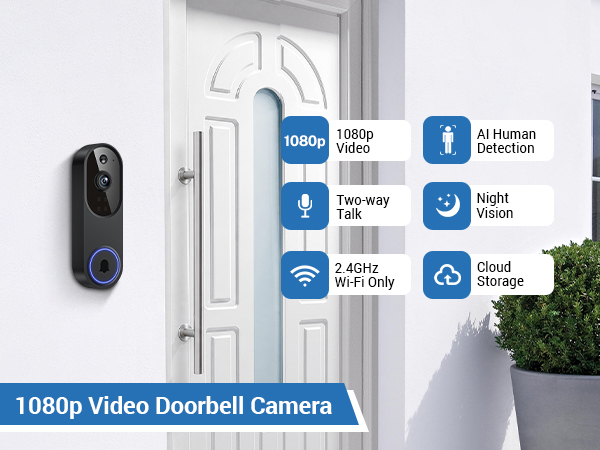
(1) The doorbell camera only works with 2.4GHz Wi-fi. Please connect it to a 2.4GHz network.
(2) Double-check that you are entering the correct Wi-Fi name and password.
(3) Verify the distance between the camera and the Wi-fi router; the camera should be within 33 feet (10 meters) of the router.
(4) Please enable Bluetooth on your phone, but you don't need to connect Bluetooth with the device, just ensure the Bluetooth is on.
(5) If you changed your Wi-Fi password, or your camera got disconnected, please reset the Wi-fi connection with the camera: Press and hold the ring button until the camera was reset, and then add the camera again back to the same App account.