here!
here!
I’m your shopping assistant for PC builds, upgrades, and everything tech.
Got questions? Ask away!
Start a conversation
here!
I’m your shopping assistant for PC builds, upgrades, and everything tech.
Got questions? Ask away!
Start a conversation



Any questions? Ask CelesteSM will help you find out quickly.
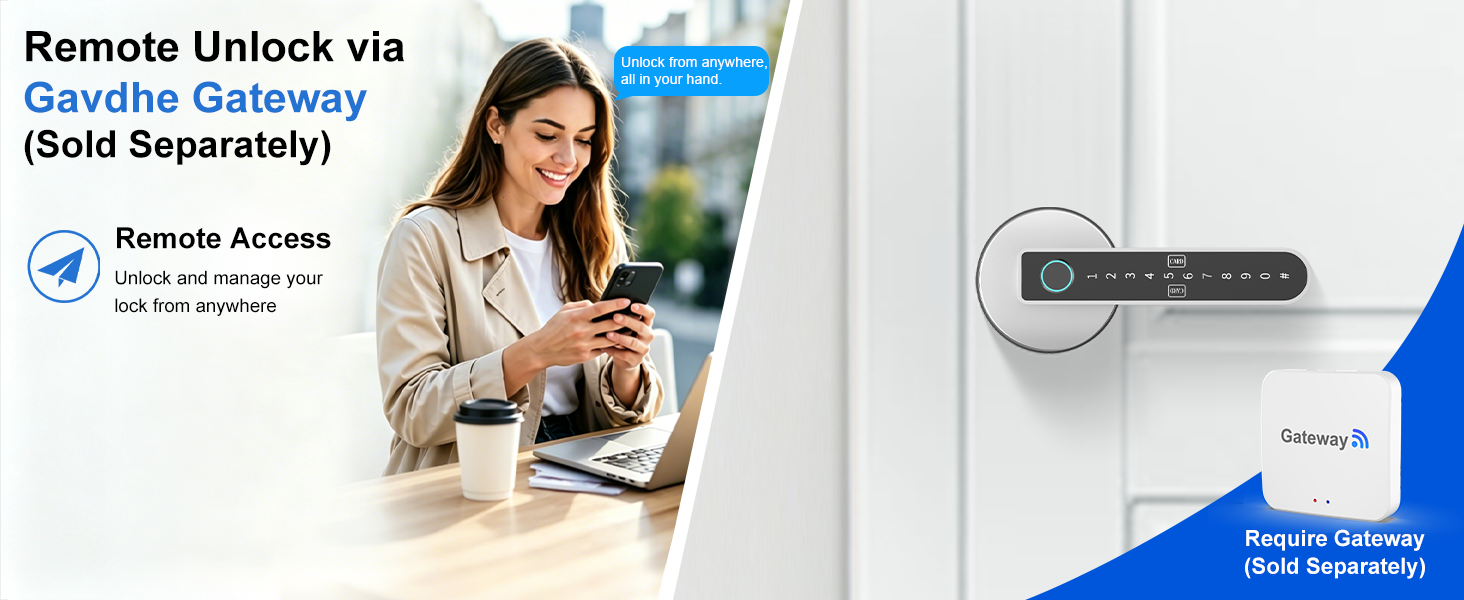
Unlock Remotely with Gavdhe Gateway. Manage Access to Your Home or Office Anytime, Anywhere Using Your Smartphone—Ideal for Guest Entry!
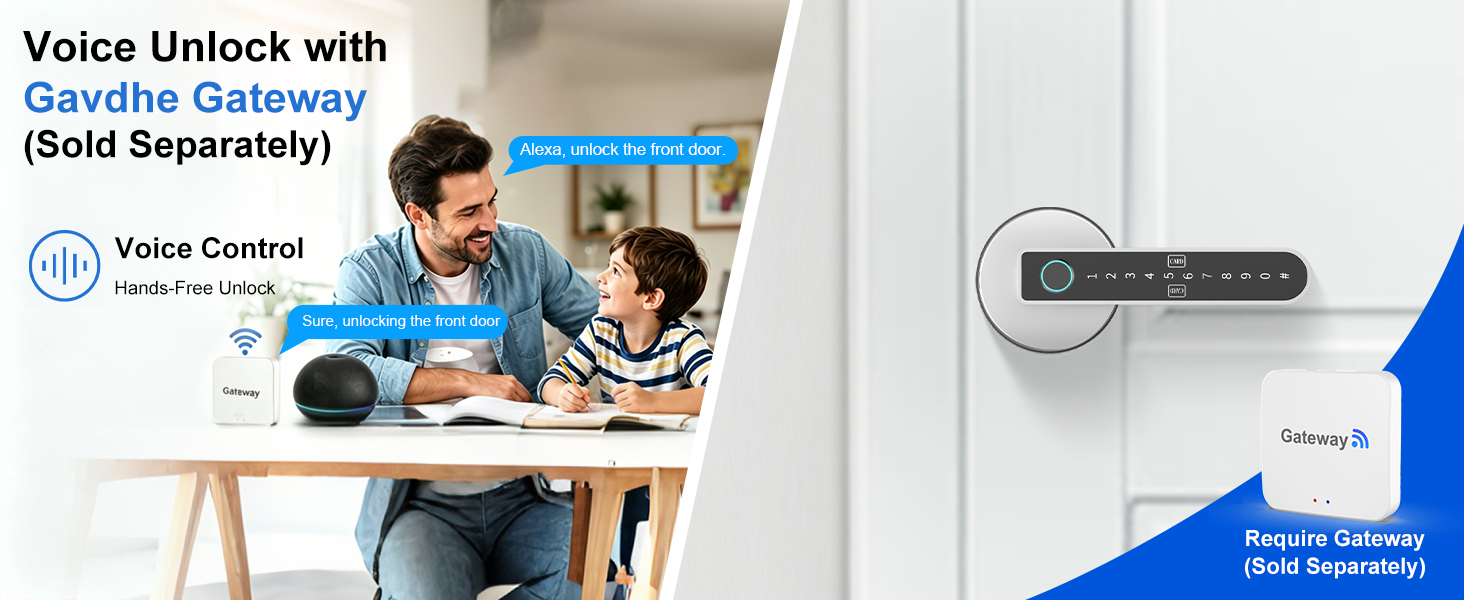
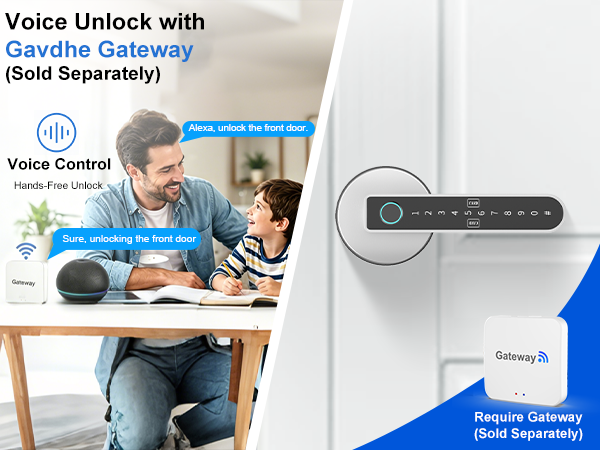
Unlock Your Door Hands-Free with Gavdhe Gateway. Use Voice Commands via Alexa or Google Assistant—Great for Letting Visitors In!
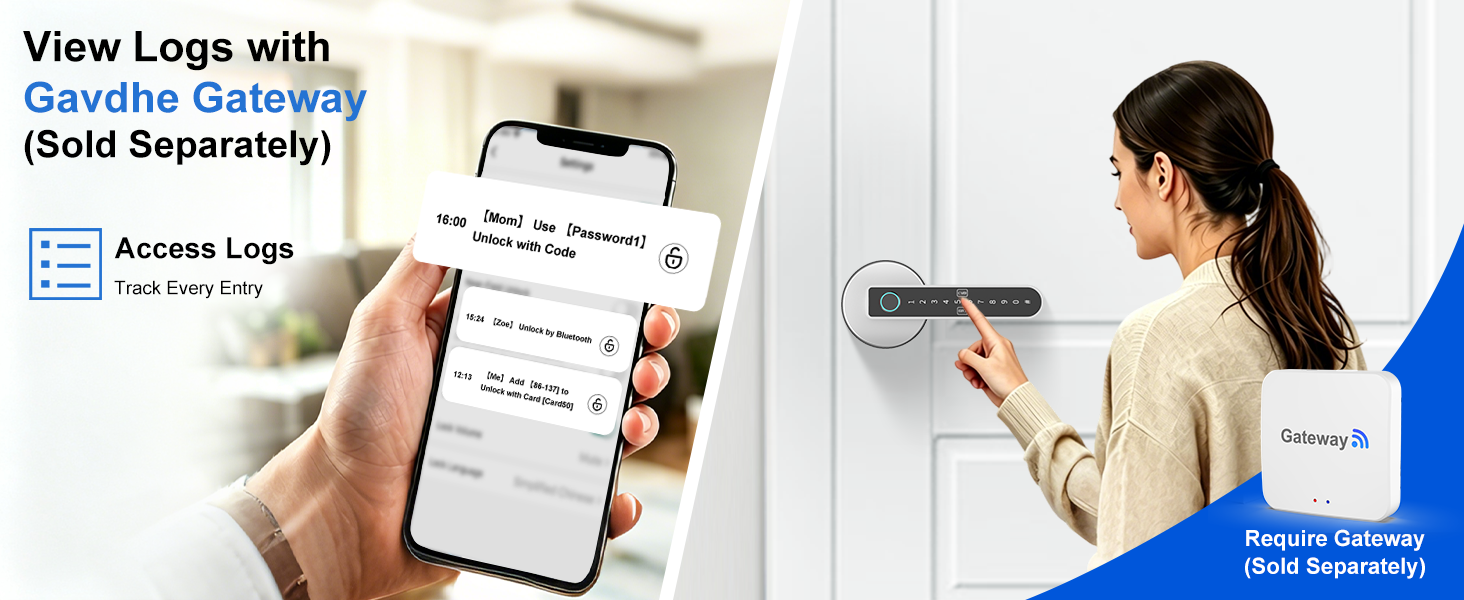
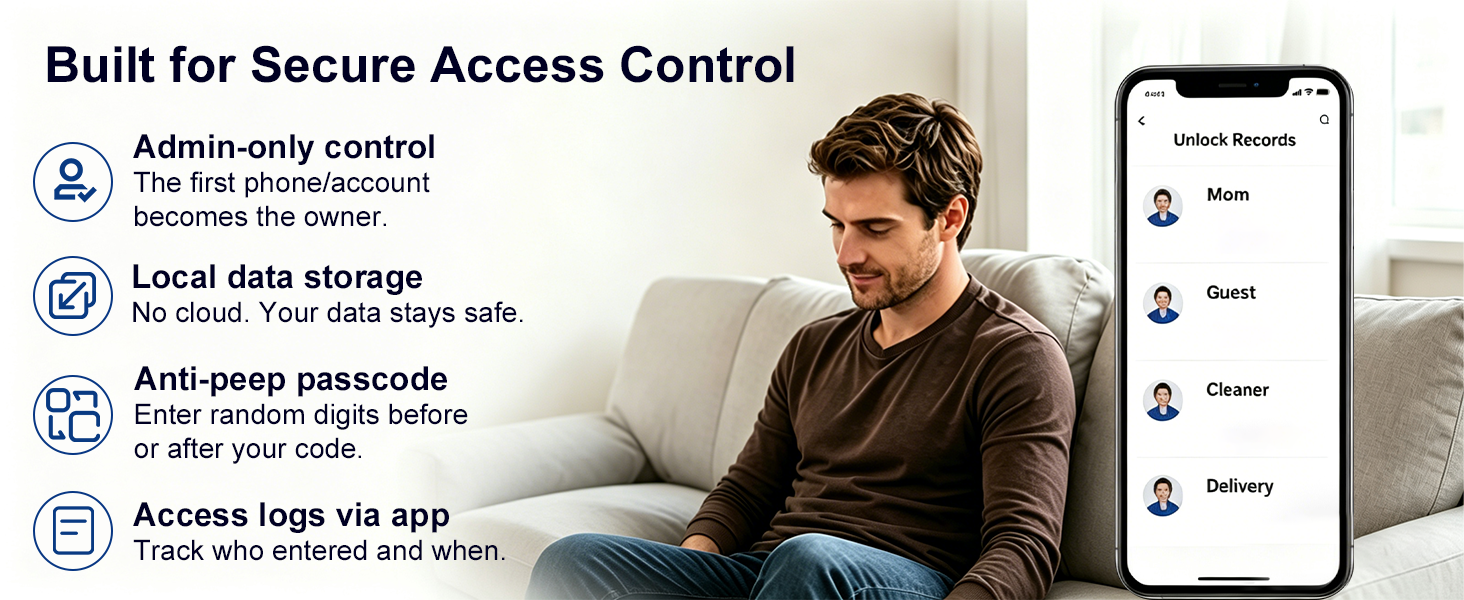
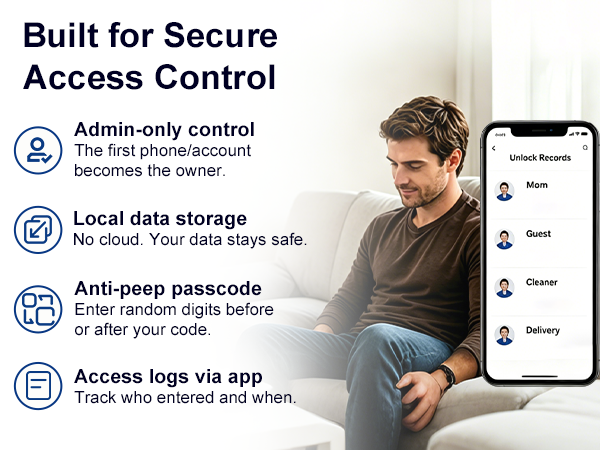
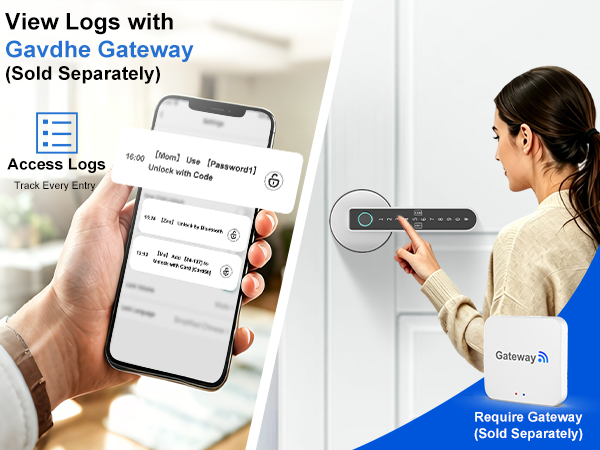
View Access Events with Gavdhe Gateway. Check Unlock Logs to See Who Entered and When—Perfect for Managing Guests and Service Providers!
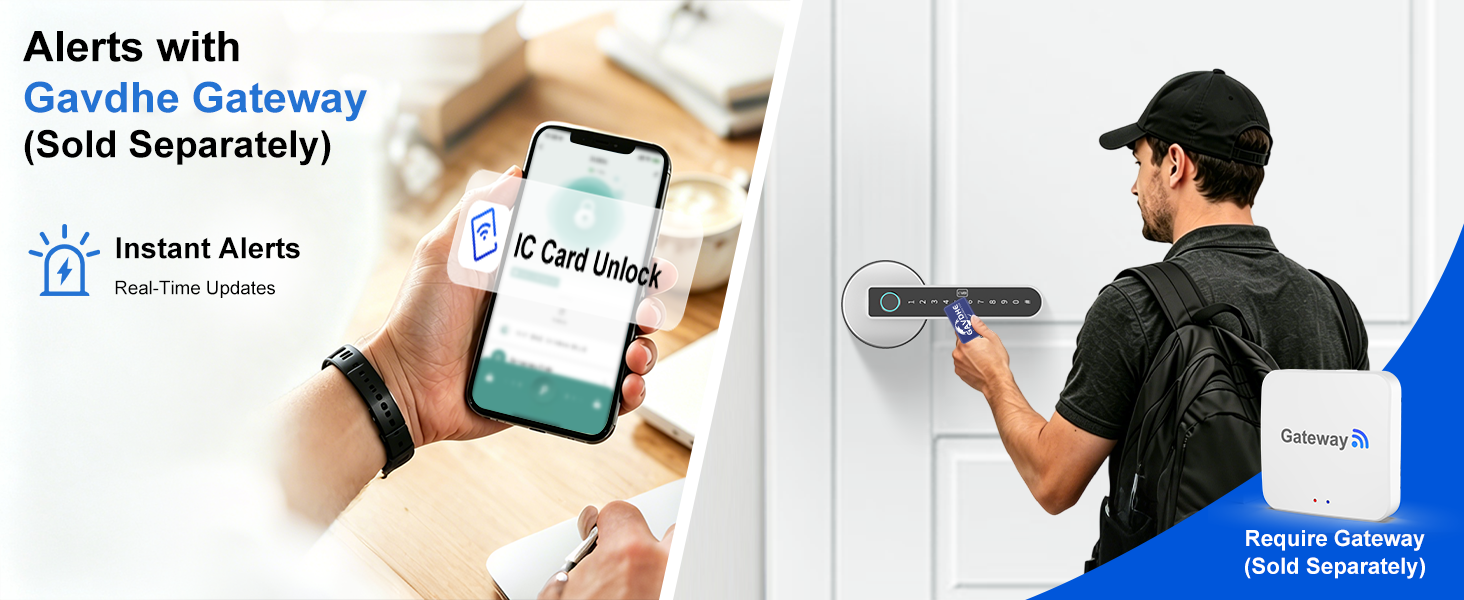
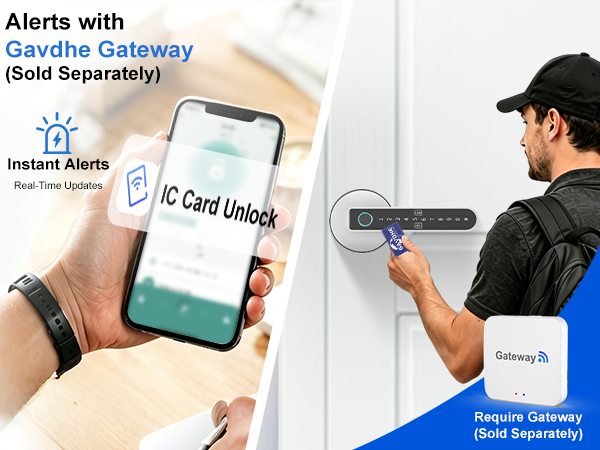
Stay Informed with Real-Time Alerts from Gavdhe Gateway. Get Notified of Every Unlock Event at Your Home or Office—Easily Manage Access and Enhance Security!
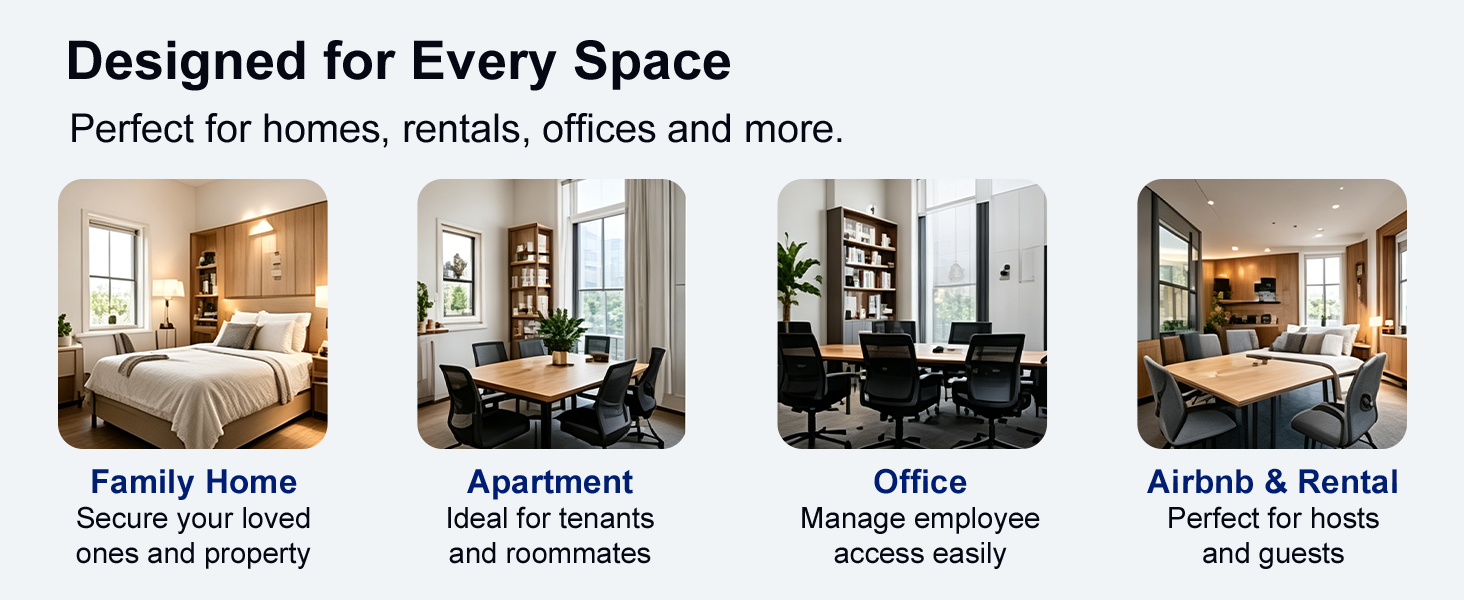
Can it store multiple fingerprints?
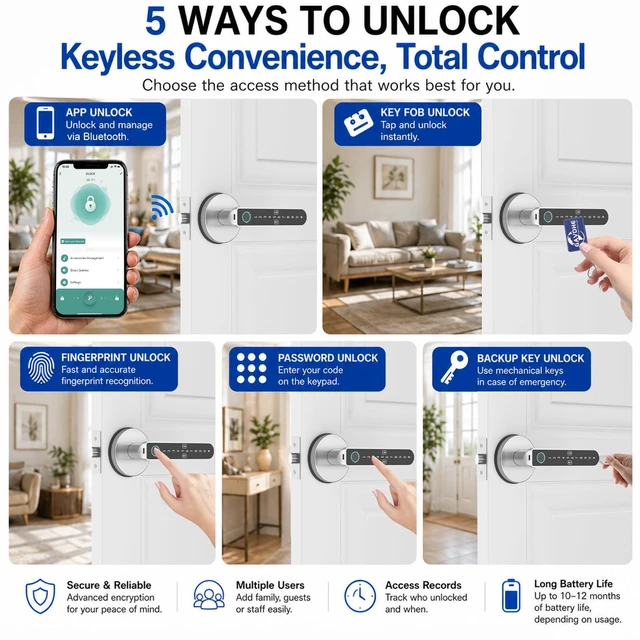
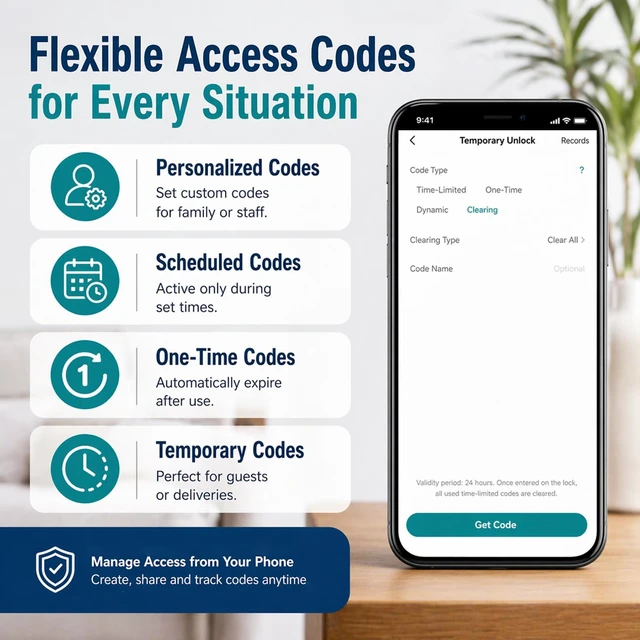
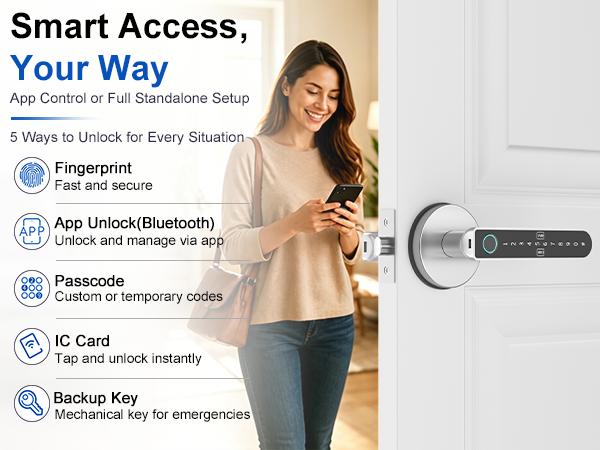
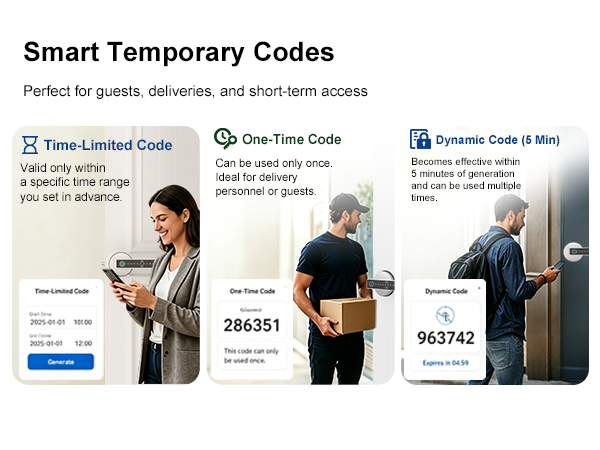
Yes. This fingerprint door lock stores up to 100 fingerprints, 100 IC cards, and 100 passcodes, ideal for families and rentals. It unlocks in about 1 second with up to 98% accuracy for fast, reliable daily access.
Does it have an auto-lock feature?
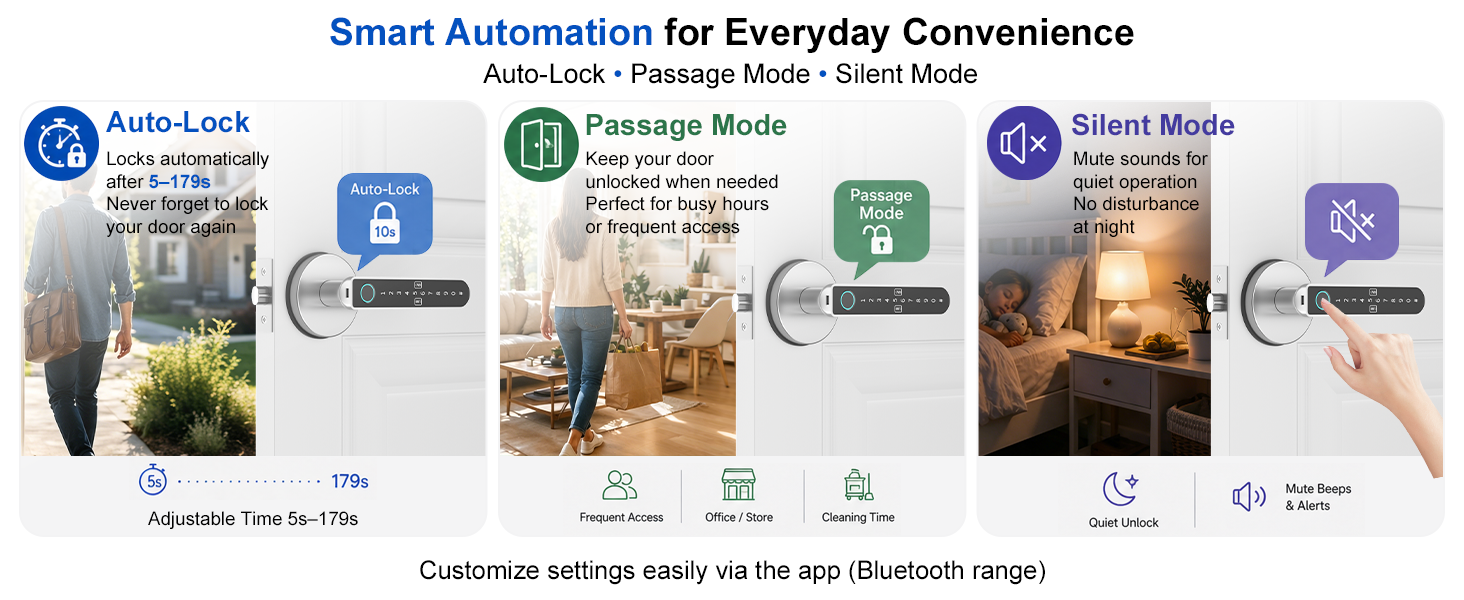
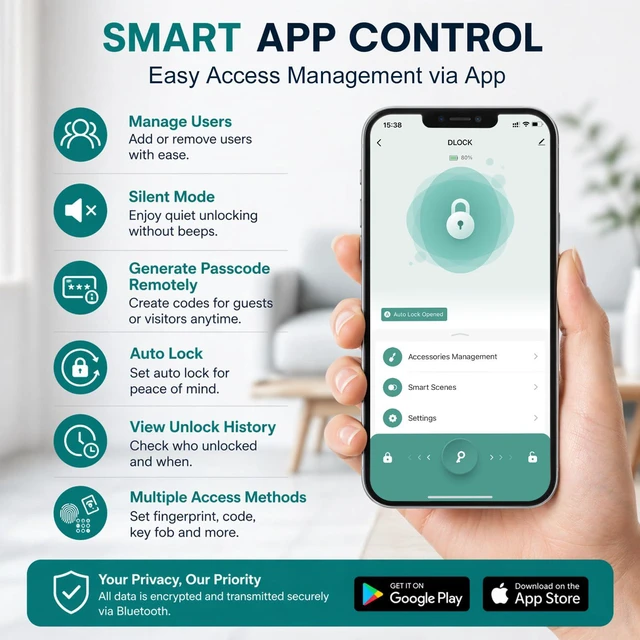
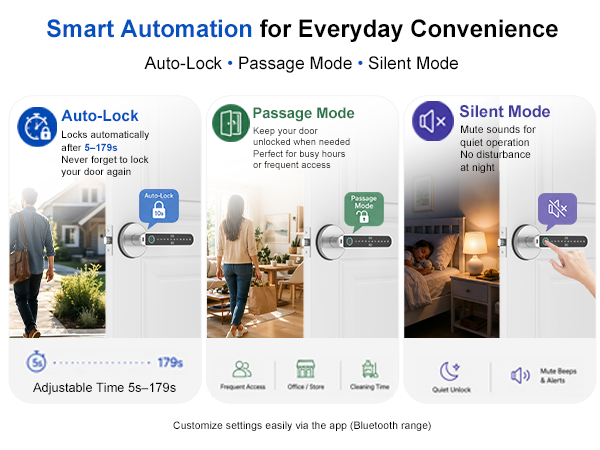
Yes. This fingerprint door knob includes auto-lock and allows you to customize the auto-lock delay from 5 seconds up to 179 seconds. It provides flexible control for daily use and ensures your door is securely locked without manual operation.
Does it work with all door types and is the installation hardware included?
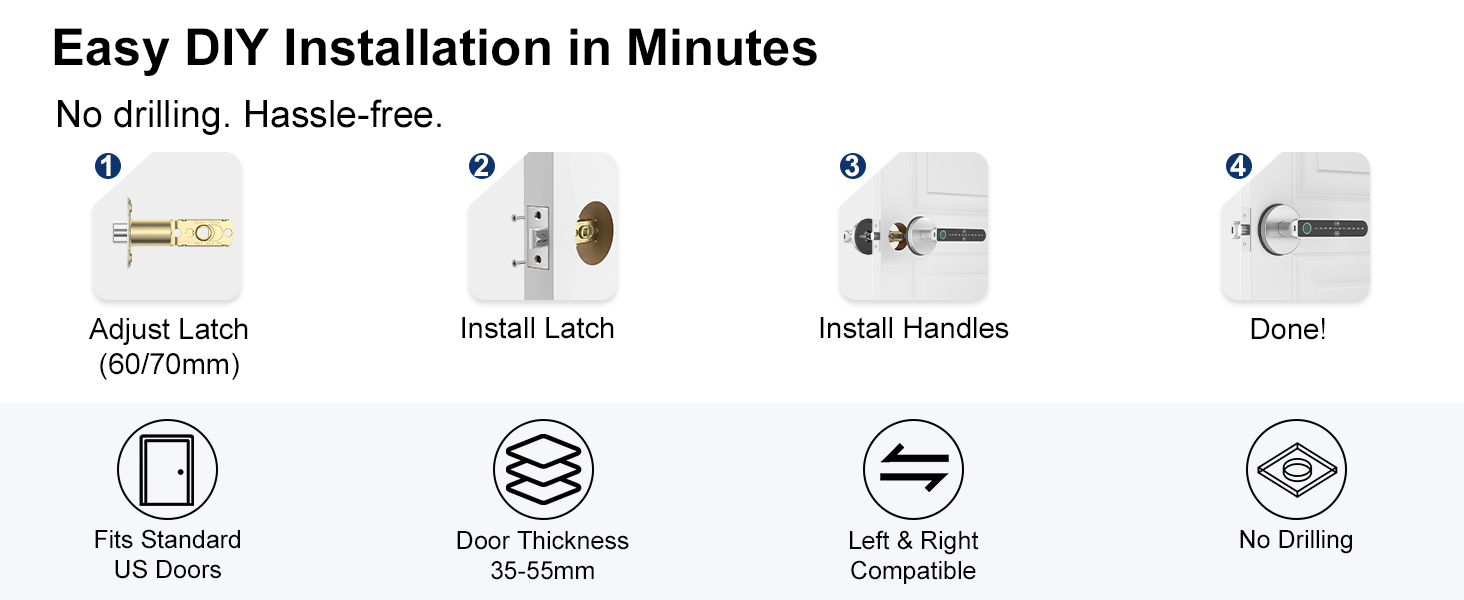
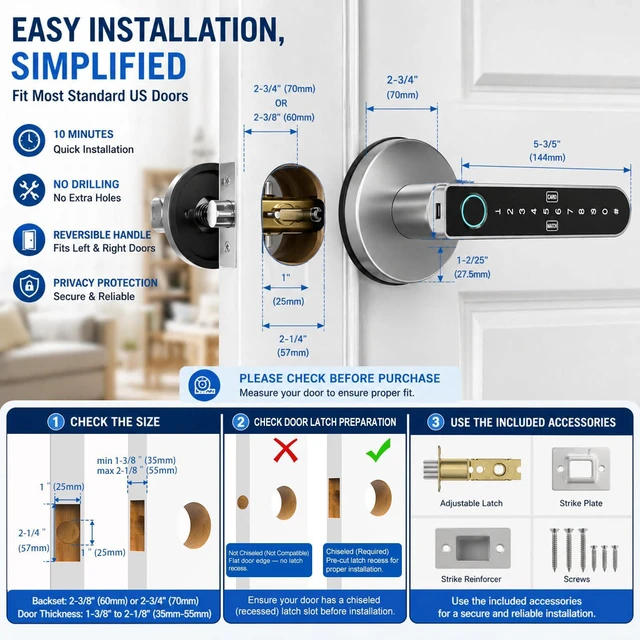
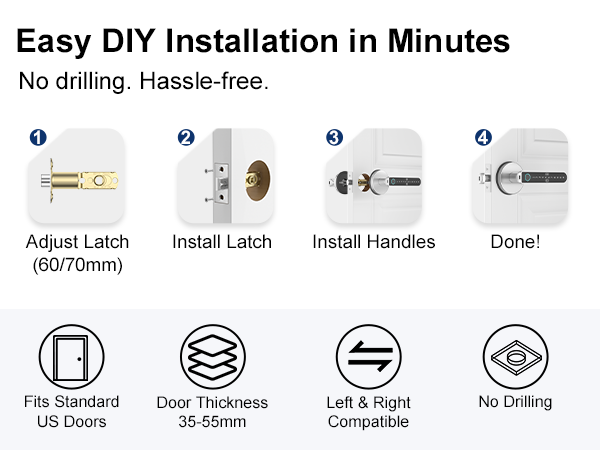
Yes. This biometric door lock fits most standard US doors with a rectangular latch and a door thickness of 35–55mm. All installation hardware is included in the box. It’s designed for easy DIY installation—just a screwdriver is needed.
Does it work with Alexa or Google?
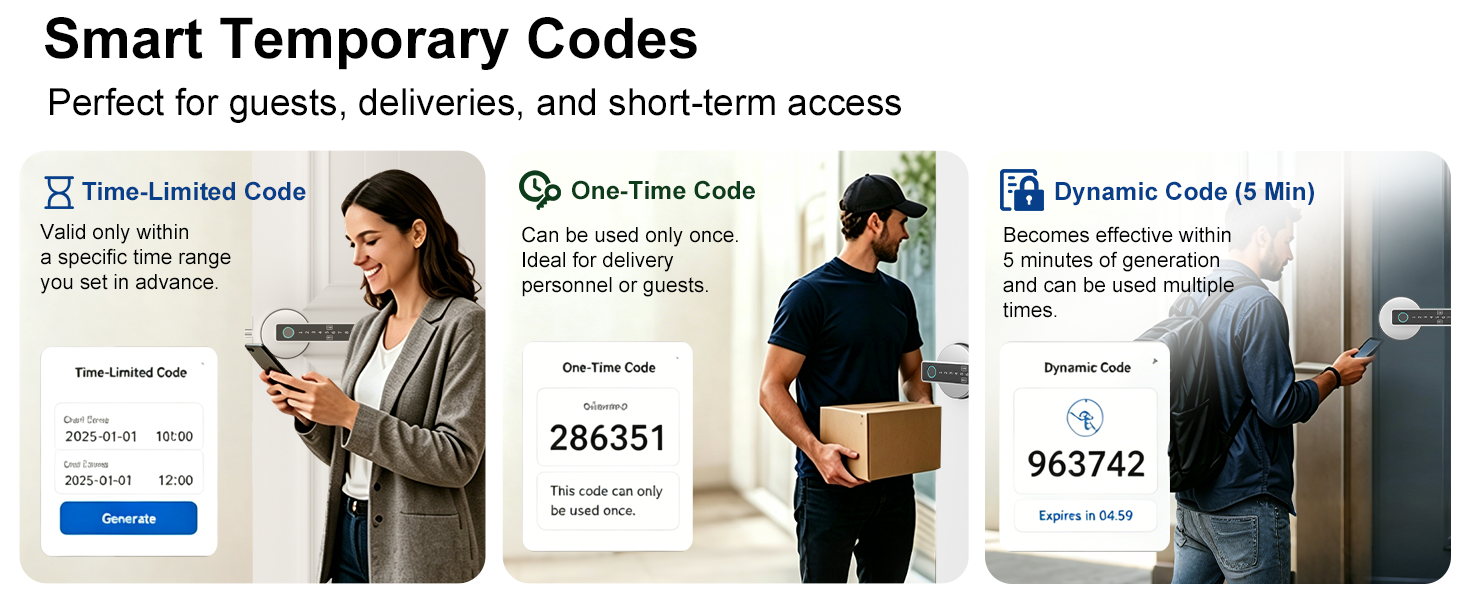
Yes, it can work with Alexa and Google Assistant, but it requires a Gavdhe gateway (sold separately). The smart door knob itself connects via Bluetooth, and the gateway enables remote access and voice control through Alexa or Google.
Can it be used on interior doors?
Yes. This finger print door lock is specifically designed for interior doors such as bedrooms, home offices, and private rooms. It provides convenient keyless access while helping protect privacy and control entry within your home or workspace.
Why you might like this? compare with similar
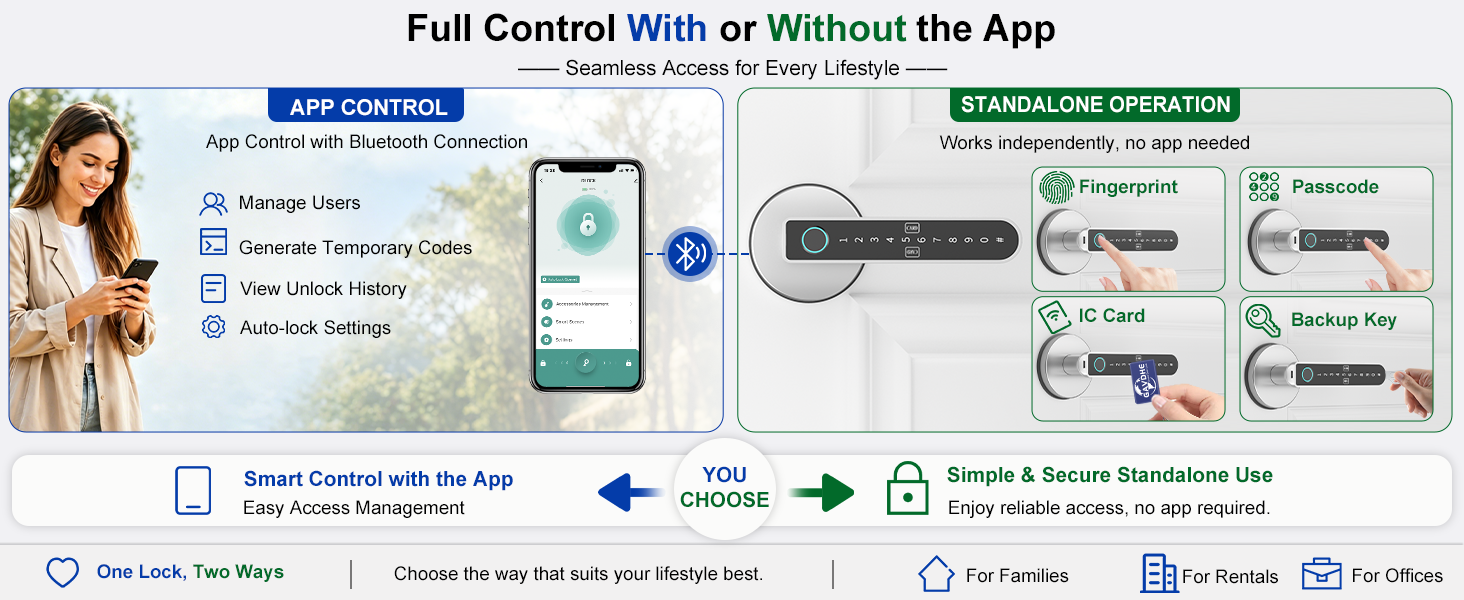
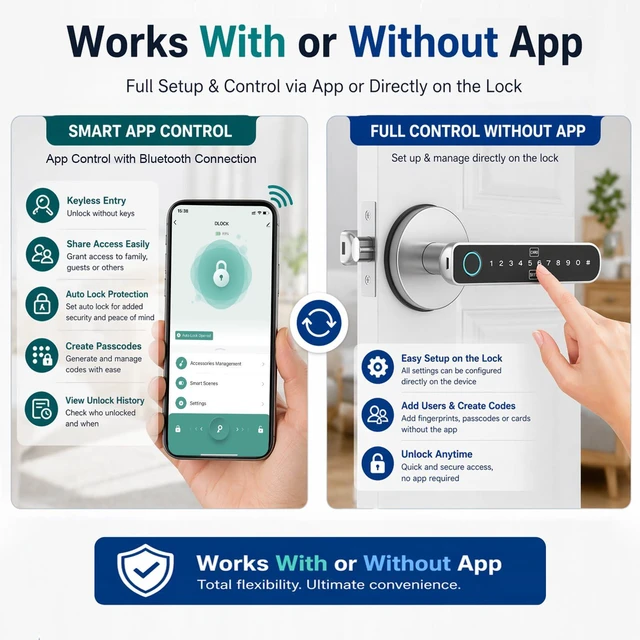
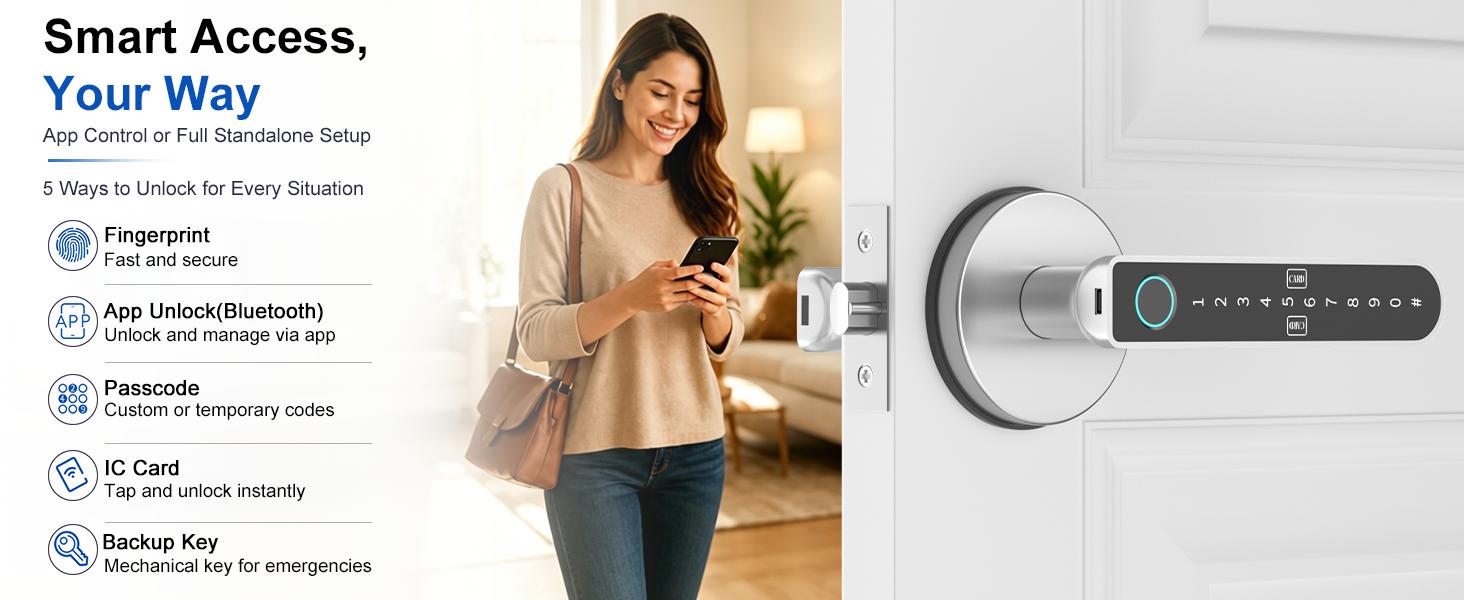
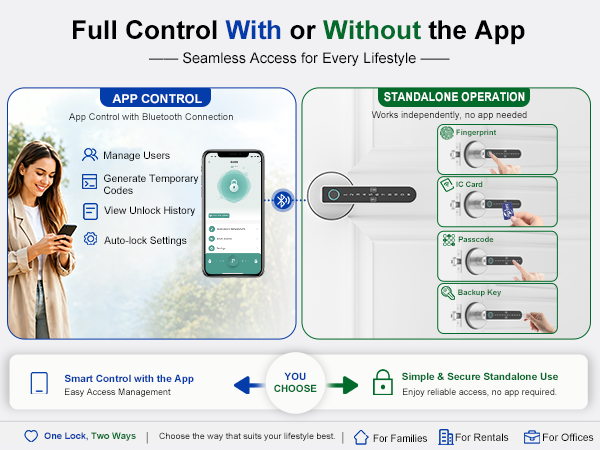
You may like this finger print door knob because it offers two modes: App control via Bluetooth or a full standalone setup on the lock. Unlike many smart door locks that rely only on apps or WiFi, it provides more flexibility and stable daily use.
Which app works with this smart fingerprint door lock?
The lock works with the Tuya Smart or Smart Life app, allowing you to manage access, add users, and control settings easily when paired via Bluetooth.
Why does the lock open with any fingerprint after installation?
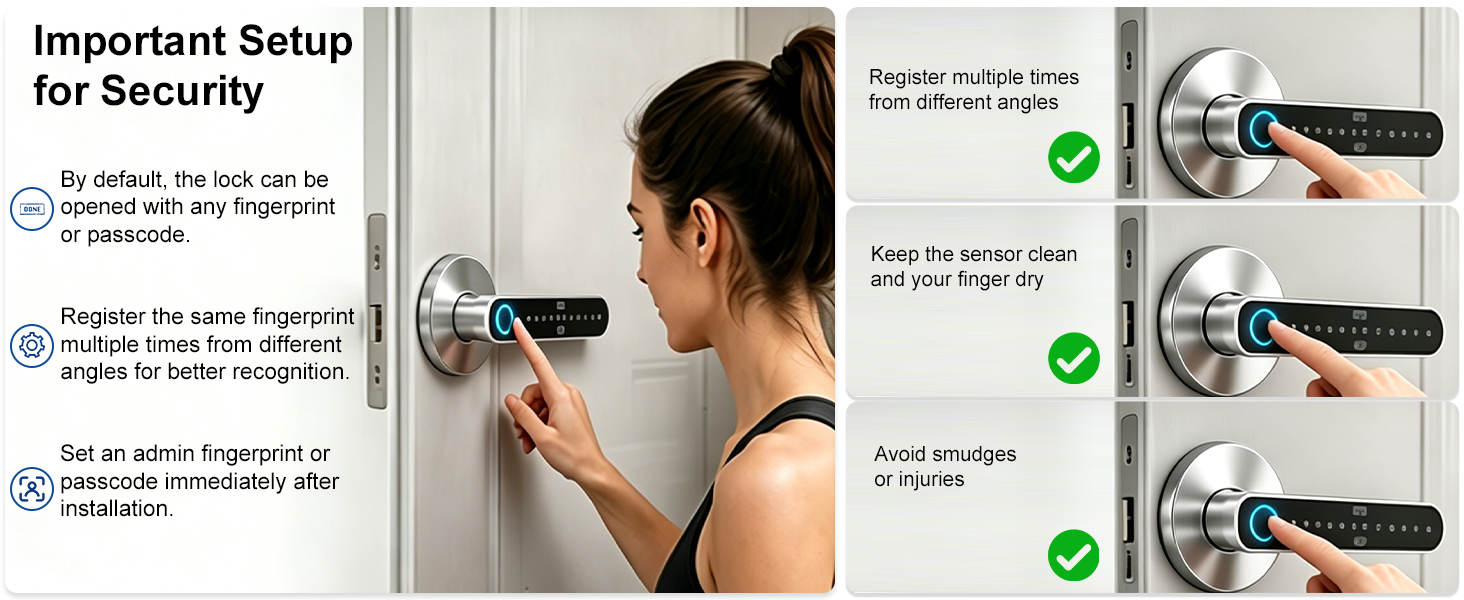
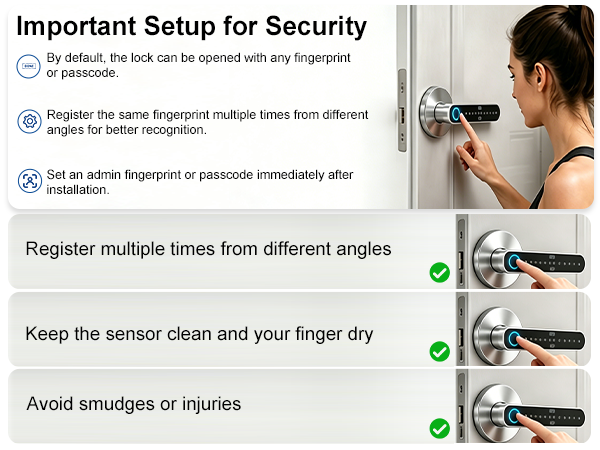
This is the factory default setting. When first installed, the lock allows any fingerprint to unlock during setup mode. To secure it, register your admin fingerprint after installation; then only saved fingerprints can access the lock.
Why can’t the front handle retract the latch?
The handle may not work before full installation. Please ensure the lock is properly mounted on the door, batteries are installed, and wiring is connected. After setup and fingerprint registration, it will work normally.
What is the Type-C port on the lock used for?
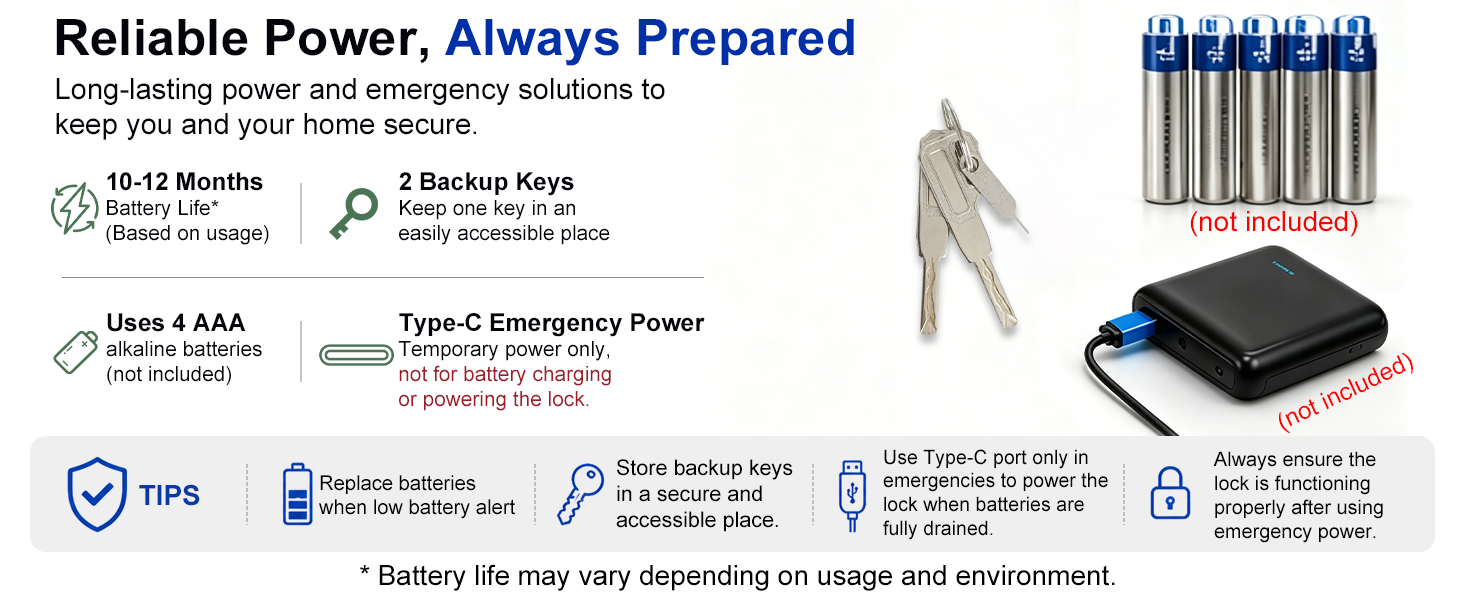
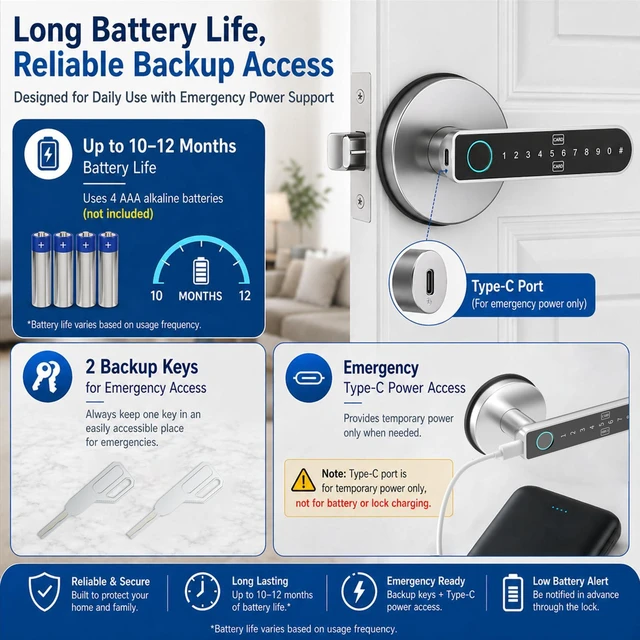
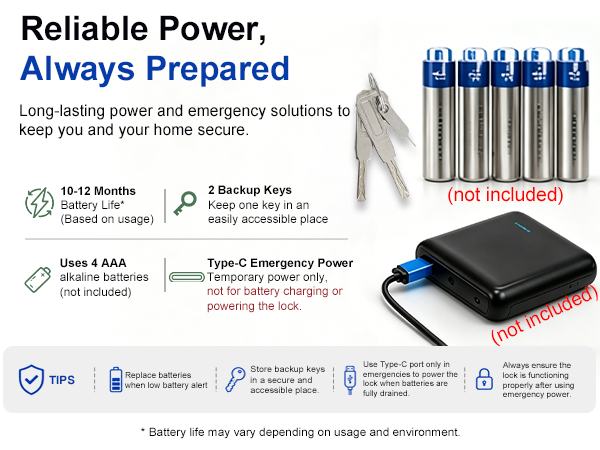
The Type-C port is for emergency power only. It can be connected to a power bank to unlock the door when the batteries are dead. Do not use it for charging or plugging into a wall outlet, as this may damage the lock.
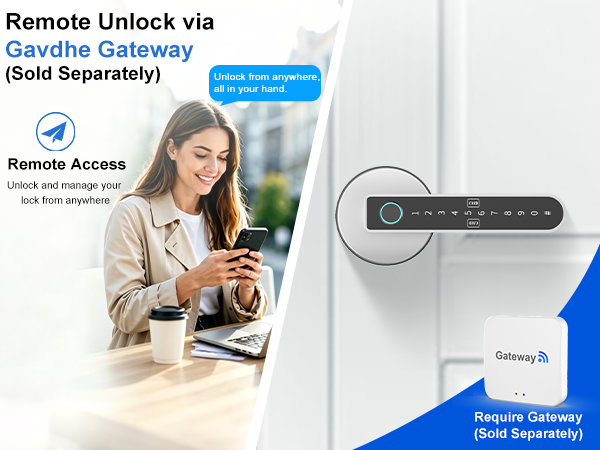
Unlock Remotely with Gavdhe Gateway. Manage Access to Your Home or Office Anytime, Anywhere Using Your Smartphone—Ideal for Guest Entry!
Unlock Your Door Hands-Free with Gavdhe Gateway. Use Voice Commands via Alexa or Google Assistant—Great for Letting Visitors In!
View Access Events with Gavdhe Gateway. Check Unlock Logs to See Who Entered and When—Perfect for Managing Guests and Service Providers!
Stay Informed with Real-Time Alerts from Gavdhe Gateway. Get Notified of Every Unlock Event at Your Home or Office—Easily Manage Access and Enhance Security!
Can it store multiple fingerprints?
Yes. This fingerprint door lock stores up to 100 fingerprints, 100 IC cards, and 100 passcodes, ideal for families and rentals. It unlocks in about 1 second with up to 98% accuracy for fast, reliable daily access.
Does it have an auto-lock feature?
Yes. This fingerprint door knob includes auto-lock and allows you to customize the auto-lock delay from 5 seconds up to 179 seconds. It provides flexible control for daily use and ensures your door is securely locked without manual operation.
Does it work with all door types and is the installation hardware included?
Yes. This biometric door lock fits most standard US doors with a rectangular latch and a door thickness of 35–55mm. All installation hardware is included in the box. It’s designed for easy DIY installation—just a screwdriver is needed.
Does it work with Alexa or Google?
Yes, it can work with Alexa and Google Assistant, but it requires a Gavdhe gateway (sold separately). The smart door knob itself connects via Bluetooth, and the gateway enables remote access and voice control through Alexa or Google.
Can it be used on interior doors?
Yes. This finger print door lock is specifically designed for interior doors such as bedrooms, home offices, and private rooms. It provides convenient keyless access while helping protect privacy and control entry within your home or workspace.
Why you might like this? compare with similar
You may like this finger print door knob because it offers two modes: App control via Bluetooth or a full standalone setup on the lock. Unlike many smart door locks that rely only on apps or WiFi, it provides more flexibility and stable daily use.
Which app works with this smart fingerprint door lock?
The lock works with the Tuya Smart or Smart Life app, allowing you to manage access, add users, and control settings easily when paired via Bluetooth.
Why does the lock open with any fingerprint after installation?
This is the factory default setting. When first installed, the lock allows any fingerprint to unlock during setup mode. To secure it, register your admin fingerprint after installation; then only saved fingerprints can access the lock.
Why can’t the front handle retract the latch?
The handle may not work before full installation. Please ensure the lock is properly mounted on the door, batteries are installed, and wiring is connected. After setup and fingerprint registration, it will work normally.
What is the Type-C port on the lock used for?
The Type-C port is for emergency power only. It can be connected to a power bank to unlock the door when the batteries are dead. Do not use it for charging or plugging into a wall outlet, as this may damage the lock.