Your Browsing History
Best Sellers
Meet Your Seller
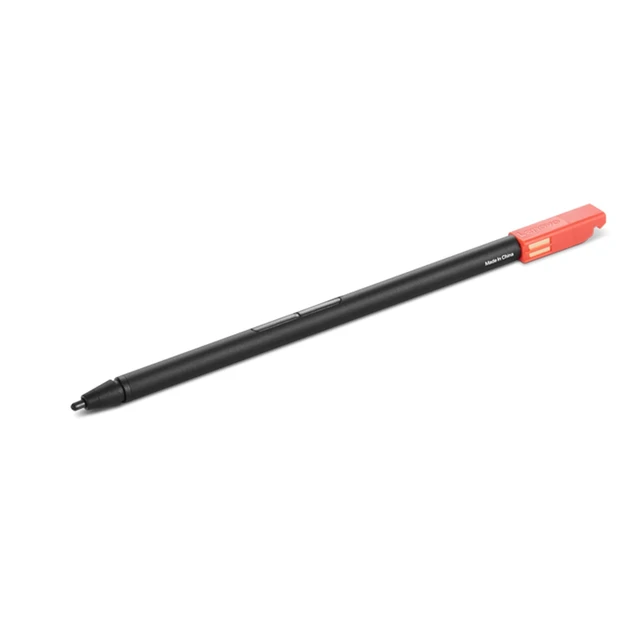
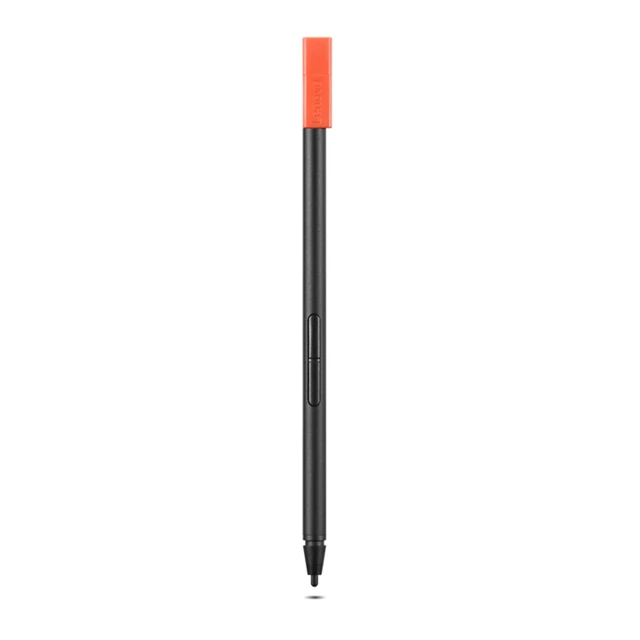
Lenovo Integrated Pen for 300W/500W Gen 4 Black 4X81M52315
- Manufacturer: Lenovo
- Manufacturer Part Number: 4X81M52315
- UPC: 195892091103
+
+
Overview
Reviews
Any questions? Ask CelesteSM will help you find out quickly.
Try me now
Lenovo Integrated Pen for 300W/500W Gen 4 is an ideal input solution giving users 4096 levels of pressure for precise content creation. This pen is unique to Lenovo 300W/500W Gen 4 and it can be stored in the pen slot made specifically for it. While being stored, the pen will be recharged and allow users to enjoy an up to 69 minutes (active use) of battery life of a single full charge.
Warranty & Returns
Warranty, Returns, And Additional Information
Warranty
- Please contact the Seller directly for warranty information. Warranty information may also be found on the Manufacturer's website.
- Read full details
- CONTACT
Return Policies
- Return for refund within: 30 days
- Return for replacement within: 30 days
- This item is covered by Lenovo Return Policy
Manufacturer Contact Info
- For a directory of all our manufacturers, please click below.
- Manufacturers Directory
LOADING...
LOADING...
The Lenovo Integrated Pen (4X81M52315) is a black stylus for compatible Lenovo 300W and 500W Gen 4 laptops, suited to users who want to write, sketch, or annotate on their device using an integrated pen.
Recommended For
- Students using a Lenovo 300W or 500W Gen 4 for handwritten notes, worksheet answers, or on-screen annotations who want the pen stored and recharged in the laptop.
- Teachers or students who switch between laptop and tablet modes for classroom demonstrations, presentations, or writing and drawing on the touchscreen.
- Users who want pressure-sensitive input for occasional sketching or handwritten work on a compatible 300W/500W Gen 4, rather than a separate drawing tablet.
- Mobile users who prefer a compact pen that has a dedicated storage slot and can recharge while docked in their compatible laptop.
Real-World Use Scenarios
- During class, a student uses the pen to write notes directly on the screen; the convertible can be folded into tablet mode for a more natural writing position.
- While working through a worksheet or reading, a student annotates text, underlines key points, or marks answers on the touchscreen instead of switching between paper and keyboard.
- For a math or science problem, a student writes equations, labels a diagram, or sketches a quick idea on-screen; the pen makes handwritten marks easier than using a touchpad.
- A teacher or student marks up a class document or presentation while discussing it; using the convertible in stand or tablet mode keeps the screen available for writing and viewing.
- When a quick sketch or visual explanation is more useful than typing, a student draws directly on the screen; this is suited to classroom diagrams and rough ideas rather than assuming a dedicated professional drawing-tablet experience.