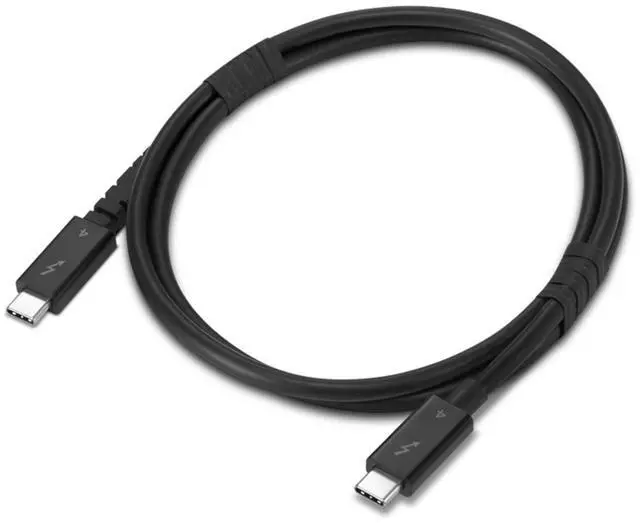
The Lenovo Thunderbolt 4 USB-C-to-USB-C Cable (4X91U94412) is a 1 m cable for users connecting compatible Thunderbolt 4 laptops, docks, and other devices, with data transfer up to 40 Gbps, charging up to 240 W, and support for 8K at 60 Hz when connected devices support DSC.
Recommended For
- Laptop users connecting a Thunderbolt 4 dock for a desk setup that carries data, display, and charging through one USB-C cable, provided the laptop and dock support those features.
- People moving large files between Thunderbolt or compatible USB4 computers and external SSDs who want a cable rated for up to 40 Gbps.
- Workstation users linking a compatible computer to a high-bandwidth dock or display setup, where a 1 m Thunderbolt 4 connection fits the desk layout.
- Users replacing a short cable in a compatible Thunderbolt 4 eGPU setup, where the computer and eGPU enclosure support Thunderbolt and the 1 m length reaches between them.
Real-World Use Scenarios
- Connect a Thunderbolt laptop to a desk dock with one cable; the dock can provide access to connected displays and peripherals, with charging or networking available when supported by the laptop and dock.
- Connect a laptop directly to a compatible USB-C or Thunderbolt monitor; this can carry the display connection, and may also connect the monitor’s USB hub or provide laptop power if the monitor supports those features.
- Connect a compatible Thunderbolt dock to a laptop used with multiple monitors; the cable provides the link to the dock, while the number and resolution of displays depend on the laptop, dock, and monitors.
- Connect a compatible external Thunderbolt SSD for moving large files; transfer performance depends on the SSD and computer, but a Thunderbolt 4 link avoids the lower bandwidth limits of basic USB cables.
- Use it as the laptop-to-dock cable in a home or office setup where a laptop is regularly connected and disconnected; a one-meter length can suit a nearby dock, though it may be too short if the dock is farther away.




 here!