Previous page
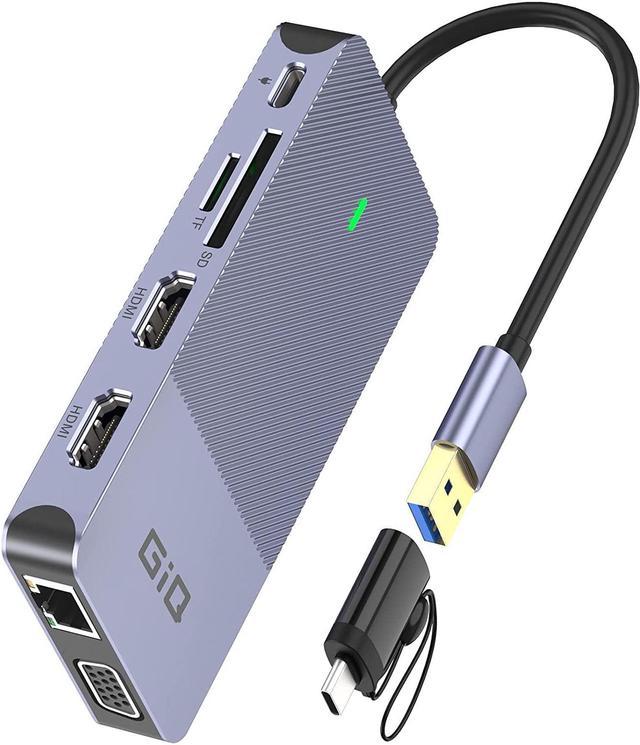
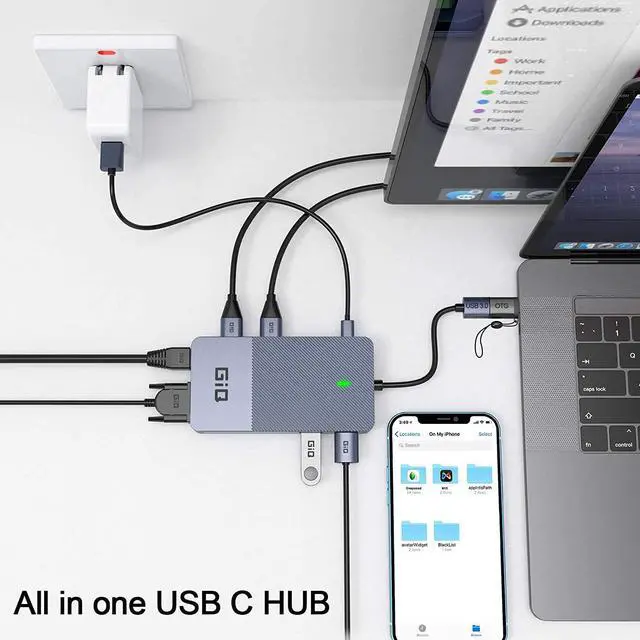
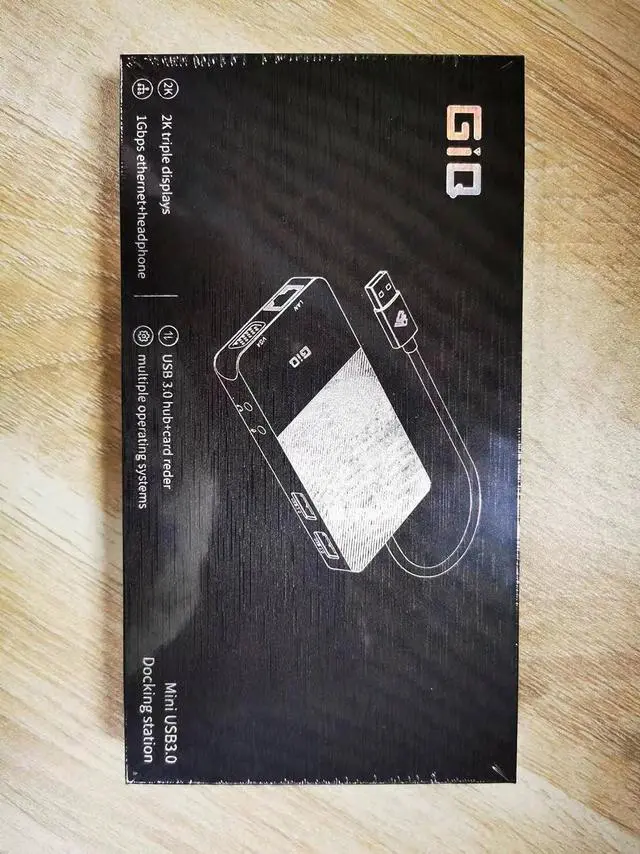
Next page The GIQ Mini USB docking station provides a stable connection and increases the productivity of your device by expanding the female USB C port to multiple possibilities of connectivity.
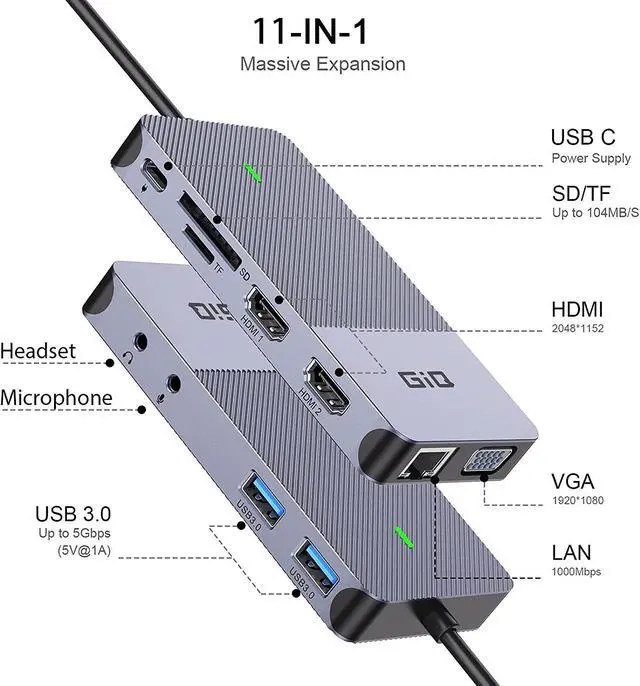
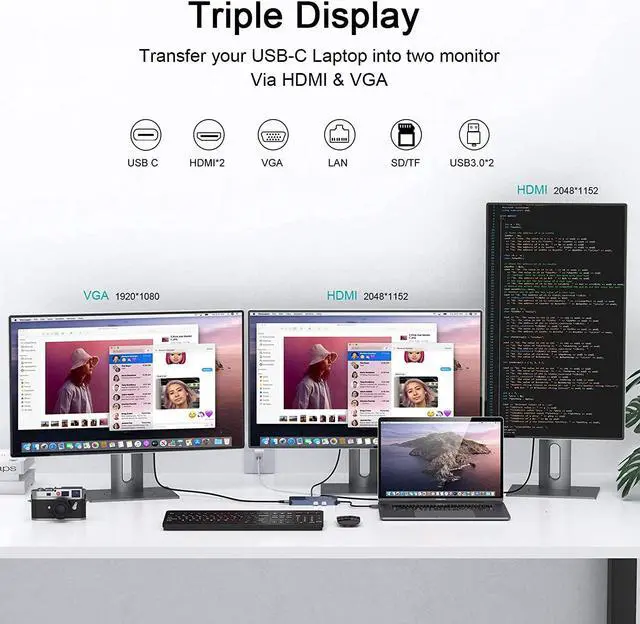
It can stream/extend video to your monitor/projector/TV with 2*HDMI/1*VGA port from your Laptop.
You can use supper speed usb 3.0 ports(Speed up to 5Gbp/s) to connect your hard drives for your laptop.
card slot support SD & TF card data write and read.
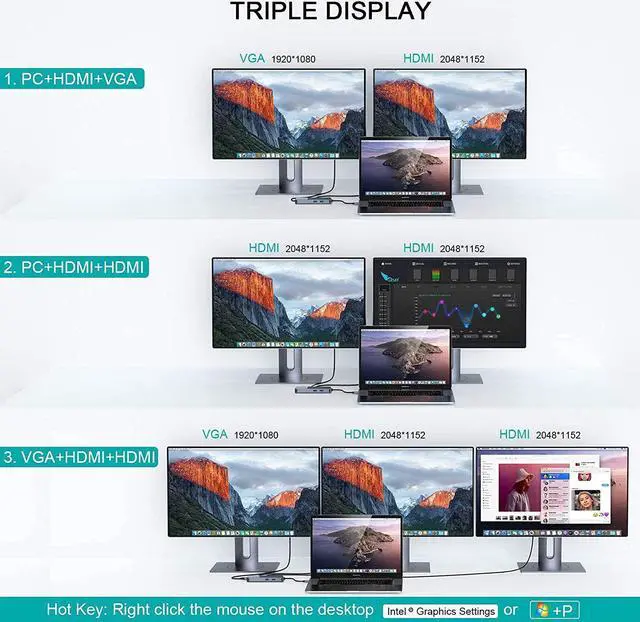
Monitor Compatibility:Supports three high-resolution monitors up to 1920x1200 @ 60Hz. Sunitable for Dual HDMI and VGA displays. DisplayPort displays are not supported.
Software Compatibility:DisplayLink is a flexible and versatile technology thats great for most users workflow. But there are a few scenarios where its not the right fit such as gaming and HDCP (copy-protected) content playback from Blu-ray/Netflix/Prime/ iTunes/Hulu/etc.
Power and Charging:This dock does not provide power to the connected laptop or tabletthe usb c port can't charger you laptop. only supply the dock
Please Note:
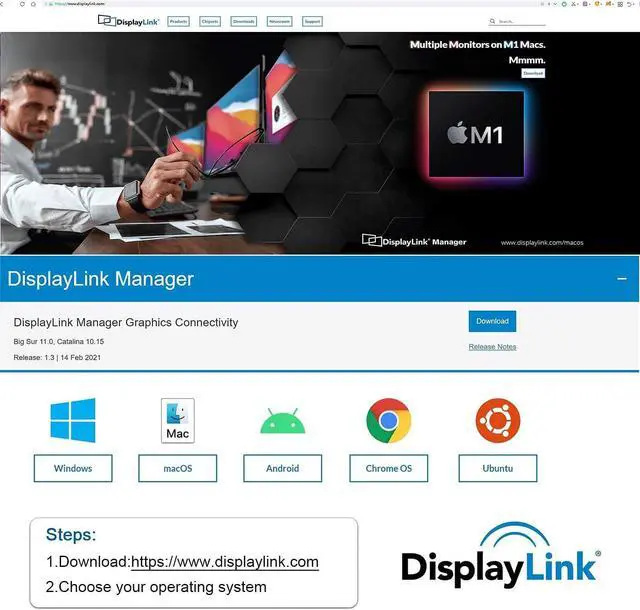
Before using Docking Station, you must first download a program "DisplayLink" on your computer, and make sure that the program is running when you use Docking Station. #Please make sure to download the driver on the premise of the latest system# (see the main picture for the download link).
The Docking Station has 3 video output ports: 2 HDMI ports, 1 VGA, but during use, the display mode: AAAA+AABB+AABC (HDMI1 and VGA only display the same screen). When connecting dual or triple monitors, the maximum resolution per monitor will be limited to 1920 x 1080@60Hz.
*Important Note: *With the arrival of the macOS Big Sur 11.0& M1 chip, the operating system applies a stricter security policy to (any) software that requires kernel extensions aka kexts ("kexts" - think of it as a macOS version of "drivers"). The Giq driver installation includes a system extension that is affected by this policy. As a result, the user has to explicitly enable/allow this system extension within 'Security & Privacy' in system preferences (after installation and before the software is allowed to run)
Attention for Macbook Pro M1 User: The HDMI/VGA port may not work after restarting the Macbook Pro M1. It is possible that the privacy settings are not set to auto-login. Follow these steps to set it up and it will work properly (please refer to the Installation Manual for details) System Preferences >>Security and Privacy>> -Click the lock to prevent further changes>>Screen Recording>>DisplayLinkUserAgent >>Click + Finally you can see the DisplayLink icon in the upper right corner of the screen, and then you can use DisplayLiink products Note: Click on the DisplayLiink icon to set the auto-start program
Get more screen space to improve work efficiency. High-resolution displays (HDMI, DVI, or VGA) will change the way you manage runaway tabs and workflows.
No more granular visual effects and small screens. Watch the video on a clear and sharp 2K 60Hz screen (1920x1200 @ 60Hz). Use this docking station to expand your screen space and reduce the time required to handle these high-efficiency tasks.
Fast heat dissipation, will not get hot when long-time using,safe and reliable
Lightweight and easy to store,will not take up too much space
The surface smooth and clean, will not leaving fingerprints when touch
GIQ USB docking station with Type C power port is just provide power to itself(docking) when connect to power adapter, please note it's not support power supply for HOST computer. You need to use extra power for your computer when battery is low.
Please note: This type C port DON'T support transfer data.
The docking station is powerful, meet your general needs, and slim enough to slip into your pocket so you take on the go
Slim Size: 115*60*15 ; Weight:102g
Material: Aluminum alloy
Connect GIQ USB Hu





 here!
here!