

Your Browsing History
- Free 30-day Returns
$740.99


Meet Your Seller


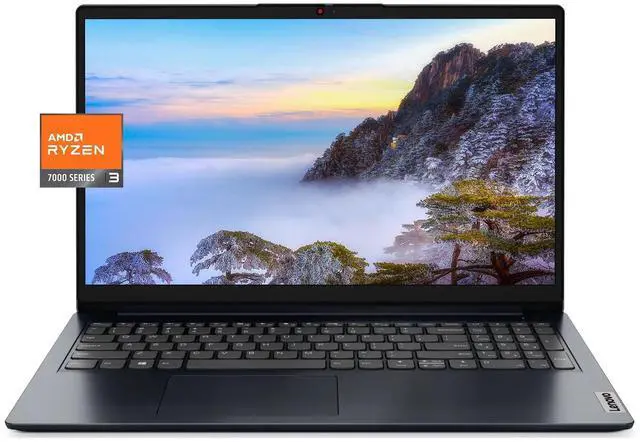
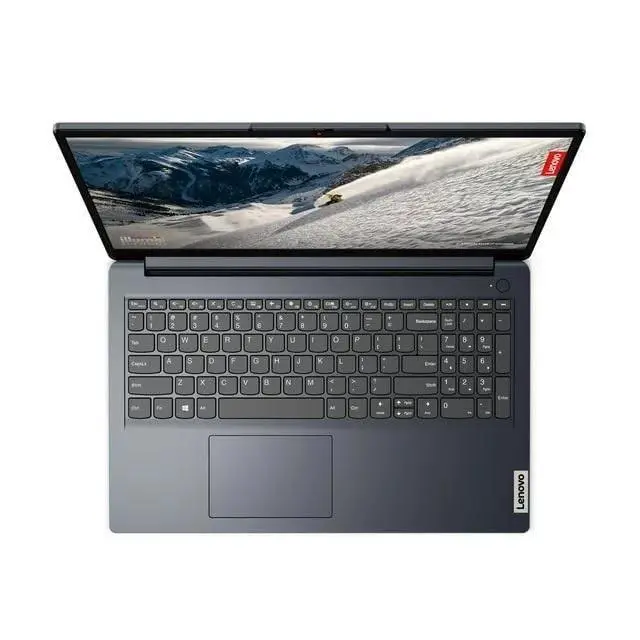
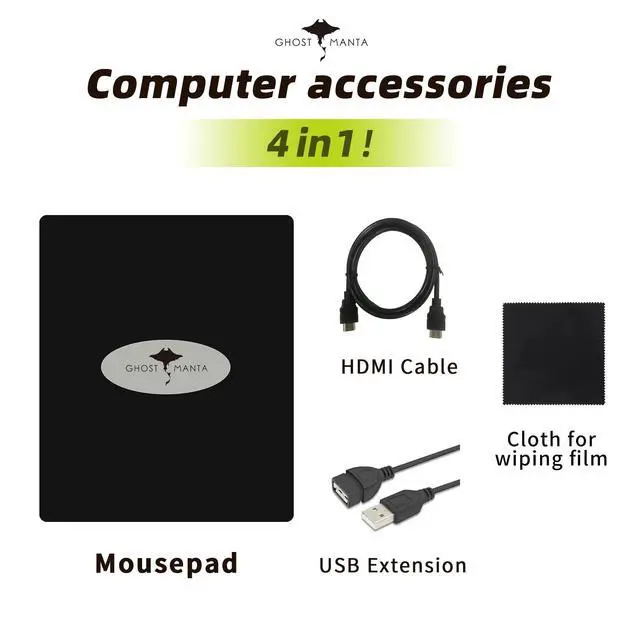
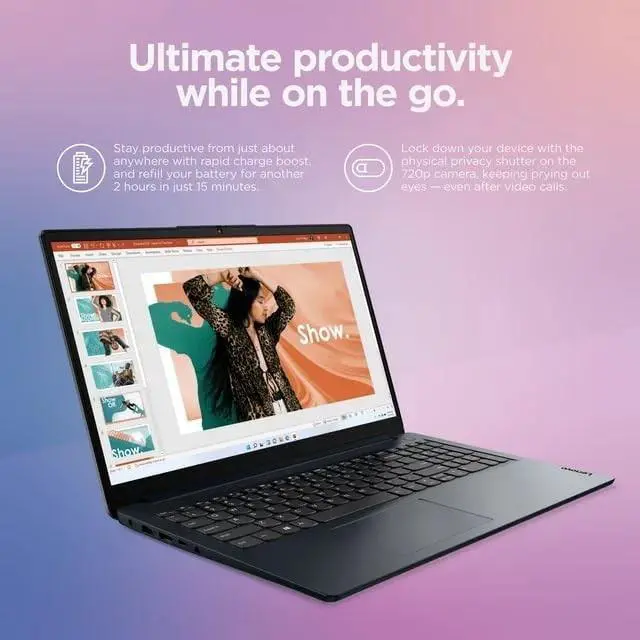


Lenovo IdeaPad Laptop, 15.6" FHD Display, AMD Ryzen 3 7320U Processor (Beat i5-1035G7), 8GB DDR5 RAM, 1TB SSD, Wi-Fi 6, SD Card Reader, HDMI, USB A&C, Webcam, Windows 11, Abyss Blue w/GM Accessories
- MEMORY & STORAGE - Memory is 8GB high-bandwidth RAM to smoothly run multiple applications and browser tabs all at once. Hard Drive is upgraded to 1TB PCIe Solid State Drive which allows to fast bootup and data transfer
- PROCESSOR - AMD Ryzen 3 7320U Processor (4 Cores, 8 Threads, 2.4 GHz at Base Frequency, Up to 4.1 GHz at Max Turbo Frequency); with AMD Radeon Graphics
- DISPLAY - 15.6" FHD (1920 x 1080) anti-glare, 45% NTSC, 60Hz Refresh Rate; non-touch screen
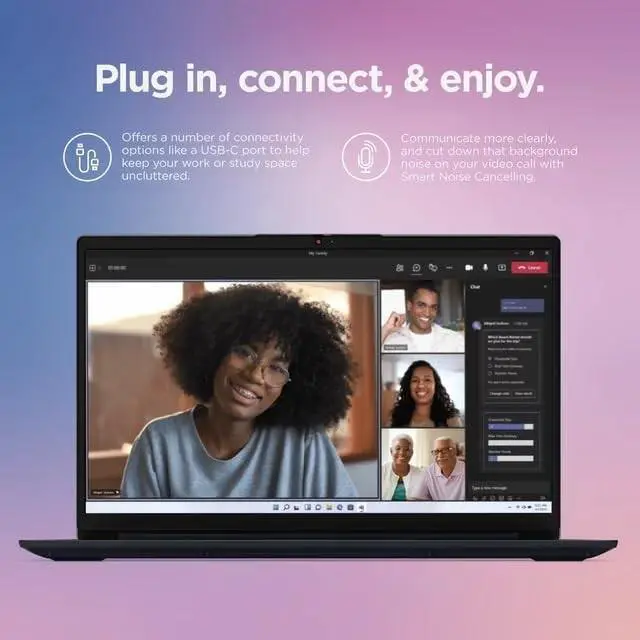
- TECH SPECS - 1 x USB-C 3.2 Gen 1, 1 x USB-A 3.2 Gen 1, 1 x USB-A 2.0, 1 x SD Card Reader, 1 x HDMI, 1 x Headphone/mic combo; Wi-Fi 6 and Bluetooth, Webcam
- WINDOWS 11 S MODE - You may switch win 11 S mode to the regular win 11: Update Microsoft App Store to the latest version. Press "Start button" bottom left of the screen; Select "Settings" icon above "power" icon; Select Update & Security and Activation, then Go to Store; Select "Get" option under "Switch out of S mode"; Hit Install.
+
+
Overview
Specs
Reviews

Any questions? Our AI mode will help you find out quickly.
Try me now
How to switch s mode to windows 111. On your PC running Windows 11 in S mode, open Settings > Update & Security > Activation. 2. In the Switch to Windows 11 Home or Switch to Windows 11 Pro section, select Go to the Store. (If you also see an ""Upgrade your edition of Windows"" section, be careful not to click the ""Go to the Store"" link that appears there. )3. On the Switch out of S mode (or similar) page that appears in the Microsoft Store, select the Get button.
After you see a confirmation message on the page, you'll be able to install apps from outside of the Microsoft Store.
Product Description: PERFORMANCEProcessor AMD Ryzen 3 7320U (4C / 8T, 2.4 / 4.1GH z, 2MB L2 / 4MB L3)Graphics Integrated AMD Radeon 610M GraphicsMemory 8GB DDR5-5500Storage Upgraded to 512GB SSD M. 2 PCIe NVMeOptical NoneSpeakers Stereo speakers, 1.5W x2, Dolby AudiCamera HD 720p with Privacy ShutterMicrophone 2x, ArrayOperating System Windows 11 Home in S ModeBattery 3-cell, Integrated 42Wh, 65W Power AdapterDESIGNDisplay 15.6"" FHD (1920x1080) TN 220nits Anti-glareFingerprint Reader Yes, Integrated in Power ButtonKeyboard Non-backlitCase Color Abyss BlueDimensions (WxDxH) 14.18 x 9.29 x 0.70 inchesWeight 3.48 lbsCONNECTIVITYWLAN + Bluetooth Wi-Fi 6 11ax, 22 + BT 5.1S tandard Ports1x Card reader1x HDMI 1.4 b1x Headphone / microphone combo jack ( 3.5 mm)1x Power connector1x USB 2.01 x USB 3.2 Gen 11x USB-C 3.2 Gen 1 (support data transfer only)
After you see a confirmation message on the page, you'll be able to install apps from outside of the Microsoft Store.
Product Description: PERFORMANCEProcessor AMD Ryzen 3 7320U (4C / 8T, 2.4 / 4.1GH z, 2MB L2 / 4MB L3)Graphics Integrated AMD Radeon 610M GraphicsMemory 8GB DDR5-5500Storage Upgraded to 512GB SSD M. 2 PCIe NVMeOptical NoneSpeakers Stereo speakers, 1.5W x2, Dolby AudiCamera HD 720p with Privacy ShutterMicrophone 2x, ArrayOperating System Windows 11 Home in S ModeBattery 3-cell, Integrated 42Wh, 65W Power AdapterDESIGNDisplay 15.6"" FHD (1920x1080) TN 220nits Anti-glareFingerprint Reader Yes, Integrated in Power ButtonKeyboard Non-backlitCase Color Abyss BlueDimensions (WxDxH) 14.18 x 9.29 x 0.70 inchesWeight 3.48 lbsCONNECTIVITYWLAN + Bluetooth Wi-Fi 6 11ax, 22 + BT 5.1S tandard Ports1x Card reader1x HDMI 1.4 b1x Headphone / microphone combo jack ( 3.5 mm)1x Power connector1x USB 2.01 x USB 3.2 Gen 11x USB-C 3.2 Gen 1 (support data transfer only)
Warranty & Returns
Warranty, Returns, And Additional Information
Warranty
- Please contact the Seller directly for warranty information. Warranty information may also be found on the Manufacturer's website.
- Read full details
- CONTACT
Return Policies
- Return for refund within: 30 days
- Return for replacement within: 30 days
- This item is covered by GoBeRotie Return Policy
Manufacturer Contact Info
- For a directory of all our manufacturers, please click below.
- Manufacturers Directory
LOADING...