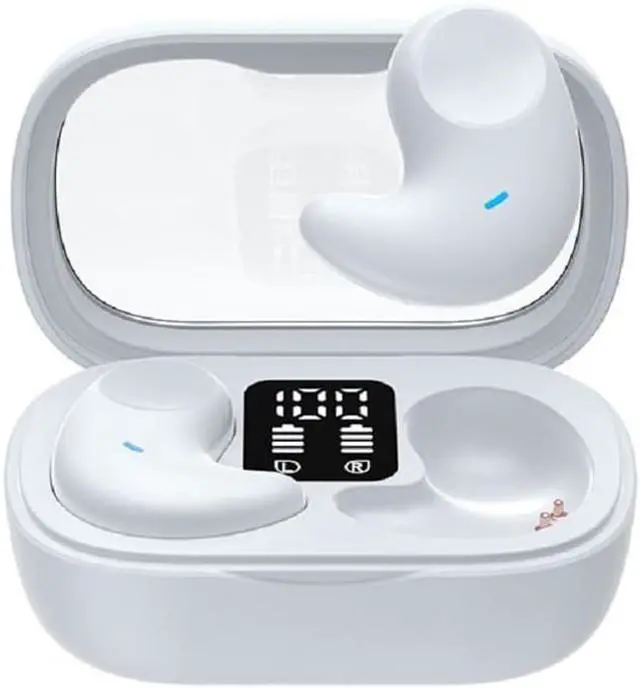
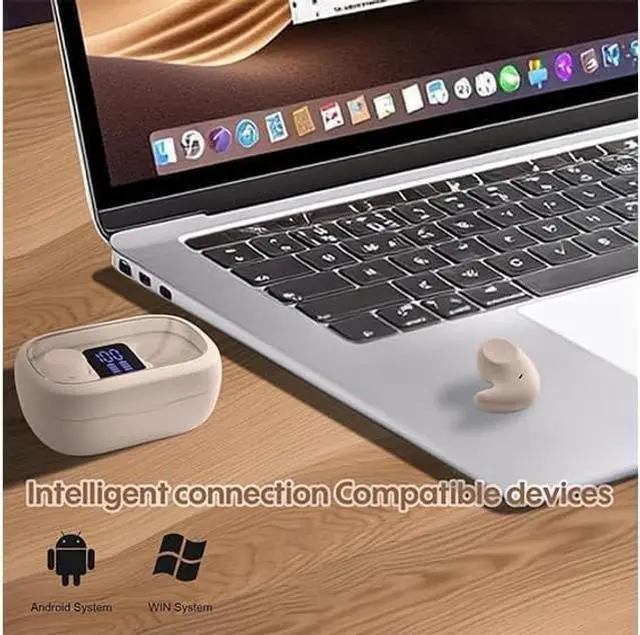
New wireless Invisible earbuds bluetooth mini earbuds for sleep, Let us enjoy the music. How to reset the earbud? 1. Empty the Bluetooth list of mobile phone, and then turn off the Bluetooth of mobile. If you have more than one mobile, when you want connect the earbud to new device, also need do this step. Put earbud into the charging case. 2. Take out one earbud from charging case. Long press 4s, you will hear a long beep sound, then power off voice prompt, so the previous pairing memory is cleared.
Take out another earbud, repeat above steps to reset. 3. Turn on the Bluetooth of mobile phone, search TWS to connect.
Q&AQ: Do the wireless Invisible earbuds fit small ear canals?
A: Yes! The earbuds do not use a silicone or foam eartip that fits deep inside your ear canal; therefore, they are especially well-suited for users with narrow or sharply angled ear canals and fit comfortably even when more traditional earbuds do not!
Q: Do the wireless Invisible earbuds work with iPhone or only Android?
A: Yes! headphones work with iPhones, iPads, Android phones/tablets, and other Bluetooth-enabled audio devices such as computers.
Q: Do the headphones have a volume control? Do the headphones allow you to access Siri/Google Assistant?
A:
Yes: tap once on the right earbud to increase the volume; tap once on the left earbud to decrease the volume. Triple tap either earbud to launch your phone's built-in voice assistant (whether that's Siri or Google Assistant depends on your device)Q: Can I use one earbud while the other one is charging, and will I hear both audio channels?
A: Yes, you can use either earbud while the other is charging; you will hear both the left and right audio in the earbud you are using.