You’re seeing this ad based on the product’s relevance to your search query. If you are a seller and want to participate in this program click here to learn more.
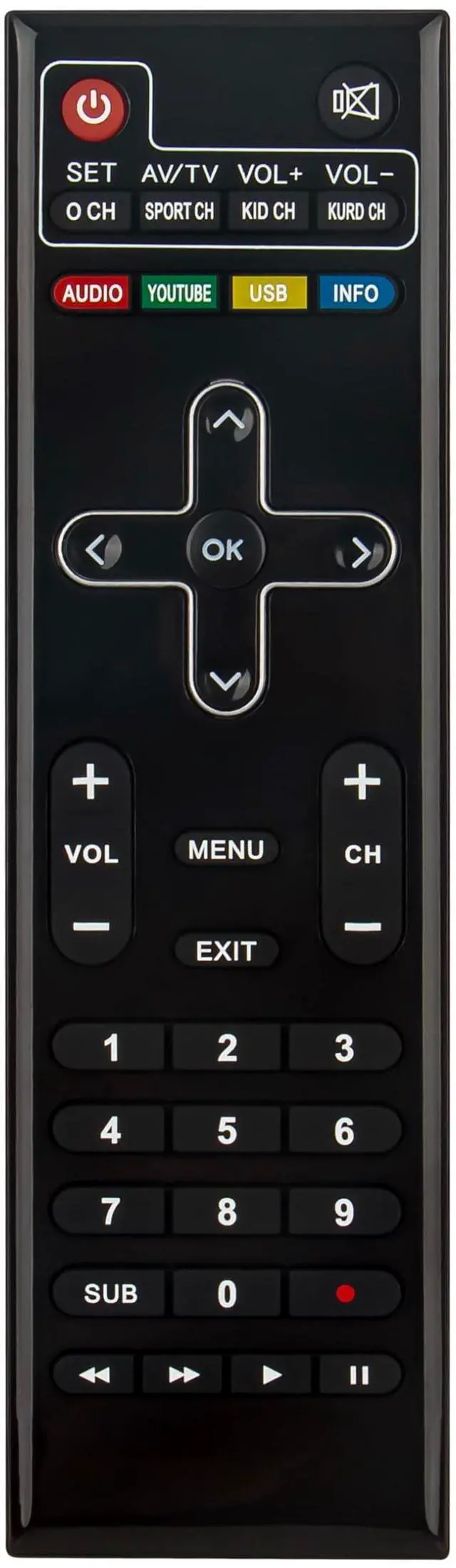
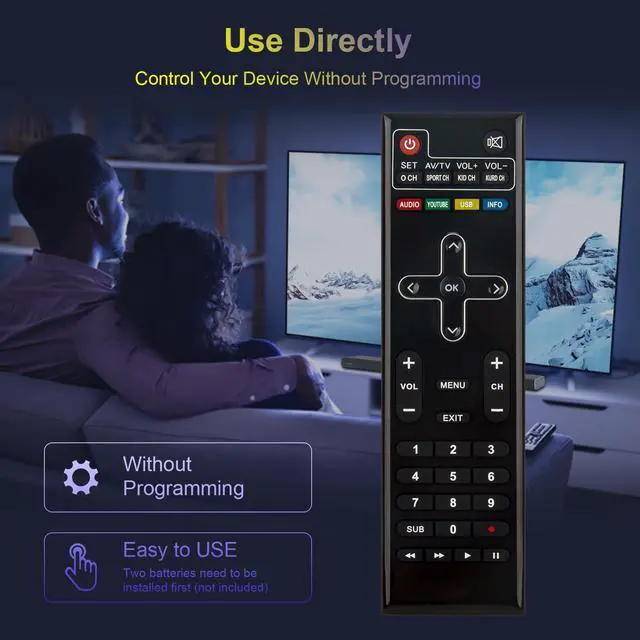
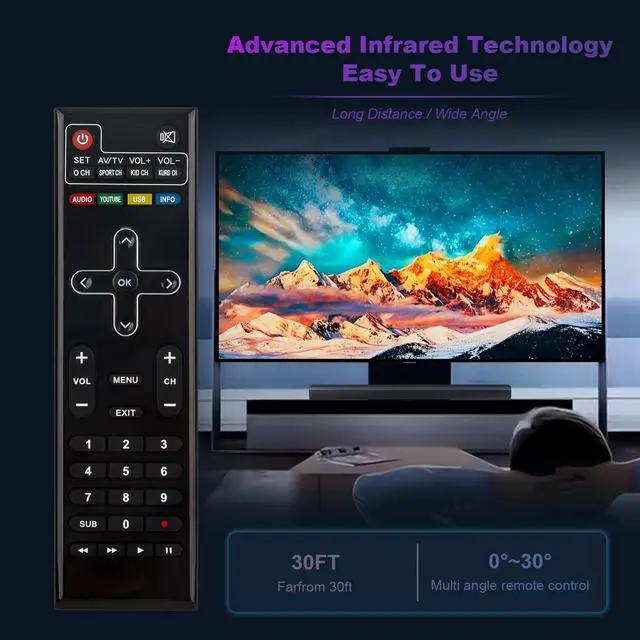
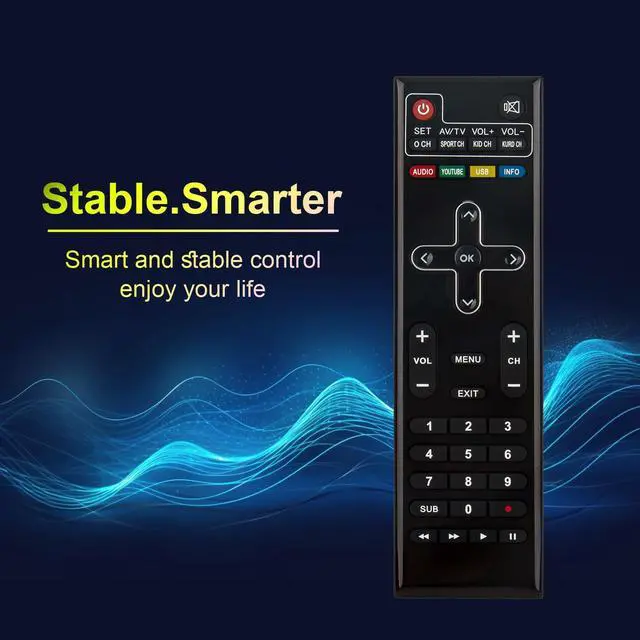
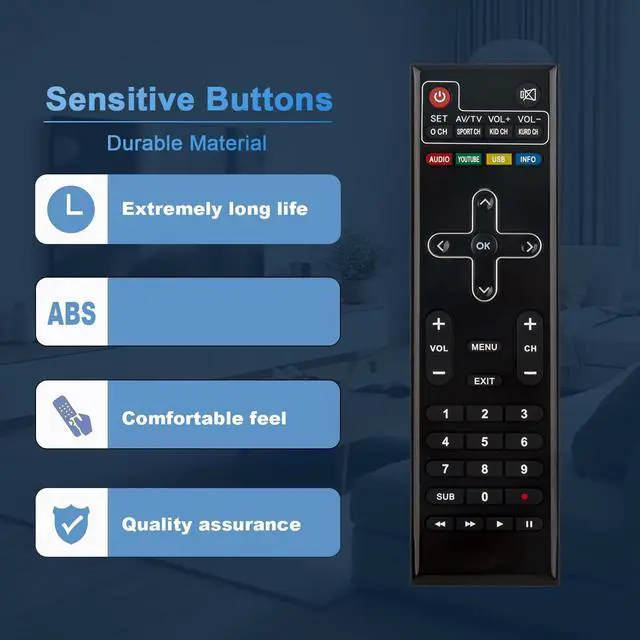
Replace Remote Control Compatible with iSTAR A9000 Plus , A9700 Plus , A9500 Plus , A8000 Plus , Zeed 4 , Zeed4
Battery needed: two Pcs AA Batteries;
Tips to setup the Learning Procedure:Step 1: Press "SET key far 5 seconds, the red lighton. Step2: Press "POWER" key in TV CONTROL area in10 seconds, the red light flash. Step 3: Keep TV remote IR and STB remote IR face to face in 3cm, press "power" key on TV remote, the red light flash 3 times and keep lighting. learning successful. Step 4: Repeat step 2 and 3 to learn other keys. Press "SET" key again to exit learning status.
Sponsored
You’re seeing this ad based on the product’s relevance to your search query. If you are a seller and want to participate in this program click here to learn more.