

Your Browsing History


Meet Your Seller


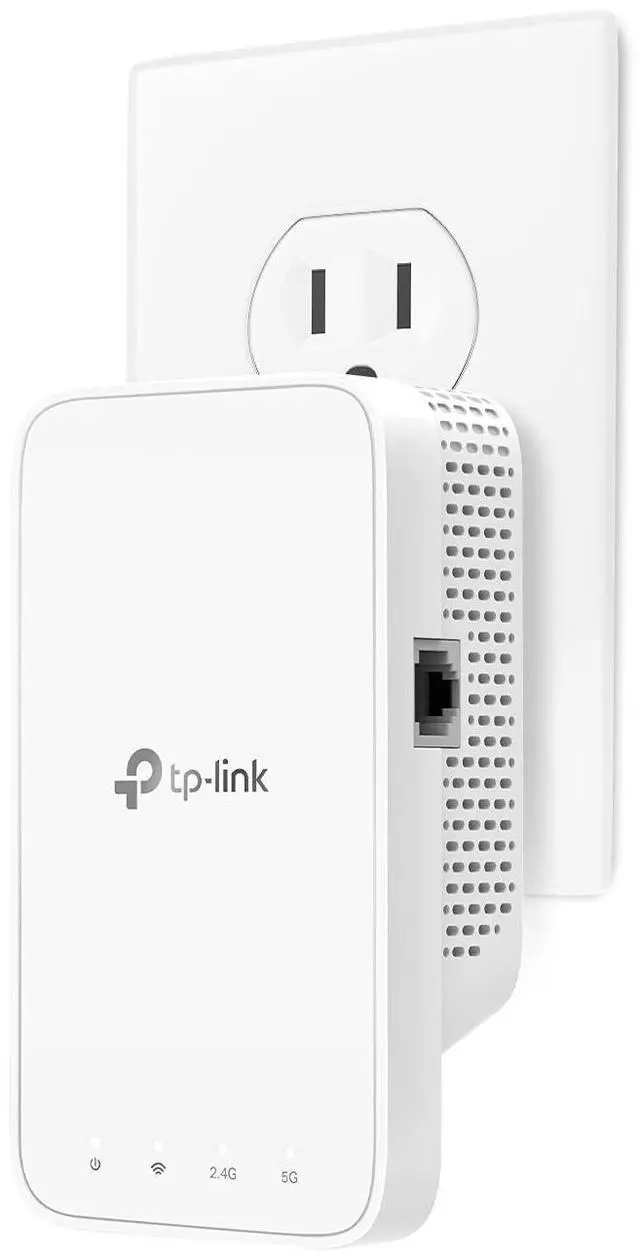
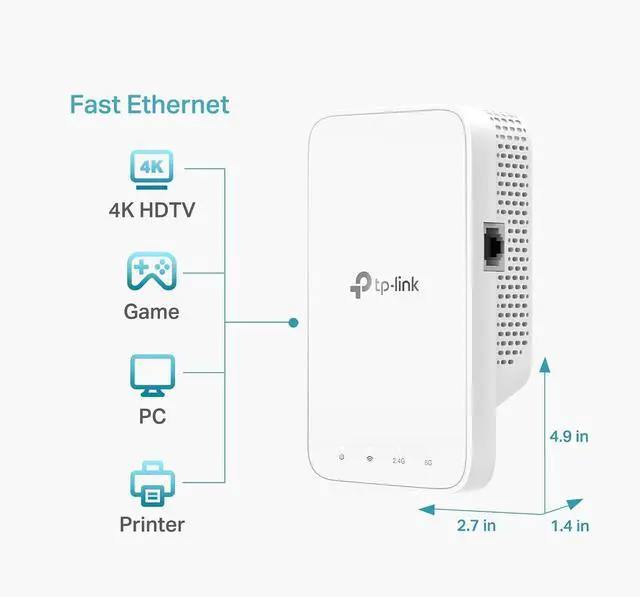
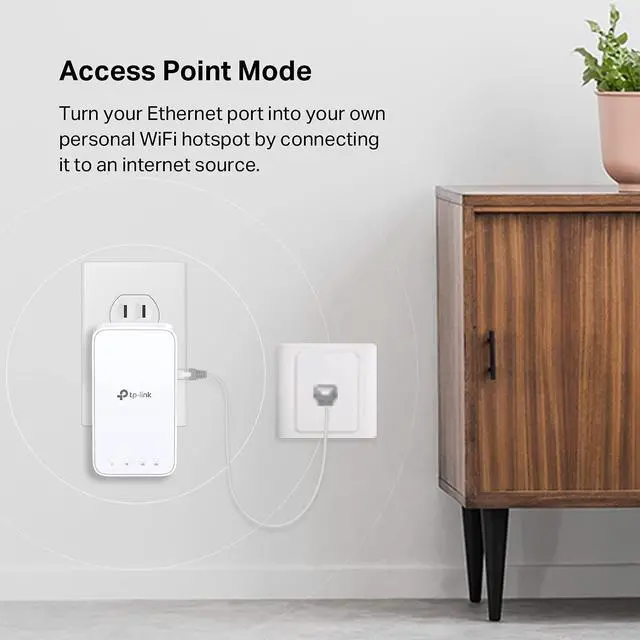


TP-Link WiFi Extender with Ethernet Port, Dual Band 5GHz/2.4GHz (AC1200)
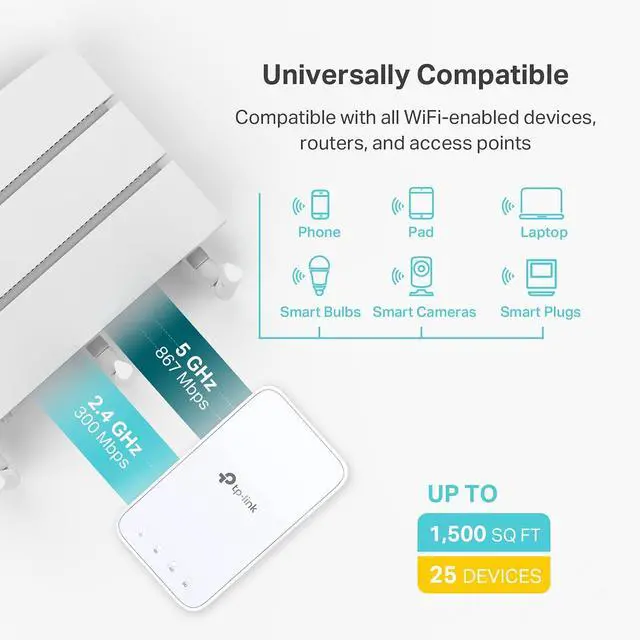
- Dual Band WiFi Extender: Up to 44% more bandwidth than single band N300 WiFi extenders. Boost Internet WiFi coverage up to 1200 square feet and connects up to 30 devices(2.4GHz: 300Mbps; 5GHz: 433Mbps)
+
+
Overview
Specs
Reviews

Any questions? Our AI mode will help you find out quickly.
Try me now
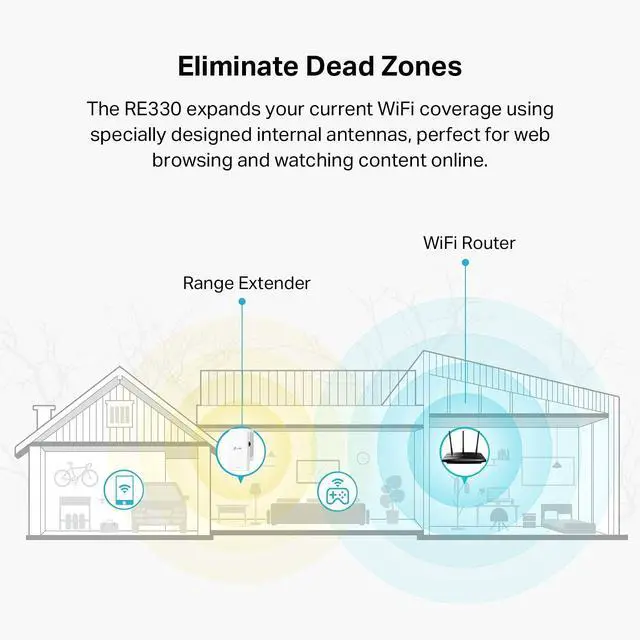
TP-Link AC1200 Wi-Fi Range Extender RE330 wirelessly connects to your WiFi router, strengthening and expanding its signal into areas it cant reach on its own. With speeds of up to 300 Mbps on 2.4 GHz and 867 Mbps on 5 GHz, put strong, fast WiFi in every room and say goodbye to dead zones. TP-Link OneMesh is a simple way to form a Mesh network with a single WiFi name for seamless whole-home coverage. Just connect a OneMesh range extender to a OneMesh router. Secure One-Touch Connection for
Easy SetupStep1: Simply press the WPS button on your router and, within 2 minutes, the WPS button on RE330 to connect to the network.
Step2: Once connected, place RE330 to the best locationwithout reconfiguration.
Notes: Please connect the extender to the router via the Tether app or Web UI if your router doesnt support WPS. The smart signal indicator lets you see signal strength from the existing router at a glance. Easily to find the best place to position your range extender to extend your WiFi. Set up and manage your WiFi through the TP-Link Tether app from your smartphone (Android, iOS), including TP-Link routers and range extenders.
Easy SetupStep1: Simply press the WPS button on your router and, within 2 minutes, the WPS button on RE330 to connect to the network.
Step2: Once connected, place RE330 to the best locationwithout reconfiguration.
Notes: Please connect the extender to the router via the Tether app or Web UI if your router doesnt support WPS. The smart signal indicator lets you see signal strength from the existing router at a glance. Easily to find the best place to position your range extender to extend your WiFi. Set up and manage your WiFi through the TP-Link Tether app from your smartphone (Android, iOS), including TP-Link routers and range extenders.
Warranty & Returns
Warranty, Returns, And Additional Information
Warranty
- Please contact the Seller directly for warranty information. Warranty information may also be found on the Manufacturer's website.
- CONTACT
Return Policies
- Return for refund within: 30 days
- Return for replacement within: 30 days
- This item is covered by Qiangsheng kuajing (Hong Kong) Co., Limi Return Policy
Manufacturer Contact Info
- For a directory of all our manufacturers, please click below.
- Manufacturers Directory
LOADING...